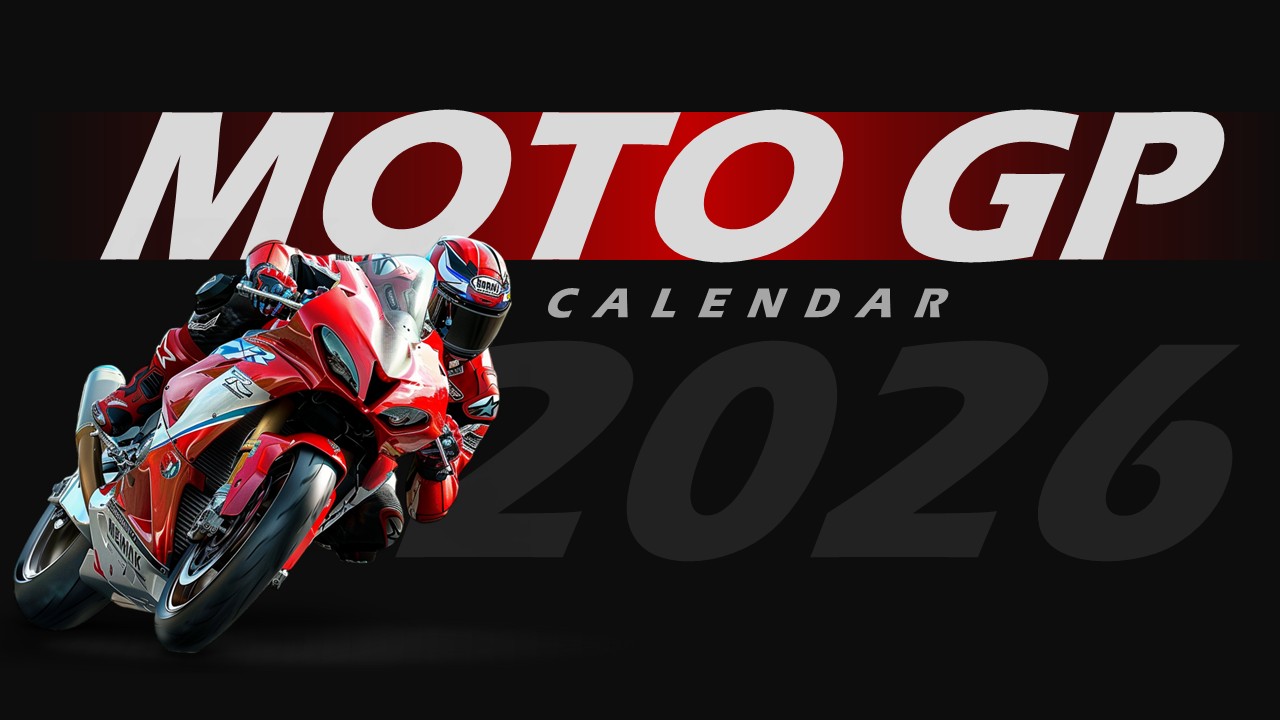
Descarga la plantilla del calendario de F1 2027
ID del artículo: SCF01815
PowerPoint,Canva
100% totalmente personalizable
Gratis para usar
¿Te gustó la plantilla? ¡Apoya a SlideChef!
¡Haznos una donación! Ayúdanos a mantener nuestras plantillas gratuitas para siempre.
¡Hola! Esperamos que disfrutes de SlideChef para tus presentaciones. Como plataforma gratuita, dependemos de las donaciones para mantenerla en funcionamiento. Si nuestros recursos te resultan útiles, considera hacer una pequeña donación. ¡Gracias!
Manual de Paddock: Cómo personalizar y presentar tu calendario de carreras de F1 2027
La plantilla de presentación del Calendario de F1 2027 es totalmente personalizable en Microsoft PowerPoint y Google Slides, y ofrece a creadores de contenido de automovilismo, comunidades de aficionados y organizadores de eventos un panel de control impactante para seguir la temporada completa del campeonato mundial de 24 carreras. Sigue esta guía rápida para personalizar el calendario, hacer un seguimiento de los resultados y presentar tu plan de carreras como un profesional:
- Abre y desbloquea la diapositiva: Abra el archivo .pptx descargado en Microsoft PowerPoint y haga clic. Habilitar edicióno sube la diapositiva a Google Slides a través de Archivo > Abrir > Cargar para empezar a personalizar.
- Personaliza las fechas de la carrera y los horarios de las sesiones: Haz clic en los cuadros de texto del encabezado de cada mes (de marzo a diciembre) para añadir fechas específicas de las carreras de Gran Premio, indicadores de los fines de semana de Sprint o horarios de retransmisión locales para tu zona horaria.
- Resultados de pista y puntos del campeonato: Utilice el espacio debajo de cada entrada del circuito para registrar los ganadores de las carreras, los pilotos que consigan la pole position, los poseedores de la vuelta más rápida o sus puntuaciones personales de la liga de fantasía a medida que se desarrolla la temporada 2027.
- Rondas prioritarias destacadas del Gran Premio: Resalta tus circuitos favoritos, las carreras a las que has asistido o las próximas fiestas para verlas (como Mónaco, Silverstone o Las Vegas) añadiendo sutiles bordes de color o marcadores de estrellas de neón.
- Sastre para ligas de Esports y Sim-Racing: Si gestionas una serie de carreras virtuales, puedes cambiar fácilmente los nombres de los circuitos, los números de ronda o las banderas de los anfitriones para que coincidan con el calendario personalizado de tu liga de simulación de carreras.
- Mostrar carteles en directo o exportarlos: Prensa F5 en PowerPoint o seleccione diapositivas en Google Slides para mostrar el cronograma durante transmisiones, avances de YouTube o reuniones informativas del equipo, o vaya a Archivo > Guardar como / Exportar para crear una alta resolución PNG or (PDF) Póster de calendario para redes sociales y foros de fans.