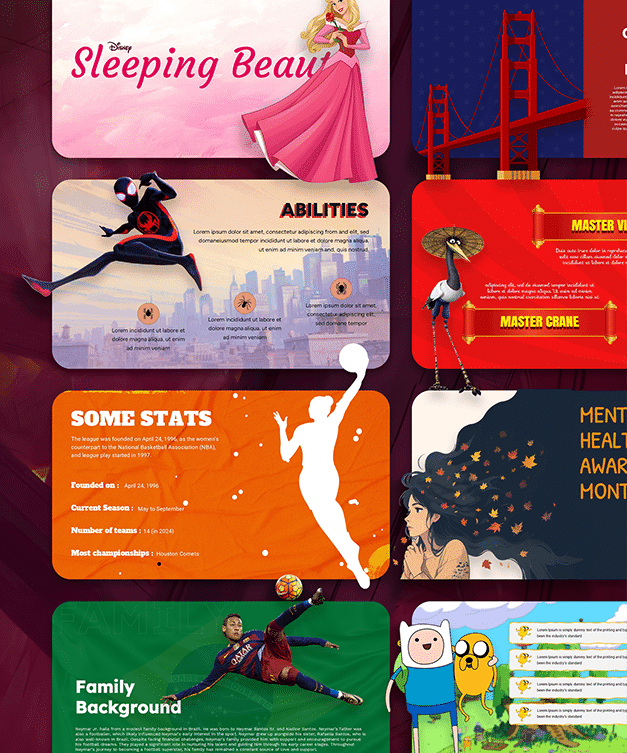
Free Brush Stroke Backgrounds for Google Slides & PowerPoint


7


About the Template
Give your presentations an artistic touch with these free brush stroke backgrounds for Google Slides and PowerPoint from SlideChef. Whether you prefer bold paint textures, colorful abstract strokes or soft minimalist designs, this collection offers 10 different backgrounds to make your slides more visually engaging.
Each design features a unique combination of colors, textures and brush effects. From vibrant blue and pink strokes to elegant beige backgrounds and soft pastel artwork, you can find a style that complements your presentation. Download your favorite background and add your own text, images, logos or other elements to create a personalized slide design.
Explore 10 Free Brush Stroke Background Designs
Looking for creative backgrounds for your next presentation? This collection includes 10 artistic designs with different color combinations and painting styles.
- Colorful Brush Stroke Backgrounds: Use bold combinations of blue, yellow, pink and turquoise to create energetic and eye-catching slides.
- Abstract Paint Stroke Backgrounds: Add an artistic feel with overlapping brush marks, expressive paint textures and flowing shapes.
- Minimal Beige Backgrounds: Choose soft cream and neutral tones for clean, elegant and minimalist presentations.
- Pastel Artistic Backgrounds: Bring a softer look to your slides with pastel pink, mint green and light blue combinations.
- Dark Brush Stroke Backgrounds: Create a striking visual effect with deep navy backgrounds and contrasting colorful paint strokes.
Each background offers a different visual style, making the collection suitable for creative projects, educational presentations and professional slide decks.
What Makes These Brush Stroke Backgrounds Special?
A good presentation background should complement your content without distracting your audience. These brush stroke designs combine artistic textures with balanced compositions to help your message stand out.
Here’s what makes this collection useful:
- 10 Unique Designs: Explore different brush textures, abstract patterns and color combinations in one collection.
- Artistic Visual Style: Add watercolor-inspired effects, expressive paint strokes and modern abstract elements to your slides.
- Multiple Color Combinations: Choose from vibrant, dark, neutral and pastel backgrounds.
- Presentation-Friendly Designs: Use the backgrounds for title slides, section dividers, creative layouts and other presentation pages.
- Easy to Customize: Add your own text, photographs, illustrations, logos and other presentation elements.
Creative Ways to Use Artistic Slide Backgrounds
Brush stroke backgrounds are versatile and can complement different types of presentations. Here are some ways to use them:
- Creative Presentations: Give art, design and photography presentations a distinctive visual identity.
- Business Presentations: Use subtle brush textures to make title slides and section dividers more engaging.
- Educational Slides: Add colorful backgrounds to classroom lessons, student projects and creative assignments.
- Portfolio Presentations: Showcase artwork, photography and creative projects with expressive visual designs.
- Social Media Graphics: Adapt the backgrounds for promotional graphics, announcements and other visual content.
Ready to make your presentation more creative? Explore all 10 brush stroke background designs and choose the styles that match your ideas. Download these free backgrounds for Google Slides and PowerPoint and start creating visually appealing presentations.
Looking for more presentation designs? Explore our colourful background templates collection to discover more creative options.


Related
-

Free Paint Brush Stroke Background for PowerPoint and Google Slides
-

Free Abstract Background PowerPoint Template and Google Slides Themes
-

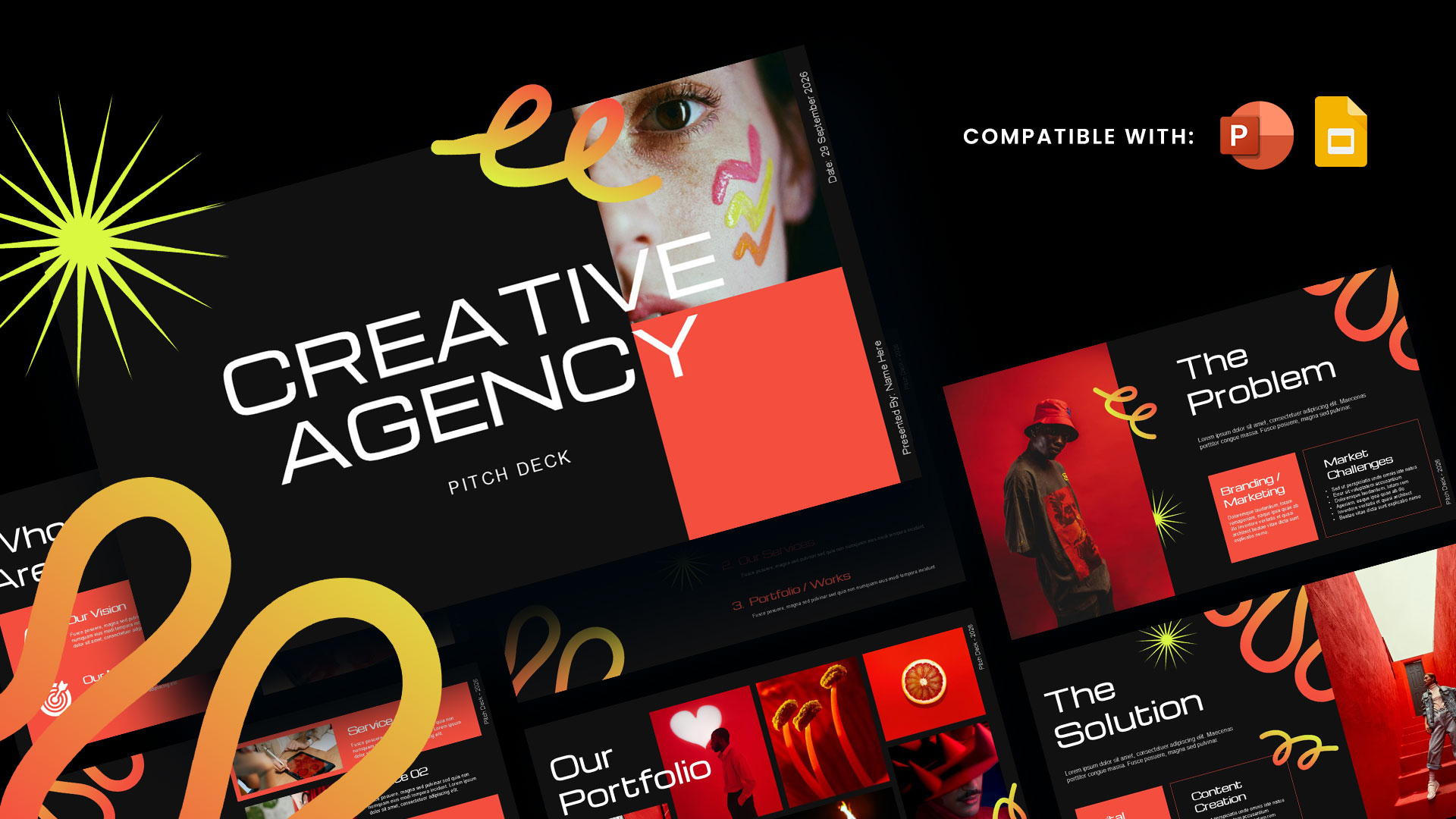
Creative Agency Pitch Deck Template PPT & Google Slides
-
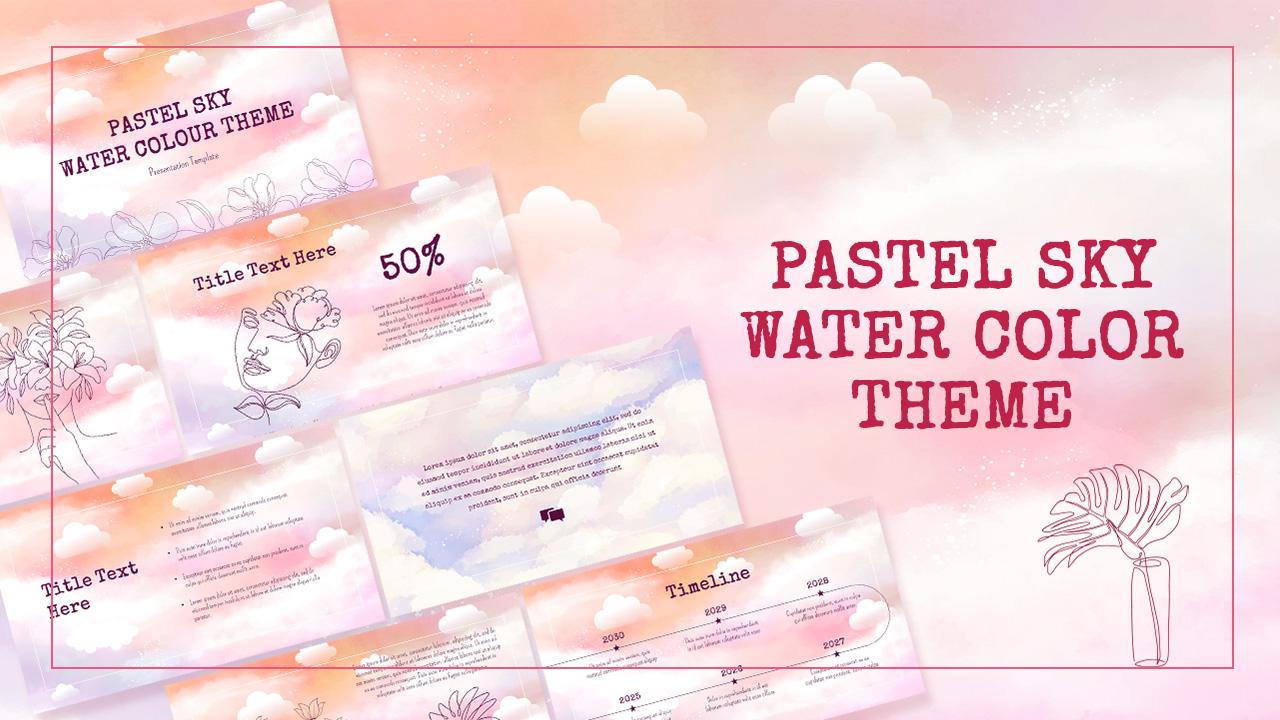
Pastel Sky Watercolor Theme Template for PowerPoint and Google Slides
-
Free Colorful Education PowerPoint Template
-
Free Brush Stroke Background Presentation Template




Are you looking for Custom Presentation Template Designs?
It is a long established fact that a reader will be distracted by the readable content of a page when or randomised words which don’t look even slightly believable