<< Back to template
Download 2026 Emmy Awards Theme Template
Item ID: SCF01792
PowerPoint,Canva
100% Fully Customizable
Free to use
Liked the template? Support SlideChef!
Give us Donation! Help to keep our Templates Free for ever
Hi there! We hope you’re enjoying SlideChef for your presentations. As a free platform, we rely on donations to keep things running. If you find our resources helpful, please consider a small donation. Thank you!
How to Use the Emmy Awards 2026 Presentation Template
- Open and Unlock Your Presentation: Open the downloaded .pptx file in Microsoft PowerPoint and click Enable Editing, or access the provided Canva link and click Use template for new design to start editing directly in your web browser.
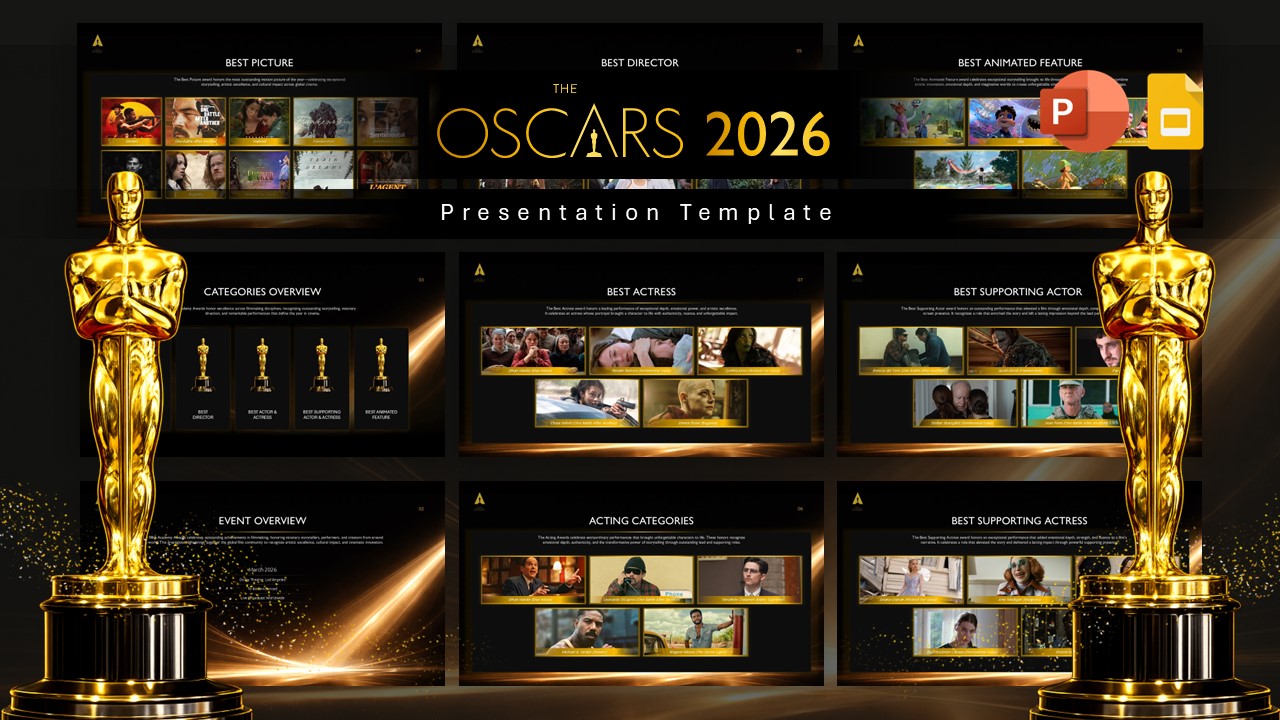
- Customize Your Show Branding: Tailor the opening title slide with your podcast name, YouTube channel handle, or entertainment blog logo, keeping the high-contrast gold particle lighting and dark stage backdrops front and center.
- Set Up Ceremony Logistics: Navigate to the Everything to Know Before the Show slide to review and edit broadcast times (8:00 PM ET / 5:00 PM PT), host information (Mariska Hargitay), venue notes (Peacock Theater), and Creative Arts Emmys dates.
- Update the Nomination Leaderboard: Use the Who's Leading the Pack horizontal bar chart to adjust nomination totals for frontrunners like The Pitt, Hacks, and Widow's Bay using PowerPoint’s native chart tools or Canva’s drag-and-adjust data sliders.
- Showcase Major Category Races: Edit the multi-card layouts for Outstanding Drama Series, Outstanding Comedy Series, and Outstanding Limited or Anthology Series to feature your favorite nominated shows, network badges, and episode picks.
- Highlight Acting Showdowns: Navigate to The Lead Acting Showdowns gallery slides to swap out actor headshots using Change Picture in PowerPoint or Canva’s drag-and-drop image frames, then add your winner predictions and betting odds beneath each name.
- Feature Awards Trivia & Reminders: Personalize the Fun Facts for the Night slide with milestones like NBC's centennial broadcasting year and the 78th anniversary edition, then wrap up with the tune-in details on the Set Your Reminder slide.
- Present Live or Export Graphics: Press F5 in PowerPoint or click Present in Canva to run a full-screen watch-party stream, or export the deck as PNG or PDF files to create printable prediction ballots, social media carousels, and video review graphics.