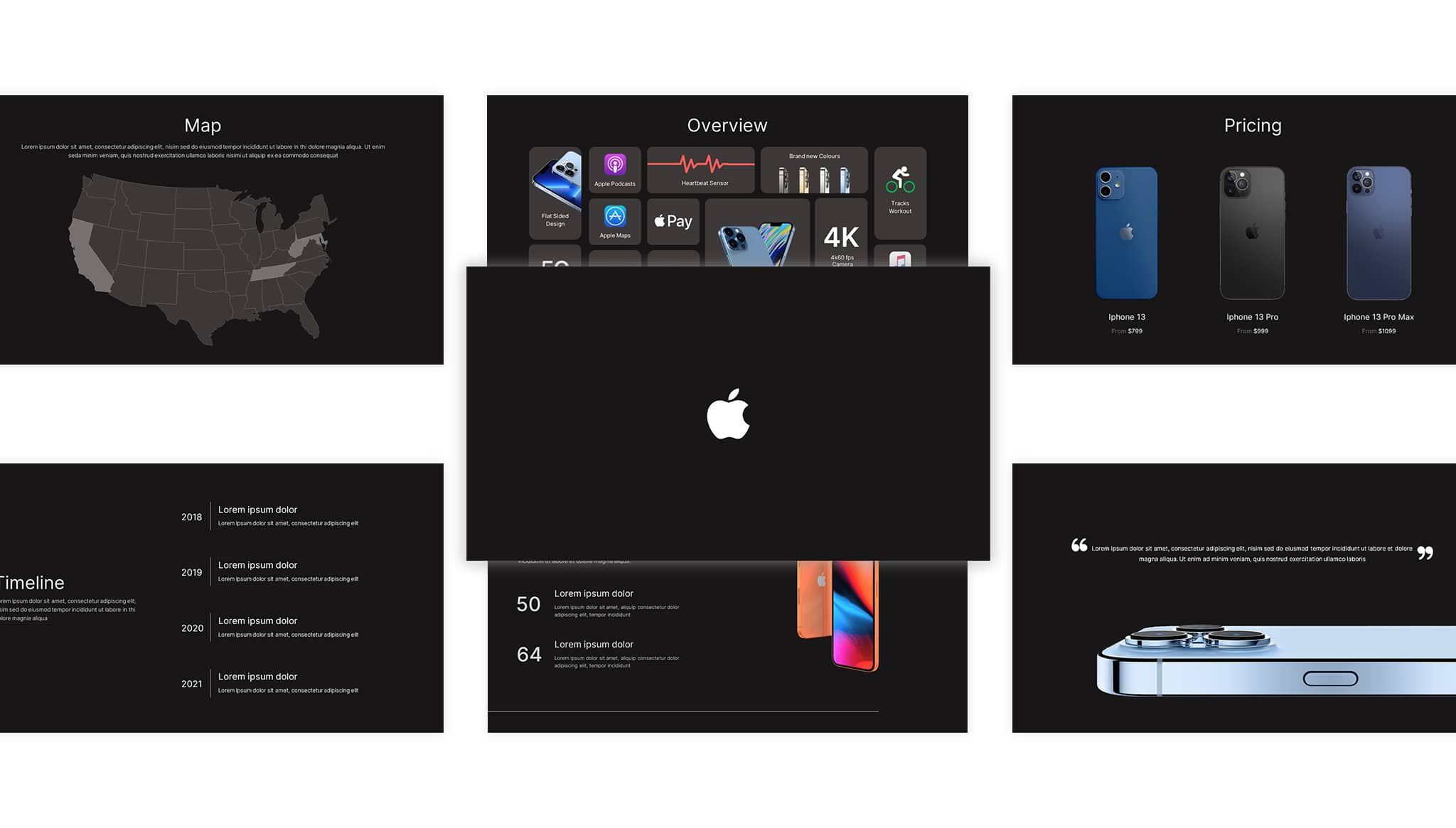
Download Apple iPhone Duo Slide Template for PPT & Canva
Item ID: SCF01795
PowerPoint,Canva
100% Fully Customizable
Free to use
Liked the template? Support SlideChef!
Give us Donation! Help to keep our Templates Free for ever
Hi there! We hope you’re enjoying SlideChef for your presentations. As a free platform, we rely on donations to keep things running. If you find our resources helpful, please consider a small donation. Thank you!
Easy Guide to Use Apple iPhone Fold Template
The iPhone Fold Presentation Template is designed for quick, flexible customization in Microsoft PowerPoint and Canva. Use this step-by-step guide to adapt the rumors, hardware specs, and 3D device mockups for your tech review or keynote briefing:
- Open and Unlock Your File: Open the downloaded .pptx file in Microsoft PowerPoint and click Enable Editing along the top alert bar, or open the Canva link and select Use template for new design to start customizing directly in your browser.
- Set Your Keynote Title: Customize the cover slide with your tech channel logo, podcast name, or presentation subtitle against the floating champagne-gold ribbons and 3D folding phone renders.
- Introduce the Foldable Concept: Use the A Book That Opens Into a Screen slide to break down the form factor, highlighting the book-style horizontal fold, the crease-free interior panel, and the dual-screen user experience.
- Update the Hardware Spec Sheet: Head to the What the Leaks Describe slide to adjust or verify core specifications—including the high-resolution inner OLED panel, the 4:3 outer display, side-mounted Touch ID, memory tiers, and open chassis thickness.
- Detail Market Rumors and Launch Windows: Use the Still Unofficial, Worth Watching dashboard to share analyst projections, supply-chain insights, expected retail pricing (north of $2,000), and release expectations alongside the iPhone 18 family.
- Swap Images and Renders: Insert your own UI concept renders, patent diagrams, or custom wallpapers by right-clicking and choosing Change Picture in PowerPoint, or by dragging and dropping graphics into Canva's rounded media frames.
- Deliver Live or Export High-Res Media: Press F5 in PowerPoint or select Present in Canva for a seamless full-screen tech briefing, or export the slides as PNG or PDF files to create thumbnail graphics, review slides, or social media carousels.