Blank Circular Flow Diagram for PowerPoint & Google Slides
0
About the Template
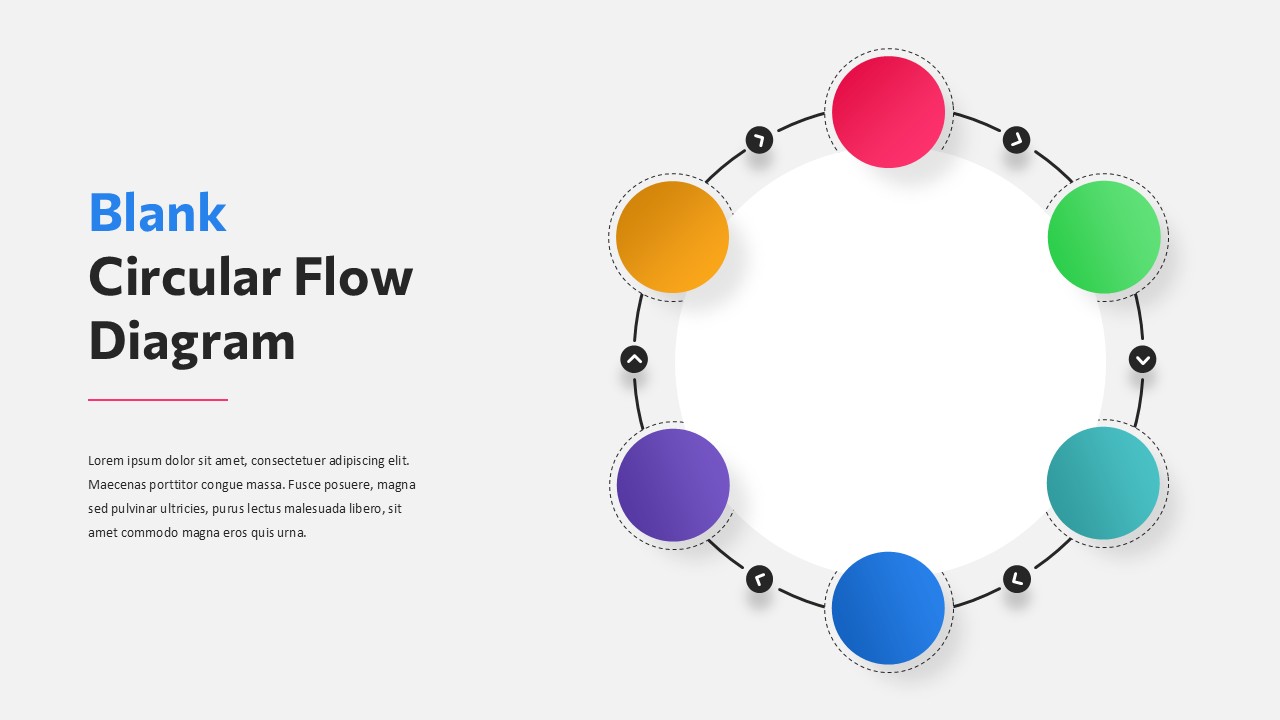
Blank Circular Flow Infogaphic
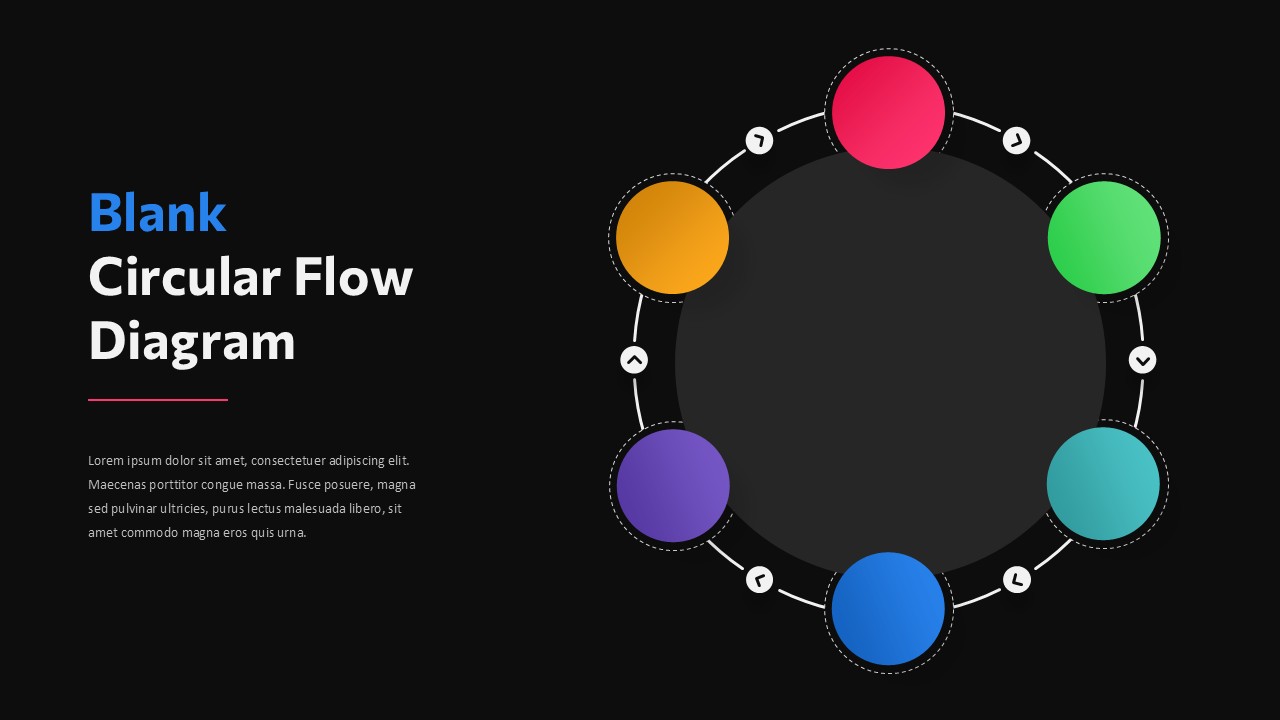
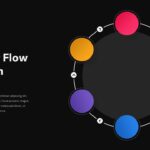
The Blank Circular Flow Diagram Template from SlideChef is a professionally designed infographic for presenting interconnected processes, sequential stages, and continuous workflows. Featuring a six-step circular layout, directional arrows, colorful circular elements, and a central content area, this template provides a structured way to communicate complex information. It includes both light and dark background variations and is fully editable in Microsoft PowerPoint and Google Slides, allowing you to customize the colors, labels, and diagram elements according to your presentation requirements.
Who Should Download This Blank Circular Infographic?
- Business Professionals: Illustrate business cycles, operational workflows, and organizational processes.
- Project Managers: Present project stages, task sequences, and continuous improvement cycles.
- Educators and Trainers: Explain cyclical concepts, learning processes, and interconnected topics.
- Marketing Teams: Visualize customer journeys, marketing cycles, and campaign workflows.
- Consultants: Communicate strategic frameworks, business models, and process relationships.
- Students: Create clear visual representations of concepts, research processes, and academic topics.
Download the Blank Circular Flow Diagram Template from SlideChef and simplify the way you present processes and interconnected ideas. Available in PowerPoint and Google Slides formats, this editable infographic helps you create professional, visually engaging presentations with minimal effort.


Related
-

Infinity Loop Diagram PowerPoint Template
-
Medical Infographic Template for PowerPoint and Google Slides
-
SOP Infographic Template for PowerPoint and Google Slides
-
5 Step Funnel Diagram for PowerPoint and Google Slides
-
Free PowerPoint Tree Diagram Template
-
SEO Marketing Funnel Template for PPT & Google Slides



Are you looking for Custom Presentation Template Designs?
It is a long established fact that a reader will be distracted by the readable content of a page when or randomised words which don’t look even slightly believable