Download Carnival Cruise Line – Travel Presentation Deck
Item ID: SCF01874
PowerPoint,Canva
100% Fully Customizable
Free to use
Liked the template? Support SlideChef!
Give us Donation! Help to keep our Templates Free for ever
Hi there! We hope you’re enjoying SlideChef for your presentations. As a free platform, we rely on donations to keep things running. If you find our resources helpful, please consider a small donation. Thank you!
How to Use the Carnival Cruise Line Presentation Template
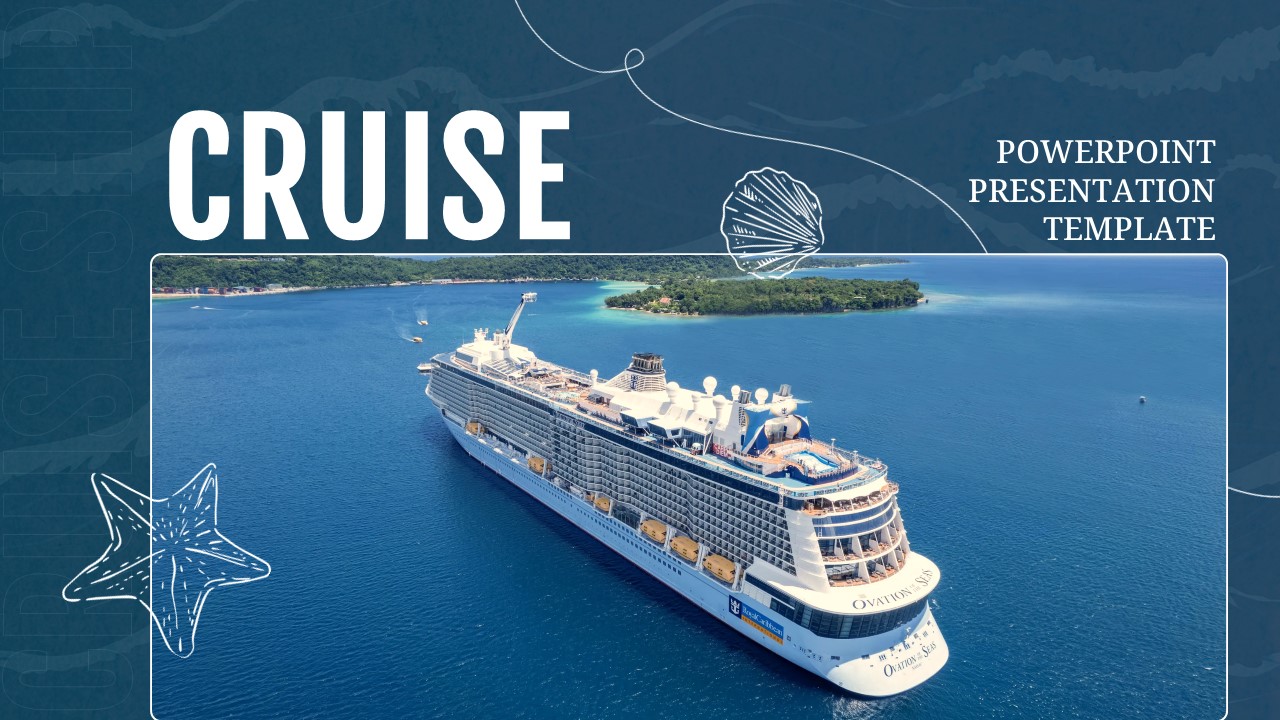
Mastering this maritime presentation deck for your travel agency pitch, corporate briefing, or tourism review is fast, intuitive, and fully supported across both Microsoft PowerPoint and Canva. Whether you prefer working offline or collaborating online in real time, you can easily adapt the deep navy palette, update vacation metrics, and brand the visuals to match your exact goals in just a few clicks.
For Microsoft PowerPoint:
- Download and Open: Grab the .pptx file directly from your SlideChef account dashboard and open it in Microsoft PowerPoint to begin editing right away.
- Update Itineraries and Fleet Data: Click directly into text boxes on Slides 06 and 07 to customize destination highlights, fleet counts (such as the 29-ship fleet), and annual guest metrics (5.5M+ cruisers) to reflect your agency's specific offerings.
- Swap Ocean Imagery: Drag and drop your own cruise ship photos, stateroom renders, or vacation snapshots into the pre-formatted image placeholders across the deck.
- Customize Brand Accents: Use PowerPoint shape and color tools to adjust the deep ocean navy blues and vibrant crimson brand elements to fit your specific corporate or agency visual guidelines.
- Present or Export: Launch full-screen slideshow mode for live travel consultations and boardroom briefings, or export your final deck as high-resolution PDFs and image assets for digital client proposals.
For Canva:
- Launch Template Link: Click the official Canva template link provided by SlideChef and select "Use template" to instantly copy the deck into your personal web workspace in a single click.
- Customize Color Palettes: Leverage Canva's color picker tools to fine-tune the nautical color scheme, accent bars, and background tones to match your exact brand identity.
- Modify Booking Callouts: Edit the contact and booking details on Slide 10 to include your official website, direct phone number, agency location, and social media handles.
- Collaborate & Streamline: Share the workspace link with your team for real-time co-editing on group travel pitches, then present directly from your browser or download print-ready materials.