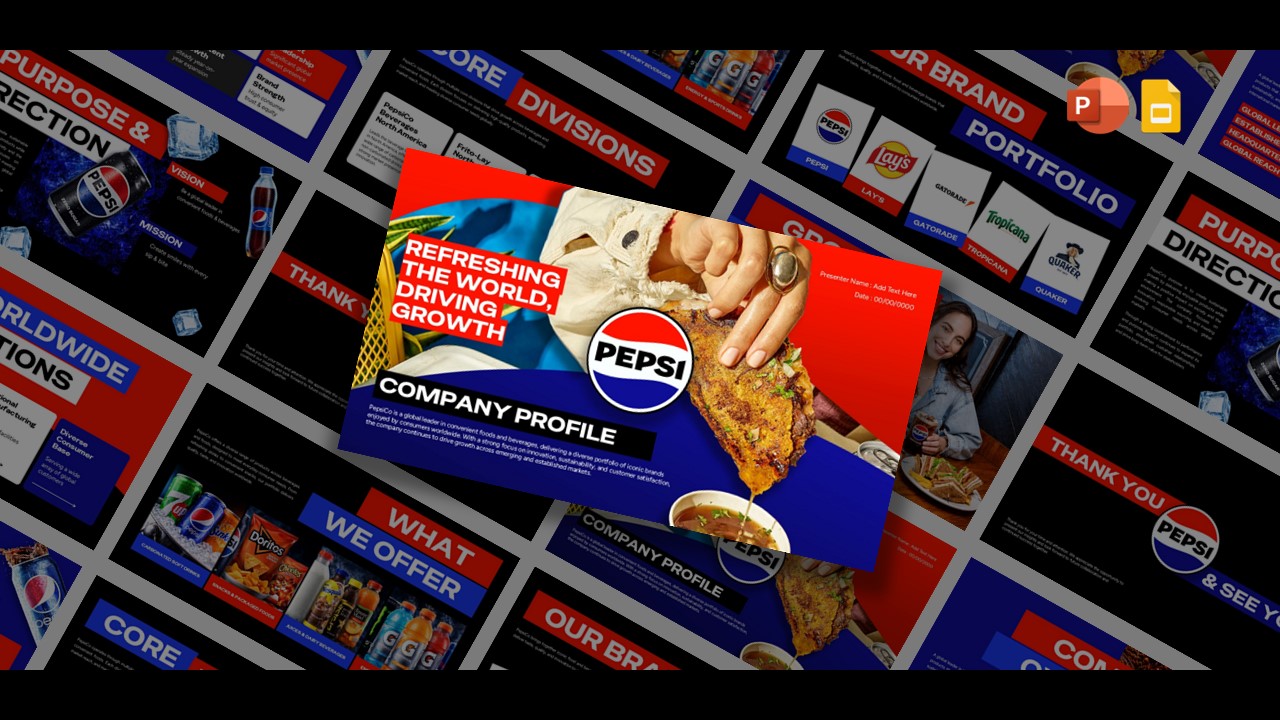
Download Celimax Company Profile PowerPoint Template
Item ID: SCF02066
PowerPoint,Canva
100% Fully Customizable
Free to use
Liked the template? Support SlideChef!
Give us Donation! Help to keep our Templates Free for ever
Hi there! We hope you’re enjoying SlideChef for your presentations. As a free platform, we rely on donations to keep things running. If you find our resources helpful, please consider a small donation. Thank you!
How to Use This Celimax Company Profile PowerPoint Template
1. Download and Open: Download the template and open it in Microsoft PowerPoint or Google Slides to start customizing your presentation.
2. Add Your Company Details: Replace the sample company information with your brand name, company background, founding year, mission and business overview.
3. Showcase Your Products: Add your skincare or cosmetic product images, product names, categories and descriptions to the product portfolio slides.
4. Customize Brand Elements: Change the colors, fonts, images and visual elements to match your company's branding and identity.
5. Update Business Information: Edit the company milestones, ingredient details, quality standards, certifications and growth figures with your own verified information.
6. Add Contact Information: Include your website, email address, social media links and business contact details on the final slide.
7. Save and Present: Save your customized presentation in PPTX or PDF format and use it for business meetings, brand introductions, investor pitches and partnership discussions.