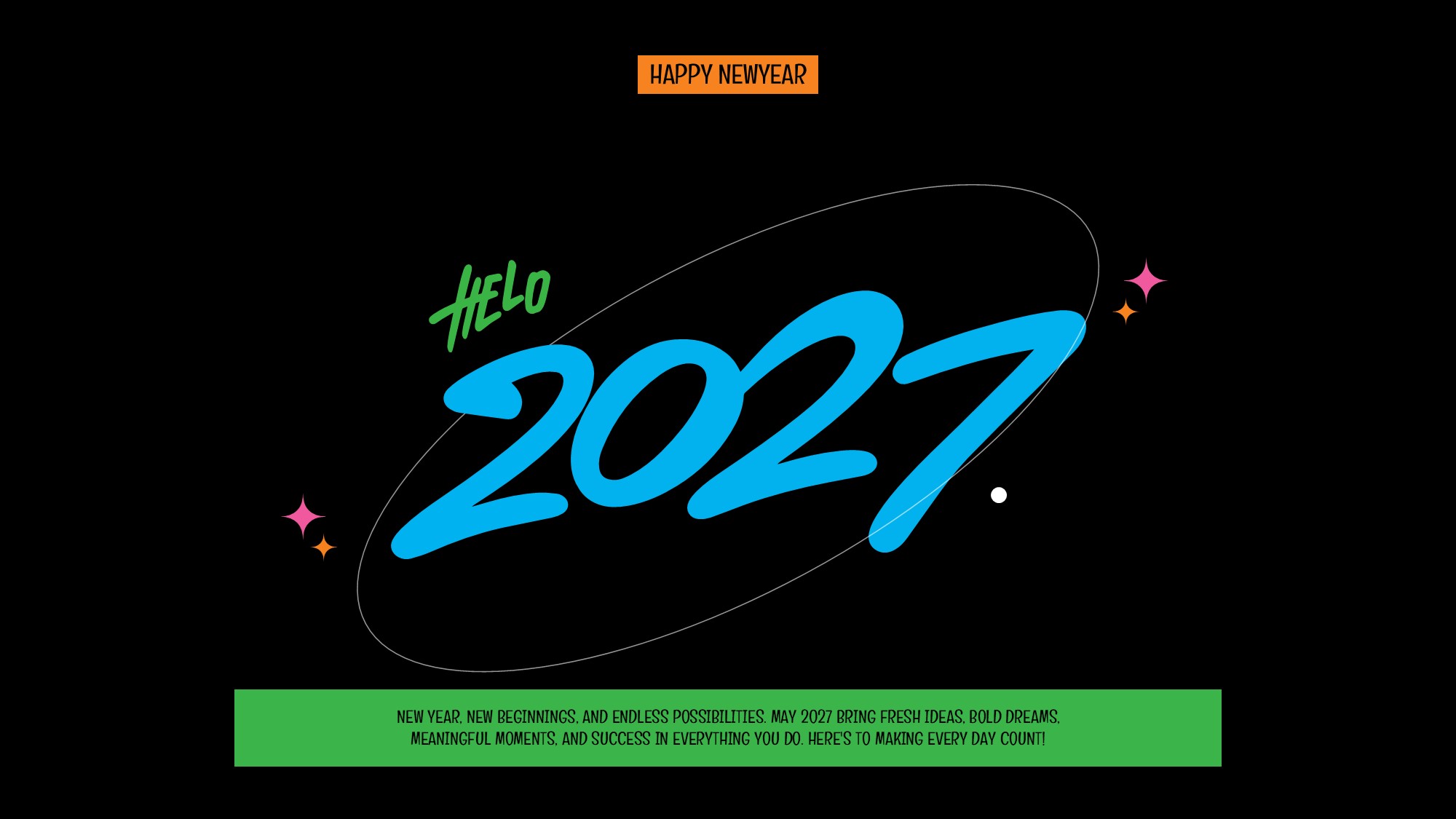
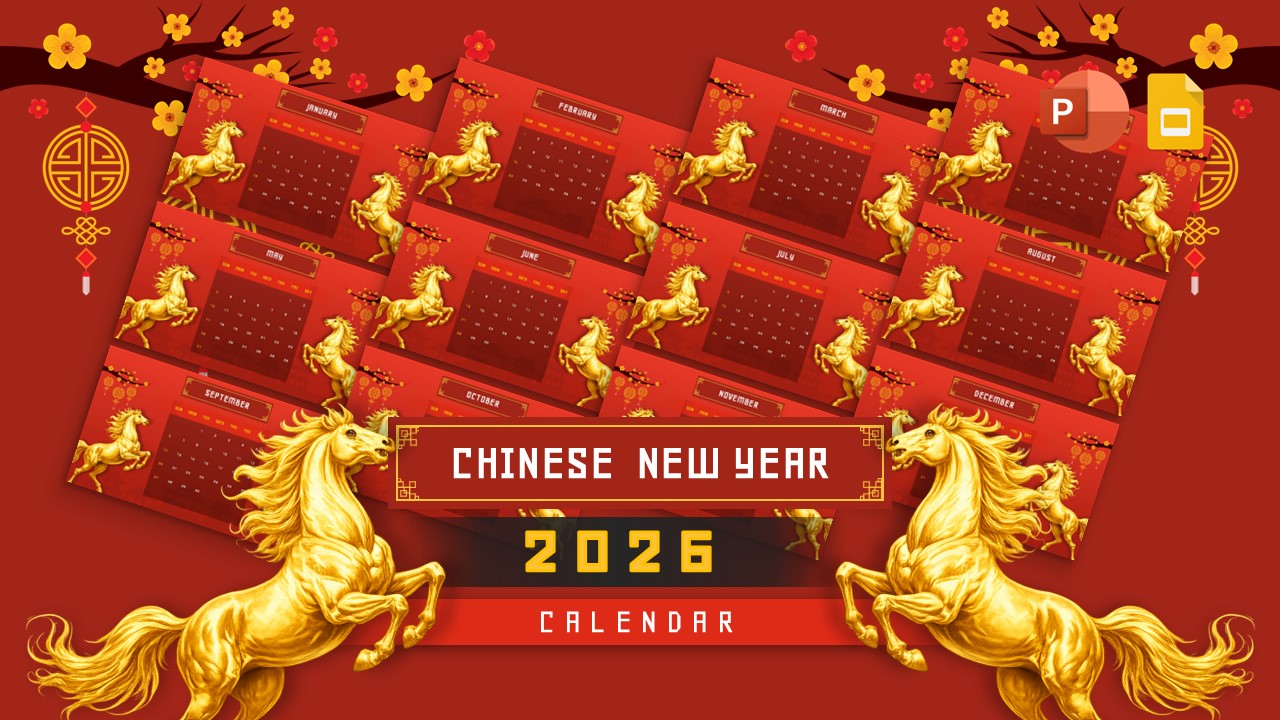
Download Happy Chinese New Year 2027 Template
Item ID: SCF02032
PowerPoint,Canva
100% Fully Customizable
Free to use
Liked the template? Support SlideChef!
Give us Donation! Help to keep our Templates Free for ever
Hi there! We hope you’re enjoying SlideChef for your presentations. As a free platform, we rely on donations to keep things running. If you find our resources helpful, please consider a small donation. Thank you!
How to Use this Happy Lunar New Year 2027 Template
Using the Happy Chinese New Year 2027 Wish Template is simple! You can customize this template in Microsoft PowerPoint or Canva to create beautiful festive greetings.
How to Use in PowerPoint:
- Download the PowerPoint template to your computer.
- Open the PPTX file in Microsoft PowerPoint.
- Edit the text, greetings, and other elements to match your preferences.
- Customize colors, fonts, and design elements if needed.
- Save your customized template or export it as a JPG, PNG, or PDF.
- Share your Chinese New Year wishes through social media, email, or messaging platforms.
How to Use in Canva:
- Download the PowerPoint (PPTX) template.
- Open Canva and log in to your account.
- Click Create a Design and select Import File.
- Upload your downloaded PPTX file.
- Wait for Canva to convert your presentation into an editable design.
- Customize the text, colors, fonts, and other design elements.
- Download your finished design in PNG, JPG, or PDF format, or share it directly online.
Start customizing your Chinese New Year 2027 greetings and share festive wishes with friends, family, and colleagues!