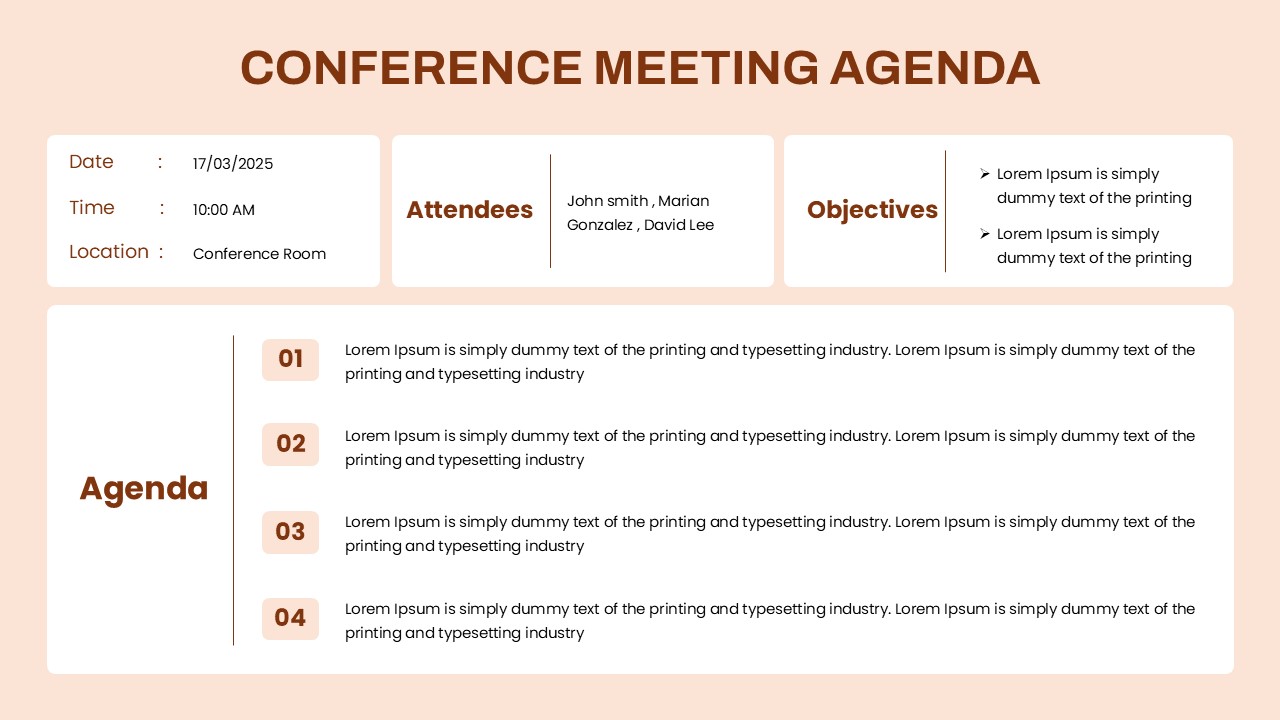
Download Church Meeting Agenda Template for PowerPoint and Google Slides
Item ID: SCF02037
Google Slide,PowerPoint
100% Fully Customizable
Free to use
Liked the template? Support SlideChef!
Give us Donation! Help to keep our Templates Free for ever
Hi there! We hope you’re enjoying SlideChef for your presentations. As a free platform, we rely on donations to keep things running. If you find our resources helpful, please consider a small donation. Thank you!
How to Download and Use the Church Meeting Agenda Template
Download and customize this Church Meeting Agenda Template in Microsoft PowerPoint or Google Slides. Follow the simple steps below to edit the meeting schedule, update discussion topics, and prepare your own church meeting presentation.
How to Download the Template
-
Choose Your Format: Visit SlideChef and navigate to the Church Meeting Agenda Template page.
-
Select Your Preferred Option: Choose the PowerPoint or Google Slides download option.
-
Download the Template: For PowerPoint, download the PPTX file to your computer. For Google Slides, open the provided Google Slides link.
-
Start Customizing: Open the downloaded file in PowerPoint or make your own copy in Google Slides to begin editing.
How to Use the Template in PowerPoint
-
Open the PPTX File: Open the downloaded Church Meeting Agenda Template in Microsoft PowerPoint.
-
Update Church Details: Replace the sample church name, meeting date, location, contact information, and other details with your own.
-
Edit the Agenda Table: Add or modify meeting times, discussion topics, and notes according to your meeting schedule.
-
Customize the Design: Change the background colors, fonts, text styles, and other design elements to match your church's branding or preferences.
-
Add or Remove Agenda Items: Include additional discussion points or remove unnecessary rows to fit your meeting requirements.
-
Save and Present: Save your customized presentation and use slideshow mode to display the agenda during your church meeting. You can also export it as a PDF for printing or sharing.
How to Use the Template in Google Slides
-
Open the Google Slides Template: Click the Google Slides link on SlideChef to access the Church Meeting Agenda Template.
-
Make a Copy: Sign in to your Google account and select File → Make a copy → Entire presentation to save an editable version to your Google Drive.
-
Update Meeting Information: Edit the church name, meeting date, venue, contact details, and other sample information.
-
Customize the Agenda: Modify the table by adding meeting times, changing discussion topics, and updating notes for each agenda item.
-
Personalize the Slides: Adjust fonts, colors, backgrounds, and other visual elements to suit your preferences.
-
Download or Share: Use File → Download to save your presentation as a PowerPoint or PDF file. You can also share the Google Slides presentation with church members and meeting participants.