Download Cultural Heritage Preservation Template
Item ID: SCF01801
PowerPoint,Canva
100% Fully Customizable
Free to use
Liked the template? Support SlideChef!
Give us Donation! Help to keep our Templates Free for ever
Hi there! We hope you’re enjoying SlideChef for your presentations. As a free platform, we rely on donations to keep things running. If you find our resources helpful, please consider a small donation. Thank you!
How to Use this Cultural Heritage Presentation Template
The Cultural Heritage Presentation Template is crafted for smooth, flexible customization across both Microsoft PowerPoint and Canva. Use this step-by-step guide to adapt the historic landmarks, antique parchment text boxes, and conservation roadmaps for your lecture, museum pitch, or advocacy campaign.
How to Use in Microsoft PowerPoint
- Unlock and Enable Editing: Open your downloaded .pptx file in Microsoft PowerPoint and click Enable Editing on the yellow notification bar at the top of your workspace.
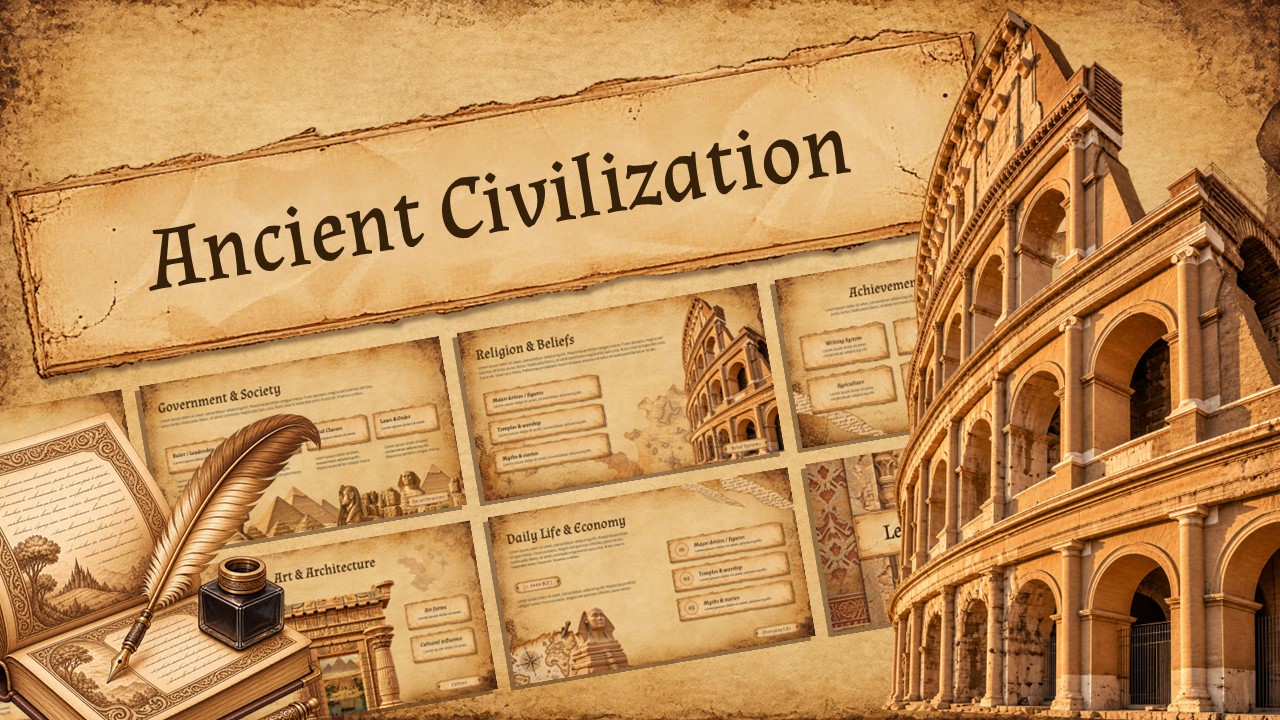
- Set Your Presentation Title: On Slide 1, select the antique parchment banner over the Roman Colosseum to replace the placeholder text with your lecture topic, exhibition title, or organization name.
- Outline the Presentation Agenda: Go to Slide 2 (What We’ll Cover) set against the Balinese split gate to customize your key discussion points across tangible landmarks, threats, and community solutions.
- Define Tangible vs. Intangible Heritage: Use Slide 3 (featuring the ancient stone temple) and Slide 4 (the Great Wall of China) to break down physical monuments, sacred architecture, oral traditions, and educational value.
- Present Challenges and Risks: On Slide 5 (traditional stilt houses) and Slide 7 (classical Greek columns), detail major hazards like urban encroachment, climate impact, illicit looting, and lack of legal protection.
- Map the 5-Step Protection Workflow: Customize Slide 6 (A Path to Protection over the Great Sphinx and Pyramids) to walk through the conservation cycle: 01. Identify, 02. Document, 03. Protect, 04. Restore, and 05. Monitor.
- Highlight Digital Tools & Community Action: Use Slide 8 (Mount Fuji & Torii gate) and Slide 9 (historic heritage streetscape) to discuss digital archives, 3D scanning, virtual reality tours, and recording local oral histories.
- Present Live or Export Handouts: Press F5 to start a full-screen slideshow, or go to File > Export > Create PDF/XPS Document to print educational booklets, exhibition guides, or donor packets.
How to Use in Canva
- Open Your Workspace: Click the provided Canva template link and select Use template for new design to generate an editable copy directly in your Canva account.
- Customize Text Inside the Parchment Banners: Double-click any of the aged parchment scroll banners across all 10 slides to paste in your site descriptions, research notes, or conservation data.
- Fine-Tune Typography & Accent Colors: Adjust the classic serif headers and earth-toned typography to match your institution’s branding while keeping the vintage illustrated gouache aesthetic intact.
- Add Site-Specific Case Studies: Use Canva's Uploads tab to bring in your own excavation photos, architectural diagrams, or archival documents to supplement or overlay onto the slides.
- Collaborate With Your Research Team: Click the Share button in the top menu to invite fellow curators, historians, or students to review and refine the slides in real time.
- Present Online or Download Media: Deliver your talk directly in your web browser by clicking Present, or choose Share > Download to save the deck as PDF Print for field handouts or PNG for digital portfolios and social media advocacy.Follow these steps to customize and present your deck using Google Slides or Microsoft PowerPoint.