<< Back to template
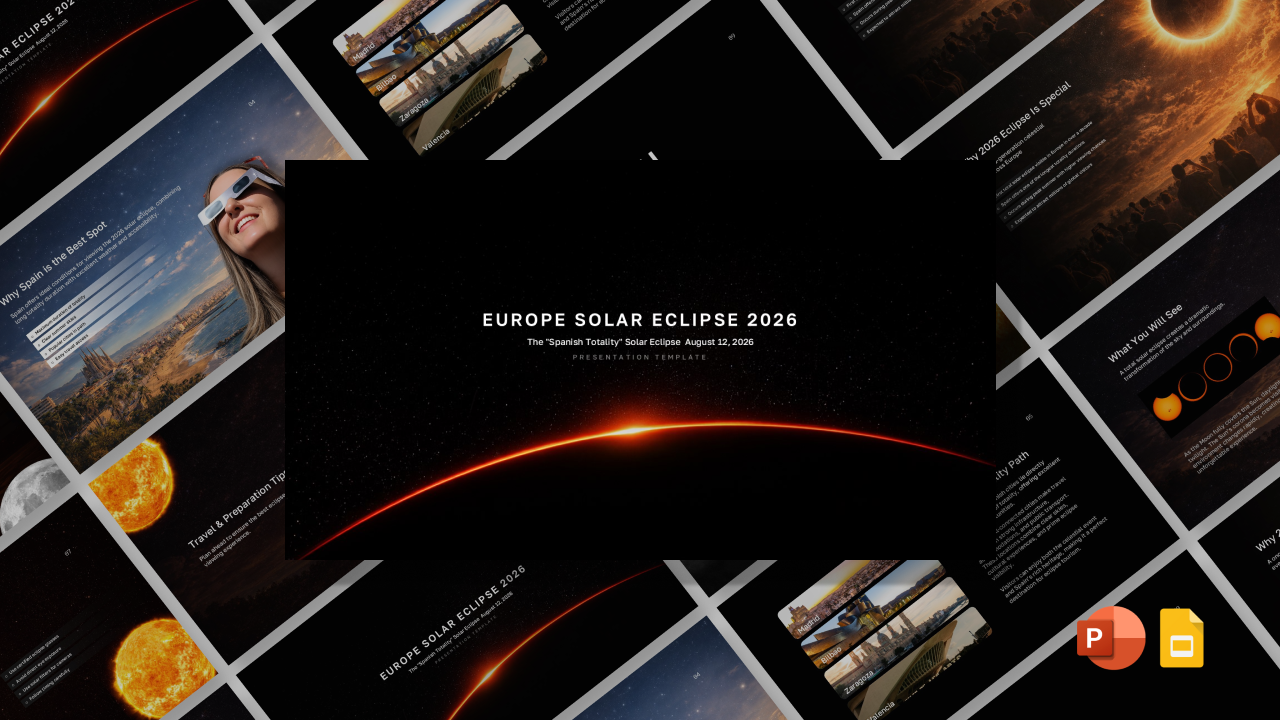
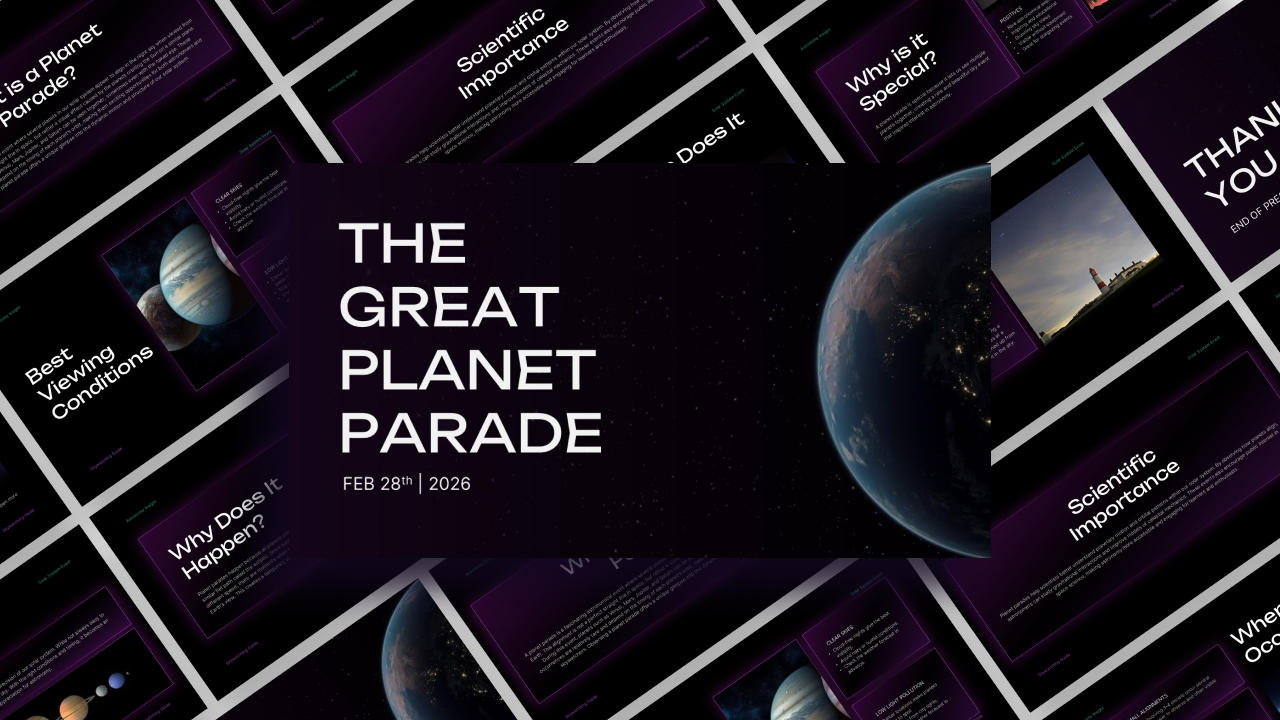
Download Eclipse of the Century Template for PowerPoint & Canva
Item ID: SCF01837
PowerPoint,Canva
100% Fully Customizable
Free to use
Liked the template? Support SlideChef!
Give us Donation! Help to keep our Templates Free for ever
Hi there! We hope you’re enjoying SlideChef for your presentations. As a free platform, we rely on donations to keep things running. If you find our resources helpful, please consider a small donation. Thank you!
How to Use this The Eclipse of the Century Template?
Using Microsoft PowerPoint
- Download the Template: Download the PPTX file from SlideChef and open it in Microsoft PowerPoint.
- Edit the Text: Replace the existing headings, descriptions, dates, and statistics with your own information.
- Customize the Design: Modify fonts, colors, backgrounds, and layouts to suit your presentation.
- Update the Visuals: Replace the existing eclipse images, maps, and illustrations with your preferred graphics.
- Personalize the Data: Update eclipse timelines, viewing locations, comparison charts, and astronomical facts.
- Save and Export: Save your presentation as a PPTX file or export it as a PDF.
Using Canva
- Download the Template: Download the PowerPoint (PPTX) file from SlideChef.
- Upload to Canva: Open Canva, select Create a Design, and upload your PPTX file.
- Edit the Content: Customize headings, text, statistics, and other presentation elements.
- Personalize the Slides: Change backgrounds, fonts, colors, images, and layouts using Canva's editing tools.
- Add Your Own Graphics: Include additional space illustrations, solar eclipse visuals, and relevant photographs.
- Download and Share: Export your completed presentation as a PDF or PowerPoint file.
Pro Tip: Keep the dark space backgrounds and bright solar visuals consistent to maintain the dramatic astronomical theme throughout your presentation.