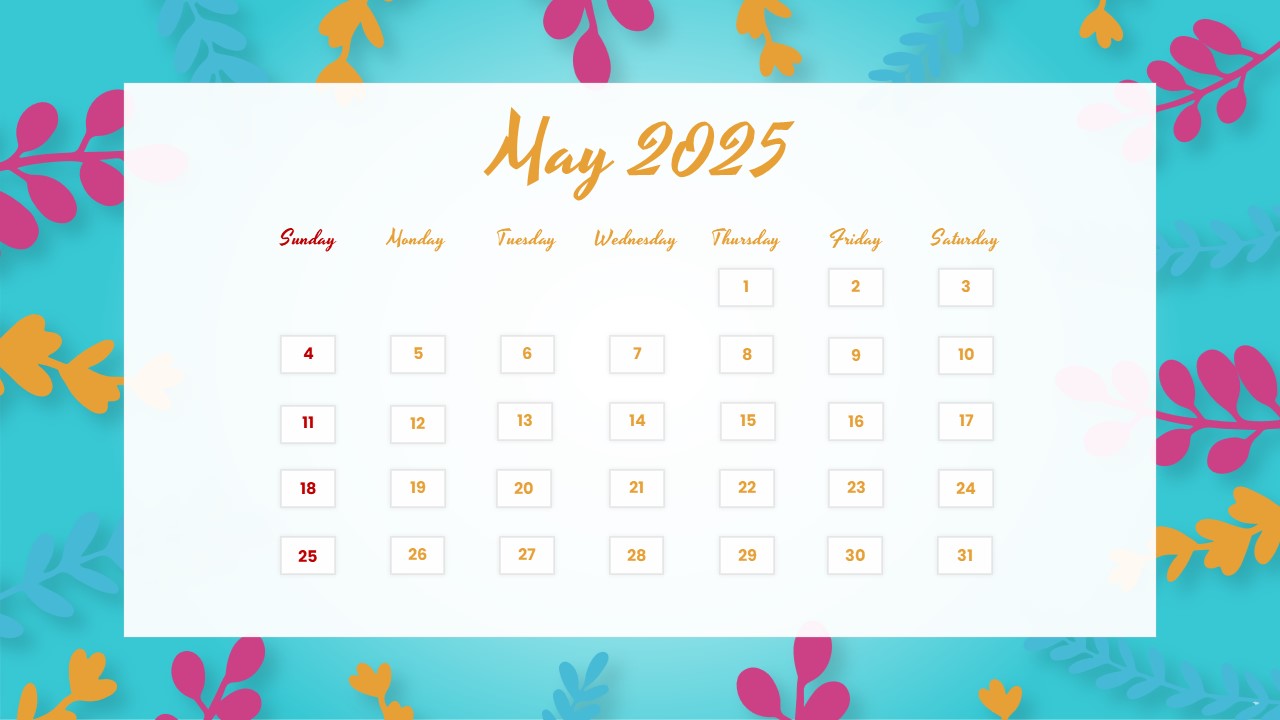
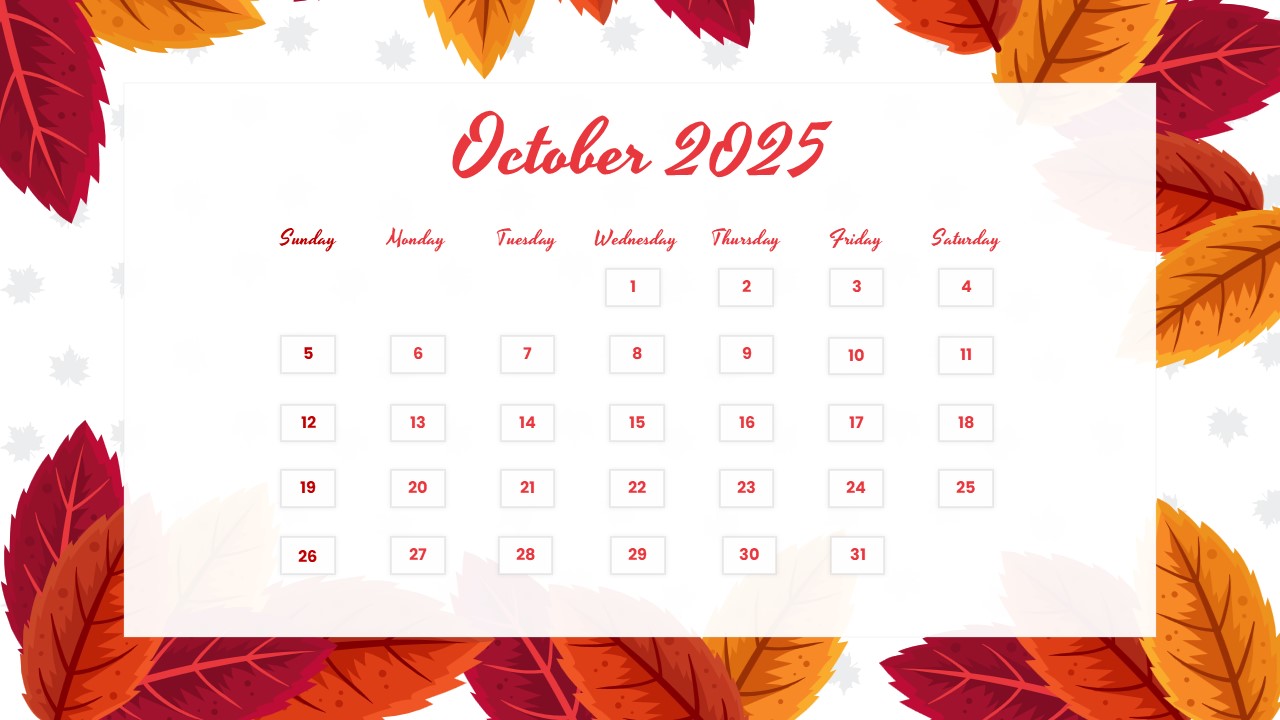
Download F1 Calendar 2027 Template
Item ID: SCF01815
PowerPoint,Canva
100% Fully Customizable
Free to use
Liked the template? Support SlideChef!
Give us Donation! Help to keep our Templates Free for ever
Hi there! We hope you’re enjoying SlideChef for your presentations. As a free platform, we rely on donations to keep things running. If you find our resources helpful, please consider a small donation. Thank you!
Paddock Playbook: How to Customize and Present Your F1 2027 Race Calendar
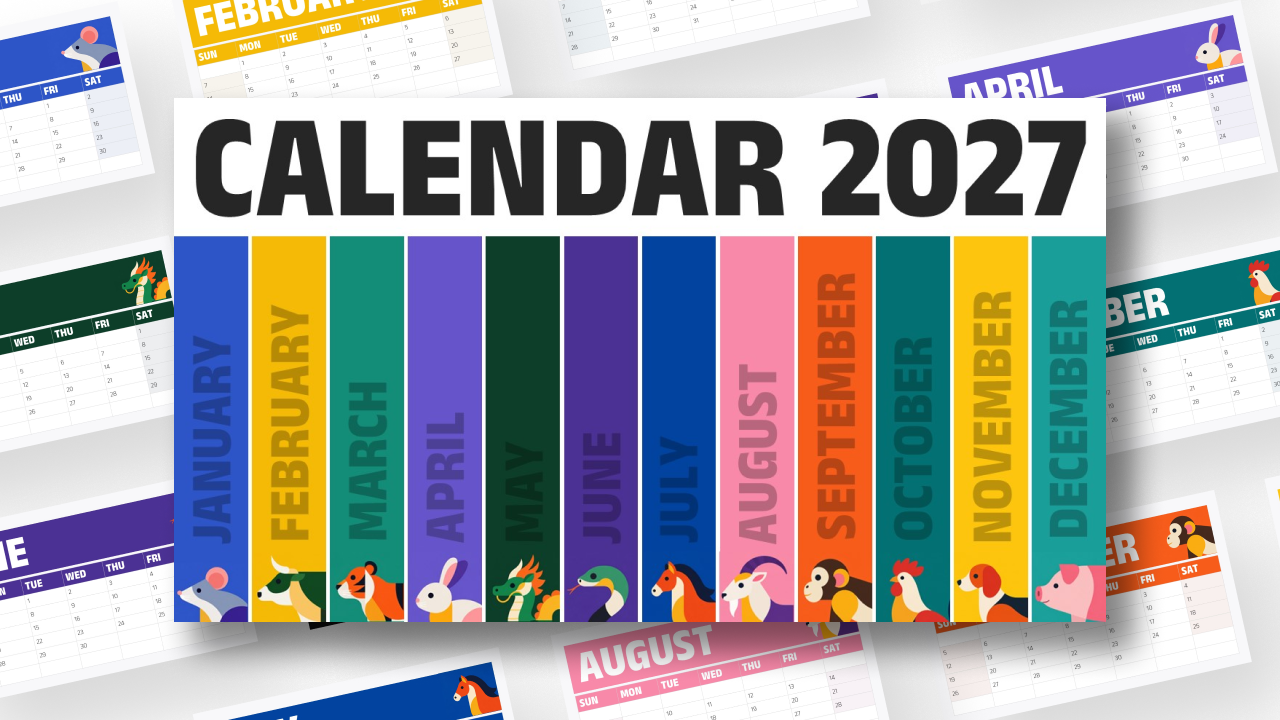
The F1 Calendar 2027 Presentation Template is fully customizable across Microsoft PowerPoint and Google Slides, providing motorsport creators, fan communities, and event planners with a high-impact dashboard to track the entire 24-race world championship season. Follow this quick guide to tailor the schedule, track results, and present your racing roadmap like a pro:
- Open and Unlock the Slide: Open your downloaded .pptx file in Microsoft PowerPoint and click Enable Editing, or upload the slide to Google Slides via File > Open > Upload to start customizing.
- Customize Race Dates & Session Times: Click into the header text boxes under each month (March to December) to add specific Grand Prix race dates, Sprint weekend indicators, or local broadcast times for your time zone.
- Track Results & Championship Points: Use the space below each circuit entry to record race winners, pole sitters, fastest lap holders, or your personal fantasy league scores as the 2027 season unfolds.
- Highlight Priority Grand Prix Rounds: Emphasize your favorite tracks, attended races, or upcoming watch parties (such as Monaco, Silverstone, or Las Vegas) by adding subtle colored highlight borders or neon star markers.
- Tailor for Esports & Sim-Racing Leagues: If managing a virtual racing series, easily swap circuit names, round numbers, or host flags to match your custom sim-racing league schedule.
- Display Live or Export Posters: Press F5 in PowerPoint or select Slideshow in Google Slides to feature the schedule during streams, YouTube previews, or team briefings—or go to File > Save As / Export to create a high-resolution PNG or PDF calendar poster for social media and fan forums.