Download The Farthest Fast Radio Burst Template
Item ID: SCF01961
PowerPoint,Canva
100% Fully Customizable
Free to use
Liked the template? Support SlideChef!
Give us Donation! Help to keep our Templates Free for ever
Hi there! We hope you’re enjoying SlideChef for your presentations. As a free platform, we rely on donations to keep things running. If you find our resources helpful, please consider a small donation. Thank you!
How to Use The Farthest Fast Radio Burst Presentation Template
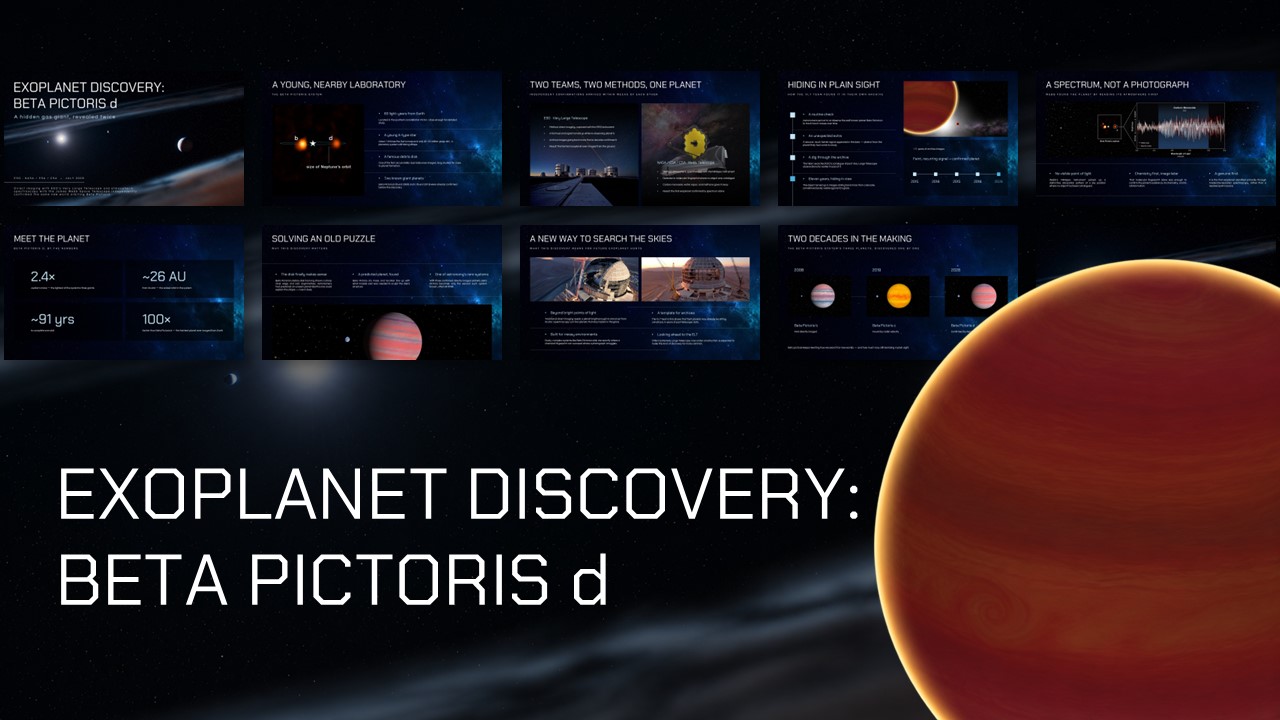
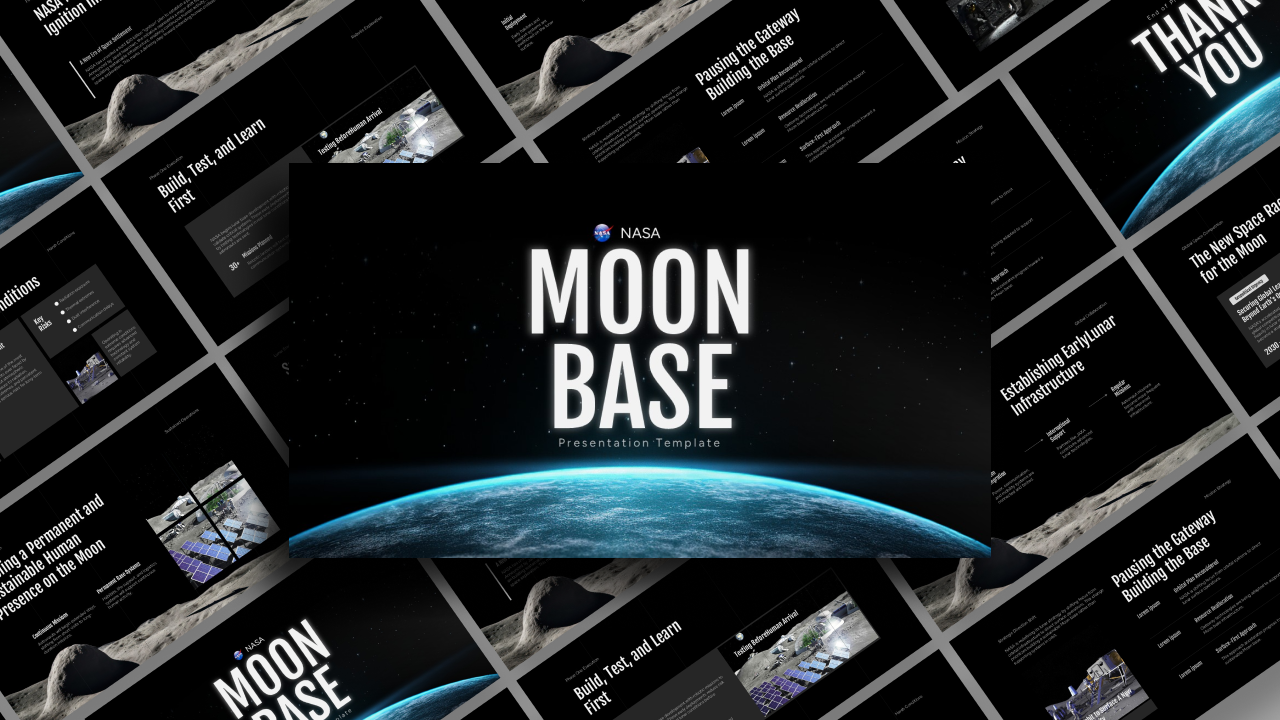
Bring the mysteries of the universe to life with this editable Farthest Fast Radio Burst Presentation Template. Whether you're presenting astronomical discoveries, explaining cosmic phenomena, or creating an educational science project, you can easily customize these slides using Microsoft PowerPoint or Canva.
How to Edit in PowerPoint
- Download the Template: Download the PowerPoint file to your computer and open it in Microsoft PowerPoint.
- Edit the Text: Customize slide titles, descriptions, scientific facts, and other text to match your presentation topic.
- Customize the Design: Change colors, fonts, backgrounds, and other design elements to suit your preferences.
- Replace Images: Add your own astronomy photographs, telescope images, galaxy visuals, and scientific illustrations.
- Modify Charts and Infographics: Update timelines, statistics, diagrams, and data visualizations with your own research findings.
- Save and Present: Save your customized presentation and use PowerPoint's slideshow mode to present your work.
How to Edit in Canva
- Download the PPT File: Download the PowerPoint version of the template to your device.
- Open Canva: Log in to your Canva account and select the presentation design option.
- Import the Template: Upload your downloaded PowerPoint (.pptx) file into Canva.
- Customize Your Slides: Edit text, adjust colors, change fonts, and personalize the layouts using Canva's editing tools.
- Add Your Own Elements: Explore Canva's library to include additional space photographs, astronomy illustrations, icons, and graphics.
- Download Your Presentation: Export your finished design as a PowerPoint file or PDF, or present it directly from Canva.
Create, customize, and present your astronomy story with ease!