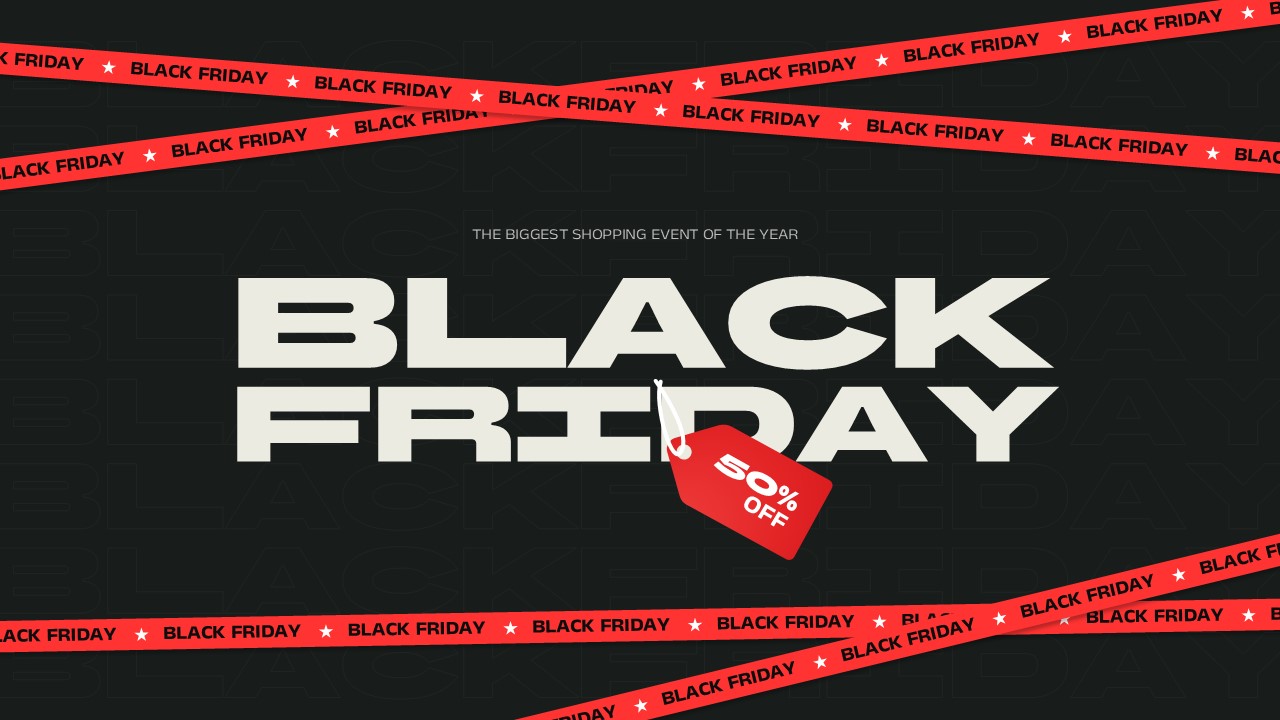
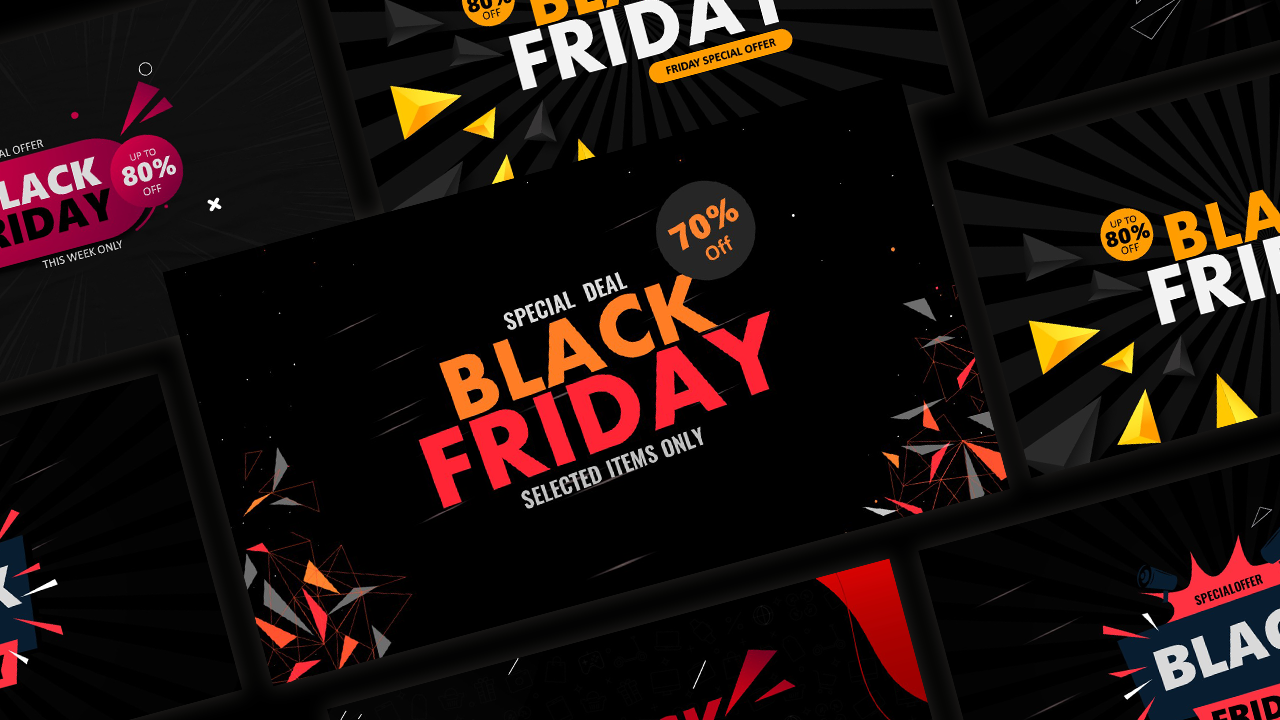
Download Flash Sale Poster Google Slides & PowerPoint Template
Item ID: SCF01688
PowerPoint,Canva
100% Fully Customizable
Free to use
Liked the template? Support SlideChef!
Give us Donation! Help to keep our Templates Free for ever
Hi there! We hope you’re enjoying SlideChef for your presentations. As a free platform, we rely on donations to keep things running. If you find our resources helpful, please consider a small donation. Thank you!
How to Use the Flash Sales Poster Template
Customize your high-impact sales poster in minutes using either Microsoft PowerPoint or Canva. Follow these simple steps to swap products, update your discount percentages, and launch a promotion that commands attention:
For Microsoft PowerPoint Users
- Download and Open: Save the template file to your computer, open it in PowerPoint, and click Enable Editing at the top of your screen to unlock the design layers.
- Change Text and Discounts: Click directly onto any bold text box to type over it with your own discount percentages, promo codes, or limited-time sale dates.
- Swap Product Images: Right-click the placeholder graphics or shopping bags, select Change Picture, and upload your own high-quality product photos straight from your device.
- Tweak the Colors: Use the Shape Format tool to adjust the neon-green or bold yellow backgrounds to perfectly match your brand's unique color palette.
- Save for Web or Print: Go to File -> Save As and choose PNG or JPEG for eye-catching social media ads, or PDF for crisp retail storefront printing.
For Canva Users
- Open and Copy the Layout: Click your provided Canva link to open the poster. Navigate to File in the top left menu and select Make a copy to save an editable version to your personal dashboard.
- Edit Your Headlines: Double-click any promotional headline or marketing tag to rewrite the text with your custom weekend deals or website URL.
- Drag-and-Drop Media: Upload your retail photos to your Canva library, then simply drag and drop them directly into the pre-shaped image frames.
- Adjust Shapes and Assets: Click on individual background textures, barcode graphics, or price tickets to resize them, move them around the canvas, or change colors with one click.
- Download Your Finished Poster: Click Share in the top right corner, select Download, and choose PNG for digital marketing or PDF Print to create high-resolution flyers.