<< Back to template
Download Free Aesthetic Background PowerPoint & Google Slides
Google Slide,PowerPoint
100% Fully Customizable
Free to use
Liked the template? Support SlideChef!
Give us Donation! Help to keep our Templates Free for ever
Hi there! We hope you’re enjoying SlideChef for your presentations. As a free platform, we rely on donations to keep things running. If you find our resources helpful, please consider a small donation. Thank you!
How to Use This Aesthetic Background (PowerPoint & Google Slides)
- Download and Open Your Template File:
- In Microsoft PowerPoint: Launch the downloaded .pptx file directly in standard 16:9 widescreen. The slides are pre-formatted and unlocked for immediate use.
- In Google Slides: Go to Google Drive, click New > File upload, select your downloaded file, and open it with Google Slides (or open the provided template link and click File > Make a copy).
- Set as a Locked Master Slide or Apply to Specific Slides:
- In PowerPoint: To prevent background elements from shifting while you type, navigate to View > Slide Master, select your preferred master layout, and paste your desired background. Alternatively, right-click any slide and choose Format Background > Picture or texture fill to lock it in place.
- In Google Slides: Click Slide > Edit theme to set the graphic as a fixed layout across your deck. For individual slides, click the Background button in the toolbar, select Choose image, and set your slide background.
- Select the Right Layout Variation for Your Content:
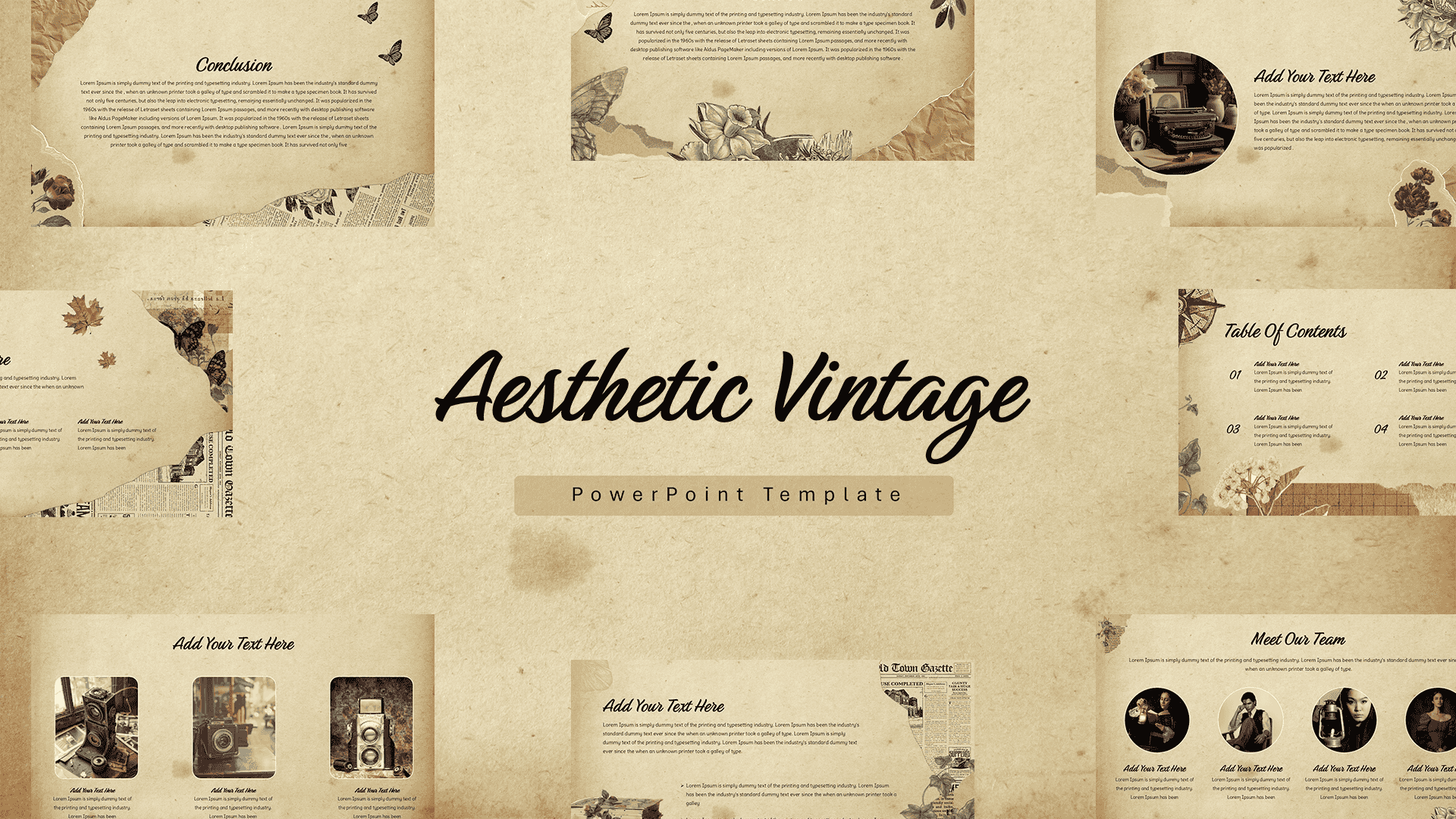
- For Title & Transition Slides: Use the organic modernist layout featuring terracotta and clay color blocks with botanical sketches to create eye-catching cover pages, portfolio openers, and section breaks.
- For Data, Text & Bullet Points: Choose the framed botanical watercolor canvas with the subtle rectangular border to keep body text, comparison cards, and statistics neatly centered and easy to read.
- Add Typography and Content Overlays:
- Insert new text boxes directly over the central negative space. Pair an elegant editorial serif font (such as Playfair Display or Lora) for primary headings with a clean sans-serif (such as Montserrat or Inter) for subtitles and body text.
- Use semi-transparent white or sand-colored card shapes behind detailed charts and graphs to maintain high contrast without covering the corner botanical accents.
- Deliver Live or Export Your Deck:
- Launch Slideshow mode for full-screen presentations during live client pitches, webinars, or lecture hall talks.
- Export the finished presentation as a high-resolution PDF for client reading decks, or save individual slides as PNG/JPEG images to use as social media carousels and digital marketing lookbooks.