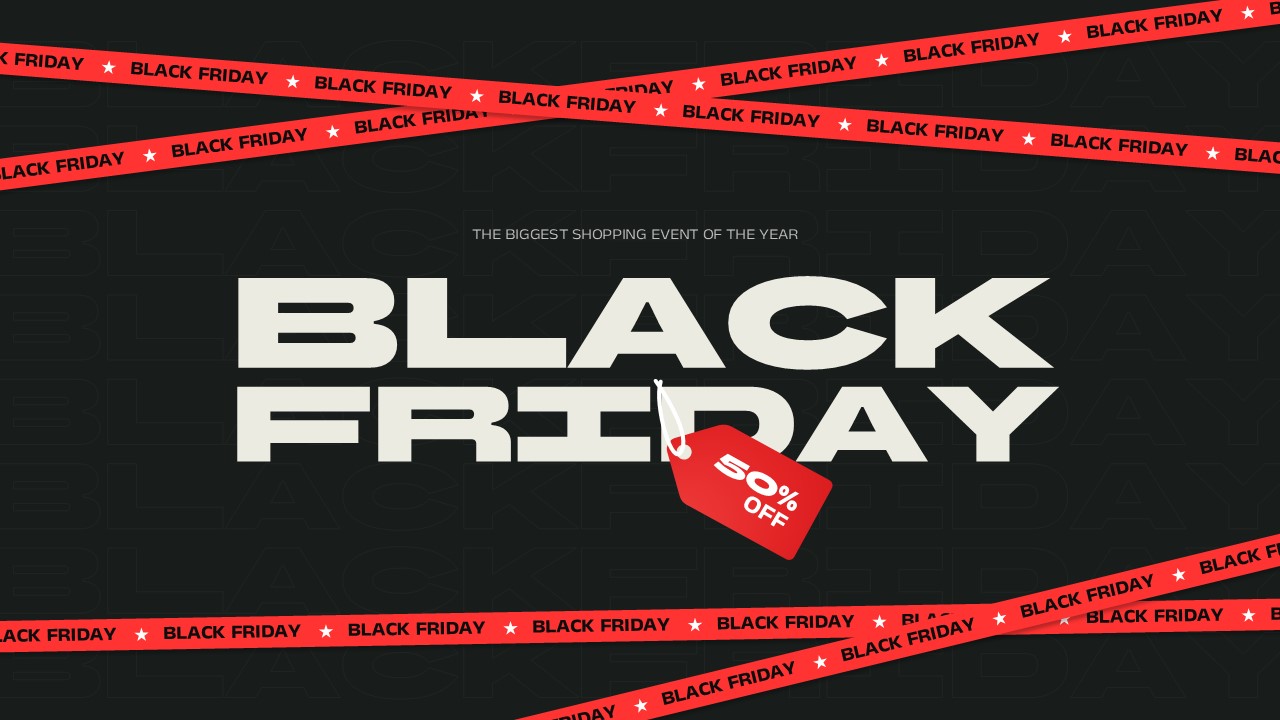
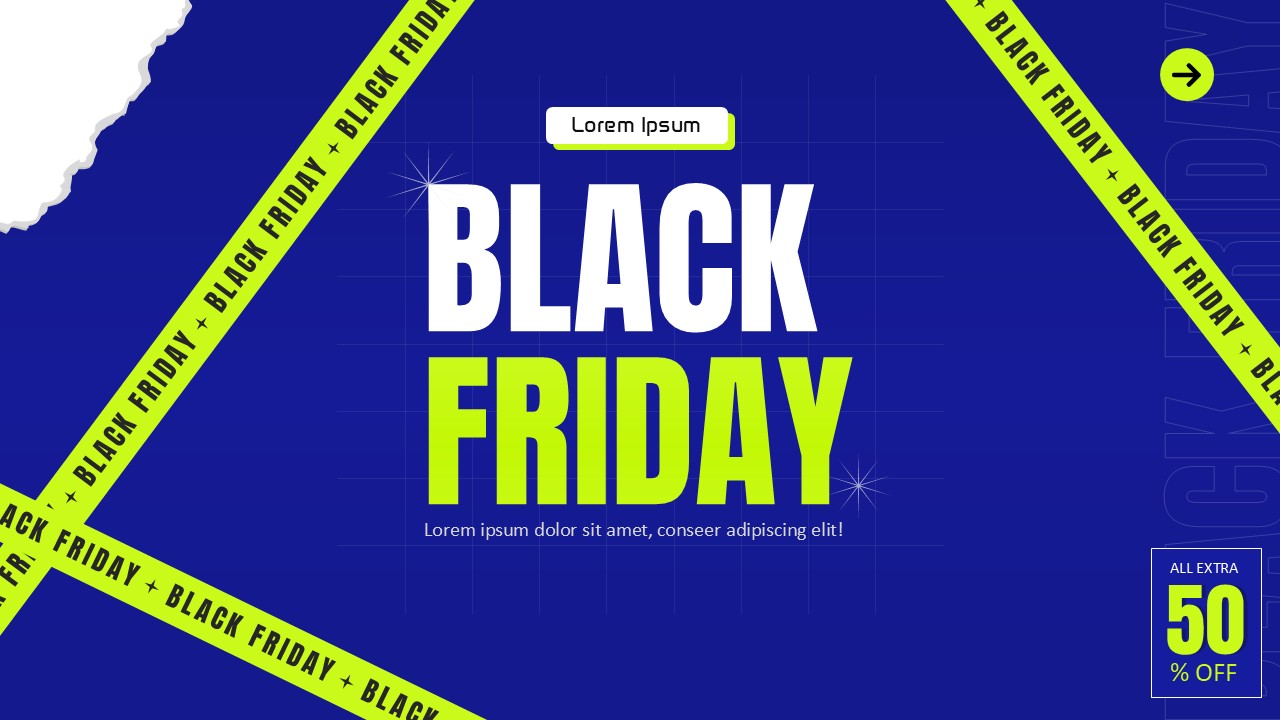
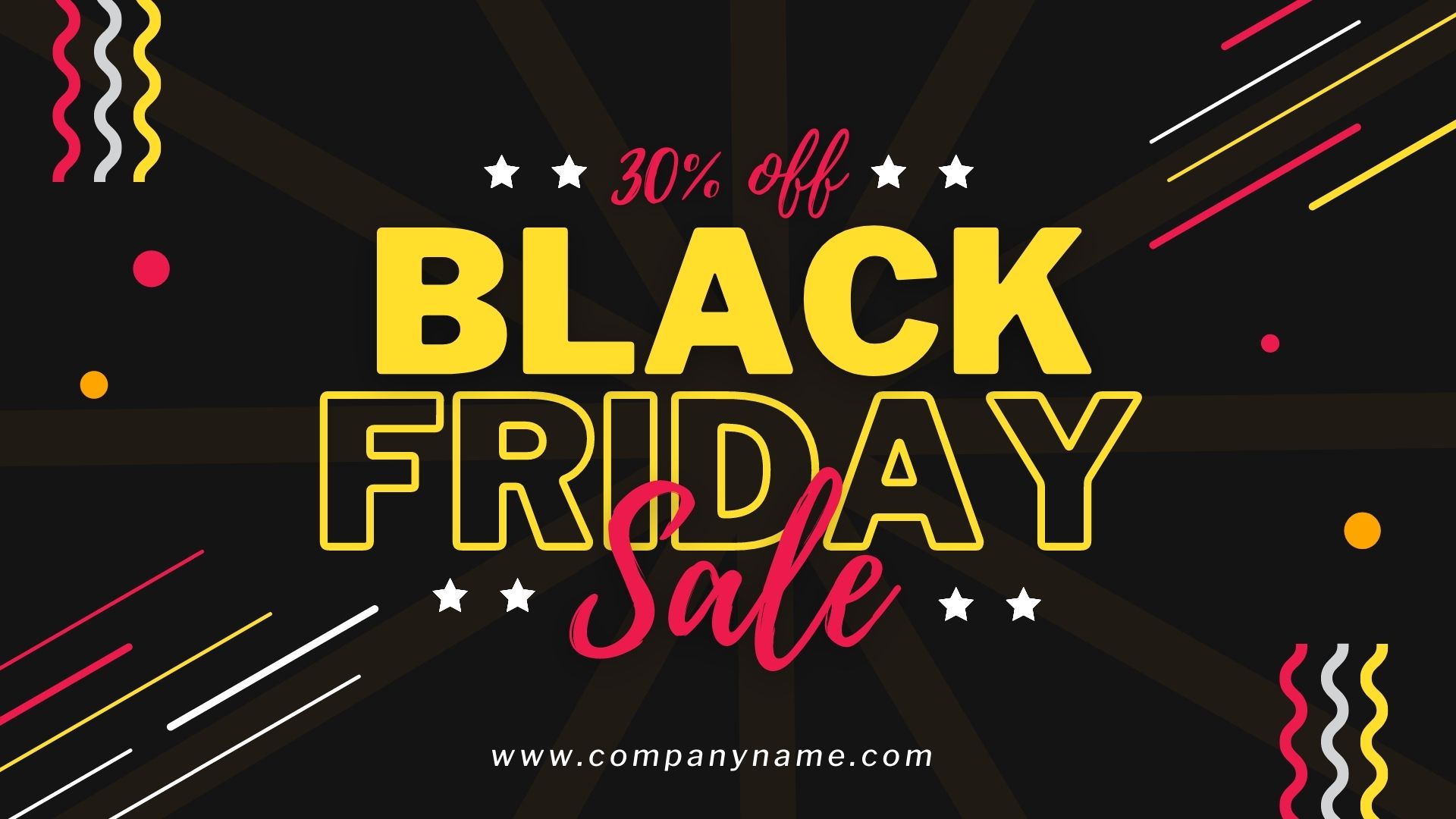
Download Black Friday Poster Templates for PowerPoint, Google Slides & Canva
Item ID: SCF00552
Google Slide,PowerPoint,Canva
100% Fully Customizable
Free to use
Liked the template? Support SlideChef!
Give us Donation! Help to keep our Templates Free for ever
Hi there! We hope you’re enjoying SlideChef for your presentations. As a free platform, we rely on donations to keep things running. If you find our resources helpful, please consider a small donation. Thank you!
How to Use These Black Friday Poster Templates in PowerPoint, Google Slides & Canva
Customizing this black friday poster template free download takes only a few minutes, whether you prefer desktop software or browser-based design tools. Follow the platform-specific steps below to edit your black friday poster templates and launch your campaign:
- How to Use in Microsoft PowerPoint (PPT)
- Download the File: Click the PowerPoint download button on this page to save the black friday ppt (.pptx) file directly to your computer.
- Open & Select Your Slide: Double-click the file to open it in Microsoft PowerPoint and choose from the 5 black friday sale posters in the left-hand thumbnail panel.
- Edit Text & Discount Badges: Click directly on any text box to customize the "BLACK FRIDAY" headline, change the discount callouts ("UP TO 50% OFF", "70% Off", or "UP TO 80% OFF"), or update urgency tags like "THIS WEEK ONLY" and "SELECTED ITEMS ONLY".
- Customize Colors & Shapes: Select the geometric triangles, spotlight graphics, or speech-bubble shapes and go to the Shape Format > Shape Fill menu to match your brand palette.
- Export Your Poster: Go to File > Save As (or Export) and choose PDF for high-resolution printing, PNG/JPEG to save an individual black friday slide for social media, or run it in Slide Show mode for in-store digital displays.
- How to Use in Google Slides
- Make a Copy to Google Drive: Click the Google Slides button on the template page and select "Make a copy" when prompted to open the black friday sale poster template in your Google account.
- Personalize the Offer: Double-click any text placeholder to type in your store's promo codes, sale dates, or custom markdowns over the pre-built "SPECIAL DEAL", "SPECIAL OFFER", or "FRIDAY SPECIAL OFFER" banners.
- Insert Your Logo or Product Images: Go to Insert > Image > Upload from computer to drop your brand logo or featured product photos onto the dark background.
- Download or Present: Click File > Download and select PNG image (.png) or JPEG image (.jpg) to export your selected black friday poster for web banners and email headers, or select PDF Document (.pdf) for physical black friday flyer printing.
- How to Use in Canva
- Open the Canva Template Link: Click the Canva button on this page and select "Use template for new design" to open the canva black friday templates directly in your browser or mobile app.
- Customize With Drag-and-Drop Tools: Click on the discount badges, 3D golden triangles, or red wave accents to adjust colors, reposition elements, or animate the graphics for a video canva black friday sale post.
- Add Brand Assets: Use the Uploads tab on the left sidebar to drag your store logo onto the canvas, or use the Text tab to add your website URL and store address.
- Share & Download: Click the Share button in the top-right corner, select Download, and choose PNG for digital ads, PDF Print for shop window posters, or MP4 Video if you added motion effects to create black friday poster online reels and stories.