Download Free Canva Portfolio Template
Canva
100% Fully Customizable
Free to use
Liked the template? Support SlideChef!
Give us Donation! Help to keep our Templates Free for ever
Hi there! We hope you’re enjoying SlideChef for your presentations. As a free platform, we rely on donations to keep things running. If you find our resources helpful, please consider a small donation. Thank you!
How to Use This Canva Portfolio Template
Getting started with this portfolio design is simple. Follow these steps to customize the template and create a portfolio that reflects your professional identity.
Step 1: Open the Template in Canva
Download the template from SlideChef and open the provided Canva template link. You will be redirected to Canva, where you can access your own editable copy of the portfolio design.
Step 2: Add Your Personal Information
Replace the sample name, introduction, profile photo, and other placeholder text with your own details. Update the About Me section to introduce your background, experience, and interests.
Step 3: Showcase Your Work and Skills
Upload images of your best projects and add them to the selected projects section. Customize the services and skills slides to highlight your expertise and the services you offer.
Step 4: Customize the Design
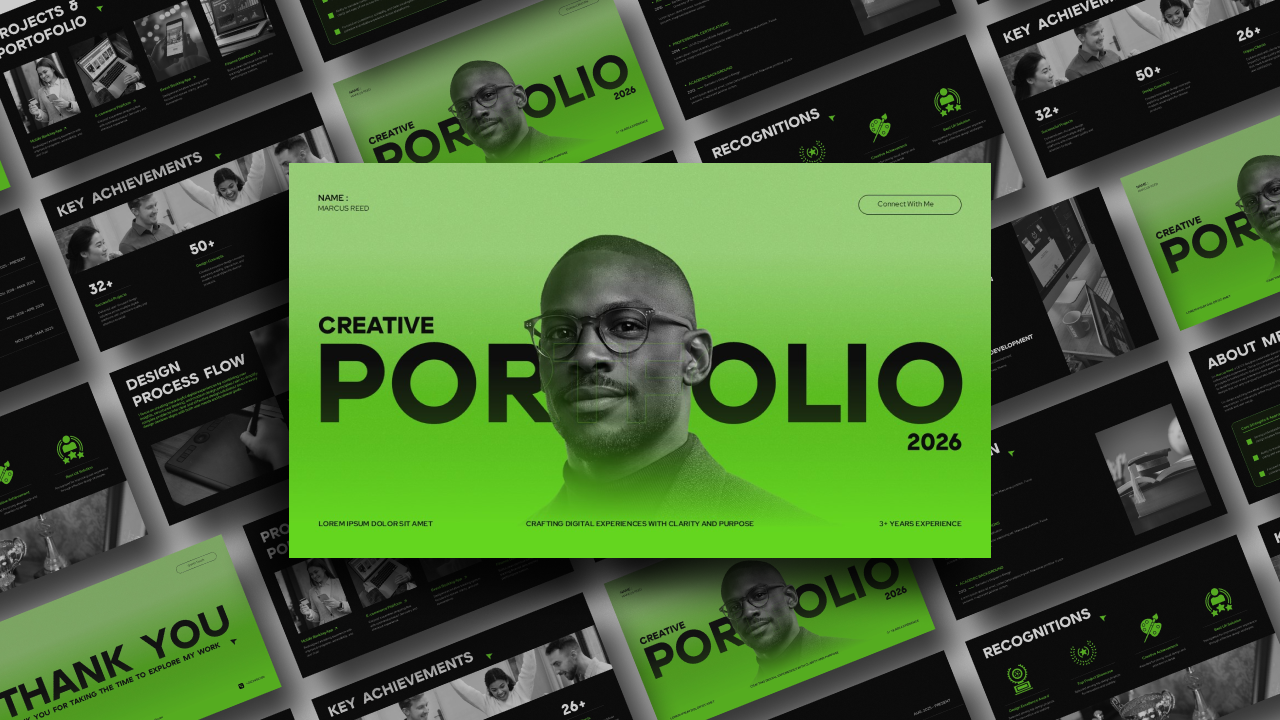
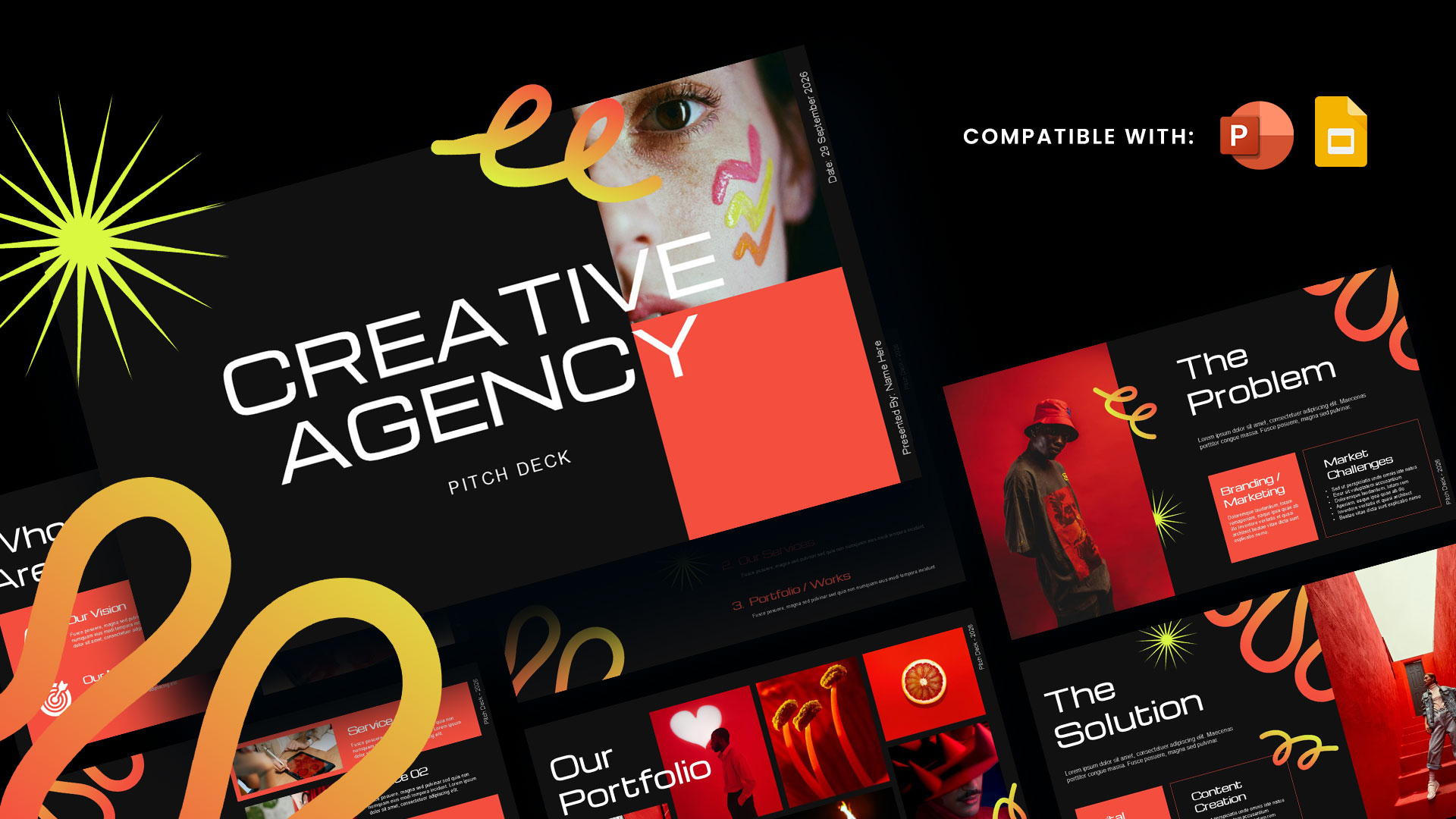
Personalize the portfolio by changing fonts, colours, images, and other design elements. You can keep the original dark and orange colour scheme or adjust it to match your personal brand.
Step 5: Download and Share Your Portfolio
Once your portfolio is ready, use Canva's Share or Download options to export your presentation in your preferred available format. You can also share your portfolio directly with clients, employers, or collaborators using a Canva sharing link.