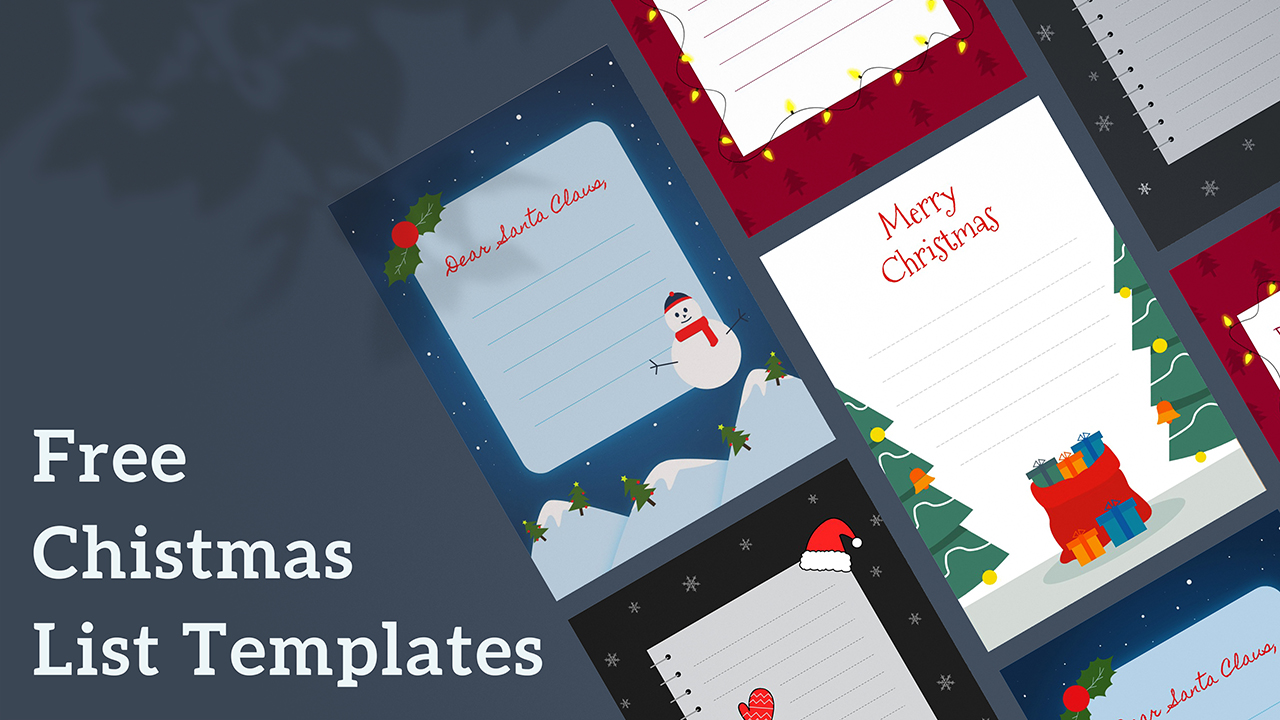
Download Free Christmas Gift Tag Templates
Item ID: SCF00092
Google Slide,PowerPoint
100% Fully Customizable
Free to use
Liked the template? Support SlideChef!
Give us Donation! Help to keep our Templates Free for ever
Hi there! We hope you’re enjoying SlideChef for your presentations. As a free platform, we rely on donations to keep things running. If you find our resources helpful, please consider a small donation. Thank you!
How to Use These Christmas Gift Tag Templates
Prepare your Christmas gift labels in PowerPoint or Google Slides with these simple steps.
-
Download the Template: Get the free Christmas gift tag template from SlideChef in PowerPoint format.
-
Open Your Preferred App: Open the PPTX file in Microsoft PowerPoint. To use Google Slides, upload the file to Google Drive and select Open with Google Slides.
-
Choose a Design: Browse the available Christmas tag designs and select the ones you want to use for your presents.
-
Personalize Your Tags: Add recipient names, sender details, or a short Christmas greeting. Customize editable text and design elements as needed.
-
Print and Prepare: Print the finished designs, cut out the tags, and punch a small hole if needed.
-
Attach to Your Presents: Use ribbon, string, or tape to fasten each tag to a wrapped gift or gift bag.
Tip: Print on thicker paper or cardstock for sturdier tags that hold their shape when attached to presents.