Free Math Background Templates for PowerPoint & Google Slides


19


About the Template
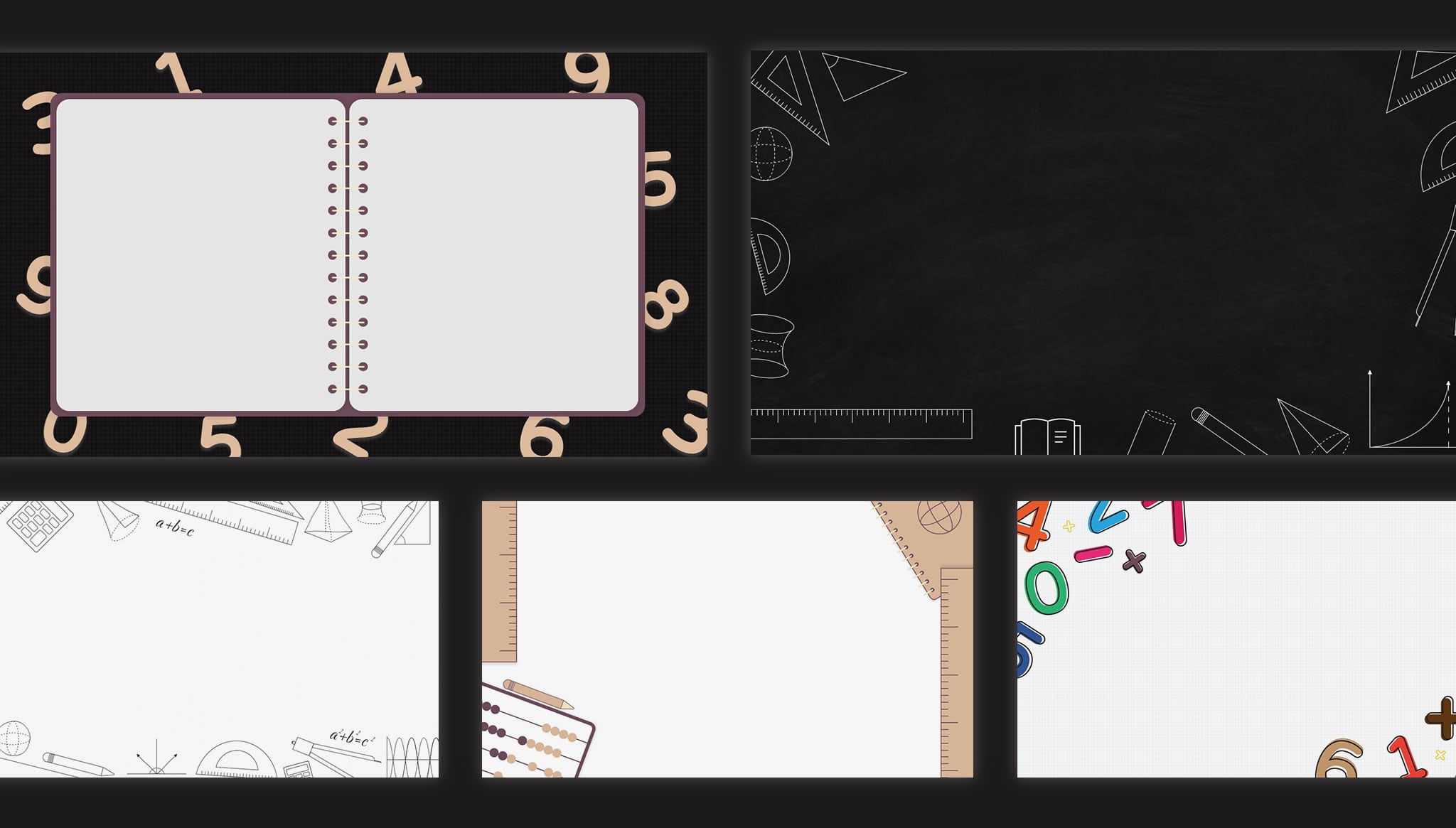
Numbers, equations, and mathematical symbols can do more than fill a page in a textbook. They can give your presentation a visual identity. These free math background templates from SlideChef offer a maths-inspired starting point for creating slides about calculations, mathematical concepts, classroom activities, and academic topics.
Designed for use in PowerPoint and Google Slides, this educational templates collection gives you a ready-made visual foundation instead of starting every maths presentation with a blank slide.
A Mathematical Look for Your Presentation
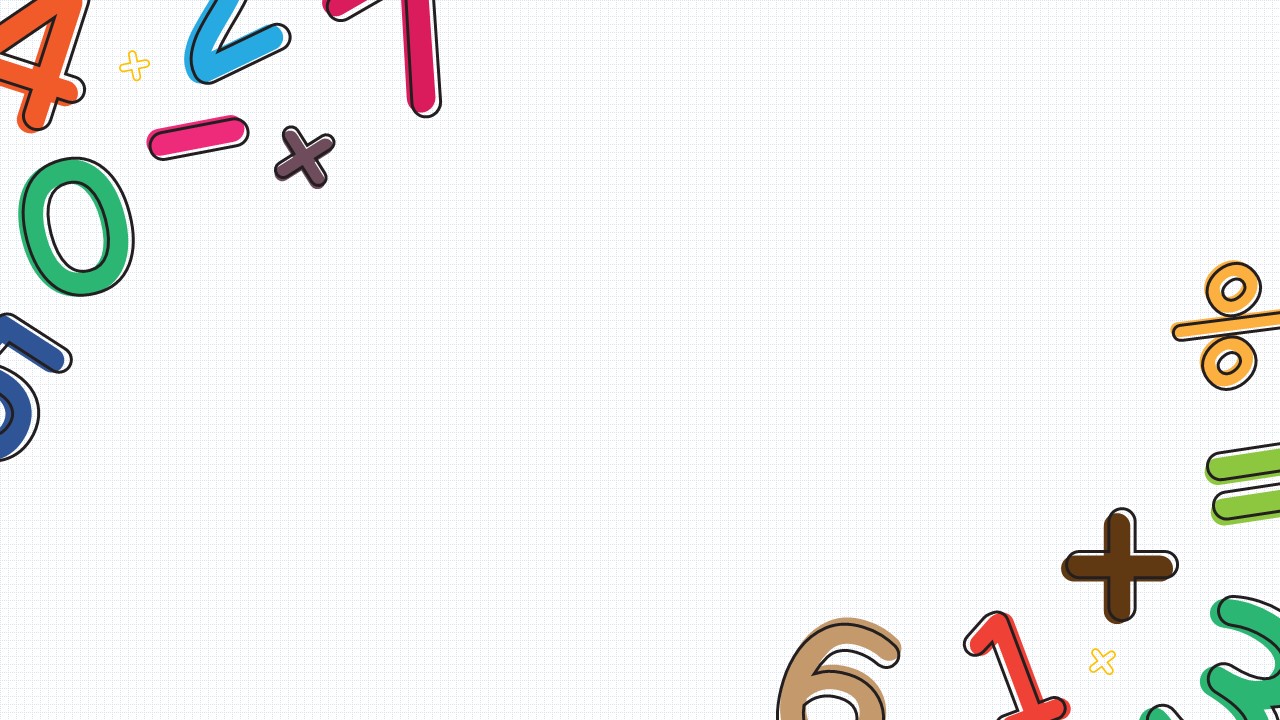
The design brings together mathematical elements and a colourful palette that includes cream, mauve, green, blue, orange, and pink. An equation such as a + b = c adds a recognizable mathematical touch, making the backgrounds suitable for topics where numbers, formulas, and calculations are part of the story.
Use the designs to introduce a maths topic, support an explanation, or give your academic slides a consistent visual theme.
Where Can You Use a Math PPT Background?
A maths-themed background can work across different types of educational and academic presentations.
- Classroom Lessons: Introduce arithmetic, equations, number concepts, and other maths topics with a relevant visual setting.
- Student Projects: Give school assignments, mathematics projects, and classroom presentations a more organized appearance.
- Mathematics Tutorials: Use the backgrounds while explaining calculations, working through examples, or discussing problem-solving methods.
- Academic Presentations: Add a subject-specific design to presentations about mathematical studies, research, and educational topics.
- Learning Activities: Prepare supporting slides for quizzes, practice exercises, and interactive classroom discussions.
Give Your Maths Slides a Consistent Design
A presentation becomes easier to follow when its visual style supports the subject. Rather than switching between unrelated backgrounds, use a coordinated maths theme throughout your slides.
Add your own headings, equations, diagrams, charts, and explanations in PowerPoint or Google Slides. Keep important calculations easy to read, and leave enough space around formulas so that the background does not compete with the lesson.
Download the free math background template from SlideChef and give your next mathematics presentation a more engaging visual foundation.


Related
-

Math Lesson Plan Template for PowerPoint and Google Slides
-

Math Lesson Presentation Template – Free PowerPoint and Google Slides
-
Free Google Slides Virtual Classroom Background PowerPoint Template
-
Boddle Learning Template for PowerPoint
-
Free Classroom Slide Background Template
-
Kids School Presentation Template PPT and Google Slides



Are you looking for Custom Presentation Template Designs?
It is a long established fact that a reader will be distracted by the readable content of a page when or randomised words which don’t look even slightly believable