<< Back to template
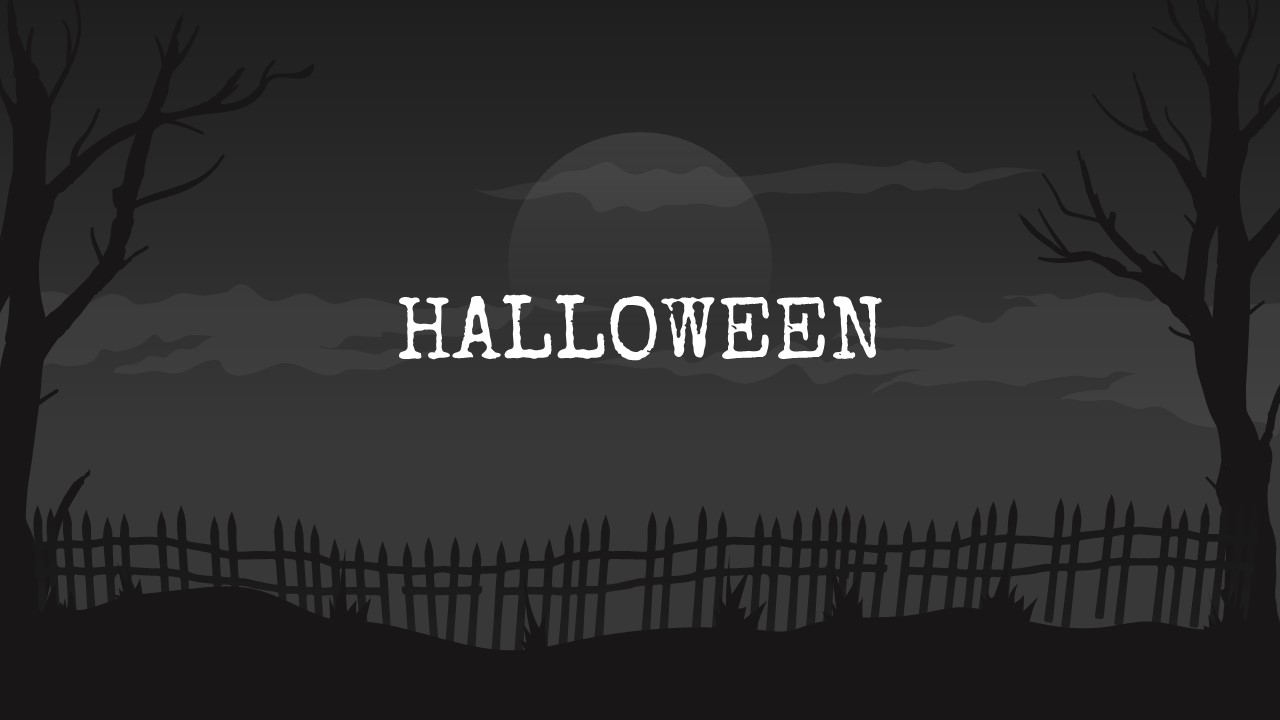
Download Free Halloween Google Slides Template & PPT
Item ID: SCF00082
Google Slide,PowerPoint,Canva
100% Fully Customizable
Free to use
Liked the template? Support SlideChef!
Give us Donation! Help to keep our Templates Free for ever
Hi there! We hope you’re enjoying SlideChef for your presentations. As a free platform, we rely on donations to keep things running. If you find our resources helpful, please consider a small donation. Thank you!
How to Use This Template (PowerPoint, Google Slides & Canva)
- Open Your Preferred Platform:
- In PowerPoint: Open the downloaded .pptx file directly in standard 16:9 widescreen format.
- In Google Slides: Go to File > Make a copy to save the editable deck to your Google Drive.
- In Canva: Click the Canva template link and select "Use template" to import all slides into your workspace.
- Personalize Spooky Headlines & Content:
- Replace placeholder text on the title canvas, "About Us", and quote slides with your topic, classroom instructions, or party rules.
- Adapt Themed Slide Modules:
- Use the three boiling cauldrons (Slide 3) or hanging wooden signs (Slide 5) to display 3-to-6 service items, agenda topics, or trivia categories.
- Detail your major highlight or project pitch on Slide 6 alongside the rising zombie hand graphic.
- Customize Graphics & Color Palette:
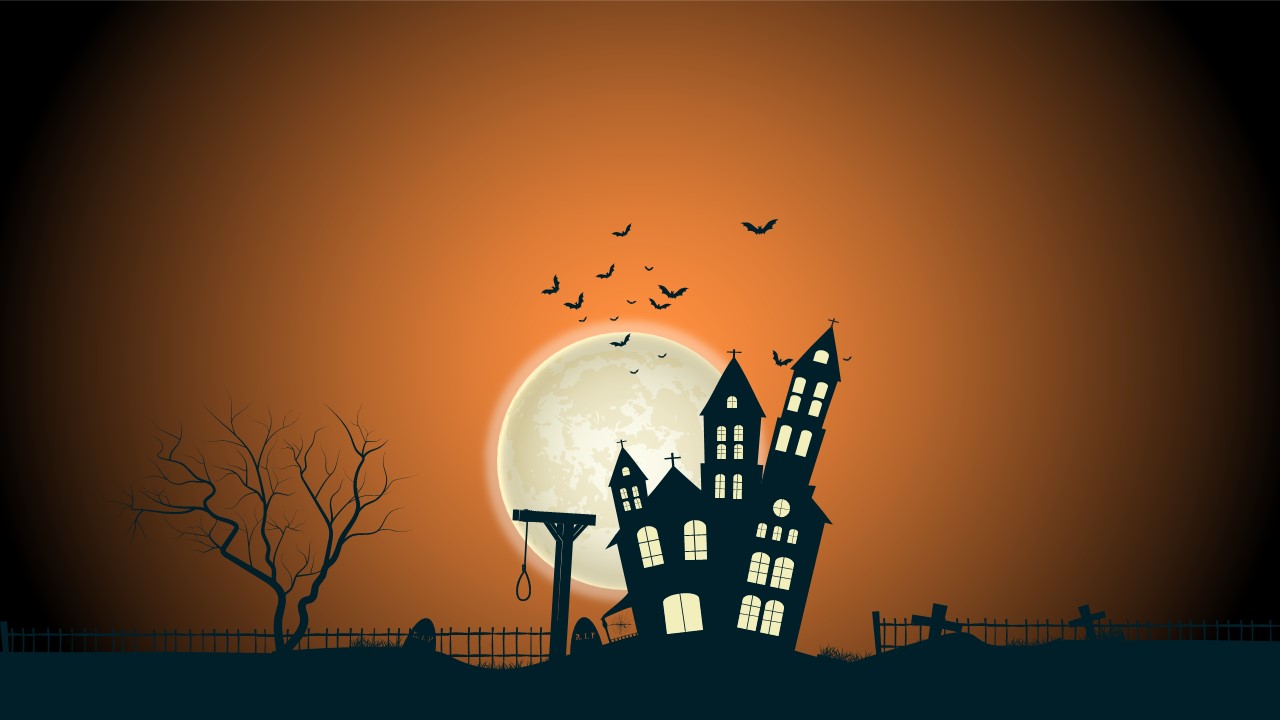
- Rearrange or resize the vector elements—like bats, spider webs, and pumpkins—to suit your layout.
- Highlight target territories on the Slide 7 US vector map by simply clicking and recoloring individual states.
- Present or Export:
- Run in full-screen Slideshow mode for Halloween games, webinars, or classroom lessons.
- Export individual slides as PNG or PDF files to print party signs, flyers, or social media teaser graphics.