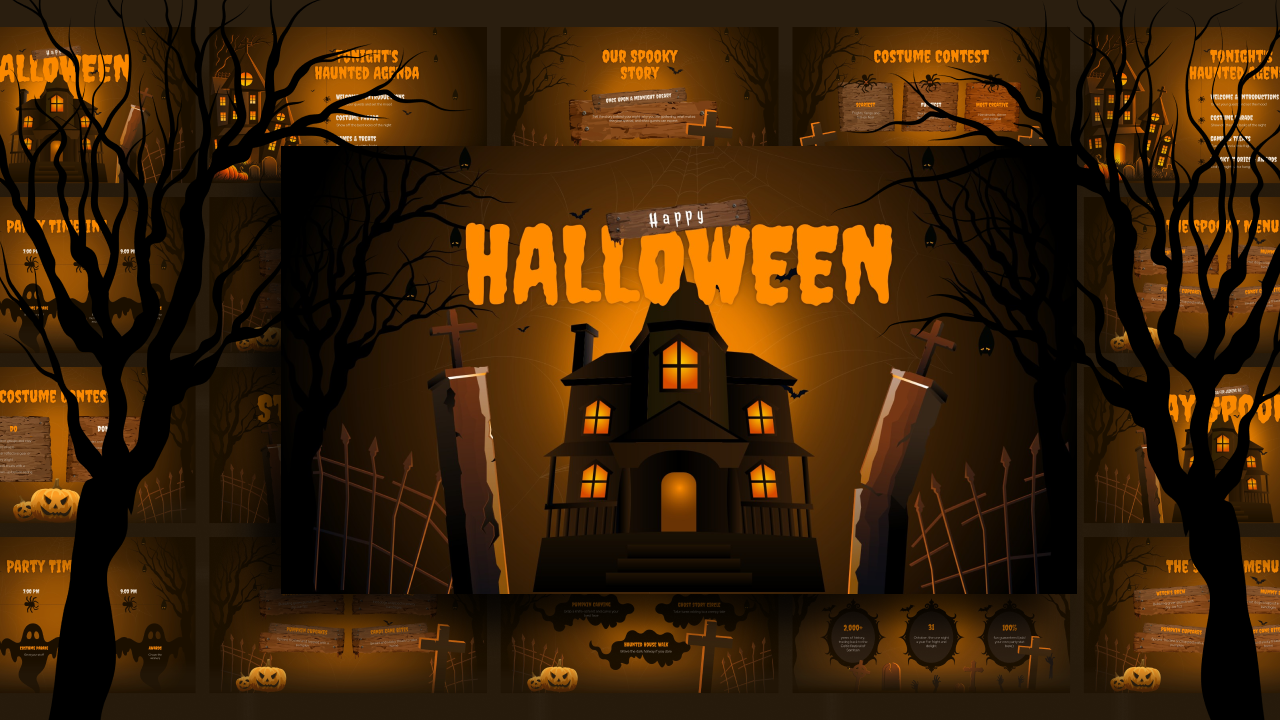
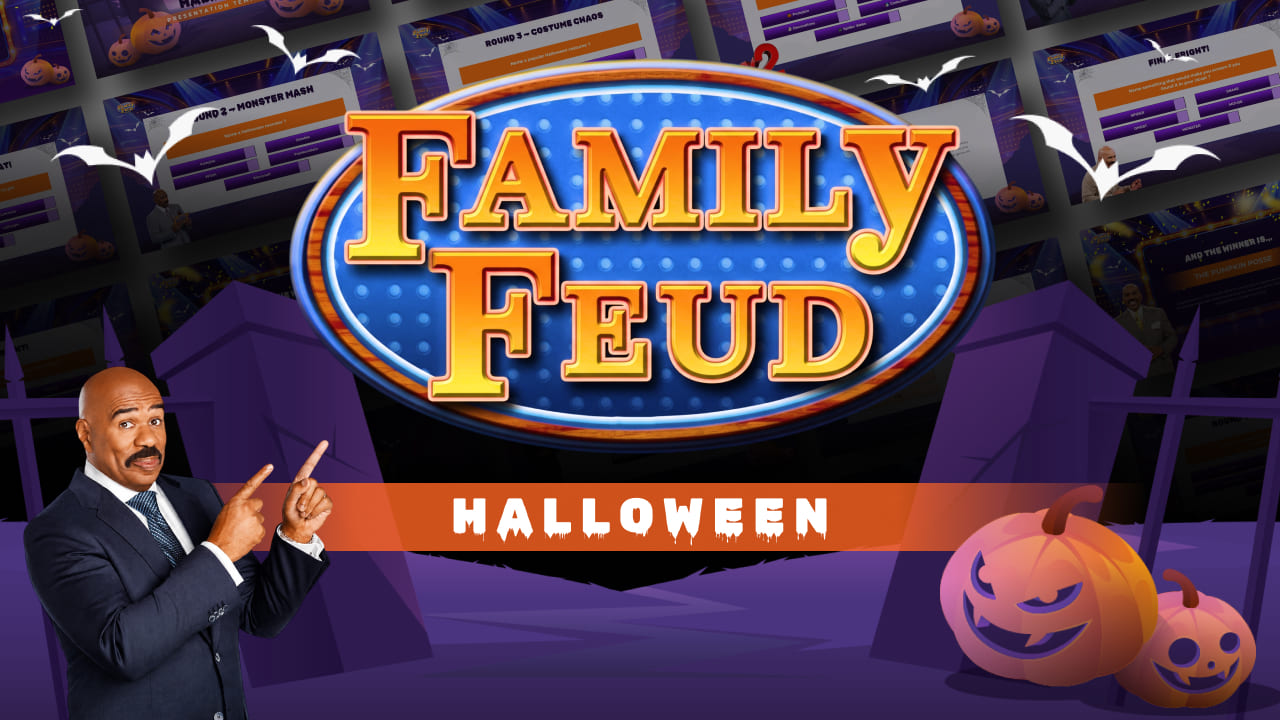
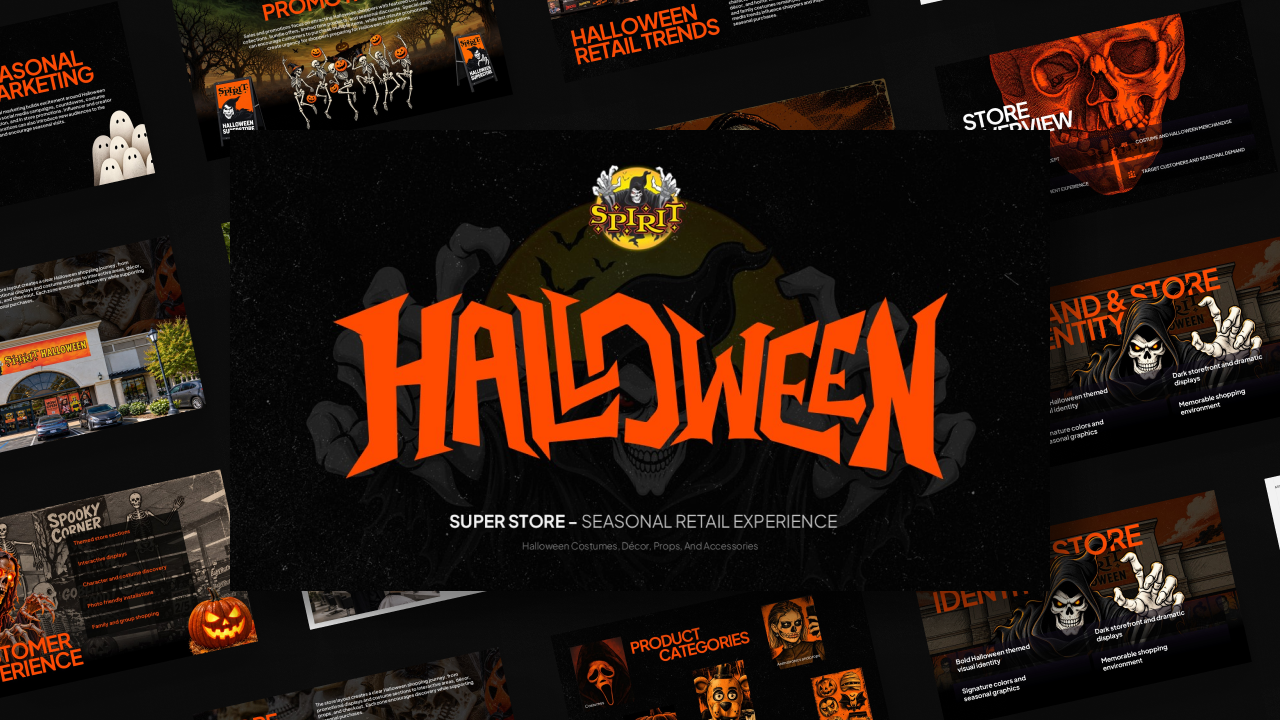
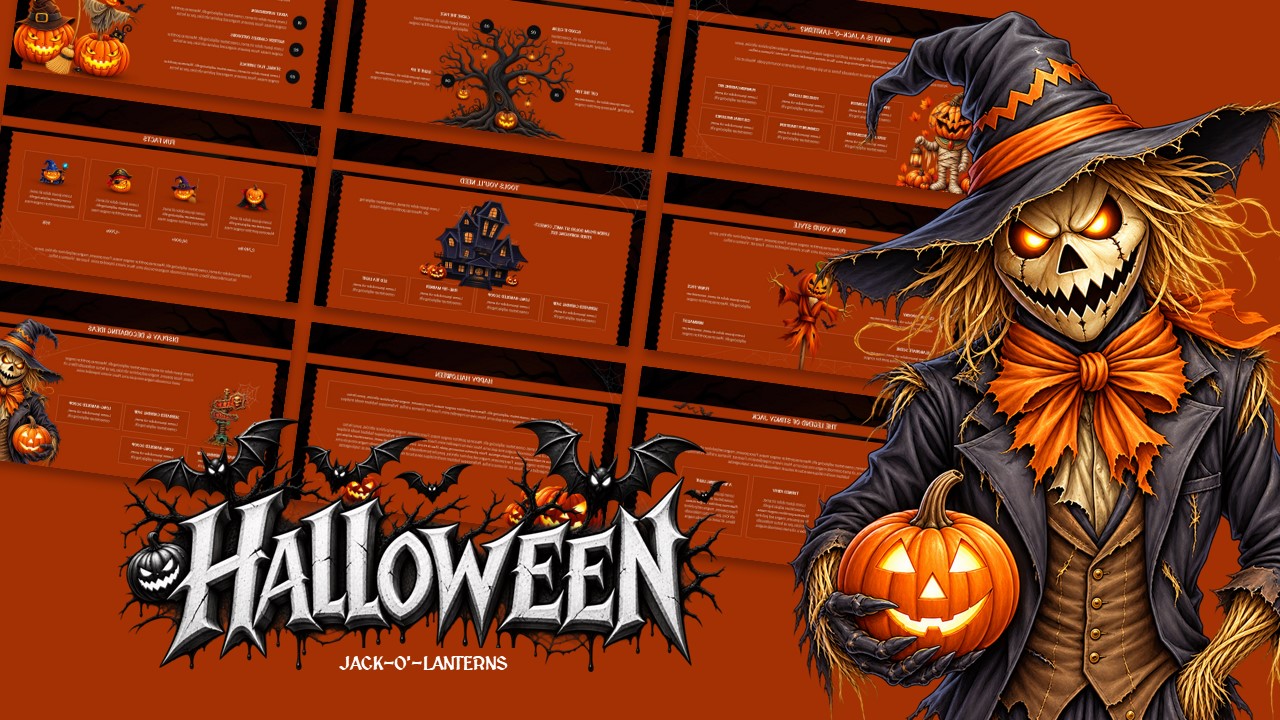
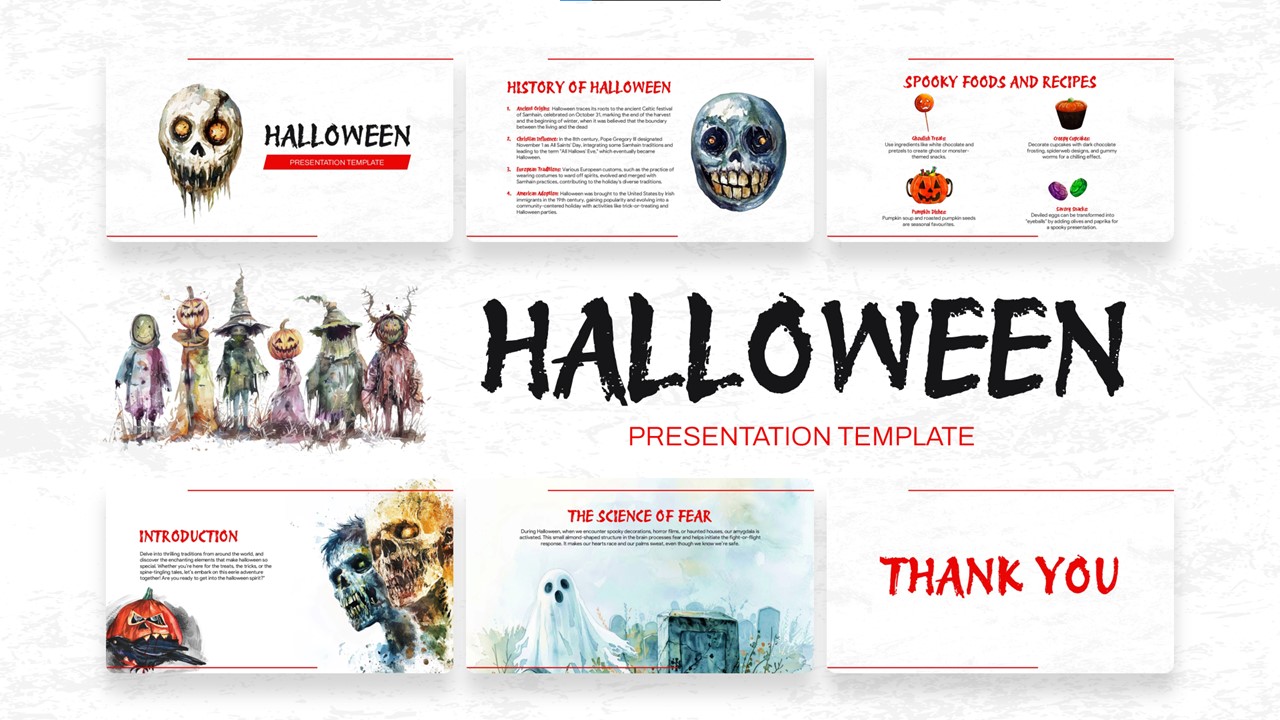
Download Free Halloween Presentation Template & Google Slides Theme
Item ID: SCF00584
Google Slide,PowerPoint
100% Fully Customizable
Free to use
Liked the template? Support SlideChef!
Give us Donation! Help to keep our Templates Free for ever
Hi there! We hope you’re enjoying SlideChef for your presentations. As a free platform, we rely on donations to keep things running. If you find our resources helpful, please consider a small donation. Thank you!
How to Use and Edit This Halloween Presentation Template
Customizing this deck for your project or event takes only a few minutes across your favorite platform:
Option 1: Using in Google Slides
- Open the Deck: Click the Open in Google Slides link on the template page.
- Make a Copy: In the top menu, go to File > Make a copy > Entire presentation to save a fully editable version to your Google Drive.
- Edit Text & Headings: Click into any title or body text box to customize your talking points, agendas, or spooky facts.
- Swap Photos: Right-click any existing vintage photo or art element, select Replace image, and upload your own event pictures, classroom photos, or designs.
- Update Charts & Maps: Click on the infographic bar chart to open the linked Google Sheets data, update the values, and tap Update to refresh the bars instantly.
Option 2: Using in Microsoft PowerPoint
- Download the File: Click Download Free Halloween Presentation Template to save the .pptx file to your computer.
- Open & Enable Editing: Open the file in PowerPoint and click Enable Editing in the top yellow bar if prompted.
- Customize Content: Replace the sample text with your own notes, contest rules, or presentation content.
- Change Images: Right-click any photo placeholder, select Change Picture > From a File..., and choose an image from your device. The layout will keep its original aspect ratio and styling.
- Edit Data: Right-click the bar chart or vector map, select Edit Data, and input your figures directly into the embedded Excel worksheet.
- Rearrange or Duplicate: Use the slide sorter on the left to duplicate your favorite slide layouts or delete sections you don't need before presenting.