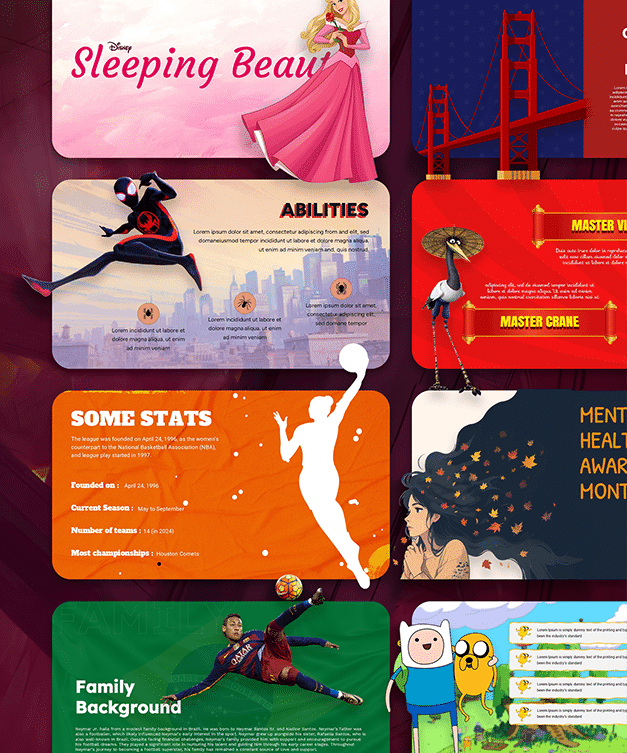
Download Free Pretty Background for PowerPoint
Item ID: SCF00535
PowerPoint
100% Fully Customizable
Free to use
Liked the template? Support SlideChef!
Give us Donation! Help to keep our Templates Free for ever
Hi there! We hope you’re enjoying SlideChef for your presentations. As a free platform, we rely on donations to keep things running. If you find our resources helpful, please consider a small donation. Thank you!
1.Download and Open the Template
-
Download the File: Click the download button on the template page on your website to save the PowerPoint file (
.pptx) to your computer. -
Open in PowerPoint: Locate the downloaded file in your downloads folder and double-click it to open it directly in Microsoft PowerPoint.
-
Alternative (Google Slides): If you prefer using Google Slides, go to Google Slides, click on the Folder (File picker) icon in the top right, select the Upload tab, and drag and drop your downloaded file.
2. How to Apply and Customize the Background
-
Check Master Slides (If applicable): If the background is embedded as a slide layout, go to View > Slide Master in PowerPoint to view or edit the background across all slides.
-
Replace or Set Background Image: Right-click anywhere on the slide canvas, select Format Background, and choose Picture or texture fill if you want to swap, adjust transparency, or re-apply the aesthetic watercolor background.
-
Add Your Text: Click on the placeholder text boxes to type your presentation title, subtitles, or bullet points. Choose soft, elegant fonts (like Playfair Display, Lato, or Montserrat) to complement the pretty artistic style.