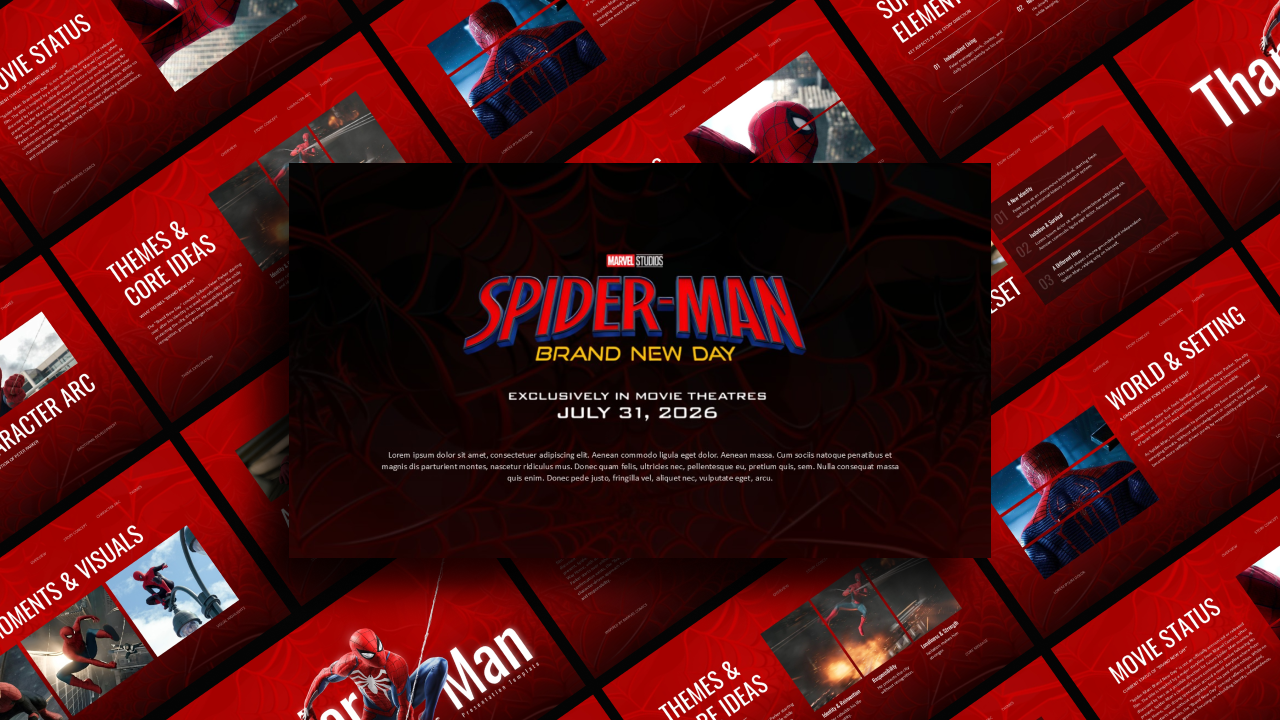
Download Free Spider man template PowerPoint & Google Slides
Item ID: SCF00124
Google Slide,PowerPoint
100% Fully Customizable
Free to use
Liked the template? Support SlideChef!
Give us Donation! Help to keep our Templates Free for ever
Hi there! We hope you’re enjoying SlideChef for your presentations. As a free platform, we rely on donations to keep things running. If you find our resources helpful, please consider a small donation. Thank you!
How to Use the Free Spiderman Movie Theme Presentation Template
Get ready to swing into action and deliver a heroic presentation! Whether you are breaking down the latest cinematic release, analyzing comic book history, or hosting a fun school project, this web-slinging template gives you the perfect action-packed backdrop.
Follow this step-by-step guide to customize your Spiderman-themed slides in either format:
For Microsoft PowerPoint Users
Step 1: Download and Unlock the Action: Save the template file to your computer. Open it in PowerPoint and click Enable Editing on the yellow notification bar at the top to unlock all text layers, shapes, and graphic elements.
Step 2: Customize Your Heroic Headlines: Click directly into the bold, comic-style text boxes on the title slide to overwrite the placeholder copy with your own presentation title, movie review headings, or speaker name.
Step 3: Swap Character and Scene Visuals: To update the placeholders with your favorite screenshots of the wall-crawler, villain concept art, or comic panels, right-click the image, select Change Picture, and upload a file from your device.
Step 4: Arrange Your Storyboard: Navigate through the slide thumbnails on the left panel. Right-click to duplicate layouts you love—like the action item timelines or character comparison grids—and delete any slides you don't need.
Step 5: Launch the Movie Premiere: Save your final file, click on the Slide Show tab at the top menu, and select From Beginning to showcase your Spiderman presentation full screen.
For Google Slides Users
Step 1: Save the Template to Your Drive: Click the provided Google Slides template link. When the preview window opens, click the Make a copy button to securely save an editable version directly into your personal Google Drive.
Step 2: Edit Your Text Fields in the Cloud: Double-click any header or paragraph block to rewrite the copy directly in your browser window. Your edits save automatically in real-time as you type.
Step 3: Replace Web-Slinging Graphics: Click once on any image placeholder you want to change. Select Replace image from the top toolbar, choose Upload from computer, and select your own movie poster art or comic graphics to fill the frame instantly.
Step 4: Collaborate With Your Team: If you are working on a group presentation, click the blue Share button in the top right corner to invite your friends or classmates to edit the project with you live.
Step 5: Present Right From Your Browser: Once your superhero deck is polished and ready, click the Present button located next to your profile icon in the top right corner to take your audience on a cinematic journey.