<< Back to template
Download Free Spooky Dark Halloween PowerPoint Template & Google Slides
Item ID: SCF00222
Google Slide,PowerPoint
100% Fully Customizable
Free to use
Liked the template? Support SlideChef!
Give us Donation! Help to keep our Templates Free for ever
Hi there! We hope you’re enjoying SlideChef for your presentations. As a free platform, we rely on donations to keep things running. If you find our resources helpful, please consider a small donation. Thank you!
How to Use This Template (PowerPoint & Google Slides)
- Download and Open Your Deck:
- In PowerPoint: Open the downloaded .pptx file directly in widescreen 16:9 format. Every tombstone, web, and potion icon is an editable vector shape ready for customization.
- In Google Slides: Upload the presentation file to Google Drive and open with Google Slides to collaborate with your team in real time.
- Customize Your Cover & Section Titles:
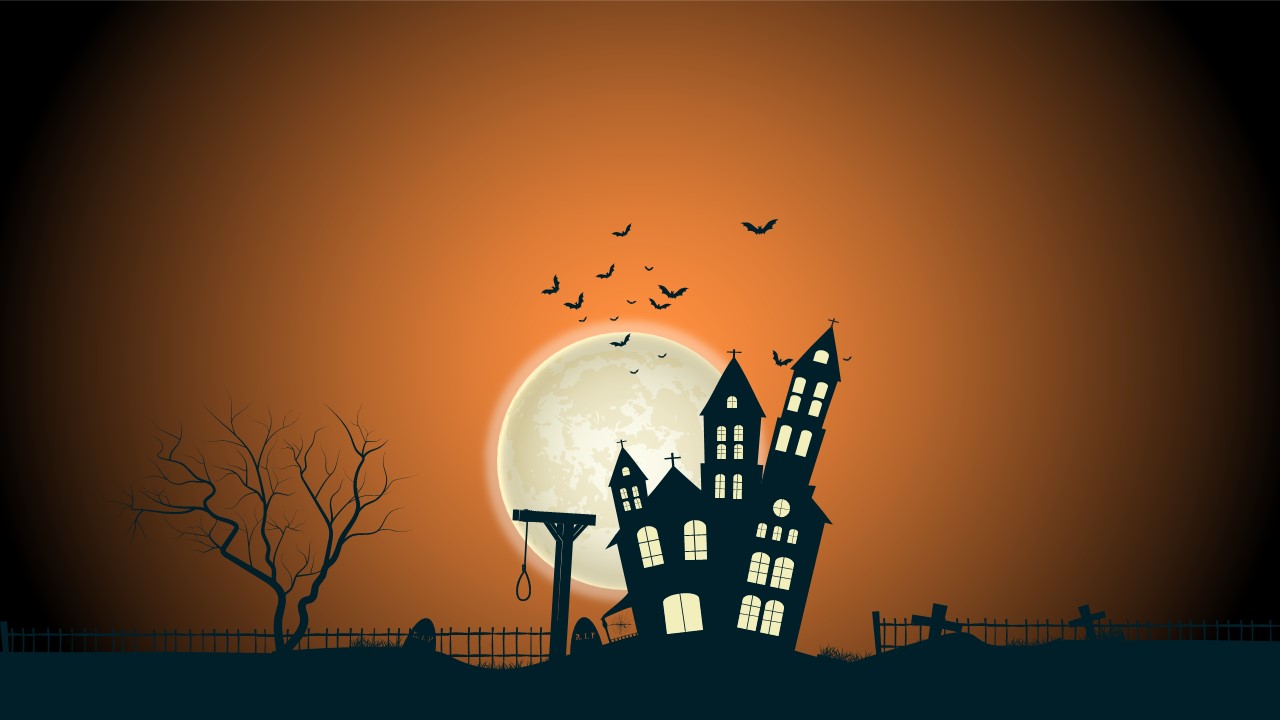
- Double-click the distressed title font on Slide 01 to add your event or presentation name over the full-moon graveyard backdrop.
- Edit Slide 02 to introduce your team, club, or event agenda with the three rounded character badges (Frankenstein, cauldron, and ghost).
- Adapt Custom Thematic Infographics:
- On Slide 04, update the text fields along the dashed flight trajectory to map your event timeline or historical dates chronologically.
- On Slide 06, populate the 8-node orange spiderweb branches with service offerings, vendor names, or discussion topics.
- On Slide 07, use the dual orange and purple carved pumpkins to compare contrasting options or event tiers.
- Drop in Your Own Photos & Media:
- On Slide 08 (Options), right-click the photo containers and choose Change Picture to insert snapshots of past events, costume entries, or venue photos directly alongside the orange text cards.
- Present Live or Export Clean Graphics:
- Run in full-screen slideshow mode for your live Halloween party, classroom talk, or webinar.
- Export individual slides as high-resolution PNG images to print festive posters, share schedules on social media, or distribute flyers.