Download Free Stranger Things PowerPoint Template and Google Slides
Item ID: SCF00171
Google Slide,PowerPoint
100% Fully Customizable
Free to use
Liked the template? Support SlideChef!
Give us Donation! Help to keep our Templates Free for ever
Hi there! We hope you’re enjoying SlideChef for your presentations. As a free platform, we rely on donations to keep things running. If you find our resources helpful, please consider a small donation. Thank you!
How to Use the Stranger Things Theme Template
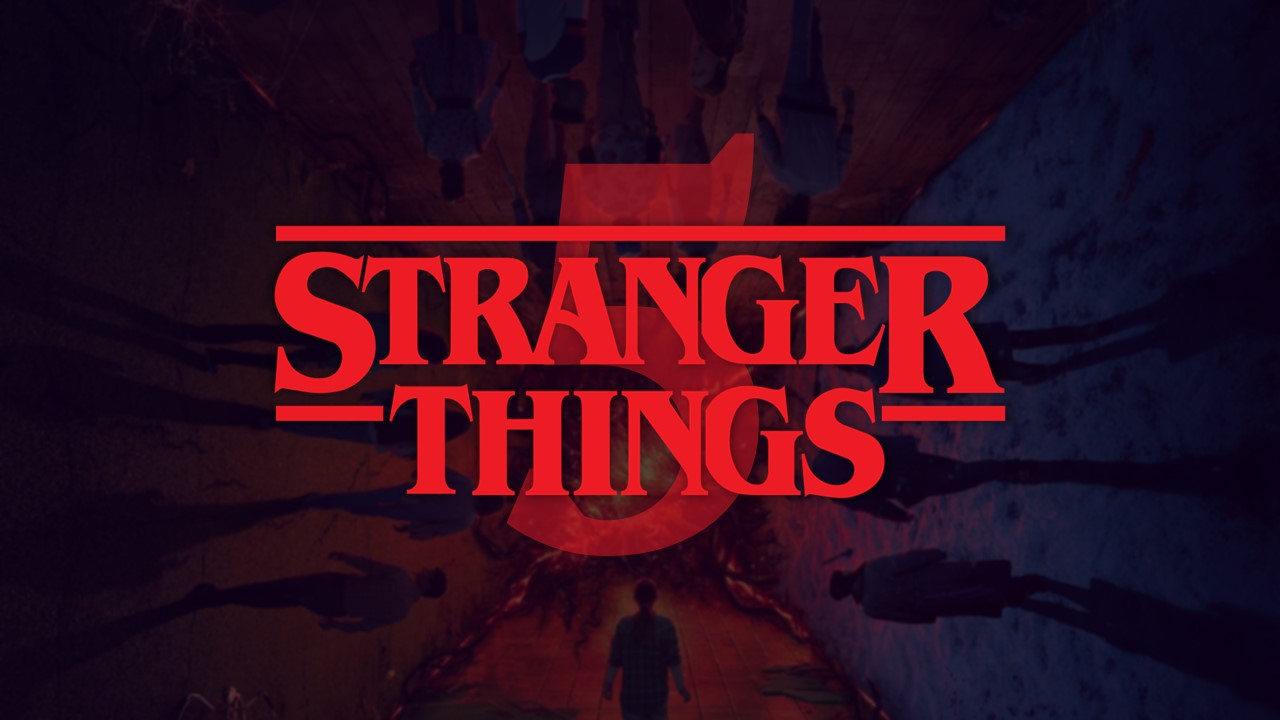
Transport your audience straight to Hawkins and the Upside Down. Featuring retro neon red typography, dark misty backgrounds, and detailed monster graphic spaces, this template provides a spooky, thematic backdrop for TV show reviews, retro pop-culture breakdowns, or creative media projects.
For Microsoft PowerPoint Users
- Unlock the Gateway: Download the presentation file to your device. When you open it in PowerPoint, click the yellow Enable Editing button on the top notification banner to unlock the layout fields, text blocks, and vector shapes.
- Rewrite the Script: Click directly into the signature neon red title blocks or standard paragraph areas to overwrite the placeholder copy with your own character lists, plot descriptions, or research notes.
- Swap Out Supernatural Visuals: To update the pre-set image boxes featuring the main crew or the Demogorgon, right-click the asset, select Change Picture, and pick a file from your storage to automatically fit the frame.
- Map the Monster Evolution: Utilize specialized chronological layouts—like the Dart-to-Demogorgon evolutionary timeline—to display progressive data, moving elements around or changing text descriptions to fit your workflow.
- Launch the Premiere: Save your complete deck, navigate up to the top ribbon menu, open the Slide Show tab, and select From Beginning to view your presentation full screen.
For Google Slides Users
- Claim Your Copy: Click the provided link in your browser window. Once the preview file populates, click the Make a copy option to securely duplicate the theme layouts directly into your personal Google Drive dashboard.
- Modify Content in the Cloud: Double-click any header or bulleted list item to change the text right inside your web browser. The platform tracks your typing and automatically saves updates in real-time.
- Replace Spooky Assets: Click once on any graphic panel or illustration, choose Replace image from the upper utility toolbar, and upload your choice of fan art or official series screenshots.
- Assemble the Party: Invite your friends or project partners to co-edit the slides by clicking the blue Share button in the upper-right corner, letting your team plan the final talk simultaneously.
- Stream Live Online: Review your finalized layout order, then click the Present button located right next to your profile picture icon to project your slides full screen straight from the browser.