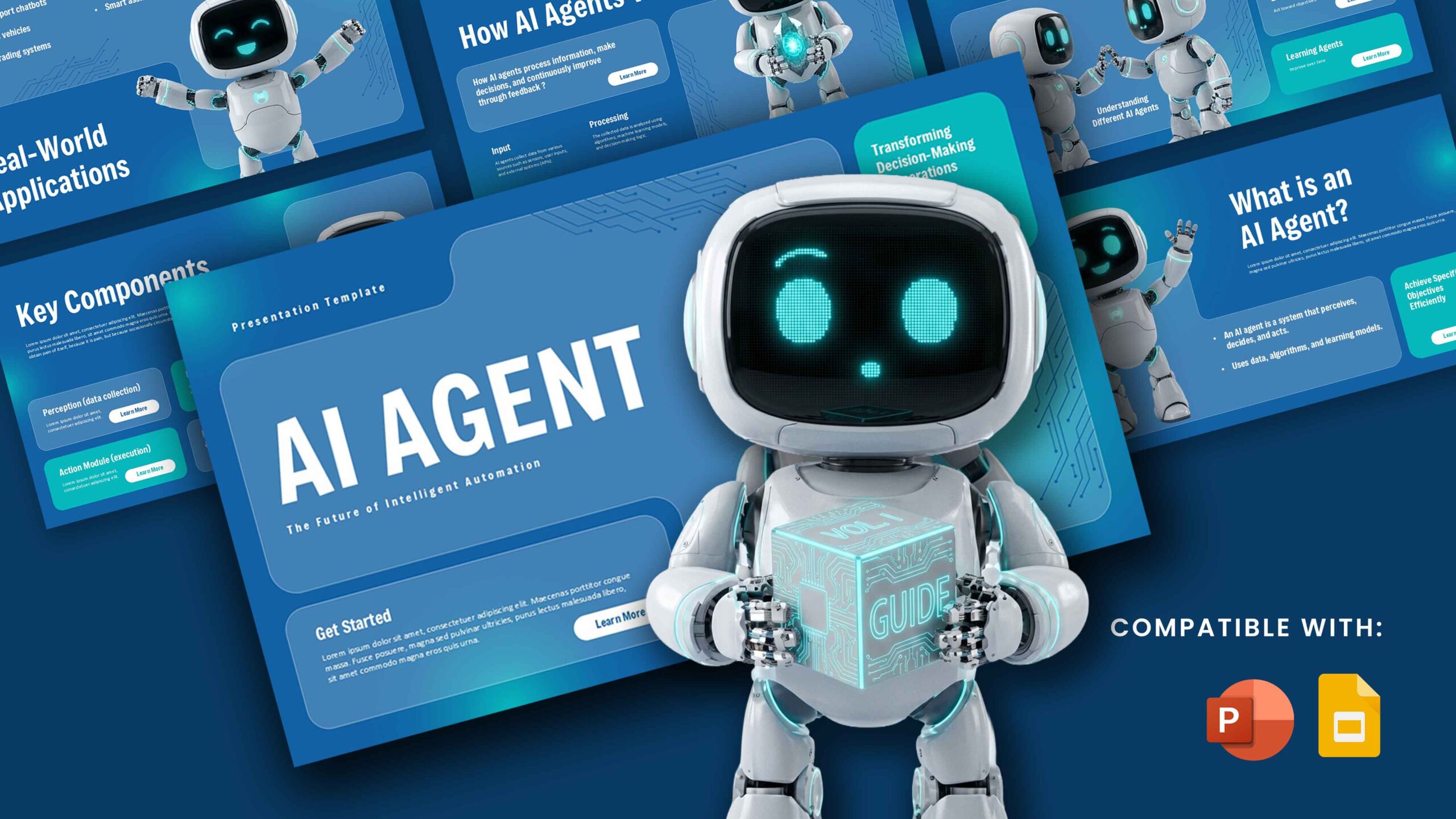
Download Gemini Agent – AI Presentation Template
Item ID: SCF01974
PowerPoint,Canva
100% Fully Customizable
Free to use
Liked the template? Support SlideChef!
Give us Donation! Help to keep our Templates Free for ever
Hi there! We hope you’re enjoying SlideChef for your presentations. As a free platform, we rely on donations to keep things running. If you find our resources helpful, please consider a small donation. Thank you!
How to Use This Gemini Agent Template
Bring your AI presentation to life with this editable template, available in Microsoft PowerPoint and Canva. Follow these simple steps to customize it:
1. Choose Your Format: Download the PowerPoint file or open the Canva version to start editing.
2. Customize the Cover Slide: Add your presentation title, name, company logo, and presentation date.
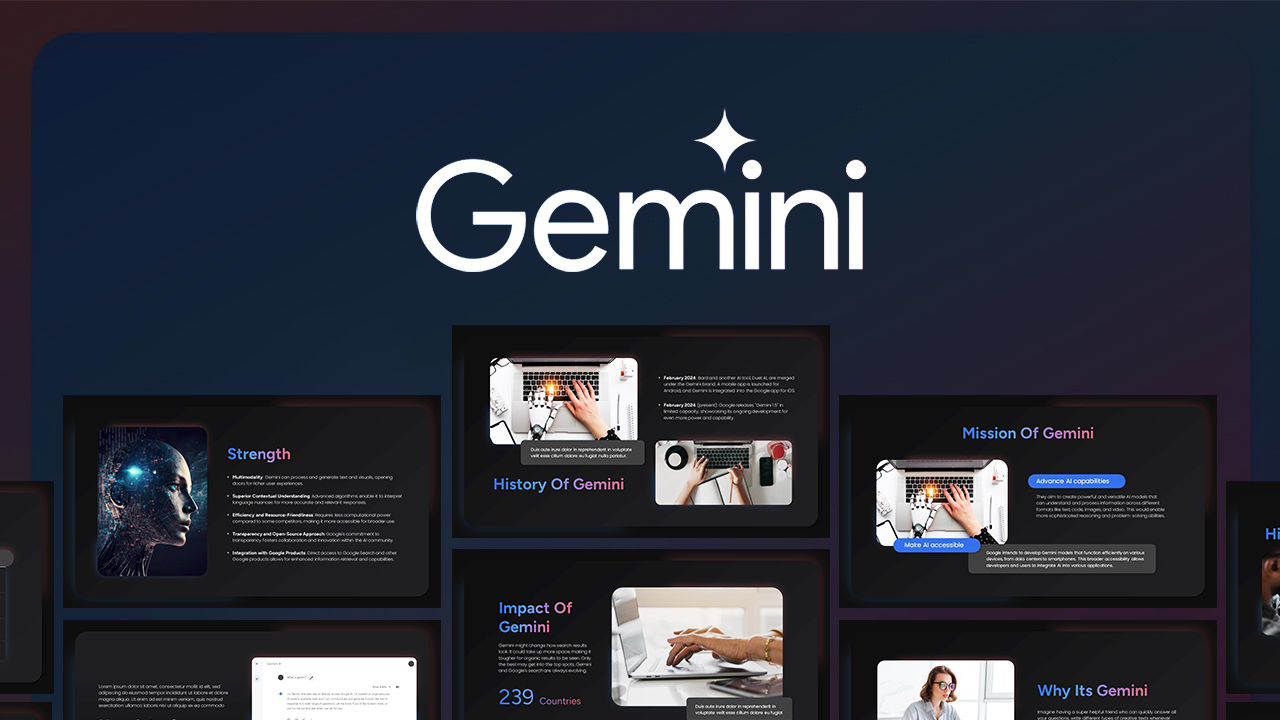
3. Introduce Gemini Agent: Use the introductory slides to explain what Gemini Agent is and how it differs from traditional AI assistants.
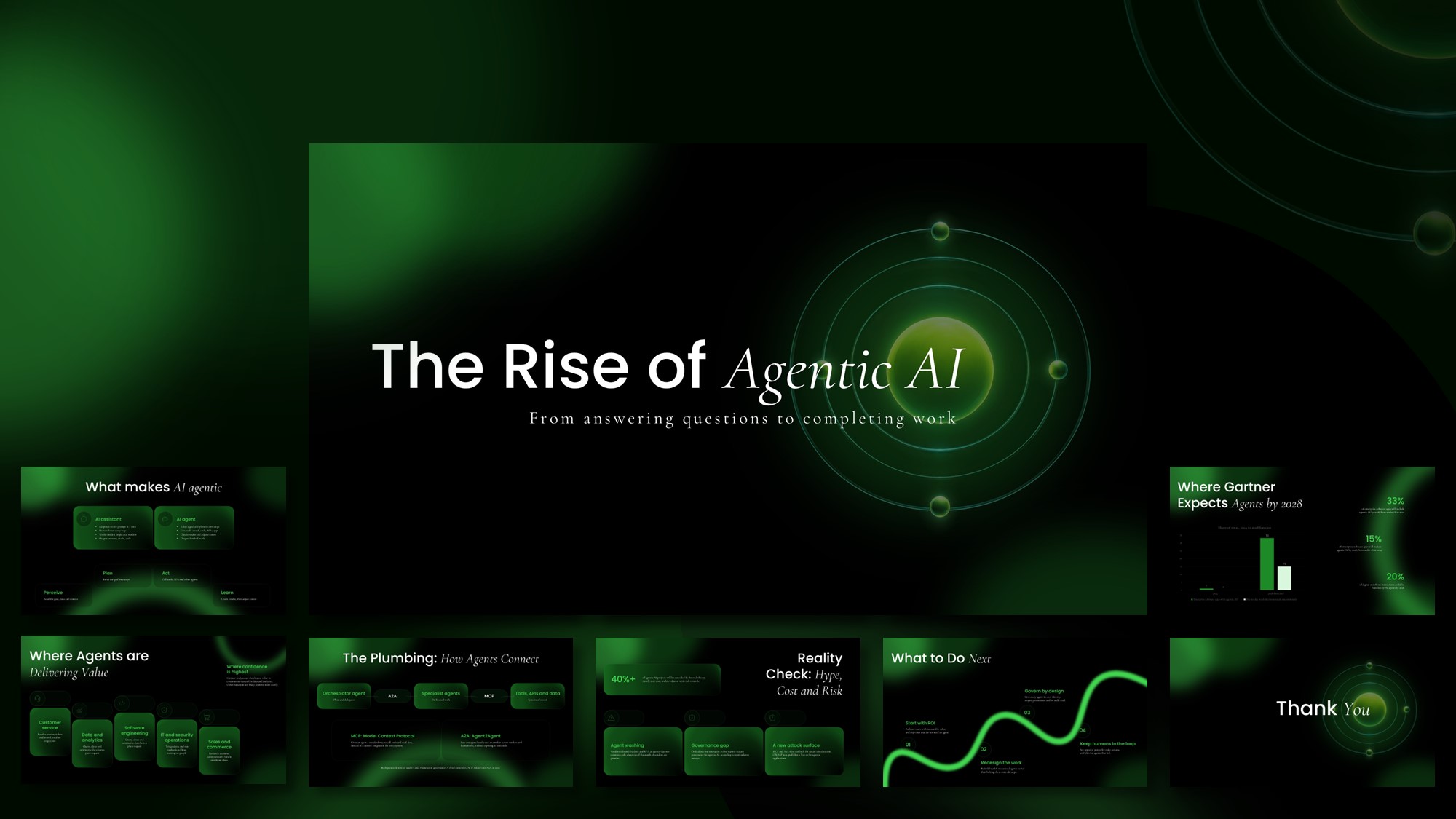
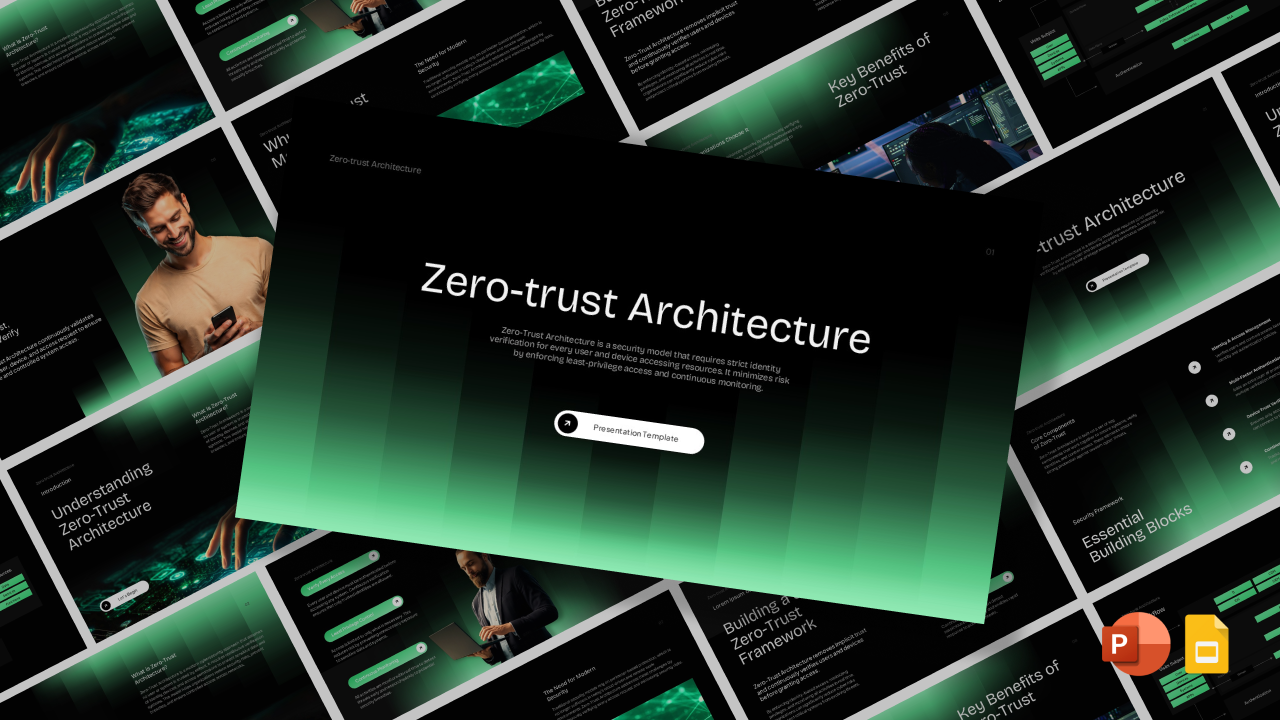
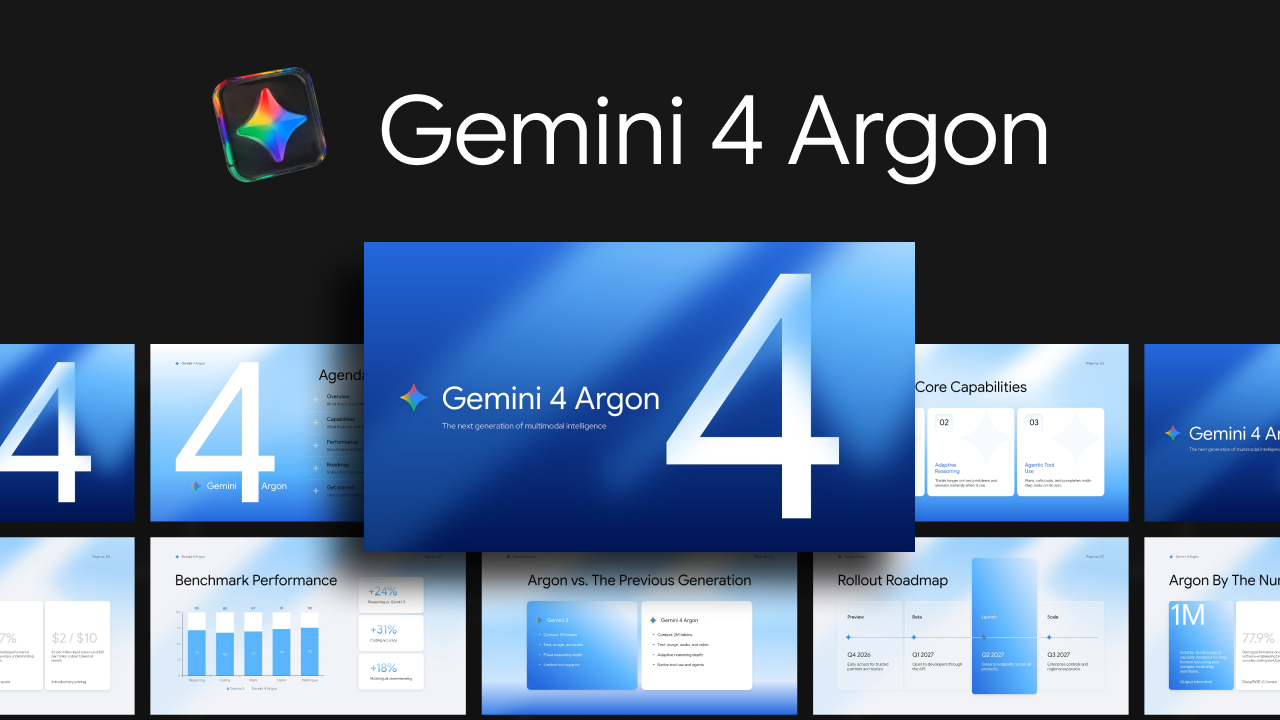
4. Explore Its Features: Present its capabilities, operating modes, memory systems, AI models, integrations, and security controls using the dedicated layouts.
5. Edit the Content: Replace the sample text with your own explanations, business examples, research findings, or use cases. You can also modify colours, fonts, icons, and visual elements.
6. Add Your Own Slides: Duplicate existing layouts or rearrange slides to create a presentation that matches your requirements.
7. Present or Share: Once your edits are complete, present directly from PowerPoint or Canva, or export your presentation as a PDF.
Tip: Keep the Google Gemini-inspired colour palette consistent throughout your slides to maintain the template's modern AI-focused look.