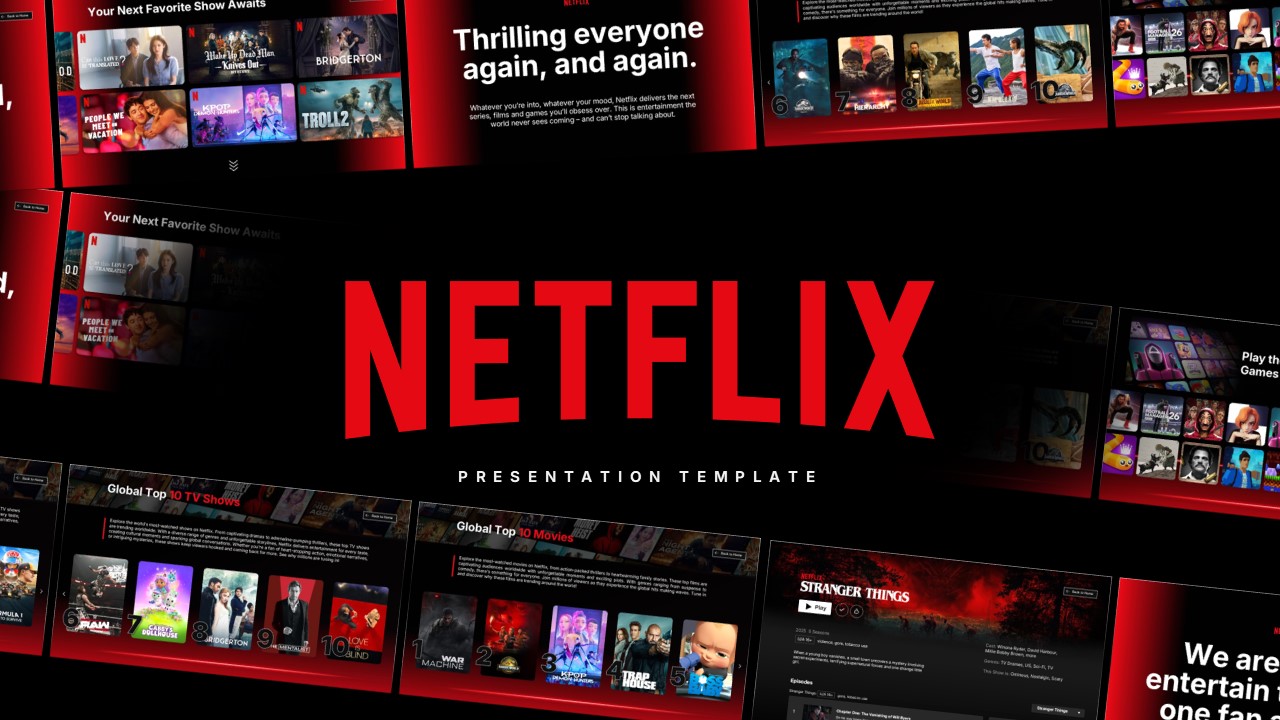
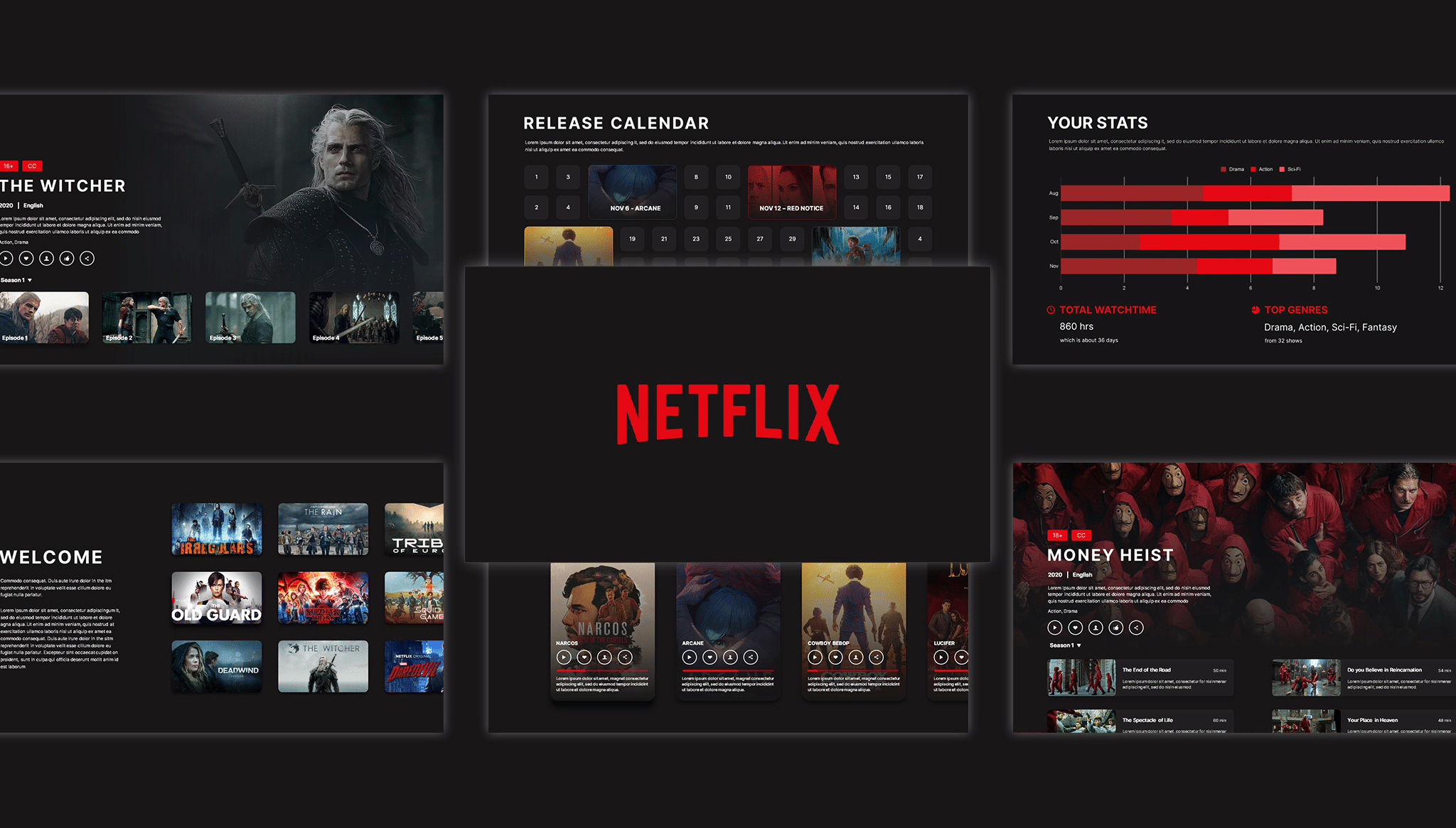
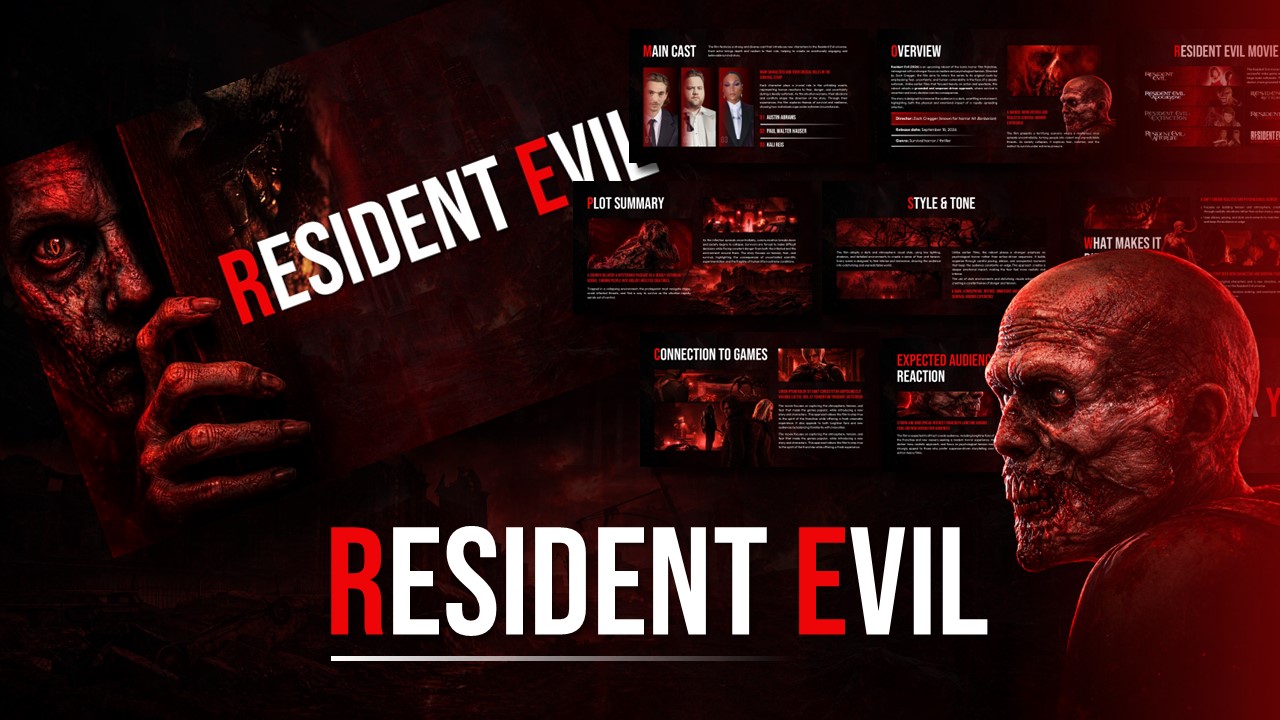
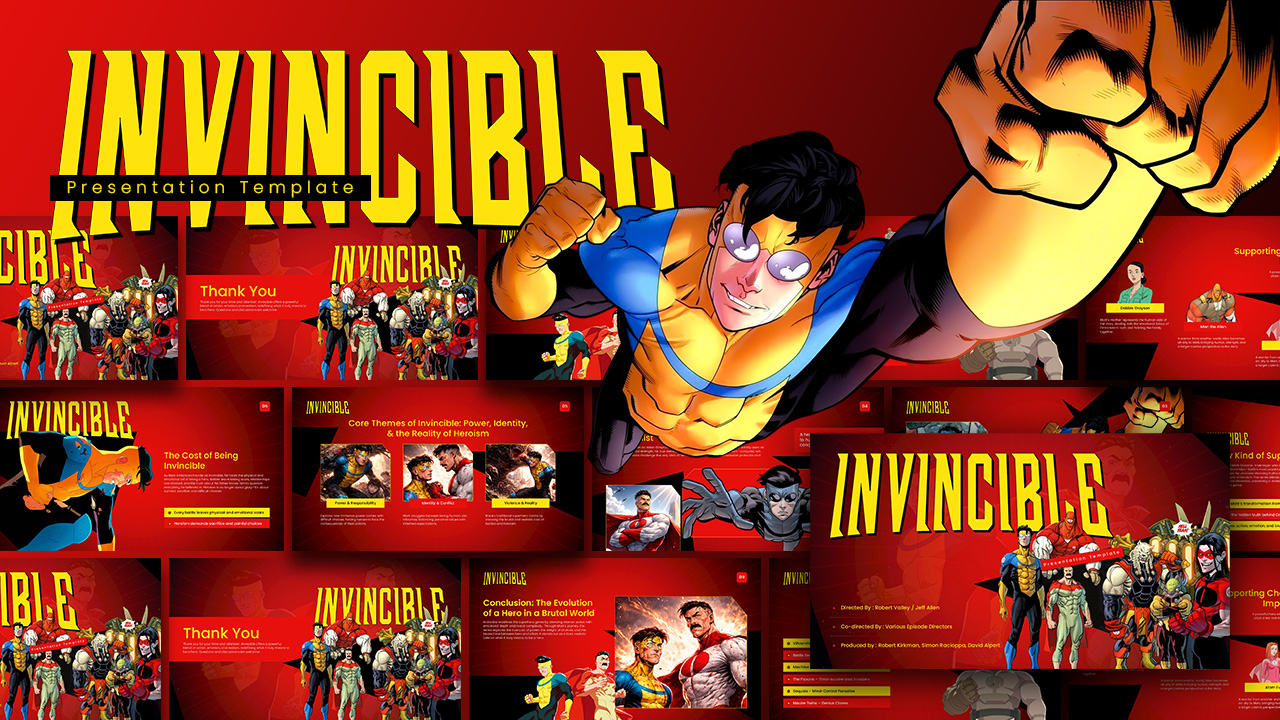
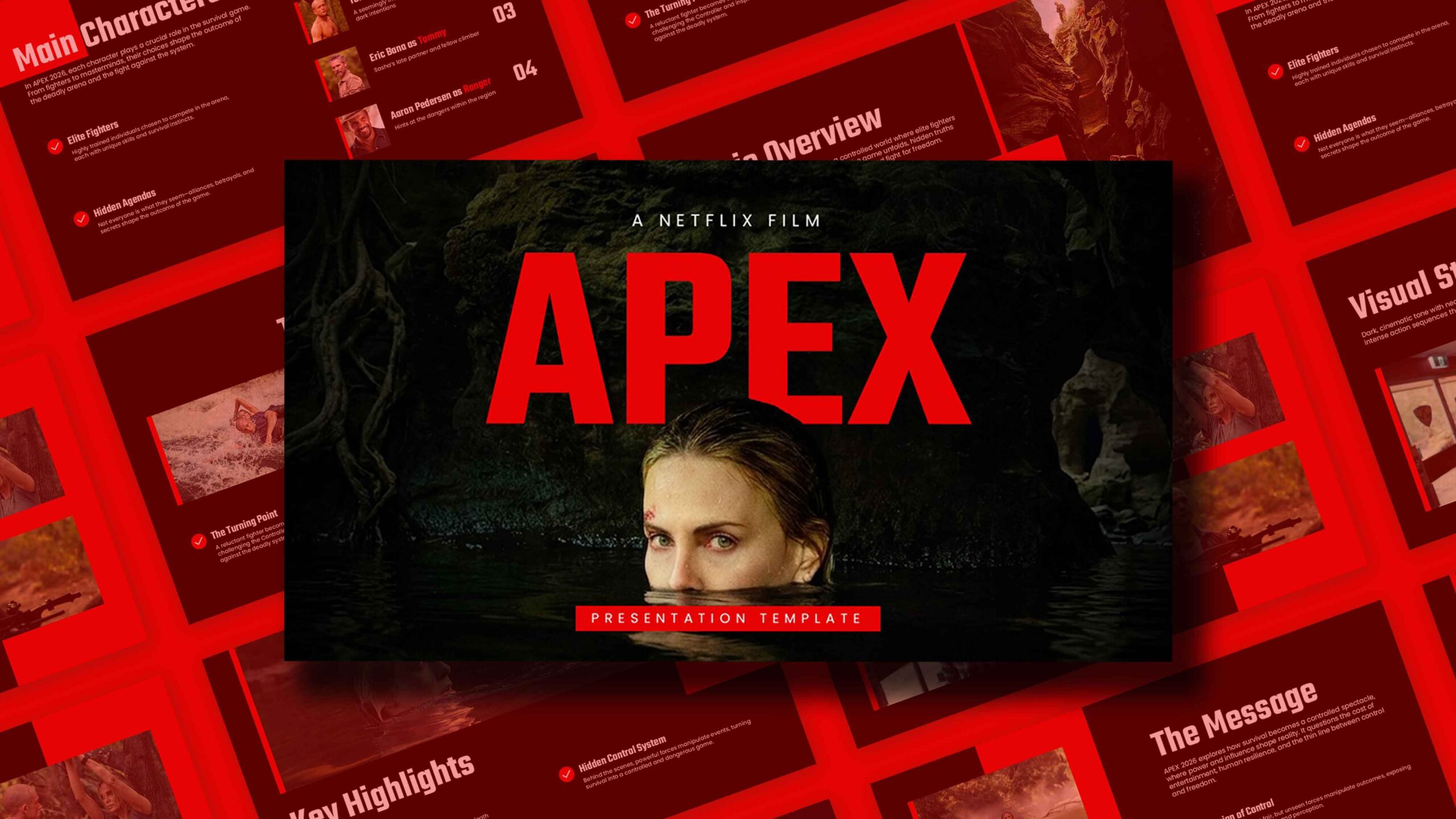
Download I Will Find You Netflix Series Theme Template
Item ID: SCF01689
PowerPoint,Canva
100% Fully Customizable
Free to use
Liked the template? Support SlideChef!
Give us Donation! Help to keep our Templates Free for ever
Hi there! We hope you’re enjoying SlideChef for your presentations. As a free platform, we rely on donations to keep things running. If you find our resources helpful, please consider a small donation. Thank you!
How to Use this I Will Find You Series Template
Bring the gritty suspense of the trending Netflix series straight to your audience. Whether you are constructing a comprehensive series review, an analysis of the crime thriller genre, or a detailed breakdown of the show's adaptation elements, this template provides the ultimate dark, cinematic canvas. Follow this full step-by-step guide to customize your mystery drama presentation in either format:
For Microsoft PowerPoint Users
- Step 1: Download and Unlock Layouts: Save the file to your device, open it in PowerPoint, and select Enable Editing on the top notification banner to fully unlock all the layout layers and text boxes.
- Step 2: Customize the Main Titles: Click directly into the bold header text fields on the title slide to adapt the wording for your unique presentation theme or streaming show panel.
- Step 3: Build Your Plot Summary: Head to the narrative timeline slide and click the paragraph blocks to replace the default text with your chronological breakdown of the twists and turns inside I will find you.
- Step 4: Map the Character Breakdown: Select the multi-panel layout to list the main characters, inputting your personal analysis of the main suspects, victims, and investigators right into the dedicated text blocks.
- Step 5: Swap the Suspenseful Imagery: To update the atmospheric backgrounds or scene placeholders with your own custom promotional graphics, right-click the image, choose Change Picture, and select a file straight from your computer.
- Step 6: Present Your Thriller Review: Save your finalized deck, navigate to the Slide Show tab on your top menu, and select From Beginning to launch your presentation full screen, wrapping up on the high-impact closing slide.
For Canva Users
- Step 1: Duplicate the Layout: Click your provided access link to open the deck in your browser. Go to File in the upper-left menu bar and select Make a copy to save an editable version directly into your personal Canva dashboard.
- Step 2: Rewrite Headlines Instantly: Double-click any line of text to seamlessly overwrite the subtitles, marketing tags, or main theme headings with your custom talking points.
- Step 3: Deep Dive Into Major Themes: Click the organized text grids to list and analyze the core concepts of the mystery drama, detailing motifs like betrayal, family loyalty, and systemic corruption.
- Step 4: Drag-and-Drop Show Visuals: Upload your choice of official screenshots, fan art, or promotional graphics into your Canva library, then simply drag and drop them directly into the pre-shaped photo frames.
- Step 5: Adjust Graphic Assets: Click individual background textures, color blocks, or cinematic fonts to resize them, move them around the workspace, or tweak the colors to perfectly fit your brand style.
- Step 6: Stream Your Presentation Live: Review your complete series breakdown in grid view, then click the Present icon in the top right corner to display your slides full screen directly from your web browser.
Netflix Same Page Interview with the Cast provides a closer look at the lead actors analyzing the show's complex character dynamics and major mysteries, giving you excellent background context to help write your presentation talking points.