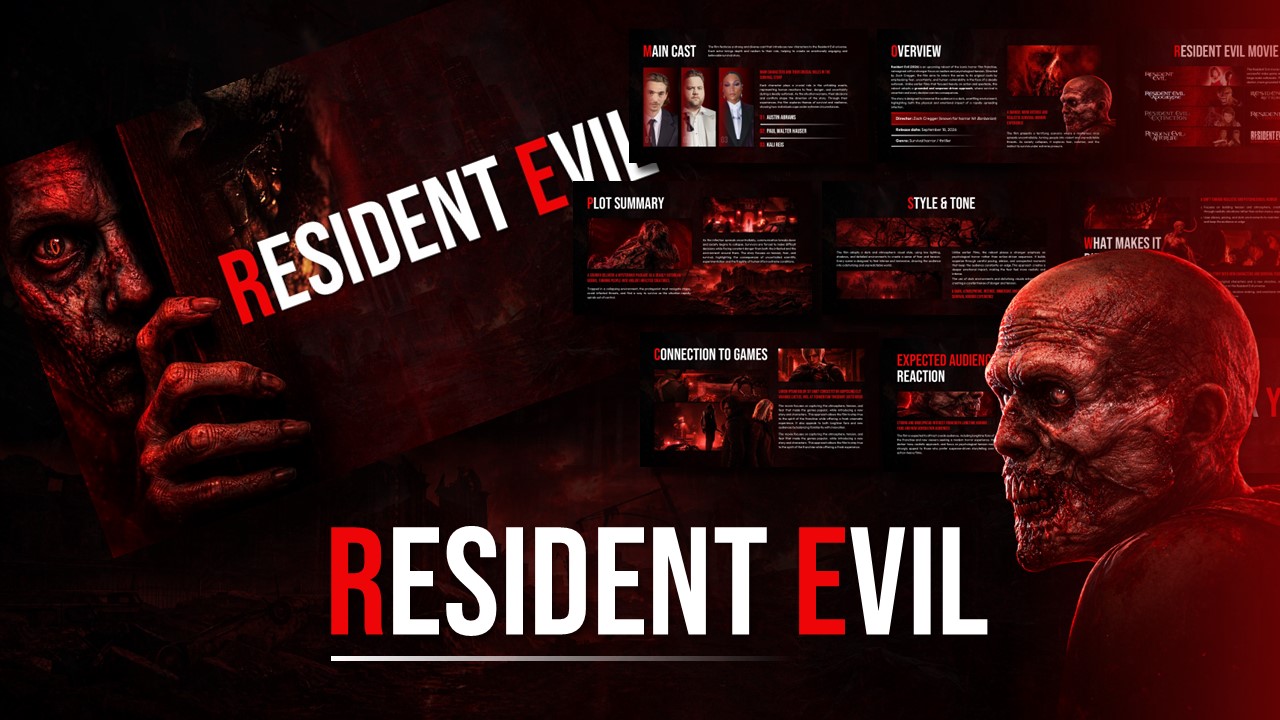
Download Jurassic World Movie Theme Template
Item ID: SCF02051
PowerPoint,Canva
100% Fully Customizable
Free to use
Liked the template? Support SlideChef!
Give us Donation! Help to keep our Templates Free for ever
Hi there! We hope you’re enjoying SlideChef for your presentations. As a free platform, we rely on donations to keep things running. If you find our resources helpful, please consider a small donation. Thank you!
Create your own Jurassic World presentation by customizing the slides with your preferred text, images, and information. Follow the steps below to edit the template in PowerPoint.
How to Edit the Template in PowerPoint
-
Download the Template: Click the PowerPoint download option on SlideChef and save the PPTX file to your computer.
-
Open the Presentation: Launch Microsoft PowerPoint and open the downloaded Jurassic World template.
-
Edit the Text: Replace the existing movie summaries, headings, statistics, character details, and descriptions with your own content.
-
Customize Images: Replace the existing dinosaur and movie visuals with your preferred images while maintaining the cinematic look.
-
Modify Charts and Timelines: Update the box-office figures, movie release years, and other information to match your presentation requirements.
-
Personalize the Design: Change the fonts, colors, backgrounds, and layouts to create your preferred presentation style.
-
Add or Remove Slides: Duplicate existing slides or remove unnecessary ones to organize your presentation.
-
Save and Present: Save your customized presentation in PPTX or PDF format and use slideshow mode to showcase your work.
Bring your Jurassic World presentation to life! Customize the slides, add your own movie insights, and create an engaging presentation with SlideChef.