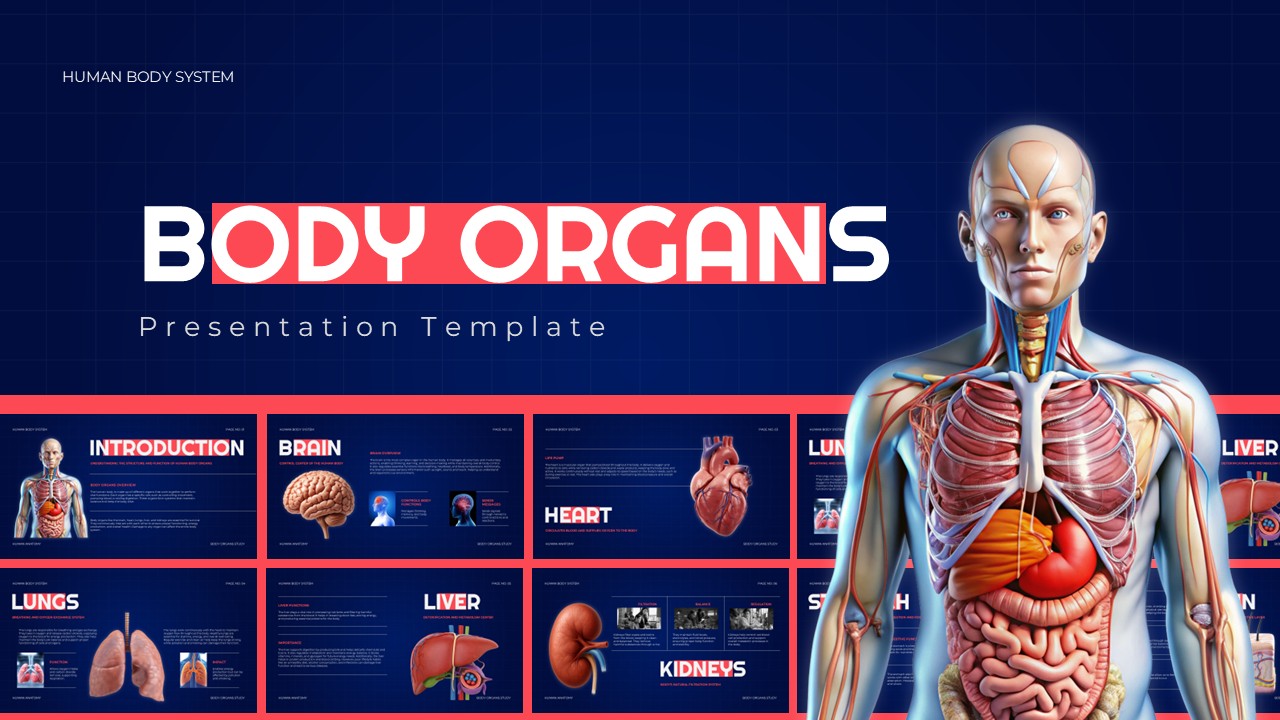
Download Medical Abbreviation – Free PPT and Google Slides Template
Item ID: SCF02042
Google Slide,PowerPoint
100% Fully Customizable
Free to use
Liked the template? Support SlideChef!
Give us Donation! Help to keep our Templates Free for ever
Hi there! We hope you’re enjoying SlideChef for your presentations. As a free platform, we rely on donations to keep things running. If you find our resources helpful, please consider a small donation. Thank you!
How to Use This Medical Abbreviation Template
Follow these simple steps to customize and use the Medical Abbreviation Template in PowerPoint or Google Slides.
Step 1: Download the Template
Download the Medical Abbreviation Template and choose your preferred format: Microsoft PowerPoint or Google Slides.
Step 2: Open Your Presentation
Open the downloaded PPT file in Microsoft PowerPoint, or access the Google Slides version to start editing your presentation.
Step 3: Edit Medical Abbreviations
Replace the existing abbreviations with your preferred medical terms. Add their full forms and meanings to create a presentation that suits your topic.
Step 4: Customize the Slides
Change the text, fonts, colors, and other design elements to match your presentation requirements. You can also add more medical terms as needed.
Step 5: Organize Your Content
Arrange the abbreviations into relevant categories, such as medical conditions, hospital departments, treatments, and clinical terminology, to make your slides easier to understand.
Step 6: Present or Share Your Slides
Once your edits are complete, save your presentation or download it in your preferred format. Use it for medical lectures, classroom discussions, healthcare training, or educational presentations.