<< Back to template
Download Mobile App Launch PowerPoint Template
Item ID: SCF01562
PowerPoint
100% Fully Customizable
Free to use
Liked the template? Support SlideChef!
Give us Donation! Help to keep our Templates Free for ever
Hi there! We hope you’re enjoying SlideChef for your presentations. As a free platform, we rely on donations to keep things running. If you find our resources helpful, please consider a small donation. Thank you!
How to Use the Mobile App Presentation Template
Editing in Microsoft PowerPoint
- Step 1: Download & Enable Editing: Open the downloaded .pptx file in PowerPoint. Click the yellow Enable Editing banner at the top of your screen to unlock all text fields, mockups, and vector shapes.
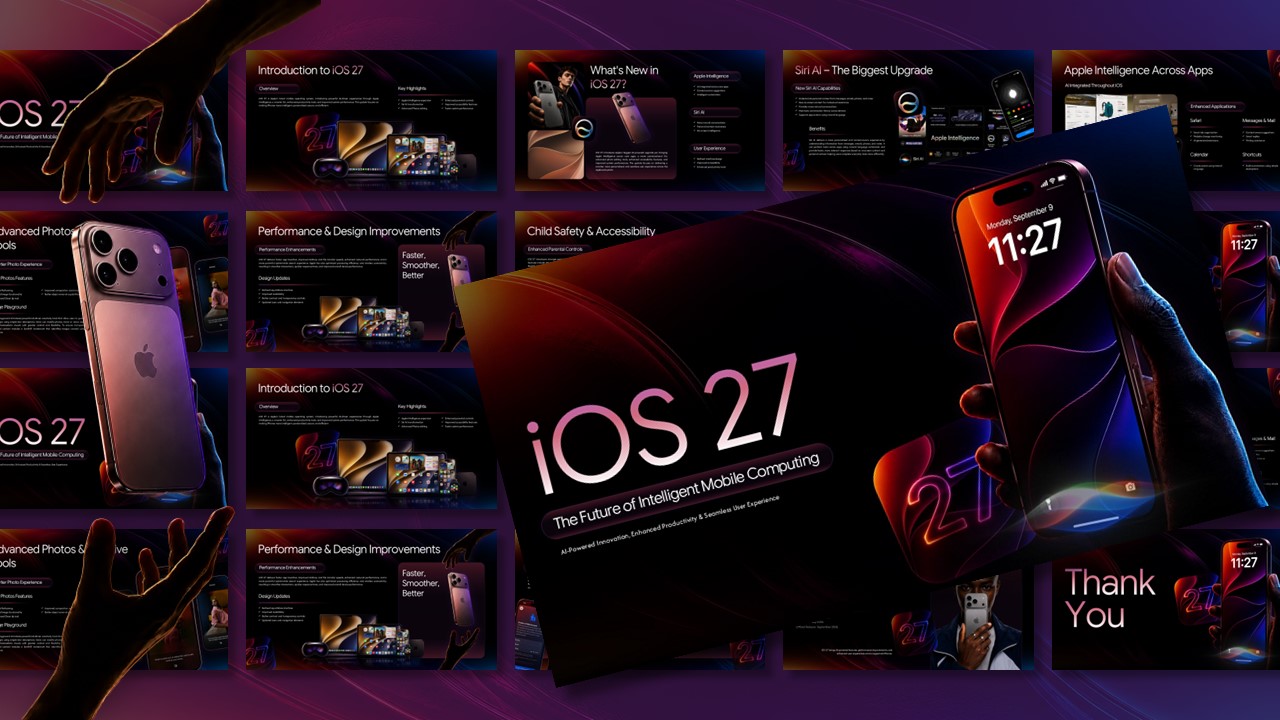
- Step 2: Swap App Screen Mockups: Select any smartphone graphic, right-click, and choose Change Picture > From a File. Upload your app’s UI screenshots to instantly drop them into the phone display.
- Step 3: Update Copy & Performance Charts: Click into the rounded dark text cards to write your problem statement, solution, and feature highlights. Click on the bar chart on the Market Opportunity slide to edit data points directly.
- Step 4: Fine-Tune Accent Colors: Select the orange button graphics, neon wave overlays, or text highlights to update the color palette to match your app's brand guidelines.
- Step 5: Export or Present Live: Press F5 to start your live pitch, or go to File > Export > Create PDF/XPS Document to send your pitch deck to investors.