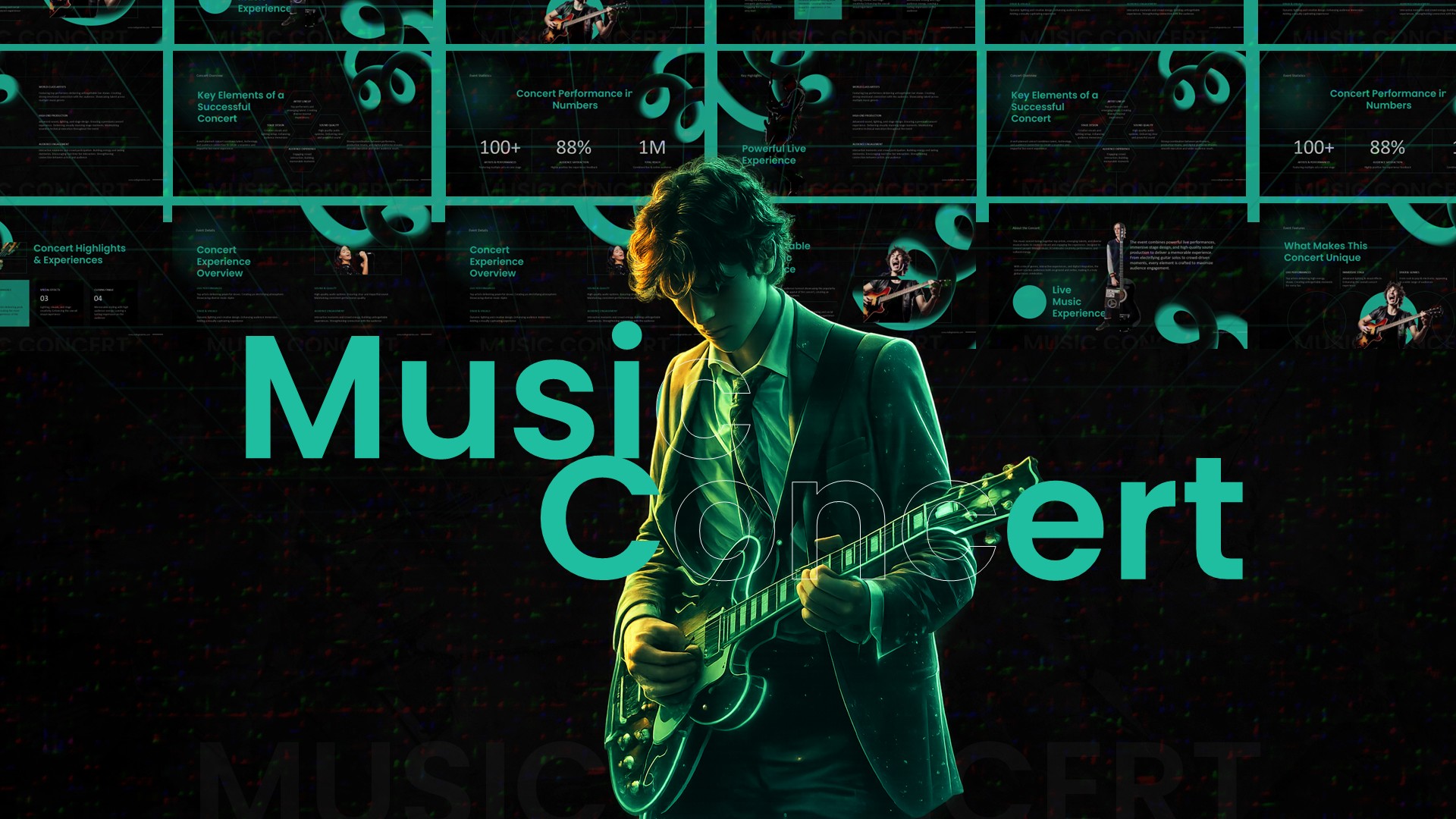
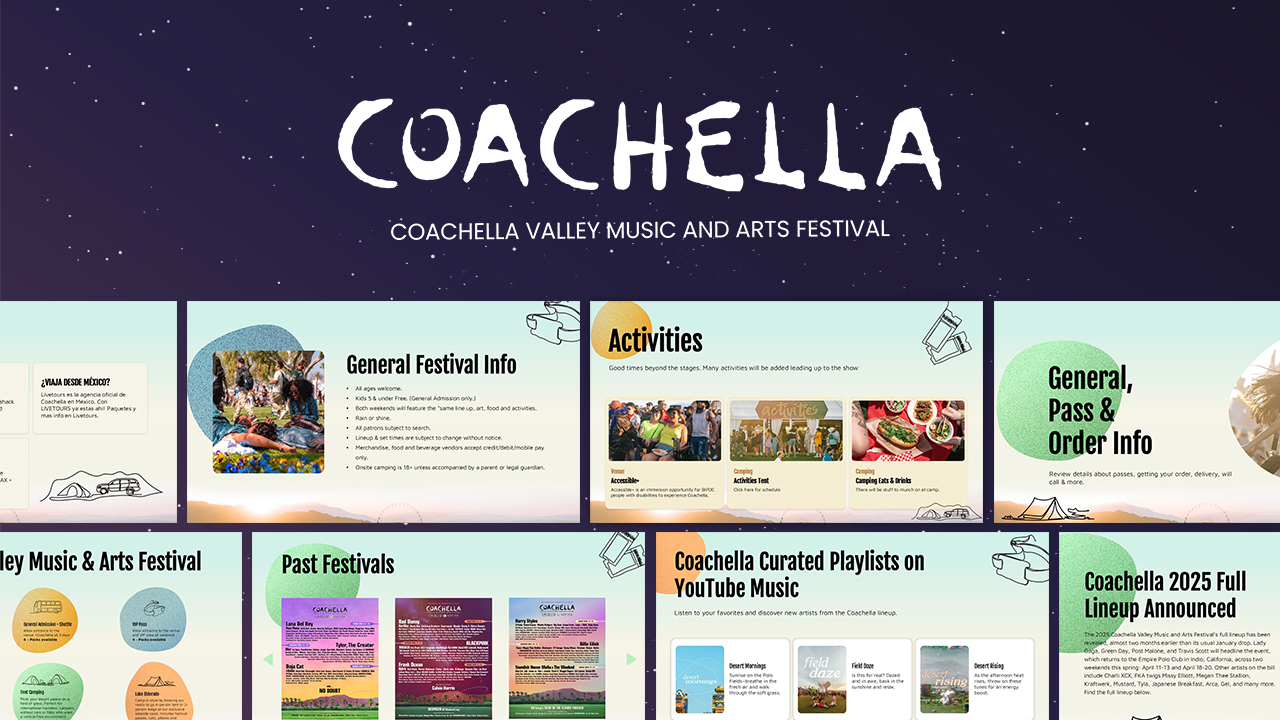
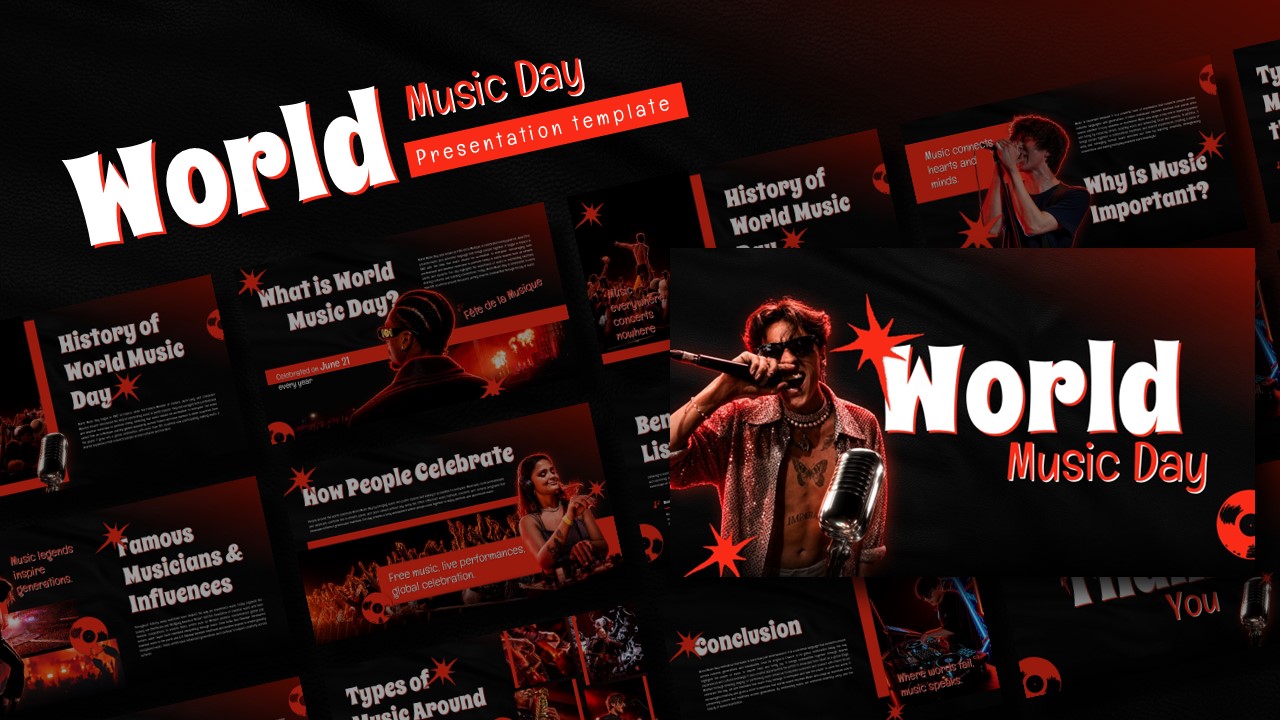
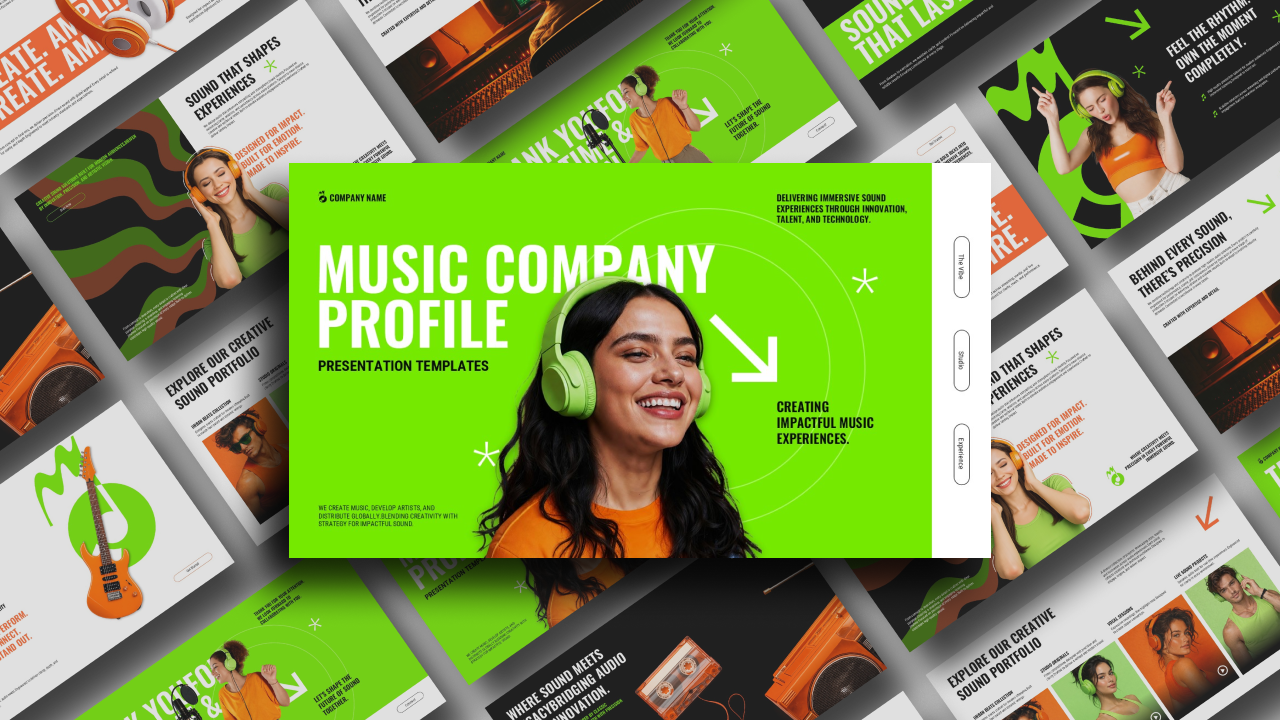
Download Free Music Event & Concert Template
Item ID: SCF01624
PowerPoint,Canva
100% Fully Customizable
Free to use
Liked the template? Support SlideChef!
Give us Donation! Help to keep our Templates Free for ever
Hi there! We hope you’re enjoying SlideChef for your presentations. As a free platform, we rely on donations to keep things running. If you find our resources helpful, please consider a small donation. Thank you!
How to Use the Music Event Presentation Template
Get ready to rock your next event pitch! Whether you are presenting a music festival timeline in PowerPoint or building a live concert sponsorship proposal in Canva, personalizing this high-energy deck is incredibly simple. Follow this step-by-step guide to drop in your headliners, set up your ticket tiers, and command the stage:
For Microsoft PowerPoint Users
Step 1: Unlock Your Stage Layout: Download the presentation file to your device, open it in PowerPoint, and click Enable Editing on the yellow notification bar to fully unlock the graphics and text placeholders.
Step 2: Add Your Festival Headliners: Go to the artist lineup section. Right-click inside the pre-shaped circular image cutouts, select Change Picture, and upload high-resolution photos of your performing bands or DJs straight from your computer.
Step 3: Fine-Tune the Event Schedule: Click inside the timeline text blocks to outline your festival set times, gate openings, warm-up slots, and grand finale details.
Step 4: Customize Ticket and Venue Packages: Update the pricing tiers—like General Admission and VIP passes—by clicking the numeric fields and typing in your exact ticket costs, seating perks, and priority access benefits.
Step 5: Tailor the Neon Accents: Want to match a specific festival brand color? Select any of the wavy background lines, yellow music notes, or star graphics and use the Shape Format menu to alter the colors instantly.
Step 6: Launch the Full Show: Save your file, navigate to the Slide Show tab at the top of your screen, and select From Beginning to run your high-octane music pitch full screen.
For Canva Users
Step 1: Copy the Deck to Your Dashboard: Click your provided Canva access link to view the presentation in your browser. Click on File in the top-left menu bar and select Make a copy to save a fully editable version to your account.
Step 2: Edit Event Text Instantly: Double-click any bold title, mission statement, or performance description to replace the placeholder text with your specific music event details.
Step 3: Drag-and-Drop Artist Images: Upload your band promotional shots, concert photos, or venue mockups to your Canva sidebar library, then simply drag and drop them directly into the pre-shaped circular photo grids.
Step 4: Arrange Your Festival Assets: Click on individual graphic elements—like the yellow music notes or neon blue background waves—to resize them, rotate them, or move them around the canvas for a custom look.
Step 5: Broadcast Live From Your Browser: Review your final layout in grid view to check the flow of your presentation. When you are ready, click the Present icon in the top right corner to display your slides full screen right from the web page.