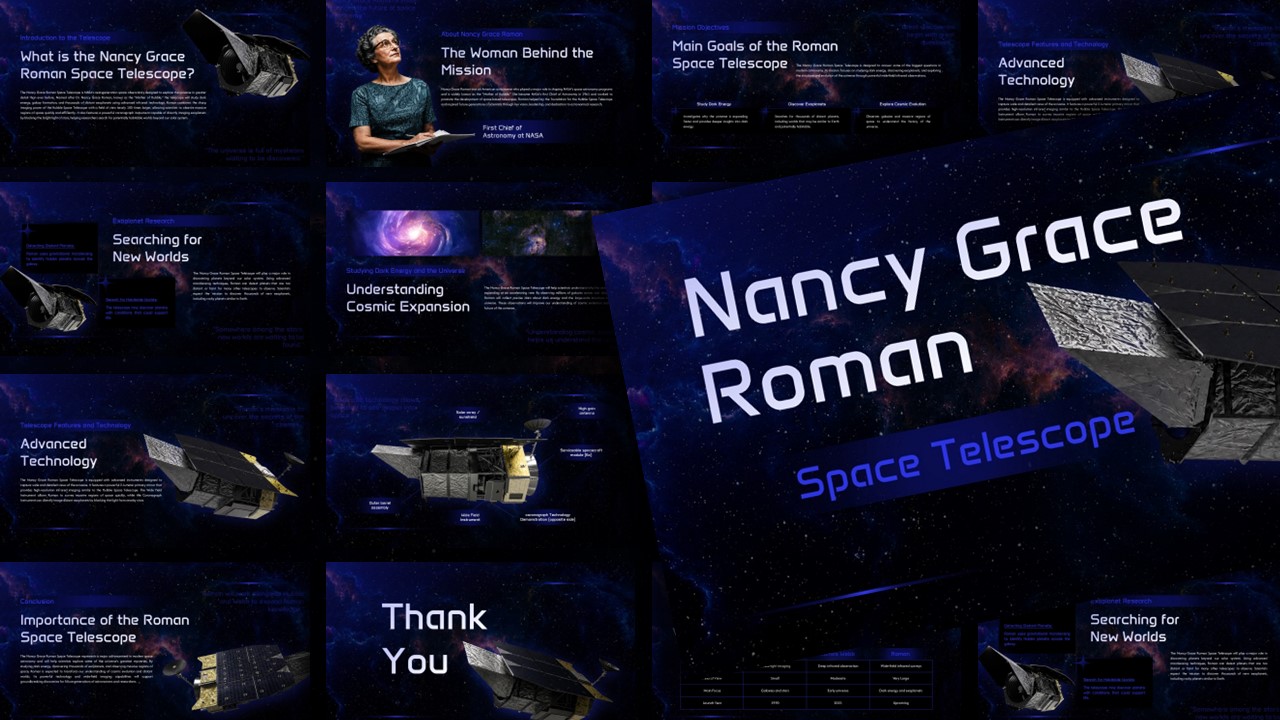
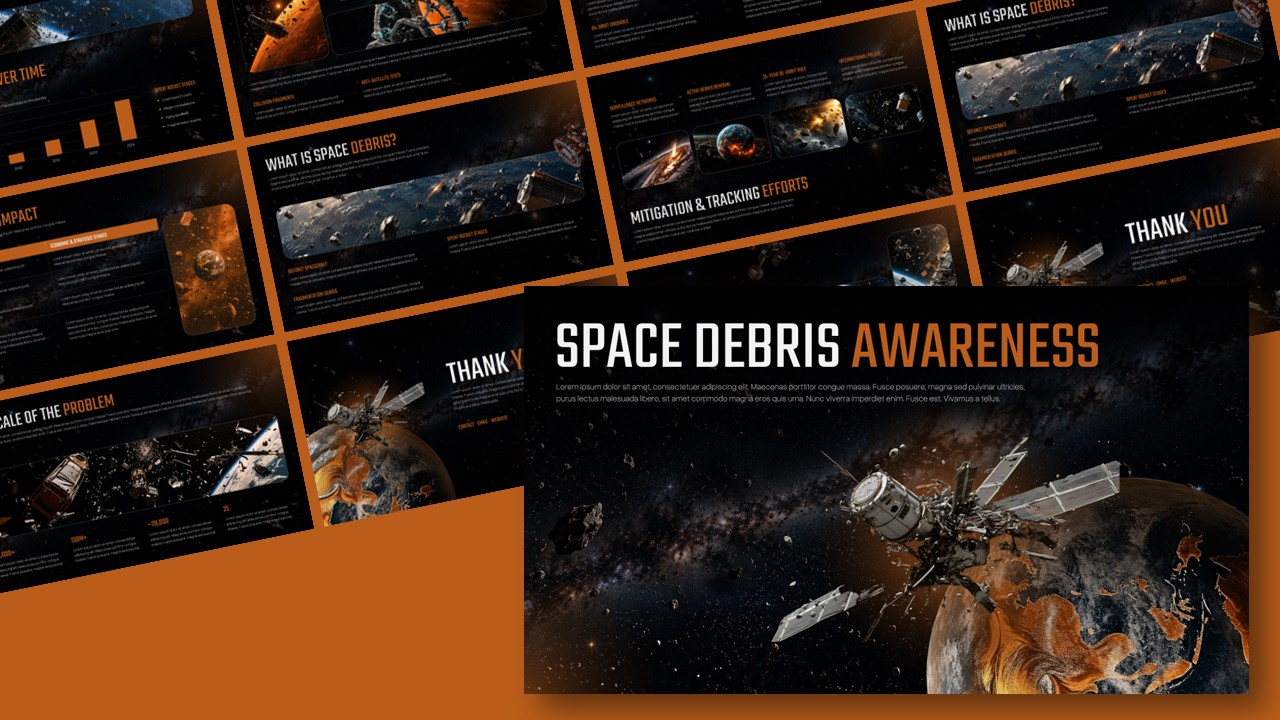
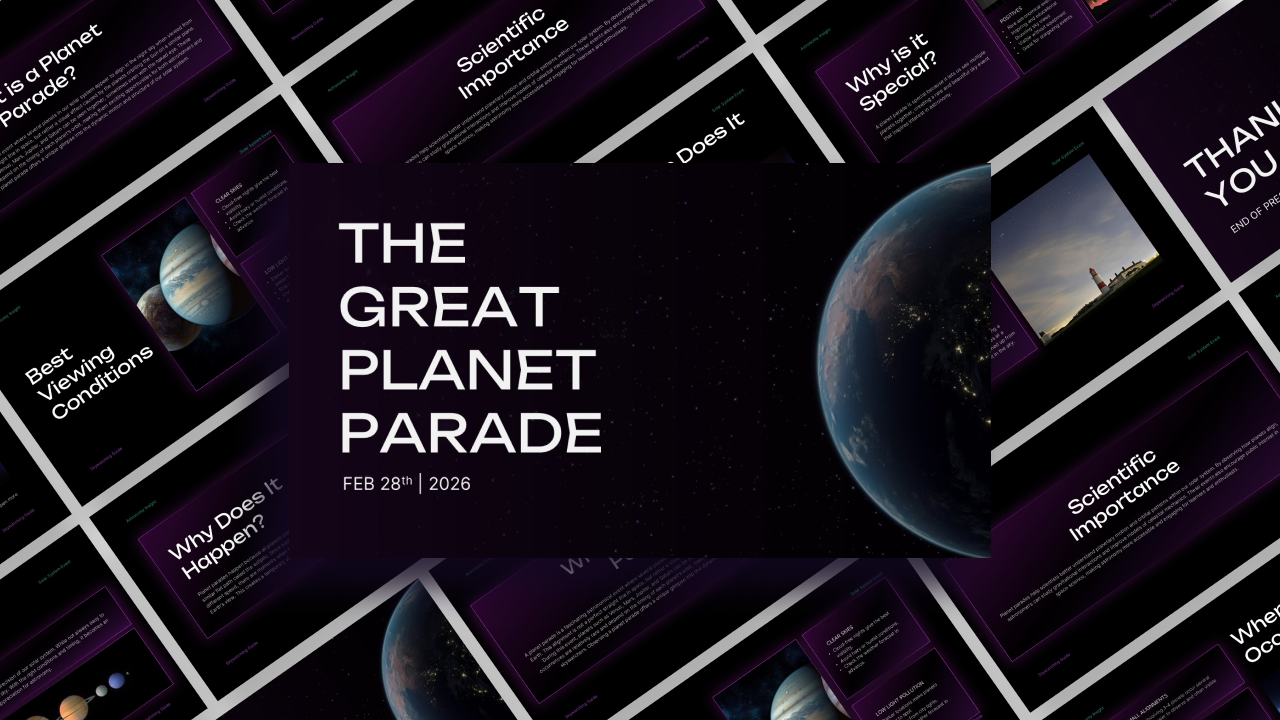
Download Roman Series: NASA’s New View of the Dark Universe Presentation Template
Item ID: SCF01752
PowerPoint,Canva
100% Fully Customizable
Free to use
Liked the template? Support SlideChef!
Give us Donation! Help to keep our Templates Free for ever
Hi there! We hope you’re enjoying SlideChef for your presentations. As a free platform, we rely on donations to keep things running. If you find our resources helpful, please consider a small donation. Thank you!
How to Use the Roman Series Presentation Template
This deck turns NASA’s audio documentary and complex astrophysics into a modular, presentation-ready slide format. Follow these steps to customize the data points, mission trajectories, and scientific concepts in Microsoft PowerPoint or Google Slides:
- Open and Set the Canvas: Open the downloaded .pptx file in Microsoft PowerPoint or import it into Google Slides in 16:9 widescreen format to preserve the high-contrast deep-space backgrounds.
- Personalize the Cover Slide: Click into the header text to update your presentation title, speaker name, institution, or event details beneath the "Roman Series" banner and launch window tag.
- Customize Telemetry & Stats: Edit the metric blocks on the "Roman, By the Numbers" slide to spotlight key specs like the 2.4-meter primary mirror, 100× wider field of view, and planned survey targets.
- Choose Your Science Modules: Tailor the deck to your talk by keeping the overview layout for broad astronomy discussions, or diving directly into dedicated slides for dark energy expansion, dark matter gravitational lensing, or exoplanet microlensing and coronagraphy.
- Explain Instrument Optics: Use the camera breakdown slide to explain hardware specifications—such as the 18-sensor detector array and visible-to-infrared wavelength range—to technical or academic audiences.
- Chart Flight Phases & Observatory Benchmarks: Walk through the 5-step deployment timeline from Kennedy Space Center to Sun-Earth L2, then transition to the three-way comparison table to show how Roman complements Hubble and Webb.
- Present or Export: Press F5 (or click Slideshow) to present live in full-screen mode, or export the slides as a PDF to distribute as lecture notes or webinar handouts.