<< Back to template
Download NBA 2027 Schedule Template
Item ID: SCF01777
PowerPoint,Canva
100% Fully Customizable
Free to use
Liked the template? Support SlideChef!
Give us Donation! Help to keep our Templates Free for ever
Hi there! We hope you’re enjoying SlideChef for your presentations. As a free platform, we rely on donations to keep things running. If you find our resources helpful, please consider a small donation. Thank you!
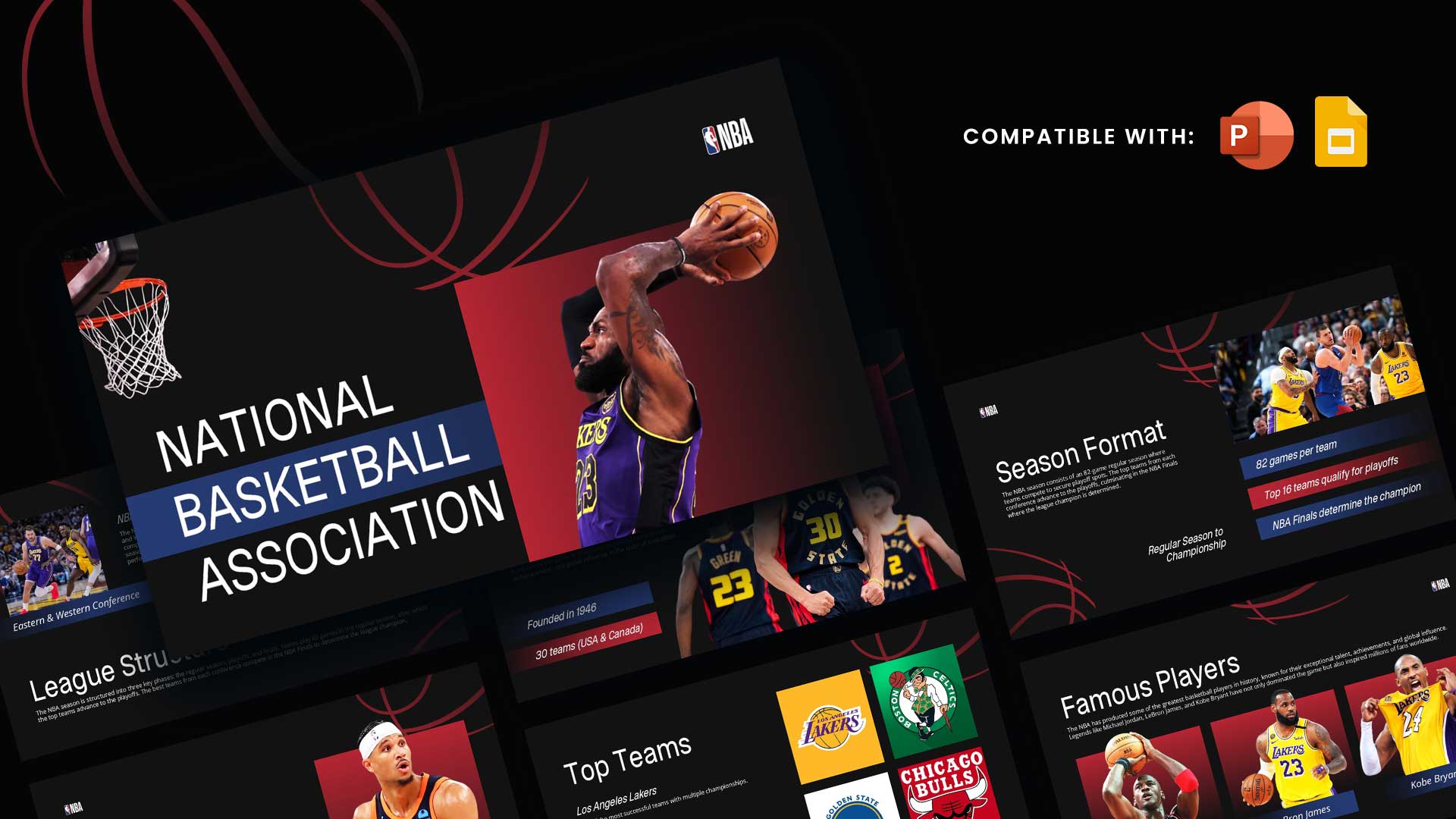
How to Use the NBA 2027 Schedule Presentation Template
- Open and Unlock Your Presentation: Open the downloaded .pptx file in Microsoft PowerPoint and click Enable Editing, or access the provided Canva link and click Use template for new design to start personalizing the slides directly in your browser.
- Establish Your Show or Brand Identity: Customize the cover slide with your podcast name, sports media outlet, or fantasy league title, adjusting the high-energy orange and black accent hues to match your preferred team colors or channel branding.
- Map the Season-at-a-Glance Roadmap: Navigate to the timeline slide to review and edit the key calendar milestones, adjusting dates for Training Camp (Sept 29), Preseason, Opening Night (Oct 20), NBA Cup play, All-Star break, and the Play-In Tournament.
- Configure Opening Night & Marquee Showdowns: Edit the team matchups, tip-off times (3:00 PM, 7:00 PM, 9:30 PM ET), and player callouts on the Opening Night slide. You can easily swap out player cutouts or team logos using Change Picture in PowerPoint or Canva's drag-and-drop media upload tool.
- Highlight Tournament & Rivalry Dates: Use the Must-Watch Moments slide to break down key dates and format details for the NBA Cup group stages, Rivals Week (Jan 26–30), and All-Star Weekend (Feb 19–21).
- Track the Postseason Progression: Customize the 5-stage Race to the Playoffs funnel to illustrate your playoff predictions, seed positioning battles through March, regular season wrap-up on April 11, and the sudden-death Play-In Tournament path.
- Present Live or Export Graphics: Hit F5 in PowerPoint or select Present in Canva to deliver a full-screen courtside briefing, or export the slides as PNG/PDF files to create schedule graphics for sports blogs, social media carousels, or YouTube video overlays.