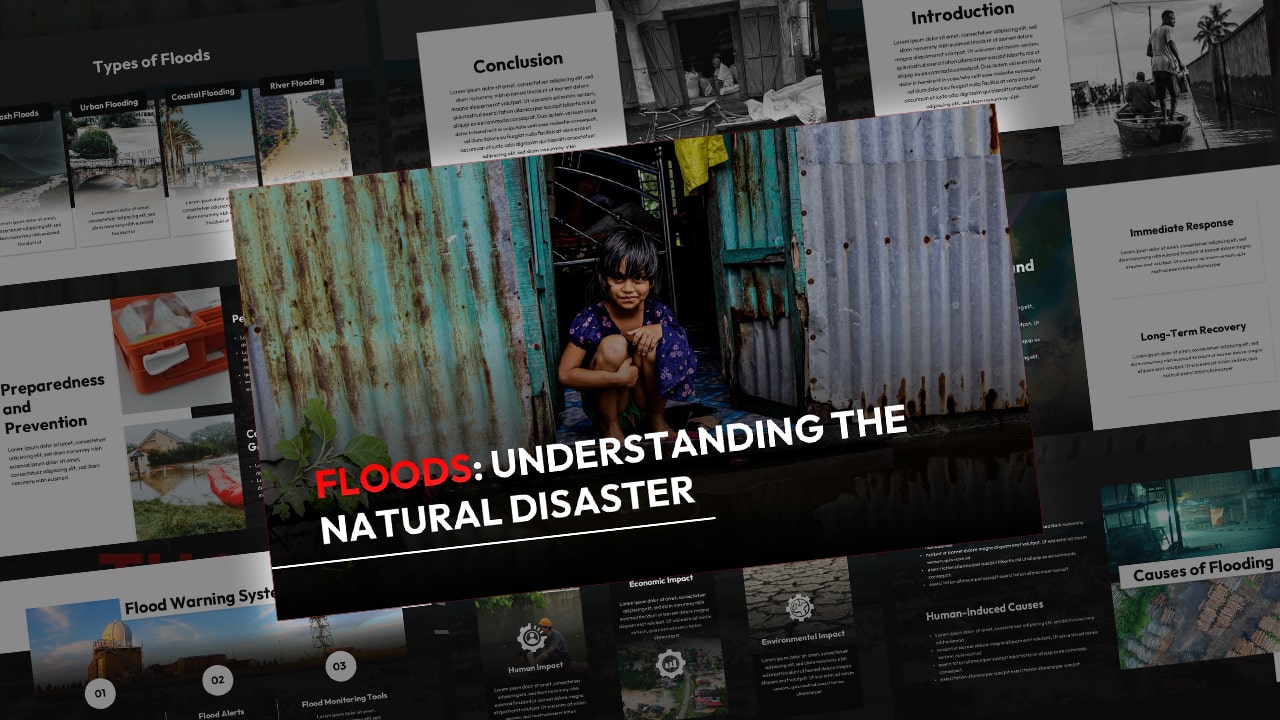
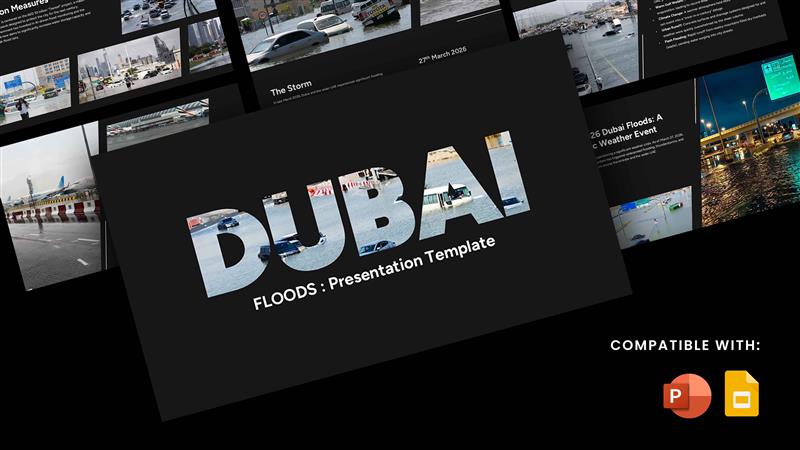
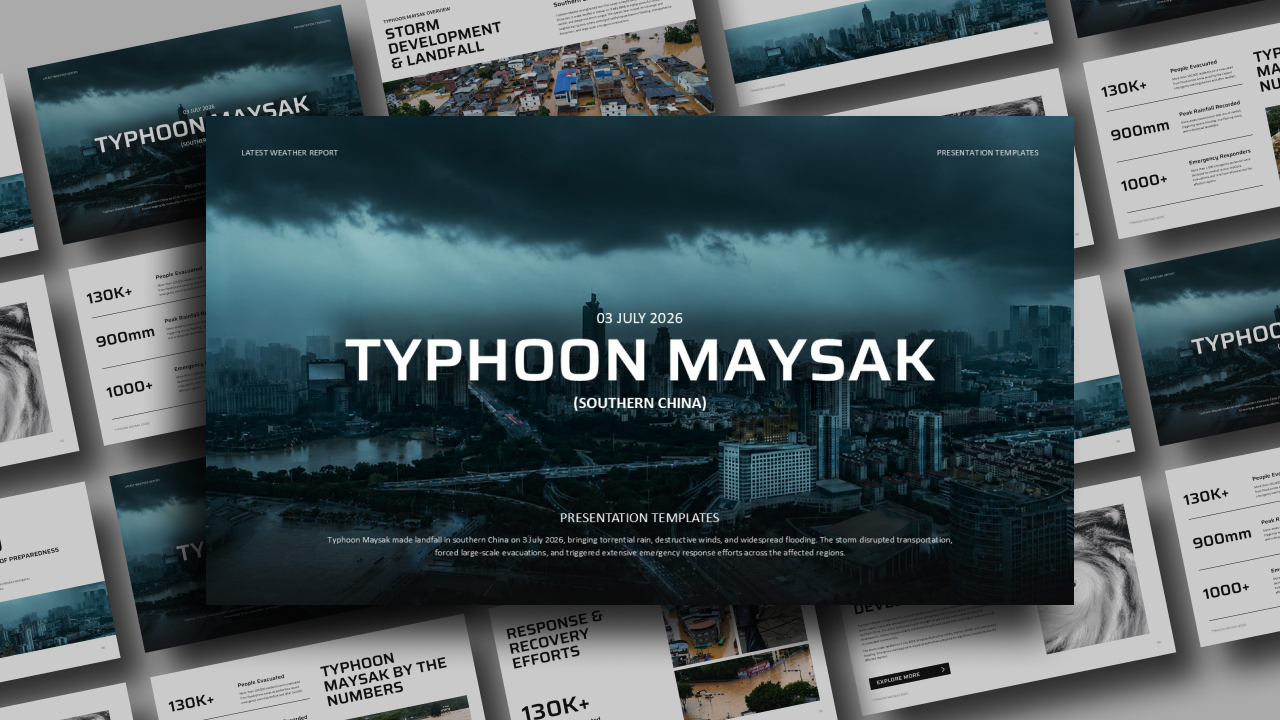
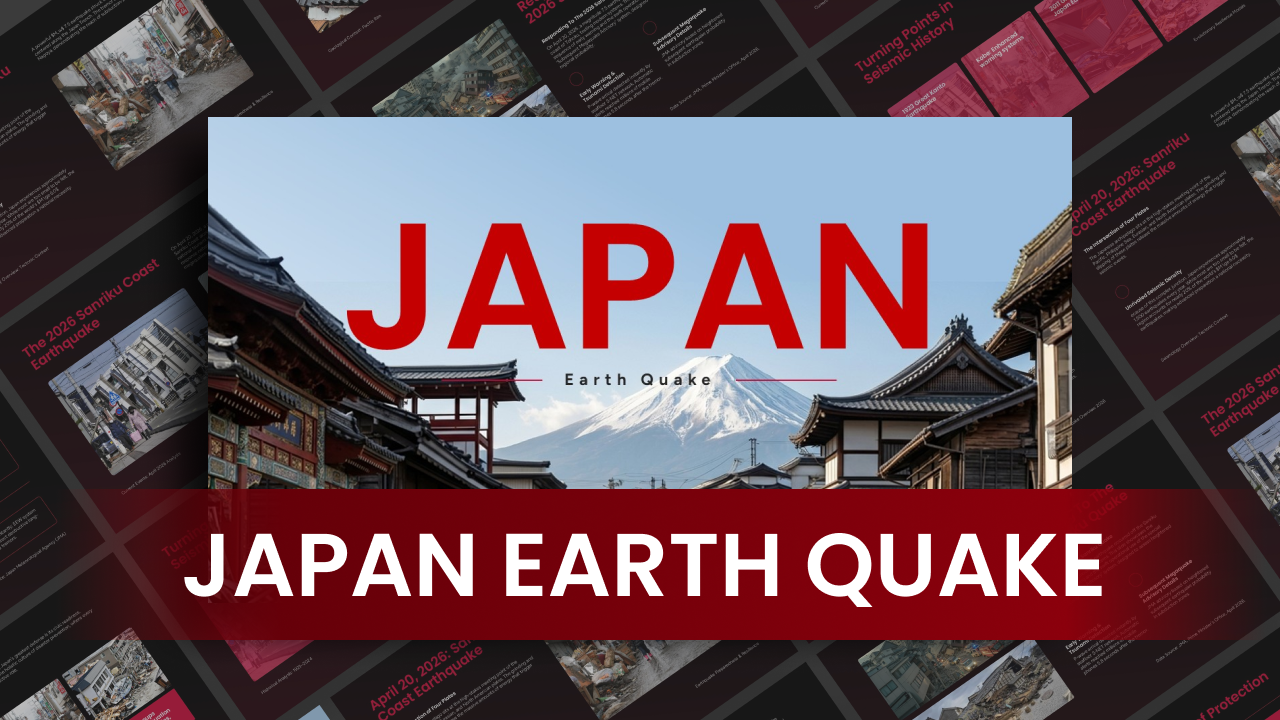
Download Nepal Floods Template
Item ID: SCF01771
PowerPoint,Canva
100% Fully Customizable
Free to use
Liked the template? Support SlideChef!
Give us Donation! Help to keep our Templates Free for ever
Hi there! We hope you’re enjoying SlideChef for your presentations. As a free platform, we rely on donations to keep things running. If you find our resources helpful, please consider a small donation. Thank you!
How to Use this Nepal Floods Template
The Nepal Flood Presentation Template is designed for fast, accurate crisis reporting and humanitarian briefings across Microsoft PowerPoint and Canva. Use this step-by-step guide to adapt the data, maps, and field imagery for your organization.
How to Use in Microsoft PowerPoint
- Enable Editing: Open the downloaded .pptx file in PowerPoint and select Enable Editing from the yellow alert banner at the top of the window.
- Frame Your Crisis Briefing: Update the title on the cover and What Happened slides with your organization’s reporting date, incident overview, and specific area of focus along the Trishuli corridor.
- Swap Field Photography: Navigate to Scenes from the Ground and right-click the placeholder images, then choose Change Picture to insert licensed crisis photos, drone footage, or verified rescue imagery from your field teams.
- Update Casualty and Damage Metrics: Edit the red stat callout containers on The Human Toll and Infrastructure Damage slides to reflect current figures for verified casualties, missing persons, bridge outages, and road washouts.
- Customize the Event Timeline & Regional Maps: Adjust the chronological sequence on How the Disaster Unfolded (August 26 to September 1) and pin specific district hubs (Rasuwa, Nuwakot, Dhading, Gorkha, Chitwan) on the regional river map.
- Log Relief Logistics & Risk Warnings: Input national army deployments, NGO aid packages, and barrier lake alerts on the Response & Relief and Ongoing Risk & Outlook slides.
- Export or Deliver: Press F5 to brief response teams full-screen, or go to File > Export > Create PDF/XPS to distribute print-ready situational reports to donors and government agencies.
How to Use in Canva
- Open the Template: Click your provided Canva link and click Use template for new design to generate an editable project in your Canva account.
- Input Verified Field Data: Double-click any text box to replace numbers, agency names (such as NDRRMA or UN OCHA), and disaster coordinates.
- Drag-and-Drop Image Replacements: Upload your verified field photos directly into Canva, then drag and drop them over the existing image grid containers on the Scenes from the Ground slide.
- Adjust Status Callouts & Risk Bars: Change the color, labels, and text inside the alert-red navigation arrows to emphasize high-priority needs, relief supply drops, or active flood warnings.
- Collaborate in Real Time: Use the Share button in the top menu to invite regional relief officers, communications teams, and field specialists to review data simultaneously.
- Present or Download: Click Present to deliver live situational briefings directly from your browser, or select Share > Download > PDF Standard (or Print) to generate downloadable emergency aid documents.