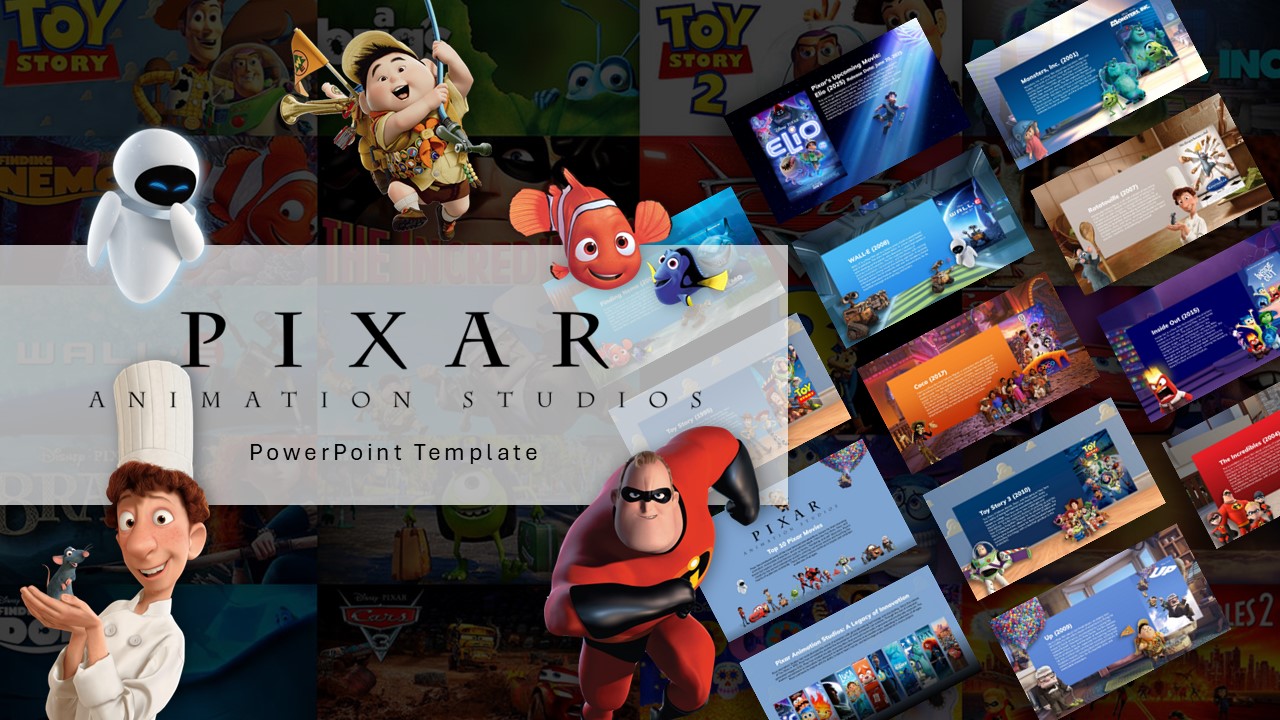
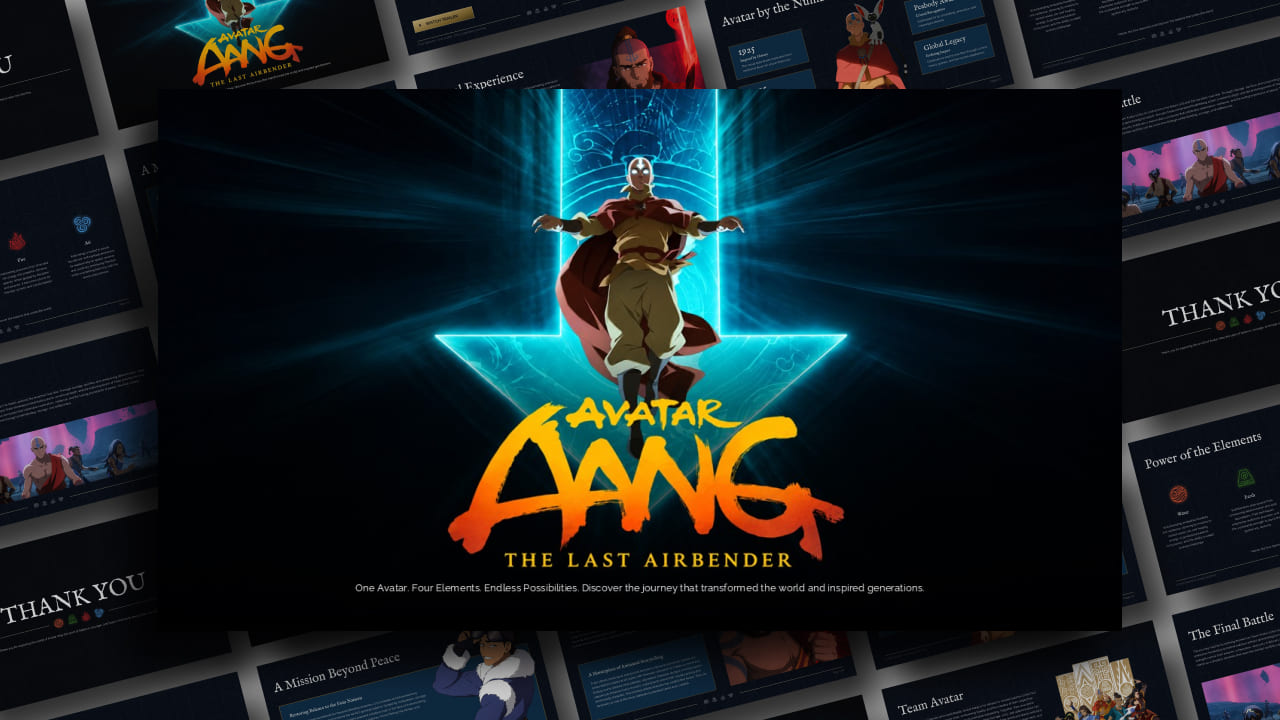
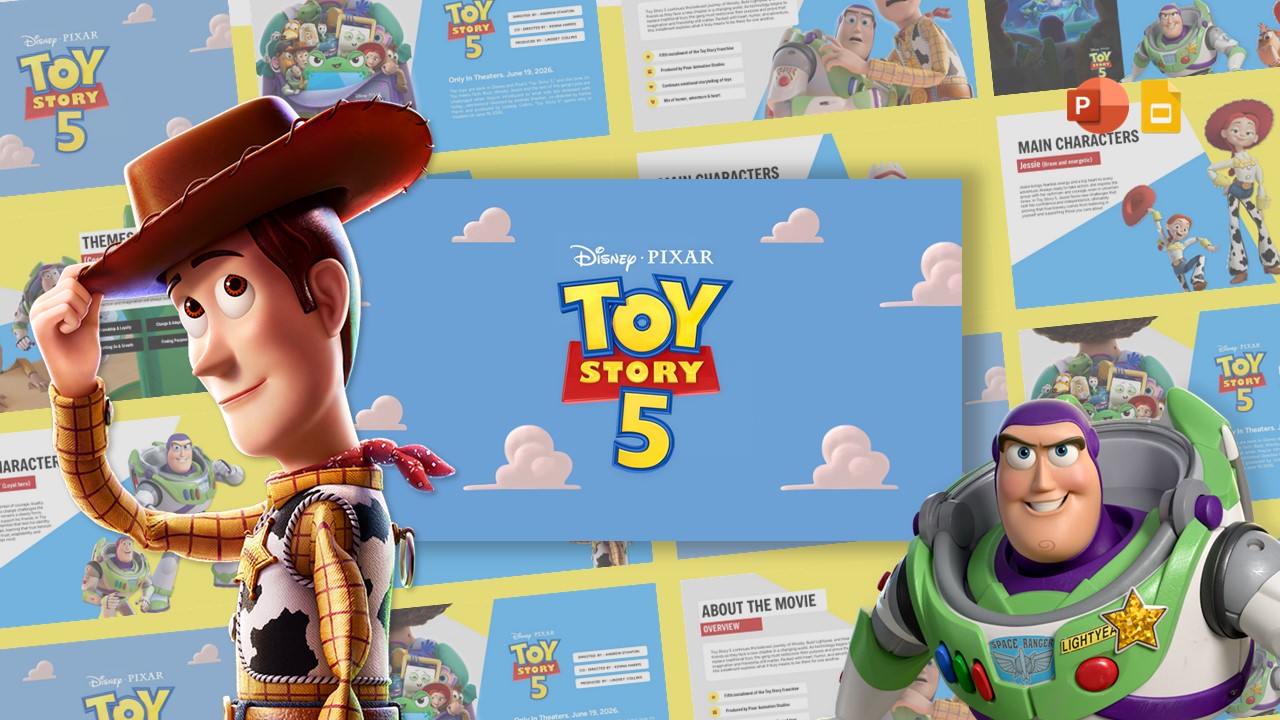
Download Nickelodeon Theme PowerPoint and Canva Template
Item ID: SCF01721
PowerPoint,Canva
100% Fully Customizable
Free to use
Liked the template? Support SlideChef!
Give us Donation! Help to keep our Templates Free for ever
Hi there! We hope you’re enjoying SlideChef for your presentations. As a free platform, we rely on donations to keep things running. If you find our resources helpful, please consider a small donation. Thank you!
How to Customize Your Nickelodeon Presentation Template in PowerPoint & Canva
Follow this step-by-step guide to adapt your Nickelodeon Presentation Template in Microsoft PowerPoint or Canva for media case studies, marketing proposals, and brand history presentations:
Access & Unlock Your Slide Deck:
- Microsoft PowerPoint (.pptx): Download the .pptx file from SlideChef, open it in PowerPoint, and click Enable Editing on the top yellow security banner to activate all text boxes, signature orange splat graphics, and character layouts.
- Canva: Click the provided Canva template link on SlideChef and select Use template for new design to save a fully editable copy directly to your Canva workspace.
Customize Network History & Strategic Content:
- Double-click into text containers across slides like Brand Identity, Programming Through the Eras, or Challenges & Competitive Landscape.
- Replace placeholder copy with your specific media analysis, streaming transition data for Paramount+, or youth-focused marketing campaign strategy.
Update Key Stat Cards & Era Timelines:
- Navigate to numerical data slides (such as 1977 Founded, 25+ Years of SpongeBob, or 100+ Countries Reached).
- Update the metric counters, growth percentages, and historical dates across the timeline layouts spanning the 1980s cable era to modern 2020s streaming platforms.
Arrange Character Art & Franchise Visuals:
- In PowerPoint: Click and drag high-resolution character graphics—featuring SpongeBob, Tommy Pickles, Jimmy Neutron, or Aang—to re-position them on the slide, or use Picture Format > Bring Forward / Send Backward to layer graphics seamlessly around text.
- In Canva: Upload custom logos or campaign images into your Canva Uploads library, then drag and drop them over pre-framed image containers on slides like Popular Shows & Characters to replace assets instantly.
Modify Palette Accents & Export Final Handouts:
- Select purple background panels, yellow star wands, or orange accent blocks and tweak fill colors using your agency or school brand hex codes.
- Present Live: Press F5 in PowerPoint or click Present in Canva to host an interactive presentation in person or over virtual streaming calls.
- Export Copies: Go to File > Export > Create PDF/XPS Document in PowerPoint or click Share > Download in Canva to export print-ready PDF handouts or digital slide decks for stakeholders.