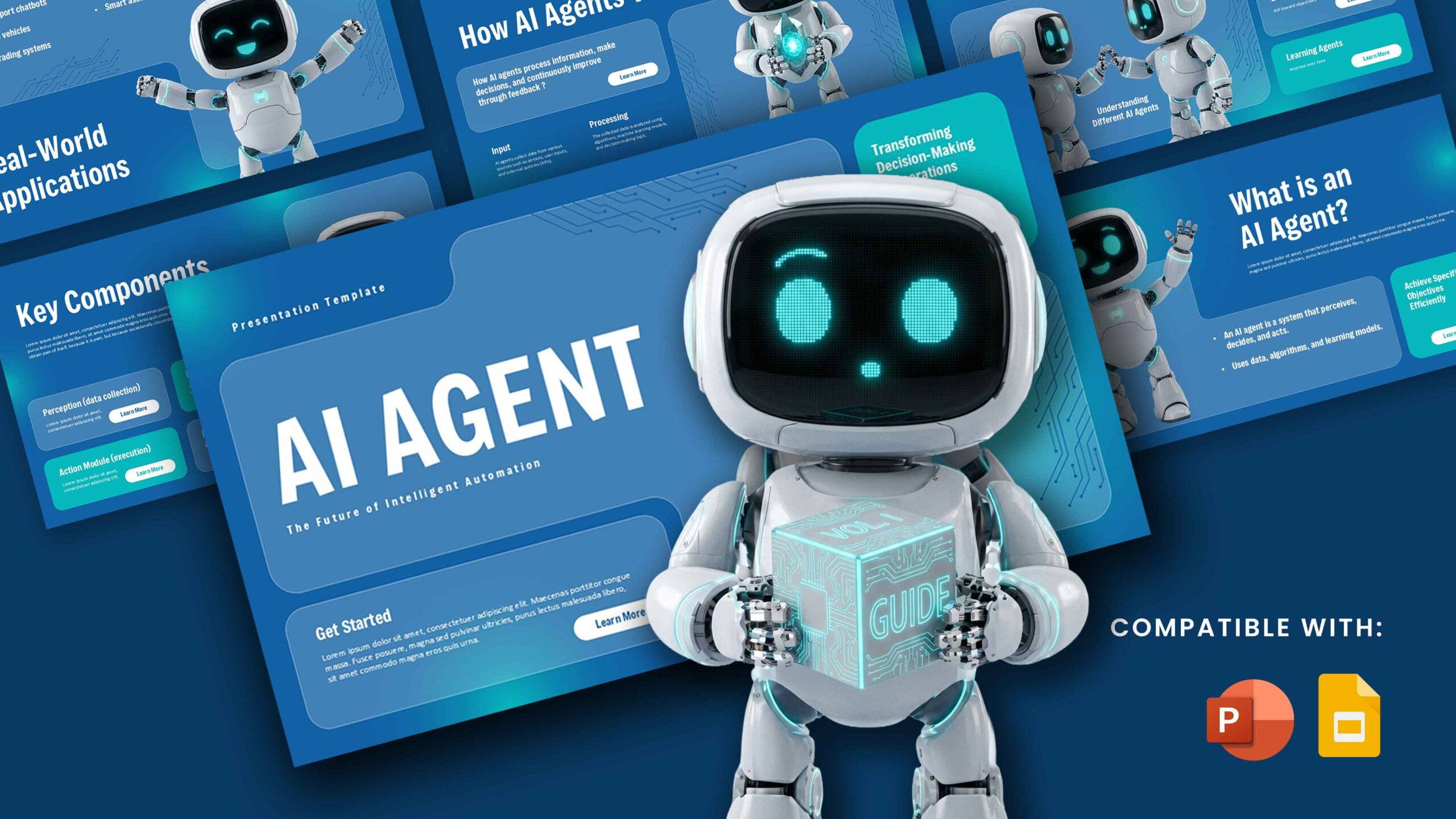
Download OpenAI Dots AI Model Template
Item ID: SCF01969
PowerPoint,Canva
100% Fully Customizable
Free to use
Liked the template? Support SlideChef!
Give us Donation! Help to keep our Templates Free for ever
Hi there! We hope you’re enjoying SlideChef for your presentations. As a free platform, we rely on donations to keep things running. If you find our resources helpful, please consider a small donation. Thank you!
How to Use This OpenAI Dots Template (Guides for PowerPoint & Canva)
Whether you prefer designing offline or collaborating in the cloud, customizing this playful, futuristic slide deck is fast, intuitive, and fully supported across both platforms.
Option A: Microsoft PowerPoint Guide
- Download the Source File: Access and download the .pptx presentation file directly from your SlideChef account dashboard.
- Open in PowerPoint: Double-click the downloaded file to launch it in Microsoft PowerPoint on your Windows or Mac desktop.
- Customize Text & Metrics: Click directly into any text placeholder to update agent features, workflow integration details, or team rosters.
- Swap Character & App Graphics: Drag and drop your own screenshots, UI mockups, or custom graphics into the pre-formatted image frames.
- Save & Present: Save your customized changes locally, then launch full-screen presentation mode or export your deck as a high-resolution PDF.
Option B: Canva Guide
- Access the Template Link: Click the official Canva template link provided on your SlideChef dashboard.
- Launch in Browser: When the Canva workspace opens, click the "Use template" button to copy the project directly into your personal Canva account.
- Edit Elements & Branding: Use Canva’s intuitive drag-and-drop editor to modify pastel background gradients, adjust playful character avatars, and format typography.
- Collaborate in Real-Time: Share the Canva link with your team members to review or edit slides simultaneously.
- Present or Share: Click the Present button for live mode, or download your finalized presentation as a high-quality PDF or animated video asset.