


Pros and Cons List Template PowerPoint and Google Slides
0

About the Template
Pros and Cons Infographic Presentation Template
Every great business decision starts with a clear comparison. SlideChef’s Pros and Cons List Template takes the guesswork out of evaluating options. Whether you are a business manager weighing the risks of a new strategy, a team lead deciding between two software tools, or an individual comparing project proposals, this creative comparison infographic maps out key differences with absolute clarity.
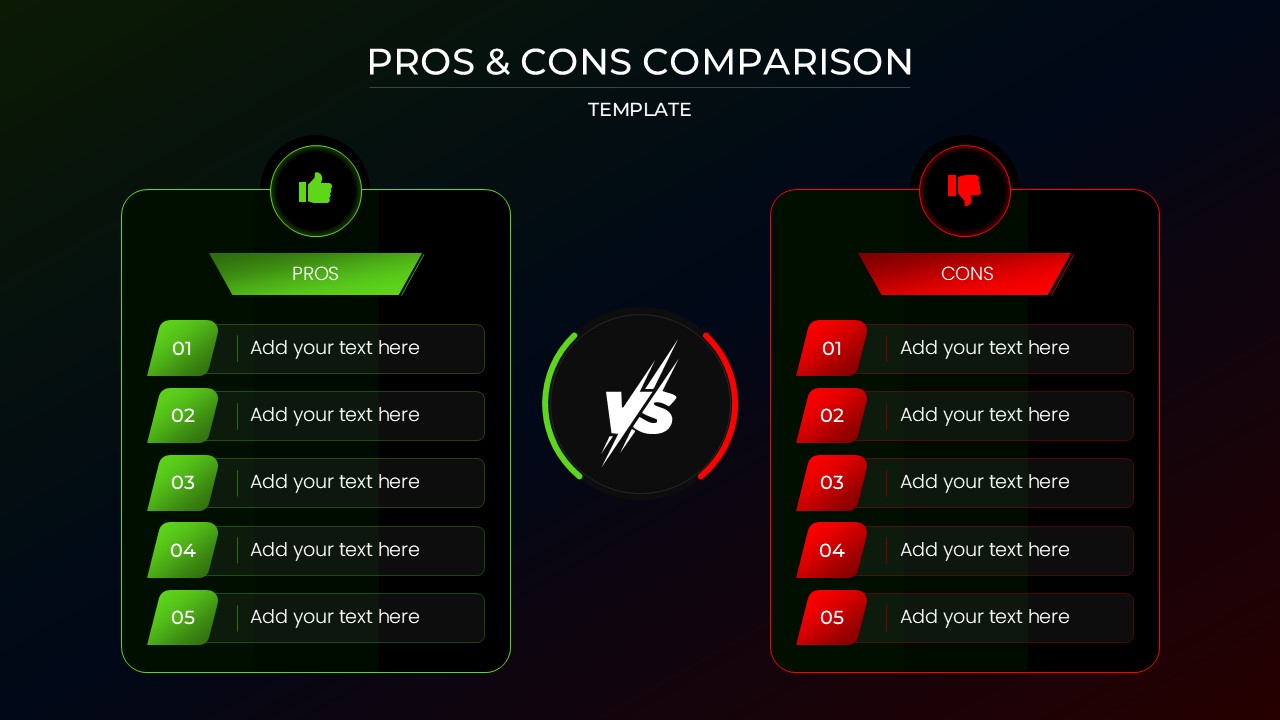
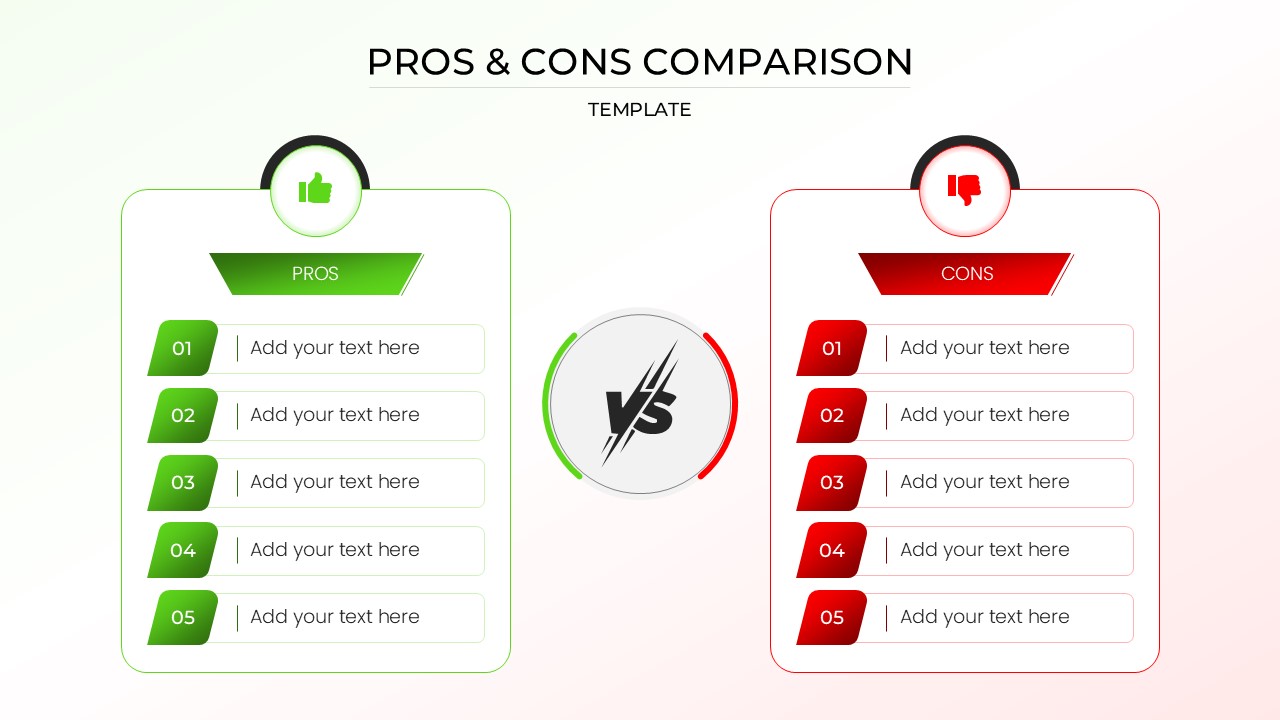
Designed with a bold, intuitive layout, this pros and cons infographic features a striking split-screen design. The “Pros” are highlighted in a positive, vibrant green, while the “Cons” are distinctly marked in a cautionary red, separated by a dynamic central “VS” graphic. Available in both a clean, modern light theme and a sleek, high-contrast dark mode, this template provides a structured, five-point list system that makes complex evaluations easy for your audience to digest and act upon.
Key Features of this Pros and Cons Template
-
Dual-Theme Options The template includes both a sleek, high-contrast dark mode and a crisp, clean light mode. This ensures the infographic seamlessly matches your existing presentation deck or brand aesthetic.
-
Intuitive Color Coding Utilizes universally understood color psychology—vibrant green paired with a “thumbs up” icon for advantages, and striking red with a “thumbs down” icon for disadvantages—allowing your audience to instantly grasp the layout.
-
Dynamic ‘Versus’ Core The slide is anchored by a central “VS” graphic featuring a sleek lightning bolt motif. This visually separates the two arguments and emphasizes the direct comparison taking place.
-
Structured 5-Point Lists Features organized, cleanly numbered rows (01 to 05) on both sides. This structured layout forces conciseness, allowing you to present up to five key arguments per side without overwhelming the viewer.
-
Fully Editable Placeholders Designed for speed and efficiency, the template uses clear “Add your text here” blocks. You can effortlessly click, type, and customize the content to fit your specific business case, software comparison, or strategic decision.
A great comparison slide does more than just list facts; it guides your audience toward a confident and informed decision. Don’t let your next big evaluation get lost in text-heavy slides! Download this Pros and Cons List Template and start presenting your comparisons with absolute clarity.


Related
-

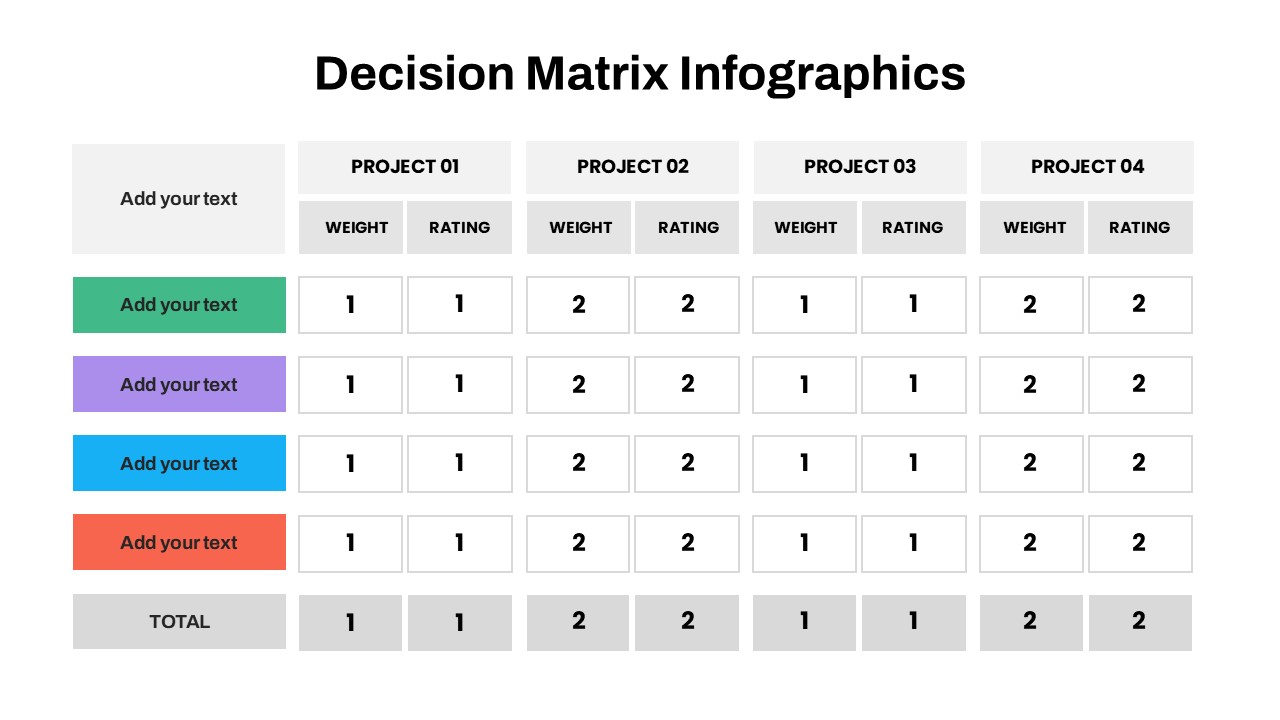
Decision Matrix Template for PowerPoint and Google Slides
-
Decision Tree PowerPoint Template, Google Slides & Canva
-
Comparison Infographic Template for PowerPoint and Google Slides
-
Free McDonalds PowerPoint Template & Google Slides
-

Amazon PowerPoint Template & Google Slides Presentation Templates
-
Free Animated Nike PowerPoint Template & Google Slides



Are you looking for Custom Presentation Template Designs?
It is a long established fact that a reader will be distracted by the readable content of a page when or randomised words which don’t look even slightly believable


