<< Back to template
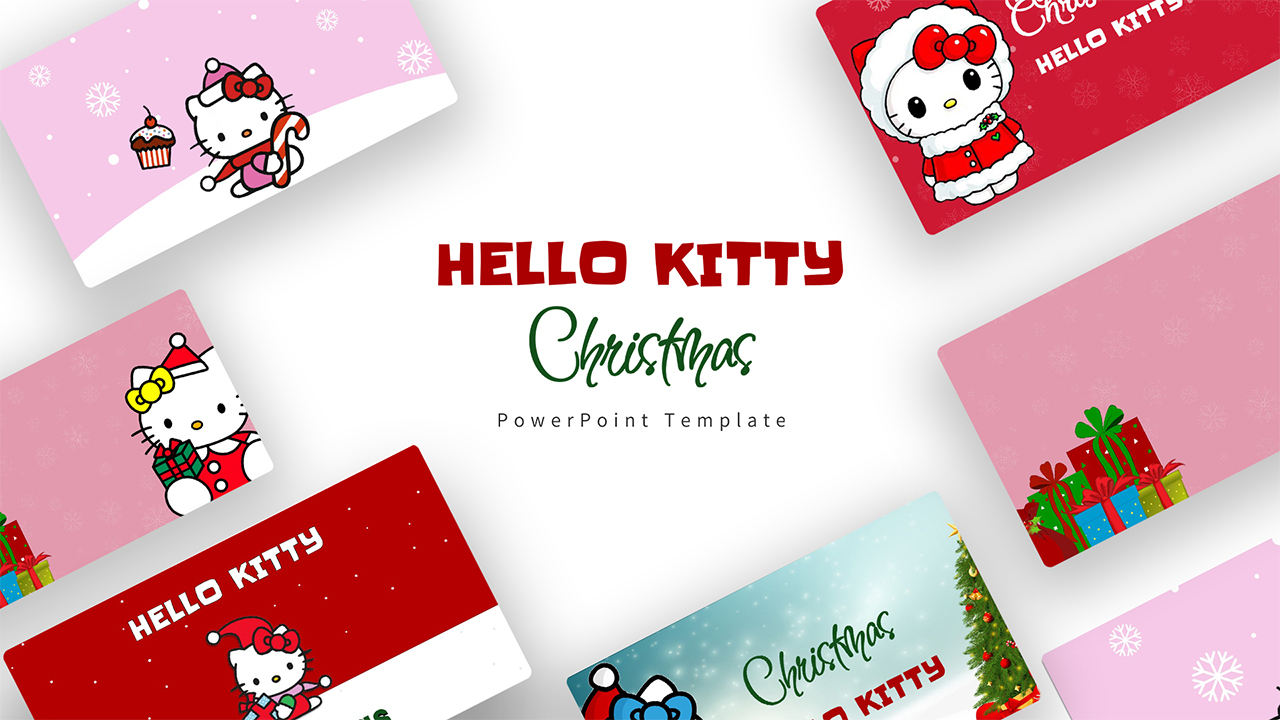
Download Sanrio Cartoon Company PowerPoint Template
Item ID: SCF01750
PowerPoint,Canva
100% Fully Customizable
Free to use
Liked the template? Support SlideChef!
Give us Donation! Help to keep our Templates Free for ever
Hi there! We hope you’re enjoying SlideChef for your presentations. As a free platform, we rely on donations to keep things running. If you find our resources helpful, please consider a small donation. Thank you!
How to Use in Microsoft PowerPoint
- Unlock the Deck: Open the downloaded .pptx file in Microsoft PowerPoint and click Enable Editing on the yellow alert bar at the top of the screen.
- Customize Company & Brand Details: Edit the cover slide, ticker symbols, and overview metrics on the What is Sanrio? slide to match your brand pitch or presentation topic.
- Update the Growth Timeline: Select the text blocks along the Six Decades of Cute milestone path to input your company's founding history, major milestones, and future launch dates.
- Spotlight Characters & Collaborations: Use the ribbon-framed character slides (Hello Kitty, My Melody, Kuromi, Cinnamoroll, Pompompurin, Keroppi, Gudetama) to showcase your featured product lines, brand ambassadors, or mascot rosters.
- Input Business & Financial Data: Update the 3-column revenue engine cards on the How Sanrio Makes Money slide, and adjust the column heights and figures on the Record-Breaking Growth chart.
- Deliver Full-Screen or Export: Press F5 to start the full-screen slide show, or navigate to File > Export > Create PDF/XPS Document to create high-resolution handouts and client proposals.
How to Use in Canva
- Generate Your Copy: Open the provided Canva template link and click Use template for new design to save an editable copy directly to your Canva account.
- Edit Text & Typography: Double-click any text box or header bubble font to type in your own business summaries, partner names, and project descriptions.
- Swap or Reorganize Visuals: Drag and drop your own merchandise photos, product mockups, or custom illustrations directly into the pastel frames and ribbon borders.
- Adjust Charts & Metrics: Click on the bar graphs and percentage stat blocks (+18.4%, 44.7%) to update data values instantly using Canva's interactive chart side panel.
- Collaborate in Real Time: Use the Share button in the top-right corner to invite team members, leave comments, and edit the brand deck simultaneously.
- Present Online or Download: Click Present to deliver an interactive slide show directly from your browser, or select Share > Download > PDF Standard (or PNG) to export digital pitch packets.