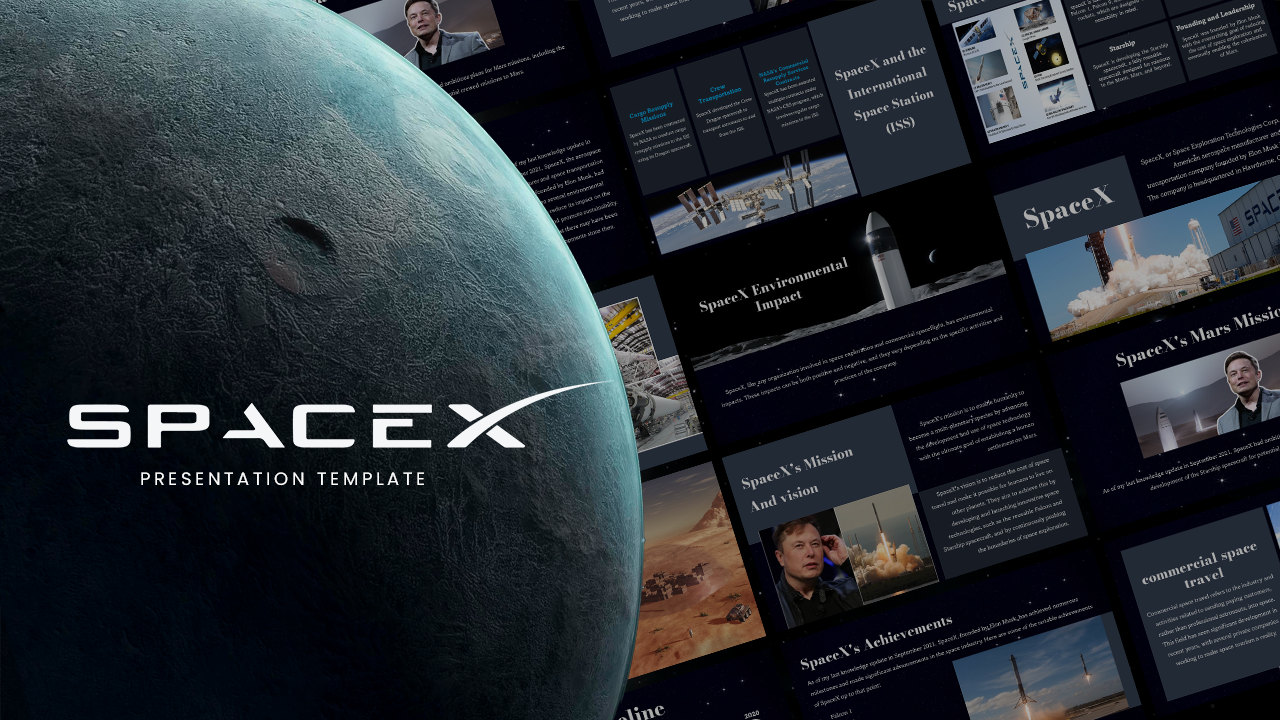
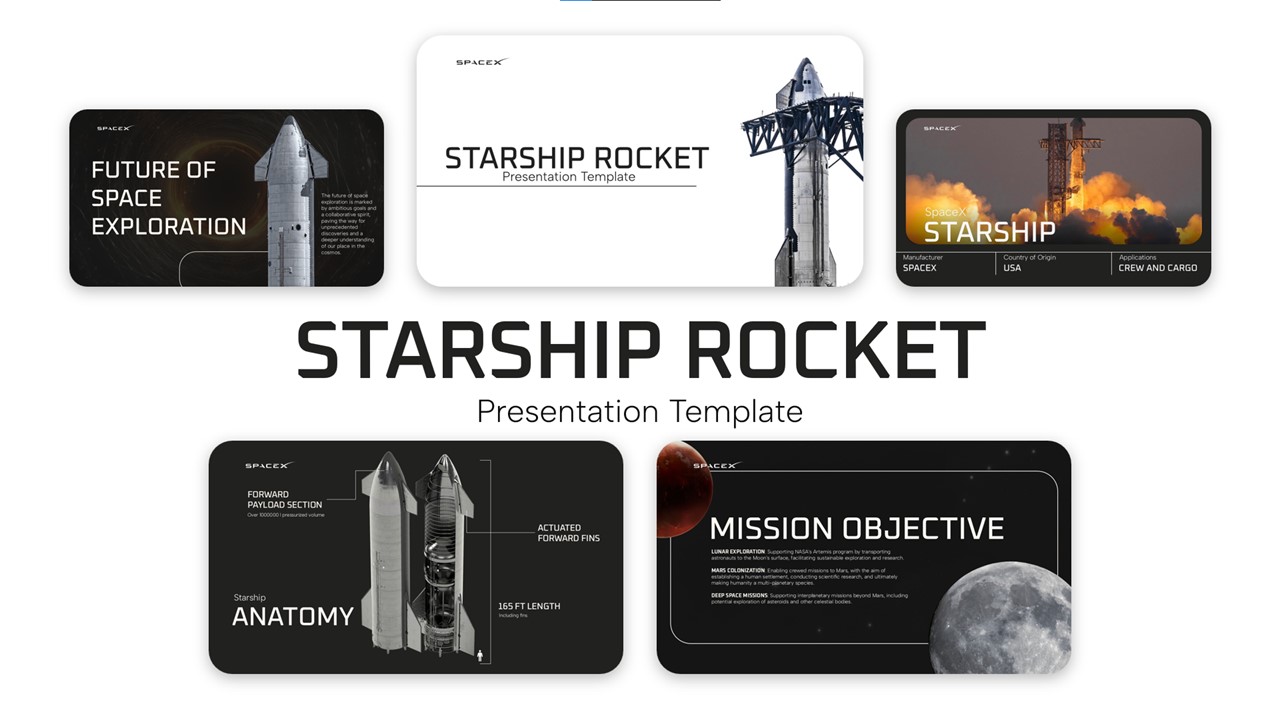
Download SpaceX Lunar Impact Study Template
Item ID: SCF01723
PowerPoint,Canva
100% Fully Customizable
Free to use
Liked the template? Support SlideChef!
Give us Donation! Help to keep our Templates Free for ever
Hi there! We hope you’re enjoying SlideChef for your presentations. As a free platform, we rely on donations to keep things running. If you find our resources helpful, please consider a small donation. Thank you!
How to Customize Your SpaceX Lunar Impact Template in PowerPoint & Canva
Follow this unified step-by-step guide to adapt your SpaceX Lunar Impact Presentation Template in Microsoft PowerPoint or Canva for astronomy lectures, space news breakdowns, and science reports:
Access & Unlock Your Slide Deck:
- Microsoft PowerPoint (.pptx): Download the .pptx file from SlideChef, open it in PowerPoint, and click Enable Editing on the top yellow security banner to unlock all editable telemetry text fields, cyan glow containers, and cosmic backdrops.
- Canva: Click the provided Canva template link on SlideChef and select Use template for new design to open a fully customizable copy directly in your Canva workspace.
Personalize the Launch Timeline & Crash Details:
- Double-click into text boxes on slides like The Object & The Cause and Quick Facts.
- Update descriptions of the January 15, 2025 launch, the 18-month unpowered drift through high-Earth orbit, and the August 5, 2026 impact at 5,400 mph to match your specific video script or lesson outline.
Swap Satellite Imagery & Crater Evidence:
- In PowerPoint: Right-click image placeholders on The Crater slide, select Change Picture > From a File..., and insert Danuri (KPLO) orbiter before-and-after photos, telescope views, or custom lunar maps.
- In Canva: Upload high-resolution satellite imagery or rocket graphics into your Canva Uploads folder, then drag and drop them directly over existing frames for an instant fit.
Detail Spectrographic Data & Space Junk Debates:
- Edit text blocks on slides like Chemical Fingerprints and Growing Space Junk Concerns.
- Fine-tune specific science facts, such as the Sodium (Na) and Lithium (Li) spectral lines detected by the Very Large Telescope (VLT) in Chile or arguments surrounding cislunar debris management protocols.
Tweak Cyan Accents & Export Final Presentation:
- Select any glowing cyan border, metric box, or dark backdrop and adjust fill colors using your school, media network, or channel's brand hex codes.
- Present Live: Press F5 in PowerPoint or click Present in Canva to deliver a crisp, full-screen astronomy briefing.
- Export Copies: Export your completed deck as a high-quality PDF document for student handouts, or download PNG slides to share research summaries on social media.