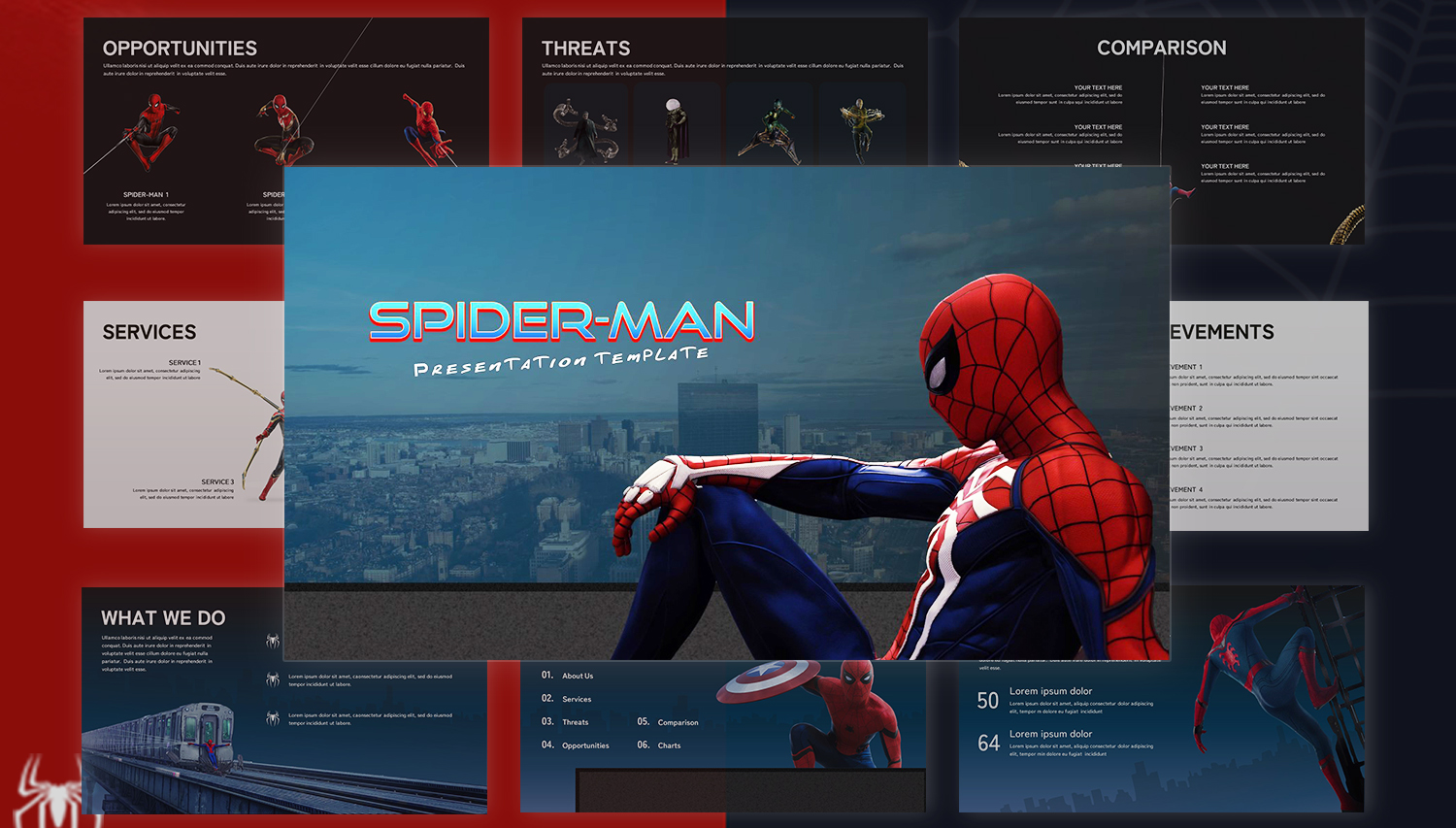
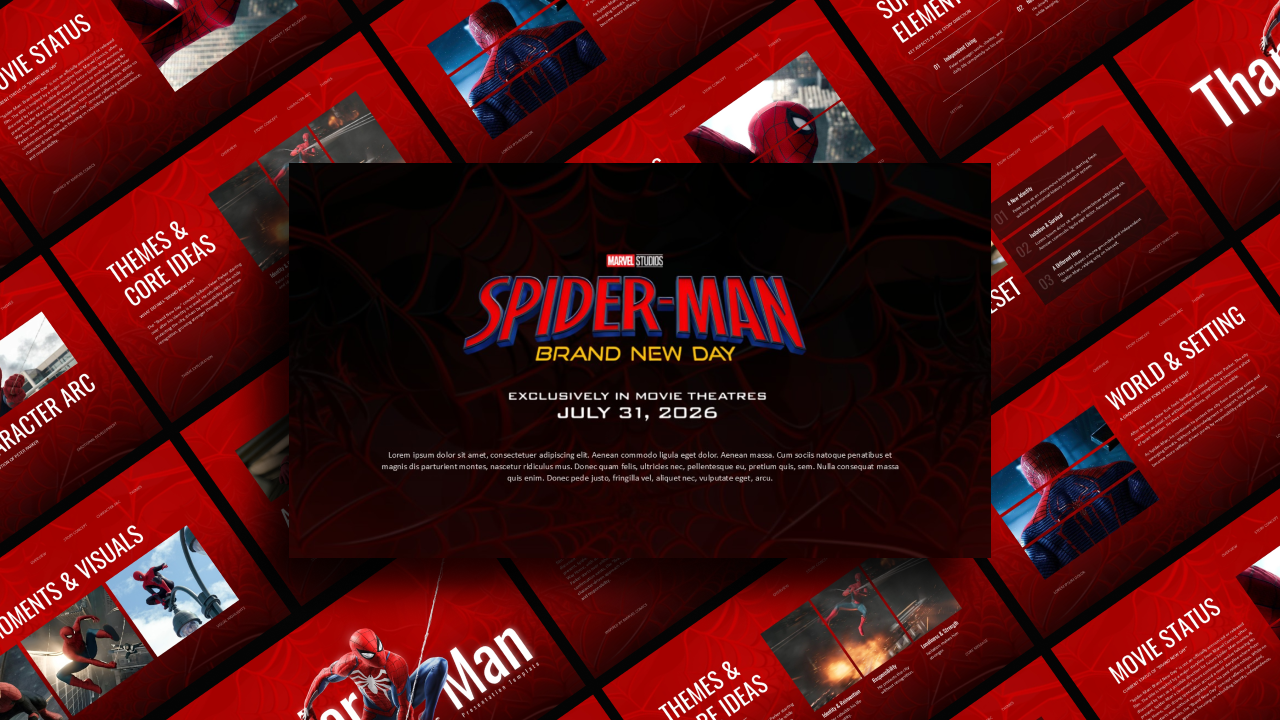
Download Spidey And His Amazing Friends Template
Item ID: SCF01715
PowerPoint,Canva
100% Fully Customizable
Free to use
Liked the template? Support SlideChef!
Give us Donation! Help to keep our Templates Free for ever
Hi there! We hope you’re enjoying SlideChef for your presentations. As a free platform, we rely on donations to keep things running. If you find our resources helpful, please consider a small donation. Thank you!
How to Use This Spidey and His Amazing Friends Presentation Template
Bring high-energy superhero fun to your next presentation! Whether you are delivering a live classroom lesson in Microsoft PowerPoint or customizing your animation review online in Canva, follow this combined step-by-step guide to personalize your Spidey and His Amazing Friends presentation template:
Open Your Preferred Platform:
- In PowerPoint (.pptx): Download the .pptx file from SlideChef, launch it in Microsoft PowerPoint, and click Enable Editing on the top yellow banner to unlock all text fields, character cards, and comic-style elements.
- In Canva: Click the provided Canva template link and select Use template for new design to open a fully editable copy directly in your Canva workspace.
Customize Text & Educational Copy:
- Click directly into text containers across slides like What Is The Show, Home Base Web-Quarters, Life Lessons & Values, or Behind The Show.
- Replace placeholder copy with your own cartoon reviews, classroom lesson notes on teamwork and bravery, or character breakdowns.
Update Character Profiles, Villains & Gadgets:
- Select character profile cards (Spidey, Ghost-Spidey, Spin) or villain boxes (Green Goblin, Doc Ock, Rhino, Black Cat) to edit character bios, powers, and team roles.
- Customize bullet badges and web callouts on the Gadgets & Powers slide to highlight specific superhero vehicles, web-shooters, or Spider-Sense abilities.
Swap Custom Renders & Media Visuals:
- In PowerPoint: Right-click any image placeholder, select Change Picture > From a File, and upload your own high-resolution show screenshots, fan art, or episode stills.
- In Canva: Drag and drop your uploaded images, screenshots, or video clips directly into pre-set image frames for an instant, perfectly sized fit.
Tweak Comic Colors & Typography:
- Adjust font sizes, line spacing, and text alignment using the top formatting bar while preserving the high-energy comic title styling.
- Customize background panels, red-and-blue accent cards, or spiderweb badges to match your specific event theme, brand palette, or classroom style.
Present Live or Export Handouts:
- Present Live: Press F5 in PowerPoint or click Present in Canva to deliver a full-screen, vibrant slideshow for classroom lessons, streaming recaps, or kids' workshops.
- Export Handouts: Go to File > Export in PowerPoint or Share > Download in Canva to save your deck as a .pptx file, high-resolution PNG slide images for social media, or a print-ready PDF guide for your audience.