<< Back to template
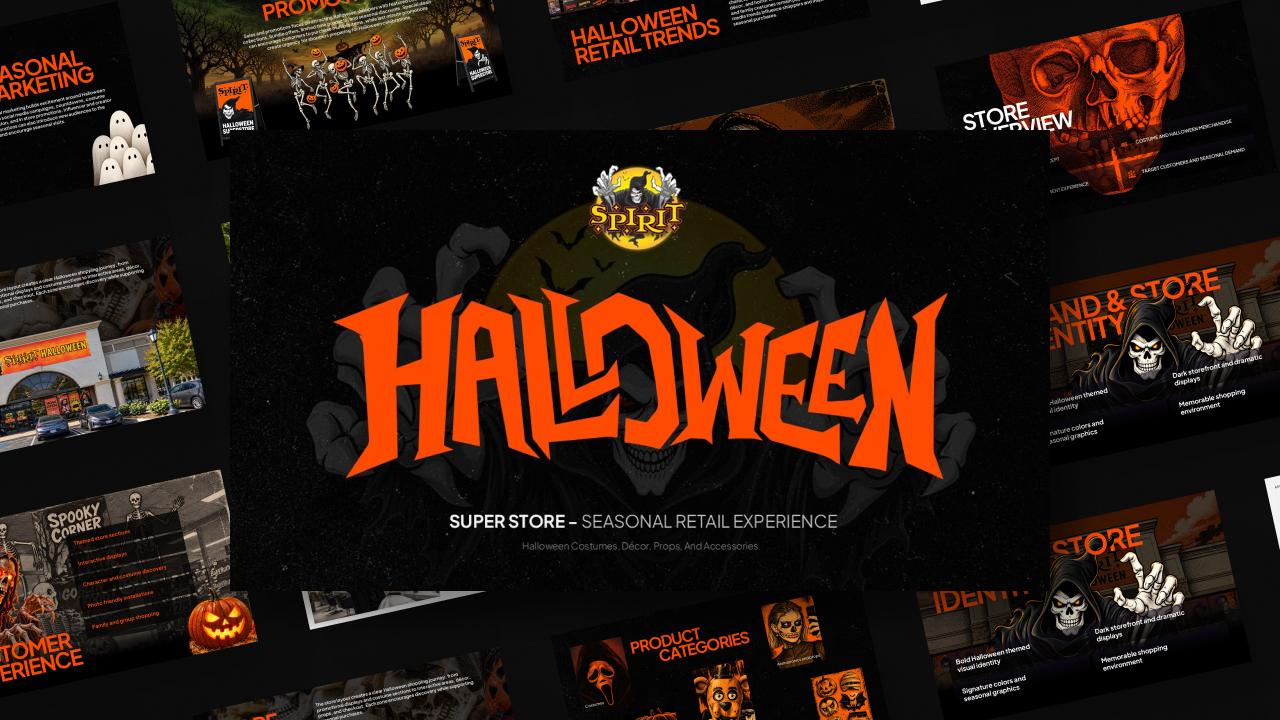
Download Spirit Halloween Store Theme Template
Item ID: SCF01785
PowerPoint,Canva
100% Fully Customizable
Free to use
Liked the template? Support SlideChef!
Give us Donation! Help to keep our Templates Free for ever
Hi there! We hope you’re enjoying SlideChef for your presentations. As a free platform, we rely on donations to keep things running. If you find our resources helpful, please consider a small donation. Thank you!
How to Use the Spirit Halloween Presentation Template
- Open the File: Open the downloaded .pptx deck in Microsoft PowerPoint or Google Slides in 16:9 widescreen format.
- Personalize the Cover Slide: Keep the central Spirit Halloween emblem and replace the subtitle with your presentation title, team name, or presentation date.
- Set Up the Business Overview: Use the introductory store slide to display company scale, active store locations, and core market facts.
- Walk Through the Pop-Up Roadmap: Fill in the 4-step sequence (Find The Space, The Transformation, Halloween Arrives, Gone by November) to illustrate project milestones or leasing stages.
- Organize Product & Experiential Categories: Use the 4-box photo grid and circular aisle layouts to present inventory categories, in-store mechanics, or marketing pillars.
- Customize Archetypes and Community Outreach: Tailor the persona cards for customer demographics, and highlight brand social responsibility on the Spirit of Children slide.
- Present or Export: Run the deck in full-screen slideshow mode for live meetings, or export as a high-resolution PDF for summary packets and case study handouts.