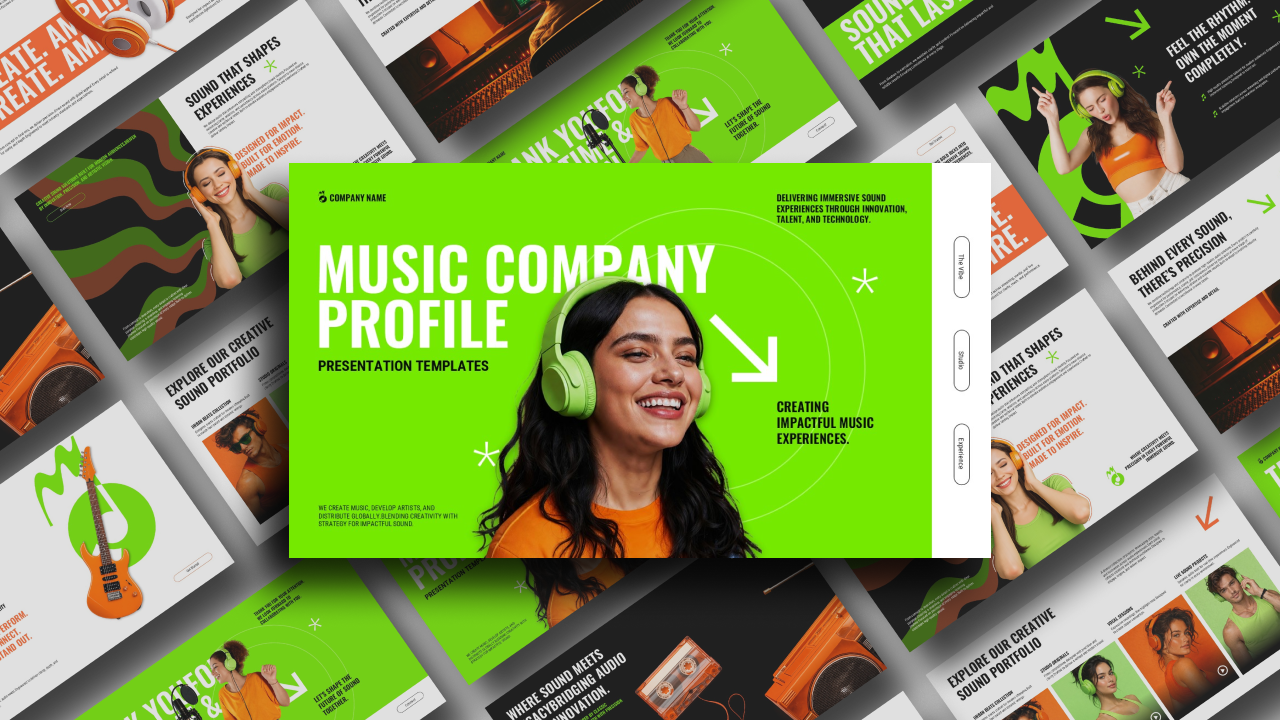
Download Spotify Wrapped 2025 Template – PPT, Google Slides & Canva
Item ID: SCF01273
Google Slide,PowerPoint,Canva
100% Fully Customizable
Free to use
Liked the template? Support SlideChef!
Give us Donation! Help to keep our Templates Free for ever
Hi there! We hope you’re enjoying SlideChef for your presentations. As a free platform, we rely on donations to keep things running. If you find our resources helpful, please consider a small donation. Thank you!
Easy Steps to Use This 2025 Spotify Wrapped Presentation Template
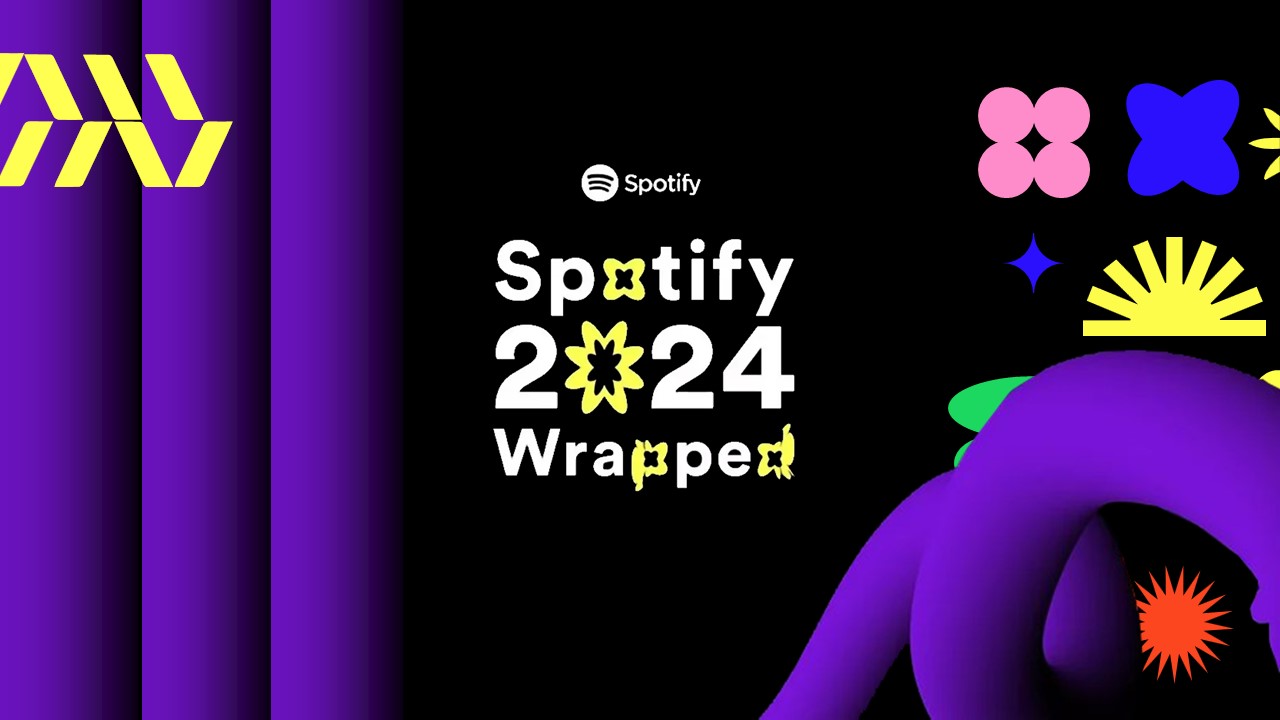
Spotify Wrapped is the ultimate year-end event that millions of music lovers look forward to all year long. It’s that exciting moment when everyone gets to celebrate, look back on, and share their unique musical journey with the world. With this easy-to-use template, you can bring that exact viral, high-energy visual style straight into your own presentations, school projects, or social media recaps!
Here is a super simple, beginner-friendly guide to customizing your template across all three platforms:
For Microsoft PowerPoint Users
- Open the File: Download the PowerPoint file to your computer and double-click to open it. If a yellow bar pops up at the top, just click Enable Editing.
- Type Your Info: Click directly on any text block (like the "Top Artist" ranking or "Minutes Listened" stats) and simply type over it with your own words or numbers.
- Swap the Photos: To change an image, right-click on the photo you want to replace, click Change Picture, and choose a new image straight from your computer.
- Save and Present: When you are done editing, save your file. Go to the Slide Show tab at the top and click From Beginning to watch your slides go full screen.
For Google Slides Users
- Make Your Copy: Click the provided Google Slides link and choose Make a Copy when prompted. This safely saves a fresh, editable version directly into your personal Google Drive.
- Edit in Your Browser: You don't need to install anything! Just double-click on any line of text to change the headings, lists, or data values right inside your web browser.
- Replace the Images: Click once on any photo, look at the top menu bar, click Replace image, and upload your favorite artist pictures or project graphics.
- Pitch Instantly: To show off your customized Spotify Wrapped design, simply click the big Present button in the top right corner of your screen.
For Canva Users
- Duplicate the Design: Click the Canva link to open the layout. Before making changes, click on File in the top left menu bar and select Make a copy to save the template to your personal Canva dashboard.
- Easy Drag-and-Drop: Upload your own photos or album artwork into Canva, then simply drag and drop them right into the pre-shaped image blocks on the slides.
- Change Colors and Text: Double-click on any text to rewrite it, or click the vibrant background shapes to swap out the colors using the simple color grid on the left side panel.
- Download or Present: Click the Present icon to view your slides in full screen directly from the web, or click Share -> Download to save them as an image or a PDF.