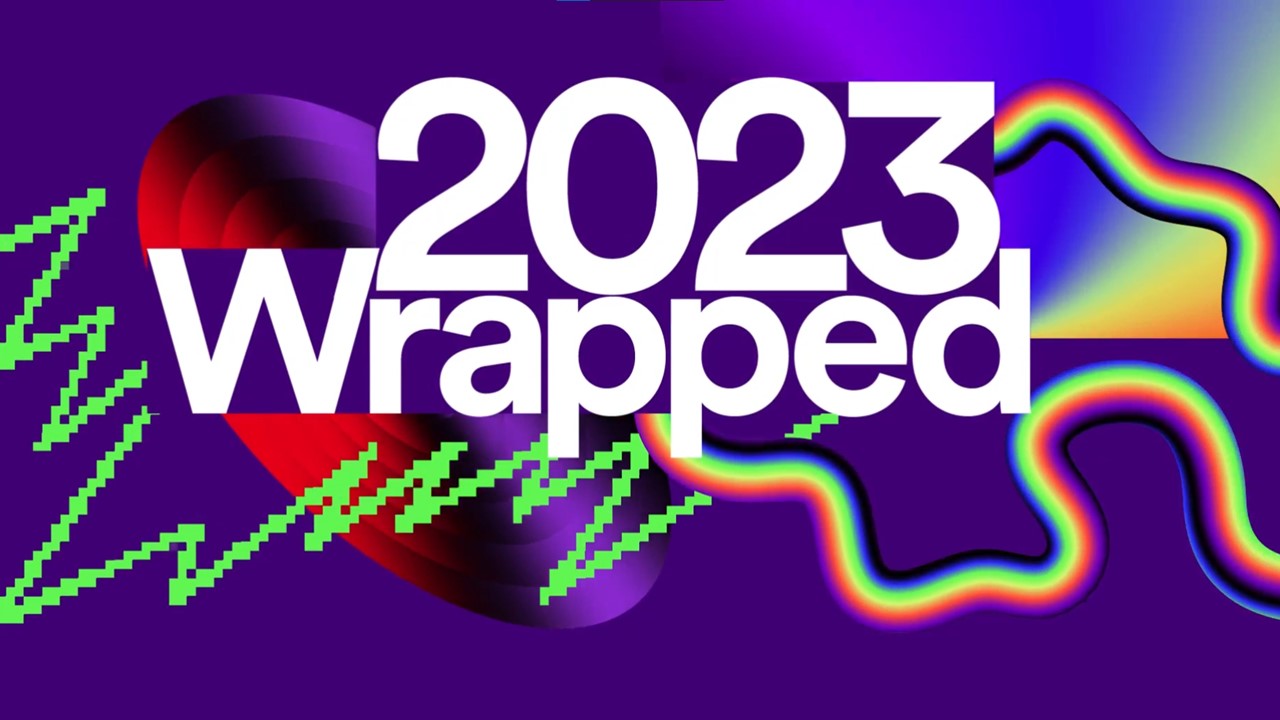
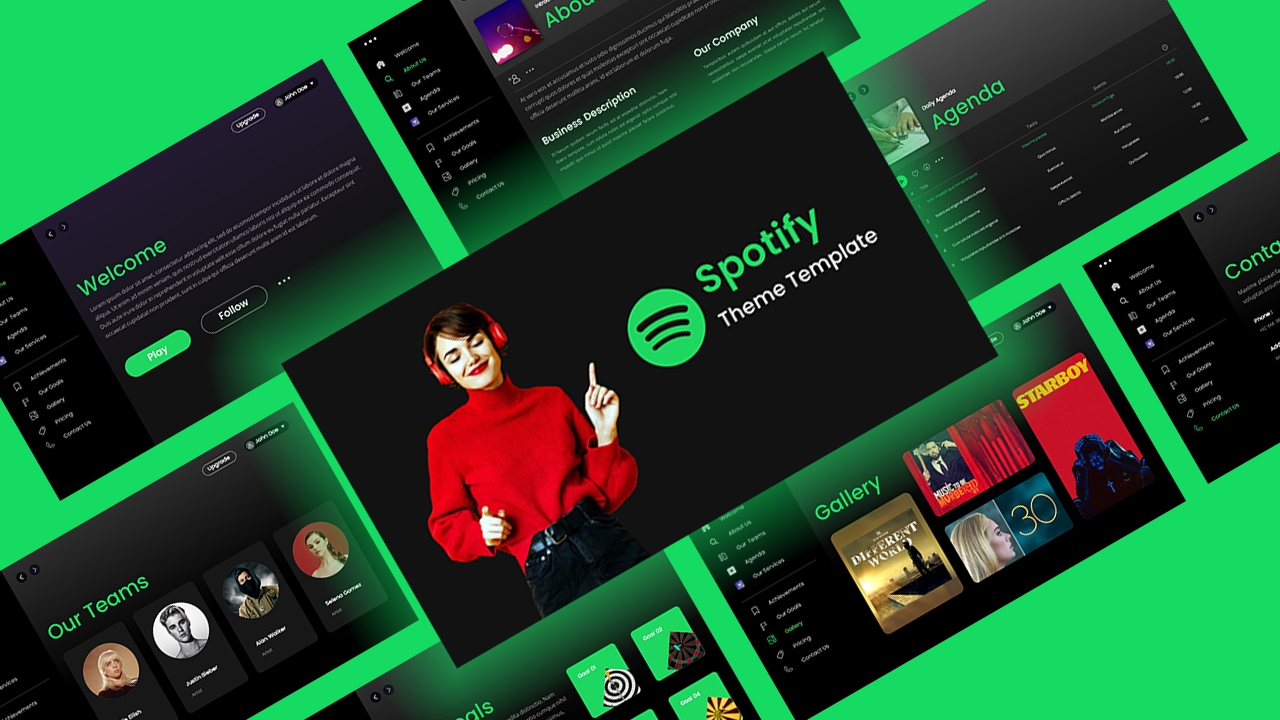
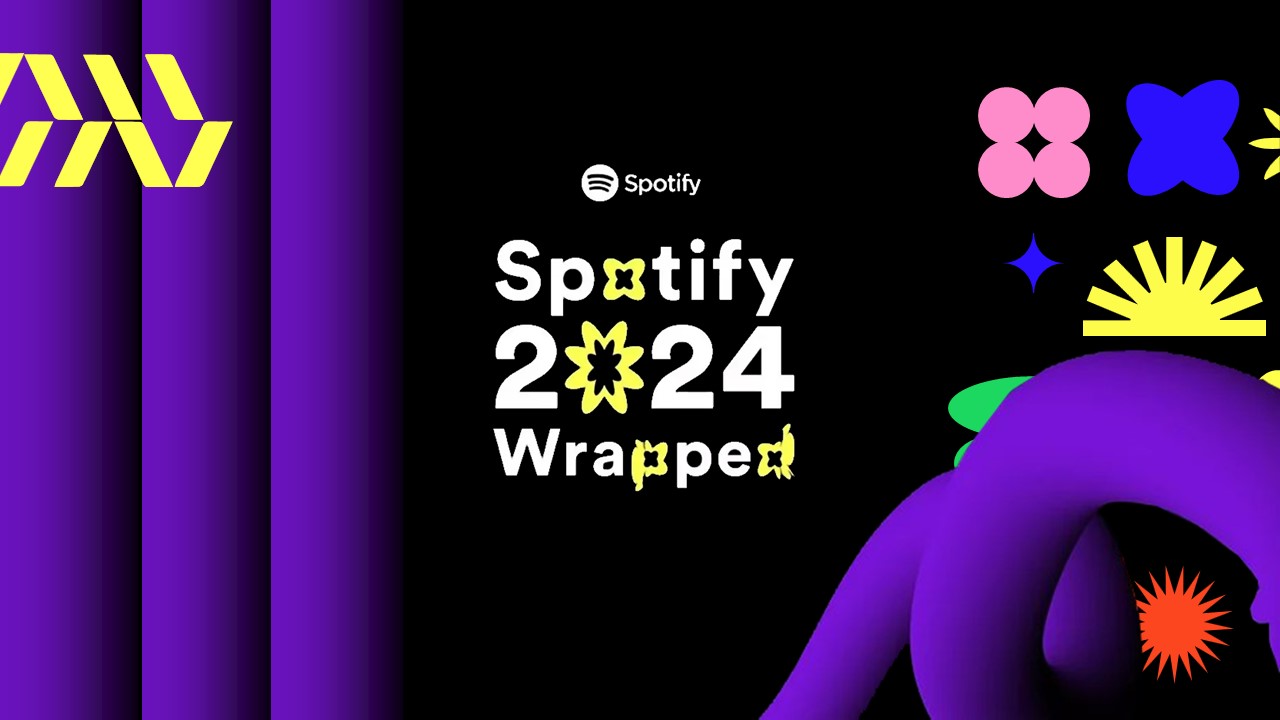
Download Spotify Wrapped 2026 Template
Item ID: SCF01735
PowerPoint,Canva
100% Fully Customizable
Free to use
Liked the template? Support SlideChef!
Give us Donation! Help to keep our Templates Free for ever
Hi there! We hope you’re enjoying SlideChef for your presentations. As a free platform, we rely on donations to keep things running. If you find our resources helpful, please consider a small donation. Thank you!
How to Use the Spotify Wrapped 2026 Template
Open and Unlock Your Template:
- PowerPoint: Download the .pptx file from SlideChef, open it, and click Enable Editing on the top notification bar to unlock all text layers, retro checkerboard frames, and neon shapes.
- Canva: Open the Canva link from SlideChef and select Use template for new design to load an editable copy into your dashboard.
Input Your Listening Stats & Sound Personality:
- Double-click into the stat boxes on slides like This Was Your Soundtrack and You Are The Explorer.
- Enter your actual or fun projected 2026 numbers: total minutes listened, song counts, streamed artist totals, and listener trait percentages (Adventurous, Open Minded, Diverse).
Rank Your Top Artists & Tracks:
- Artists on Repeat (Slide 4): List your top 5 artists alongside their total streamed minutes. In PowerPoint, right-click artist photo placeholders and select Change Picture; in Canva, simply drag-and-drop artist photos from your Uploads tab directly into the rounded image containers.
- Tracks That Defined 2026 (Slide 5): Type in your top 5 song titles, featured artists, and song durations.
Customize Listening Age & Trivia Metrics:
- Update the giant number callout on the Your Listening Age slide (Slide 6) with your music age and descriptive vibe.
- Fill out the trivia cards on The Numbers That Matter (Slide 7) with your longest listening streak, most played album, first & last songs of 2026, top podcast, and audio mood score.
Tweak Colors & Social Media Handles:
- Personalize the vibrant neon color blocks (lime, magenta, orange, or purple) to match your favorite aesthetic using the shape fill tools in PowerPoint or the top color tile in Canva.
- Add your name, social media handle, or hashtag on the title and closing slides.
Export & Share Online:
- For Social Media (Instagram, TikTok, X): Export individual slides as high-resolution PNG or JPG files (in PowerPoint via File > Save As > PNG/JPEG; in Canva via Share > Download > PNG/JPG) to post as seamless carousel stories or feed posts.
- For Live Recaps & Presentations: Press F5 in PowerPoint or click Present in Canva to run a fun, animated music review for your friends, followers, or community.