


Best Presentation for 2027 | PowerPoint, Google Slides & Canva
Plan, execute, and deliver impactful presentations with SlideChef’s curated collection of the best presentation templates for 2027. As organizations and individuals gear up for long-term roadmaps, annual reviews, and strategic goal execution, having clean, ready-to-use slides saves hours of manual formatting.
Filter
-

0 Upvoted
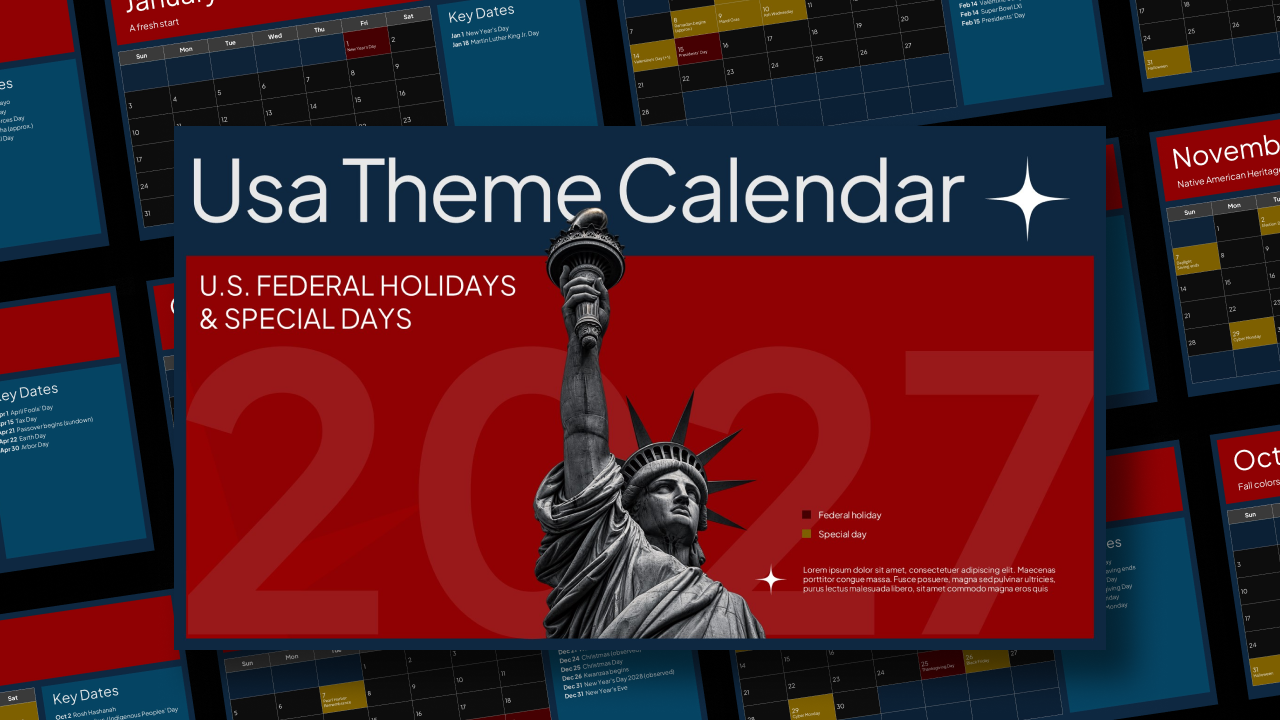
2027 Calendar with US Holidays Template
-
0 Upvoted
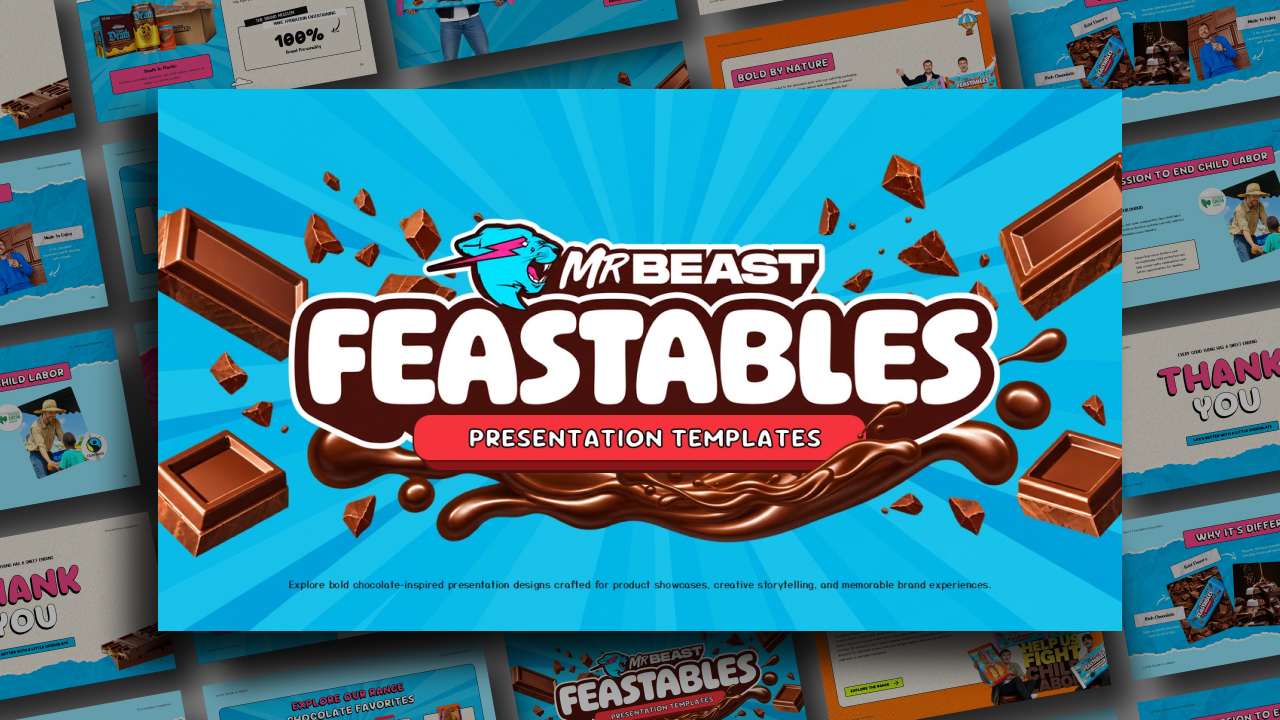
Feastables by MrBeast PowerPoint Template
-

0 Upvoted
Free New Year’s Eve Party Poster Template
-

0 Upvoted
Free New Year Gym Offers Poster for Google Slides & PowerPoint
-
0 Upvoted
New Year’s Resolution Google Slides Template & PowerPoint
-

0 Upvoted
Happy New Year 2027 Wishes Poster Template
-
0 Upvoted
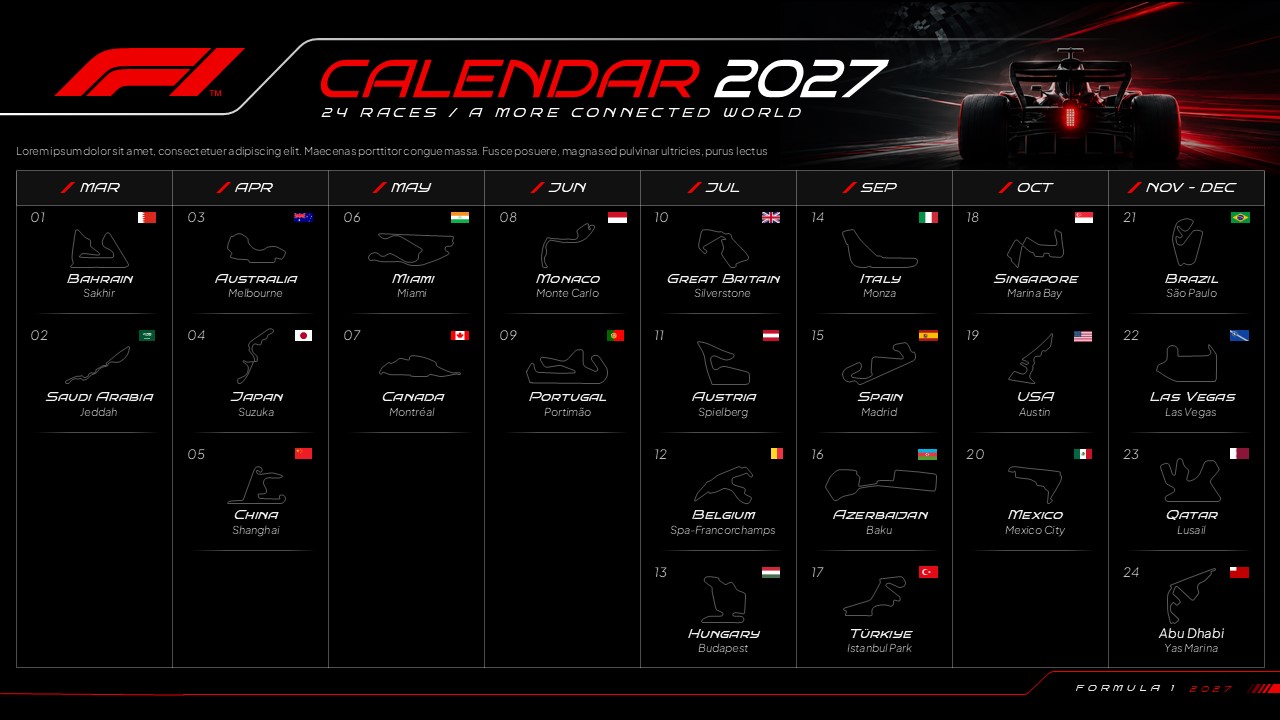
F1 Calendar 2027 Template
-
0 Upvoted
NBA 2027 Schedule Template
-
0 Upvoted
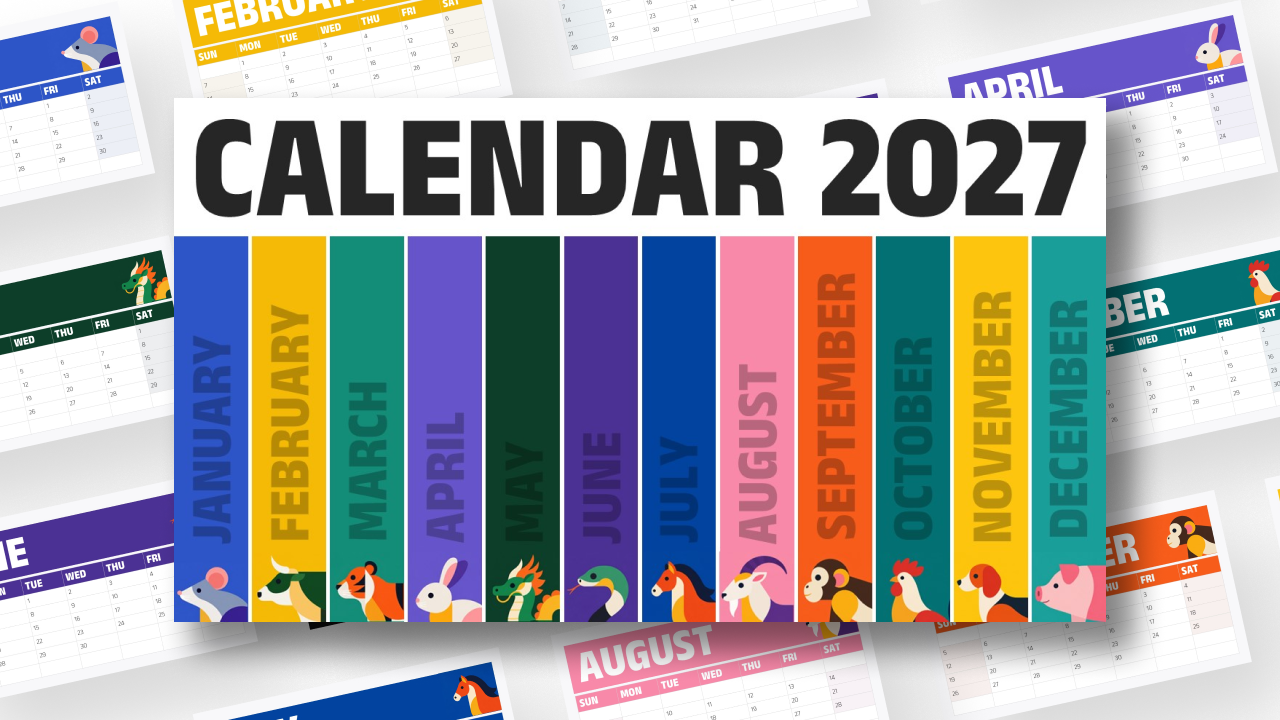
2027 Calendar Template
-
0 Upvoted
Madden NFL 27 Game Template





Why We Have Curated This Best 2027 Templates Library
Looking for something polished, unique, and creatively designed for 2027? SlideChef has got you covered. Instead of settling for dated, repetitive layouts or spending hours manually building calendar grids and timeline charts from scratch, this curated library brings together our most versatile, design-forward slide decks for the upcoming year. Every template is intentionally crafted to balance aesthetic flair with clear, practical structure—giving you modern, ready-to-present layouts that help you map out visions, showcase annual milestones, and keep your audience truly engaged from the very first slide.
Best 2027 Template Categories Featured in This Collection
Our 2027 catalog is divided into purpose-built categories to help you find the exact layout for your meeting:
- Best 2027 Yearly Calendars & Monthly Planners: Designed with accurate 2027 day alignments, starting from Friday, January 1, 2027. Features 12-month summary grids, single-month focus slides, and dedicated note columns for tracking corporate holidays and key events.
- Best Business Roadmaps & Strategic Timelines: Ideal for executive leadership meetings and board presentations. These decks provide structured Q1–Q4 roadmaps, Gantt-style milestone tracks, and KPI comparison cards.
- Best Goal-Setting & Resolution Decks: Formatted for annual kick-offs and personal development workshops. Includes vision boards, OKR tracking frameworks, and daily habit-building schedules.
- Best Academic & Semester Timetables: Built for faculty, educators, and students to map out course pacing, examination dates, and academic terms cleanly.
- Best Marketing & Product Launch Schedules: Pre-formatted campaign calendars equipped with multi-channel tracking columns (social media, PR, email marketing, and product drops).
What Makes These the Best 2027 Presentation Templates?
- Fully Editable Vector Elements: Modify every date grid, calendar box, arrow, and milestone icon without quality loss or distortion.
- Dual-Platform Flexibility: Download offline
.pptxfiles for desktop presentations or copy directly into Google Drive for real-time team collaboration in Google Slides. - Clean Visual Hierarchy: Uses high-contrast color palettes and modern typography to ensure multi-month data and schedules remain legible on projectors, conference monitors, and laptop screens.
- 100% Free for Commercial & Academic Use: Download complete decks at zero cost with no hidden paywalls, subscription models, or watermarks.
Frequently Asked Questions
Why are these considered the best presentation templates for 2027?
Each template is built specifically around verified 2027 dates and optimized for modern presentation standards (16:9 HD widescreen, minimal clutter, vector scalability, and cross-platform compatibility).
Can I customize these templates with company brand colors and logos?
Yes. All backgrounds, typography colors, and shape fills can be updated globally via the slide master settings in PowerPoint or Google Slides to match your corporate branding.
Are these templates suitable for physical printing?
Yes. Simply change the page setup in PowerPoint or Google Slides to standard A4 or US Letter dimensions before exporting your finished calendar or roadmap as a high-resolution PDF.
Are you looking for Custom Presentation Template Designs?
It is a long established fact that a reader will be distracted by the readable content of a page when or randomised words which don’t look even slightly believable


