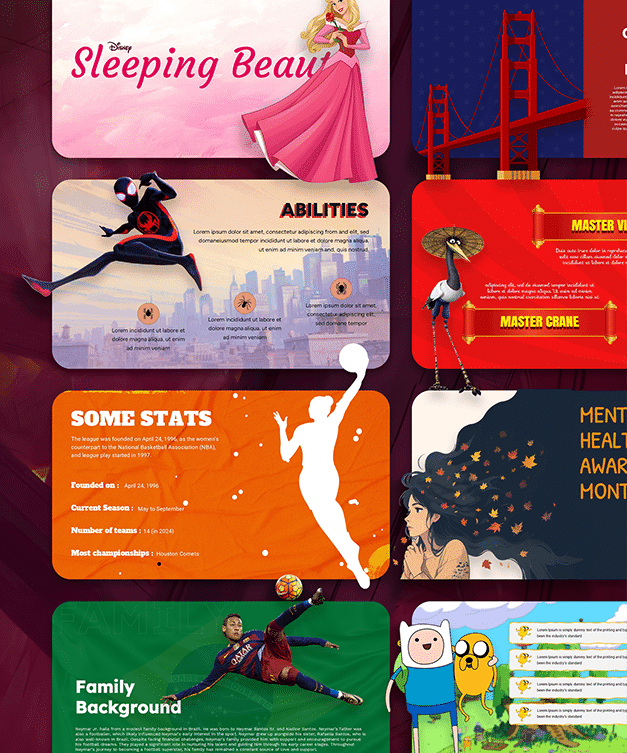
Brand Presentation Templates for PPT, Google Slides & Canva
A brand is more than a name or a logo. It is the identity, personality and message that people associate with a business. Bringing all these elements together requires a clear way to communicate what the brand represents. SlideChef’s Brand Presentation Templates help you introduce a company, explain its identity, communicate branding strategies and showcase its visual direction. From brand books and identity guidelines to marketing strategies and rebranding proposals, find editable Brand PowerPoint Templates to present your ideas with clarity and consistency.
Filter
-

0 Upvoted
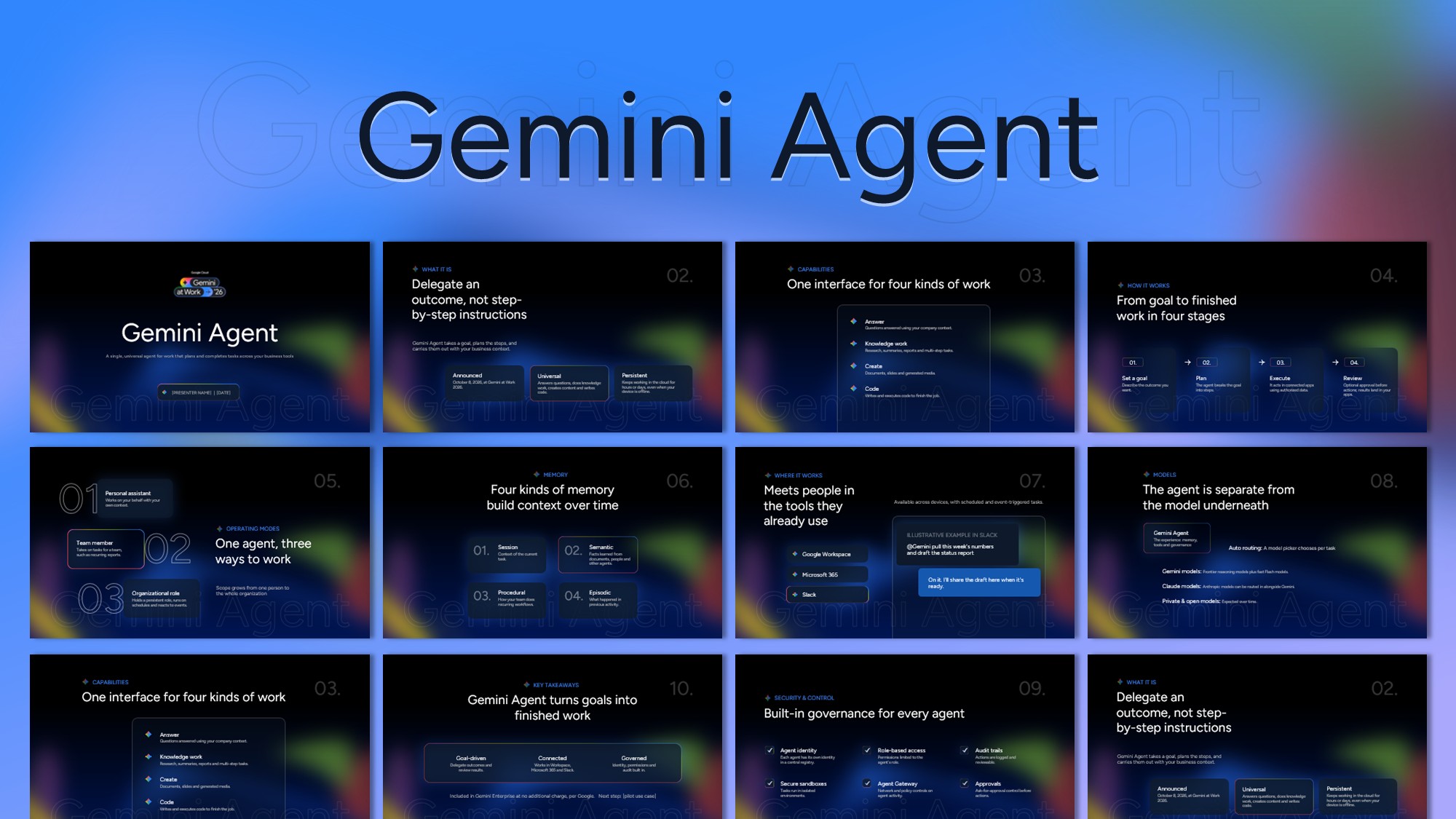
Gemini Agent – AI Presentation Template
-

0 Upvoted
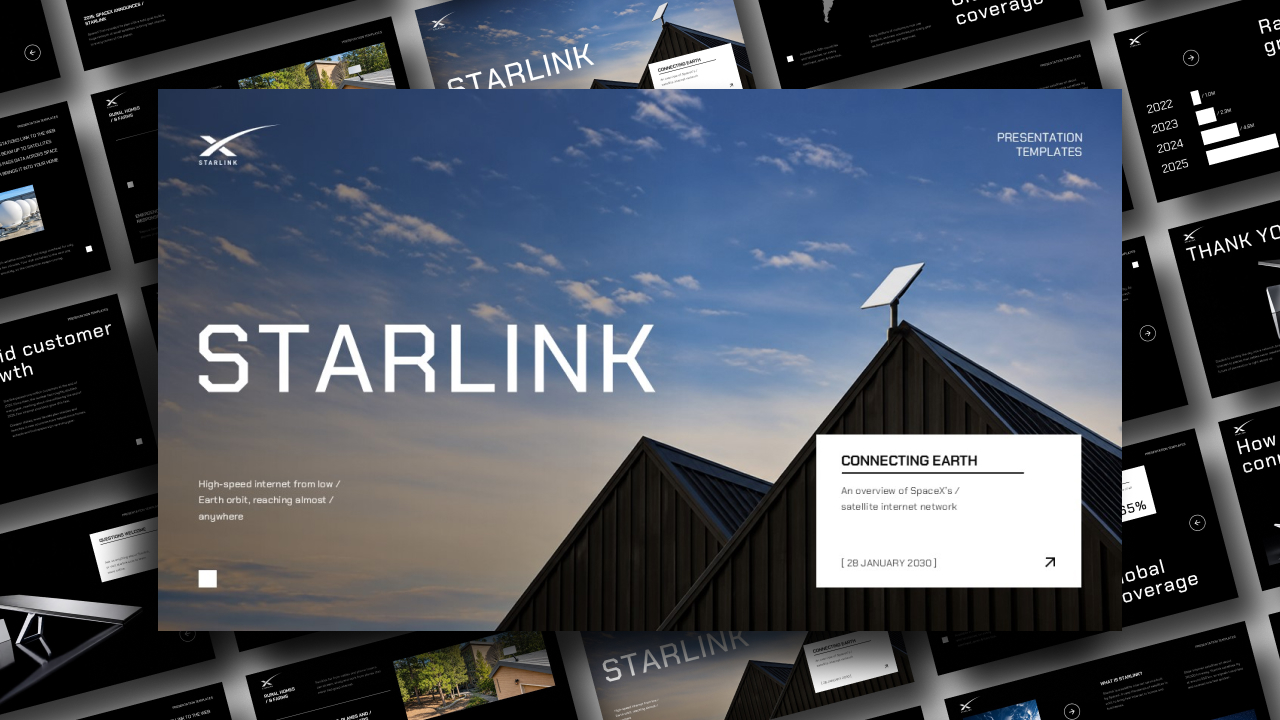
Starlink Presentation Template for PPT & Canva
-
0 Upvoted
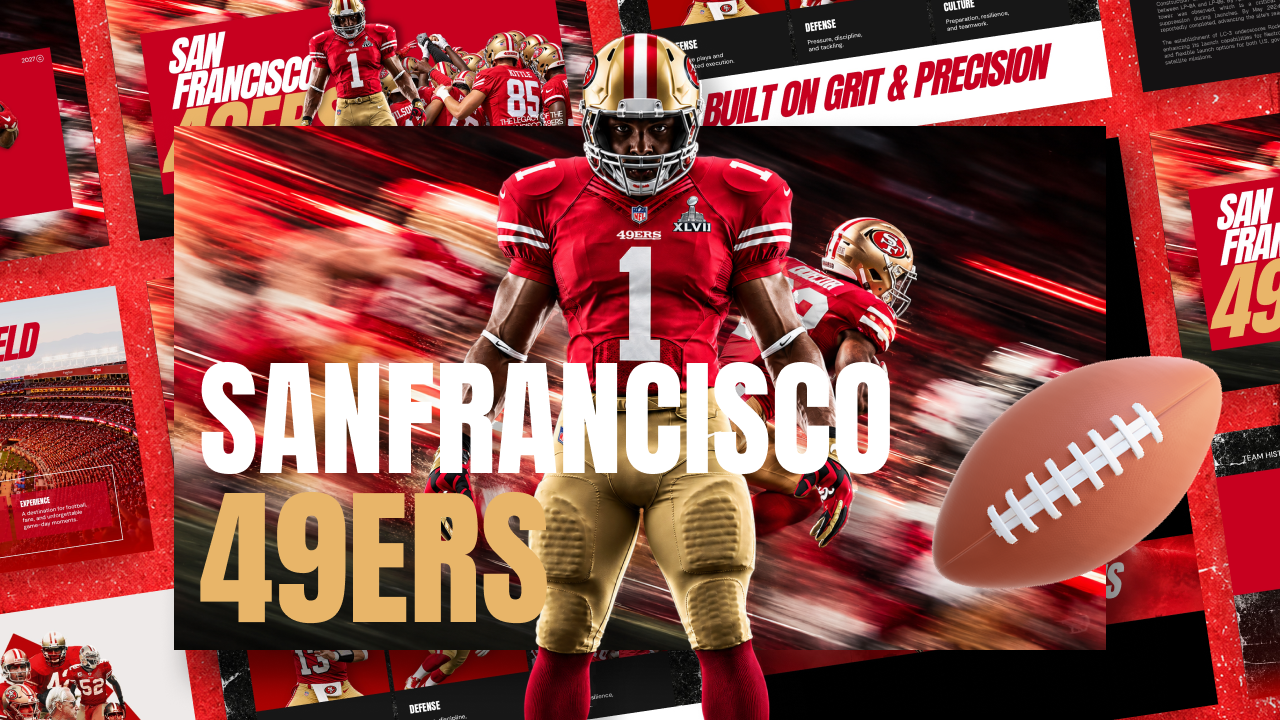
San Francisco 49ers American Football Team Template
-
0 Upvoted
OpenAI Dots AI Model Template
-
0 Upvoted
Tesla Roadster Flying Cars Template
-
0 Upvoted
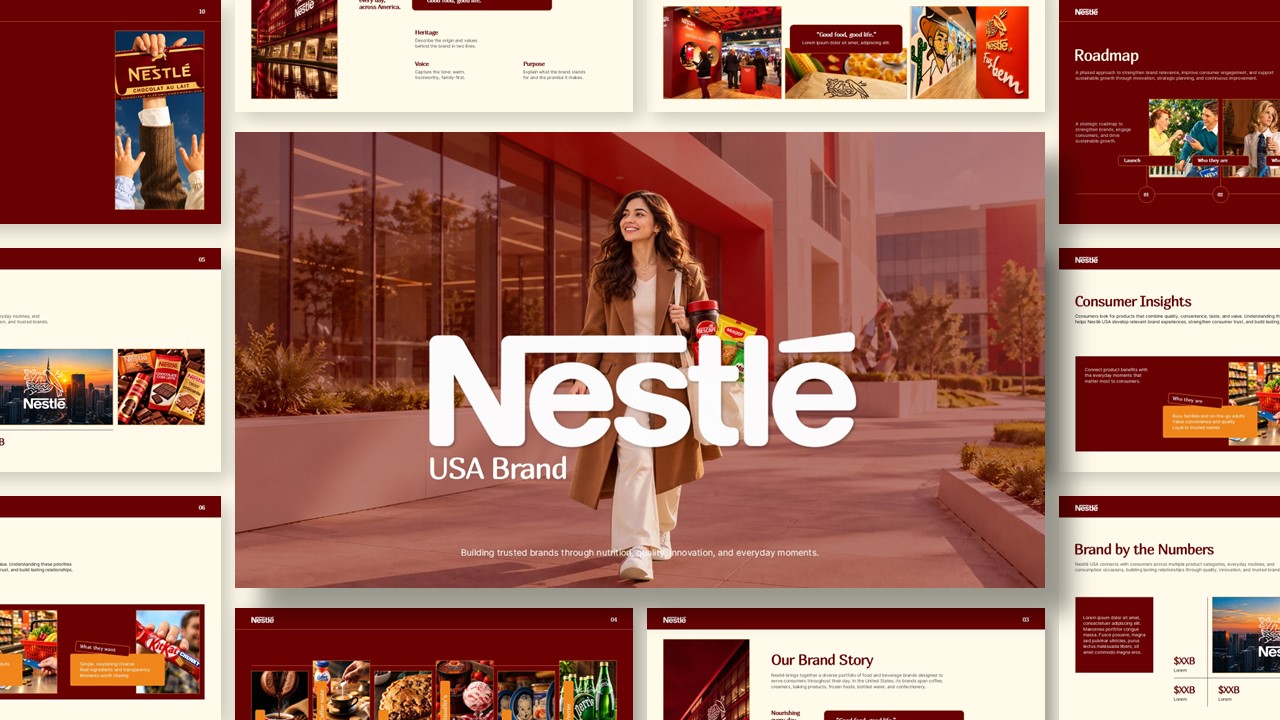
Nestle Company Profile PowerPoint Presentation Template
-
0 Upvoted
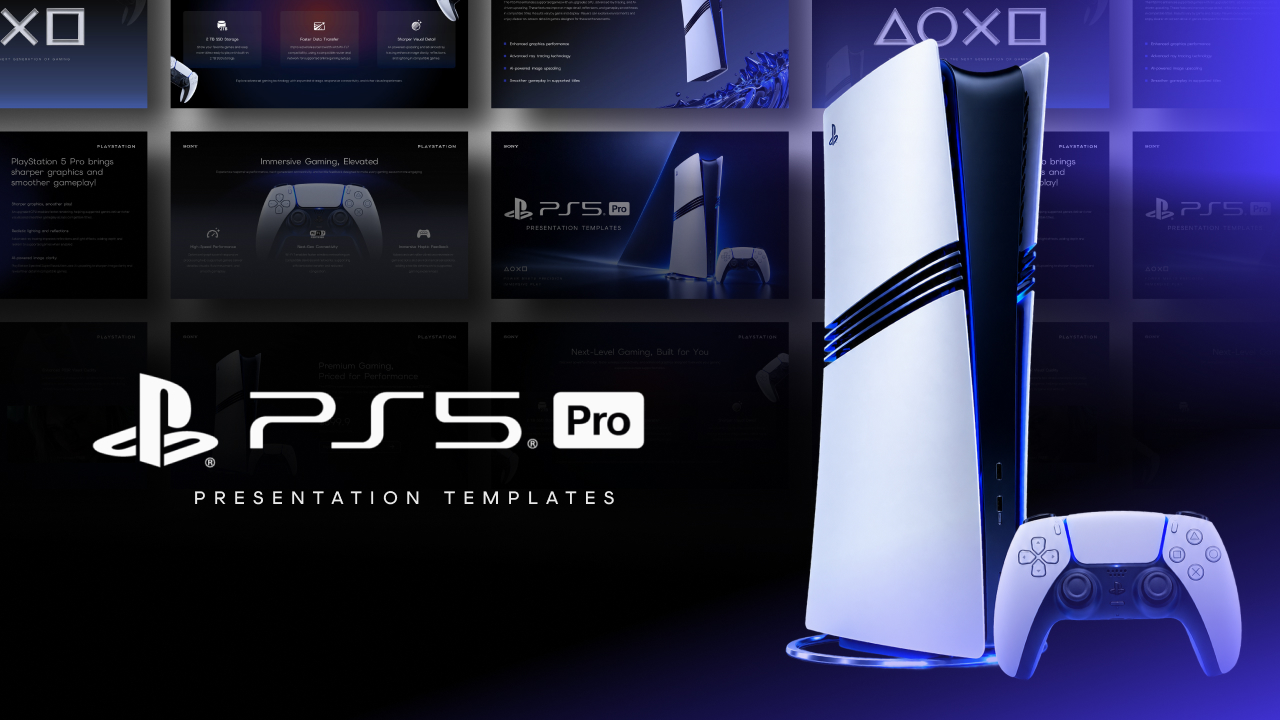
Sony PlayStation 5 Pro Theme Presentation Template
-
0 Upvoted
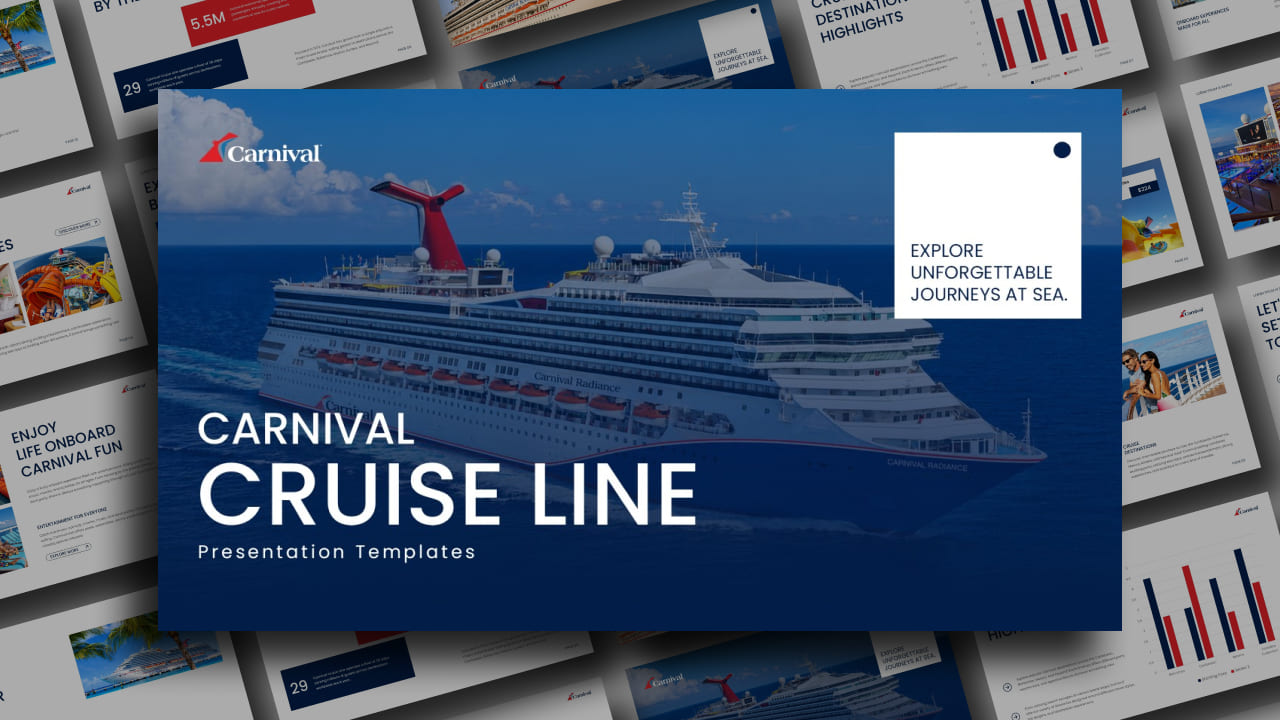
Carnival Cruise Line – Travel Presentation Deck
-
0 Upvoted
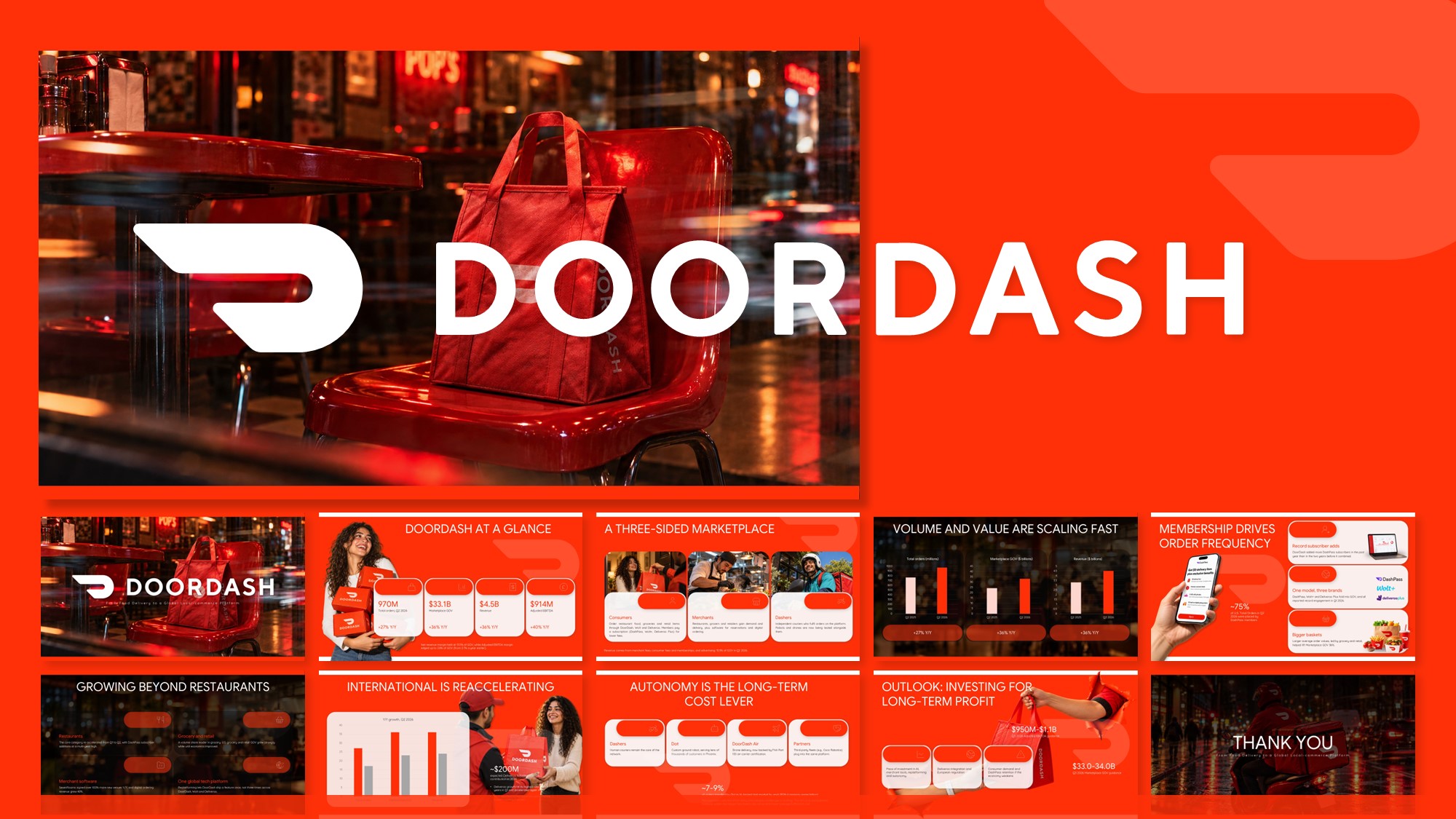
DoorDash Pitch Deck Template for PPT & Canva
-
0 Upvoted
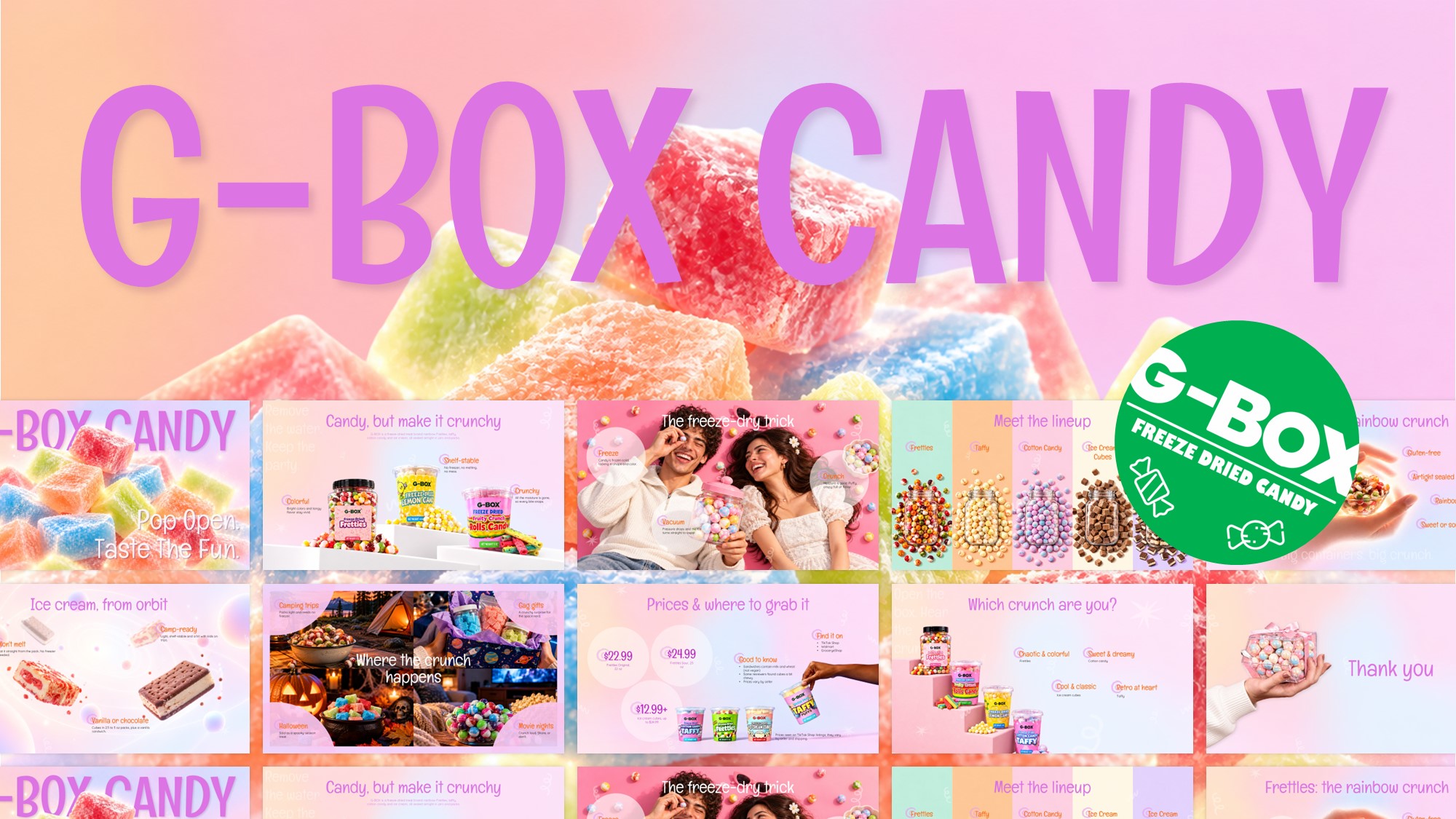
G-Box Freeze Dried Candy Template
-
0 Upvoted
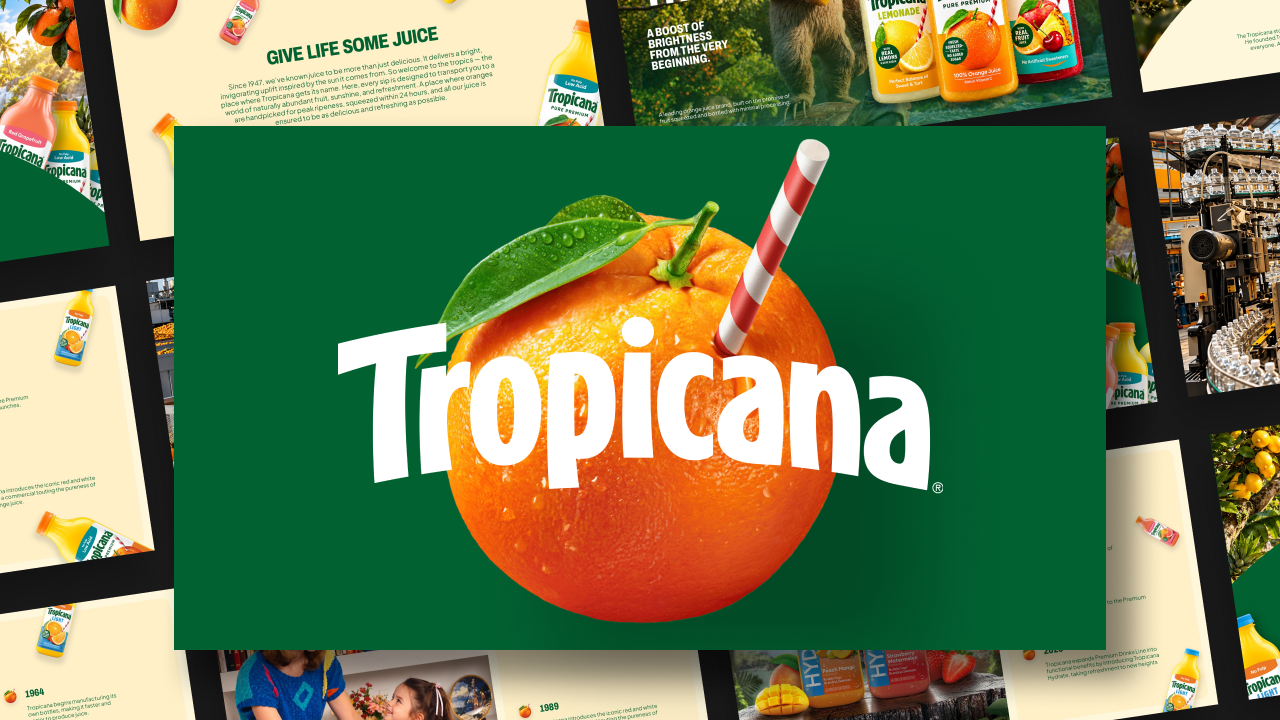
Tropicana Company Profile Template
-
0 Upvoted
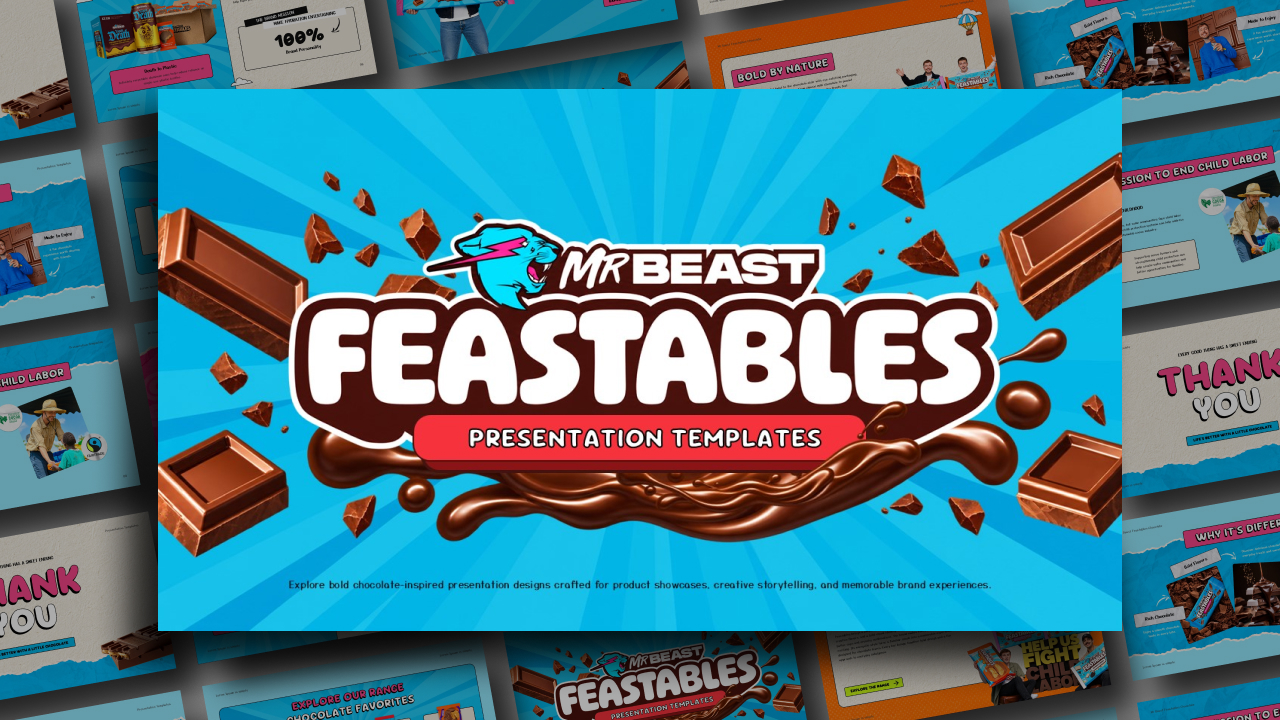
Feastables by MrBeast PowerPoint Template
-
0 Upvoted
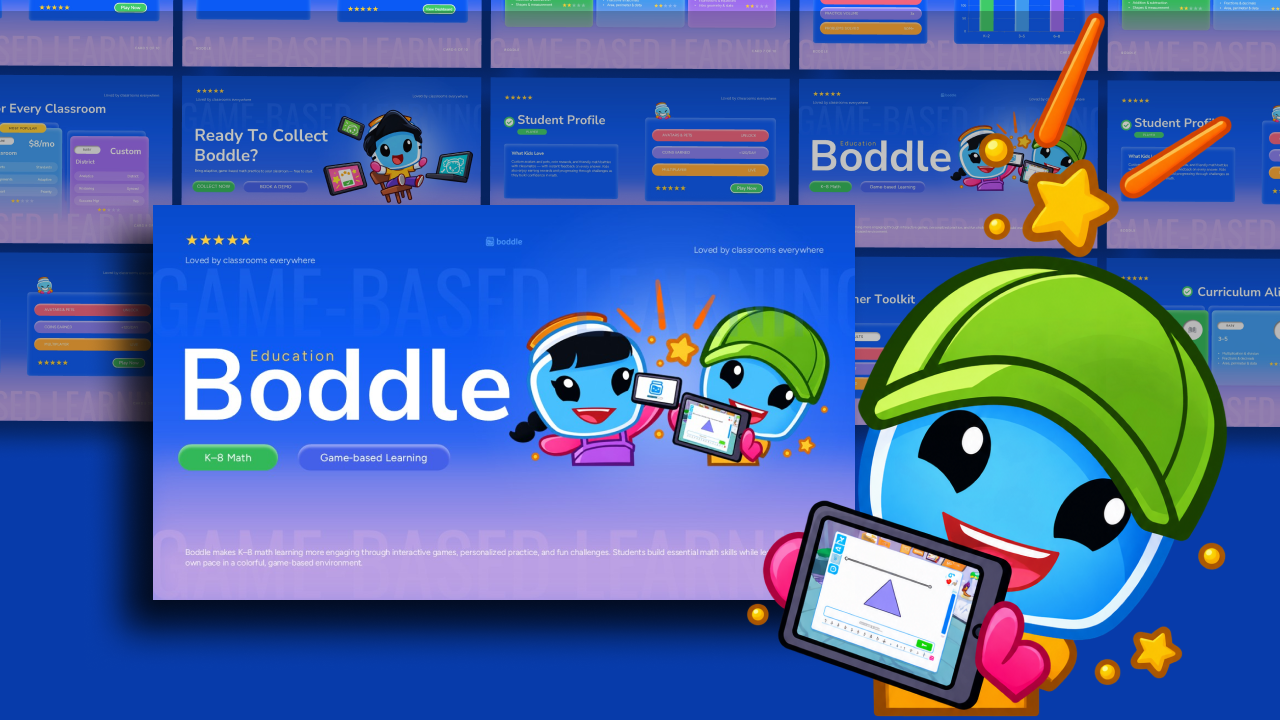
Boddle Learning Template for PowerPoint
-
0 Upvoted
Meta VR Glasses Theme PowerPoint Template
-
0 Upvoted
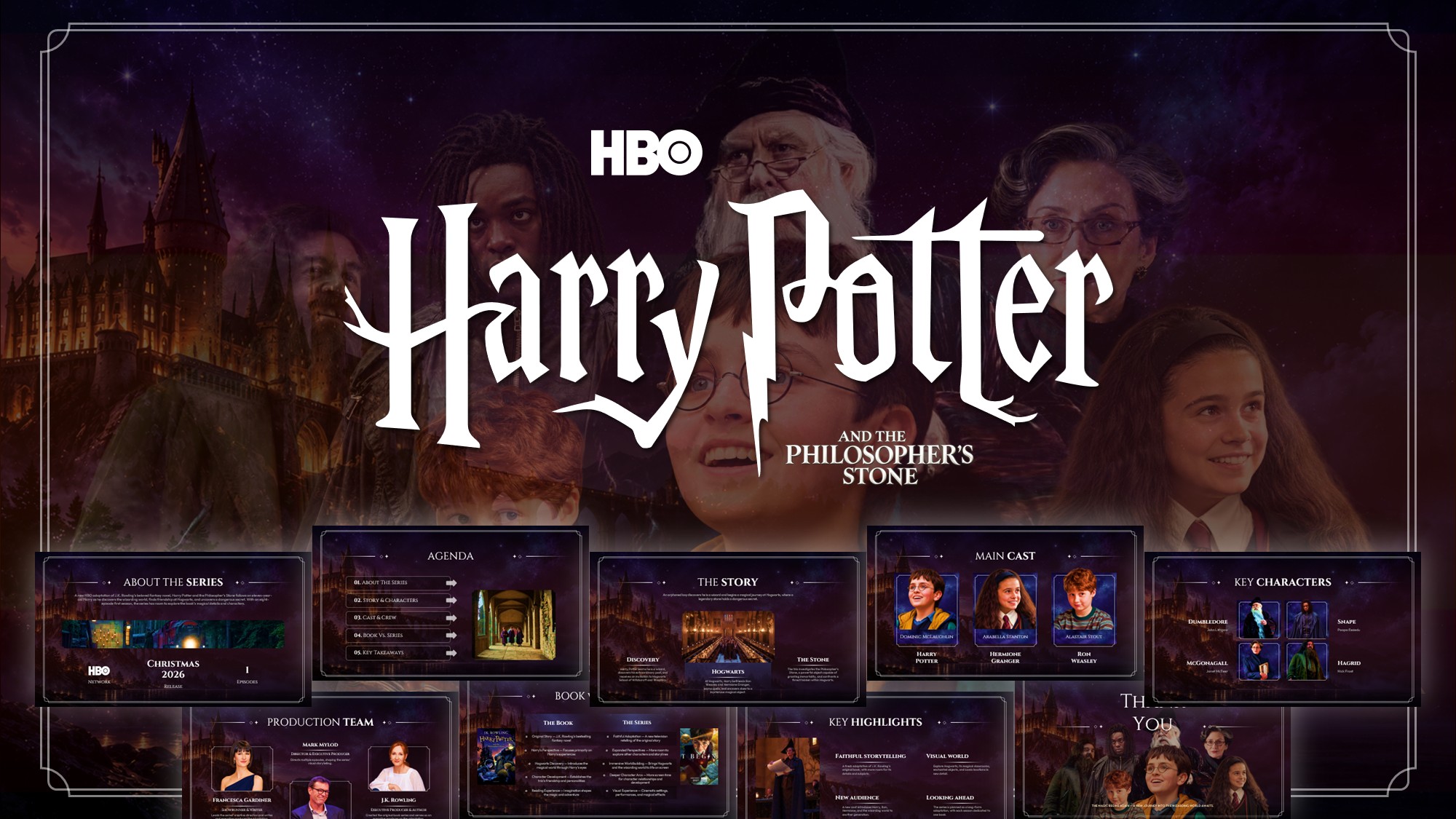
Harry Potter and the Philosopher’s Stone TV Series Template
-
0 Upvoted
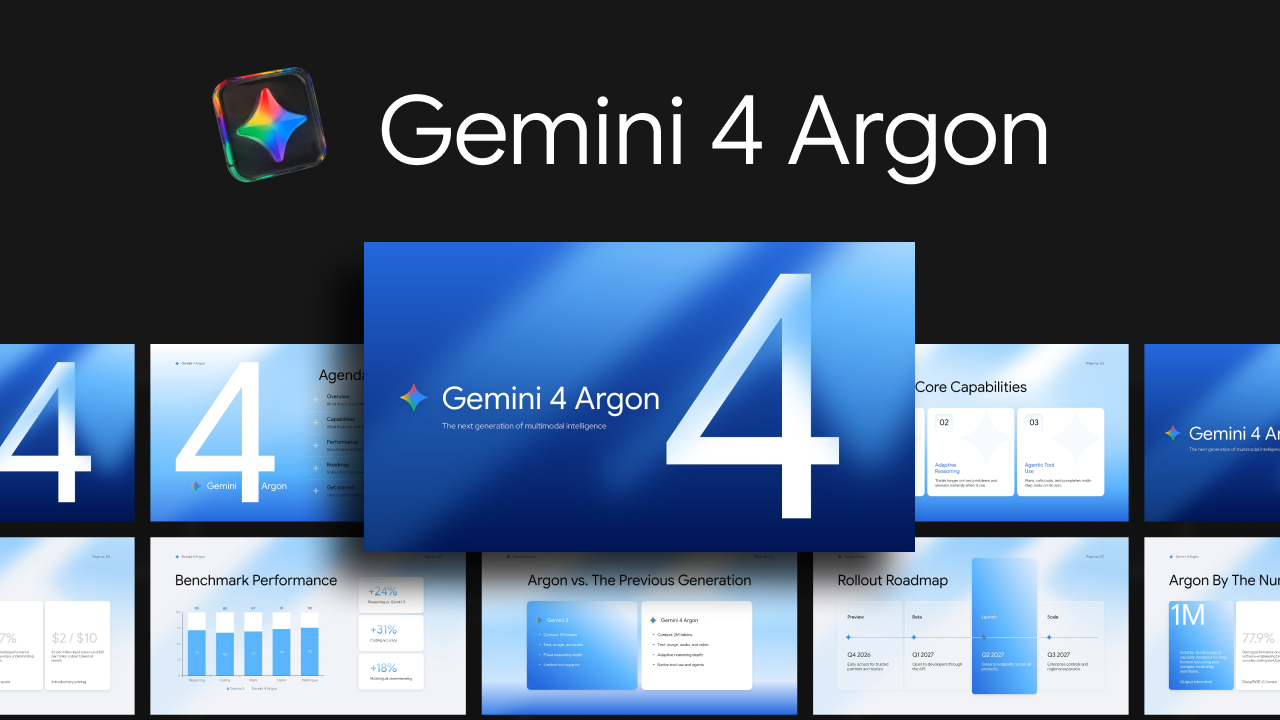
Gemini 4 Argon AI Model Presentation Template
-
0 Upvoted
Happy New Year 2027 Wishes Poster Template
-
0 Upvoted
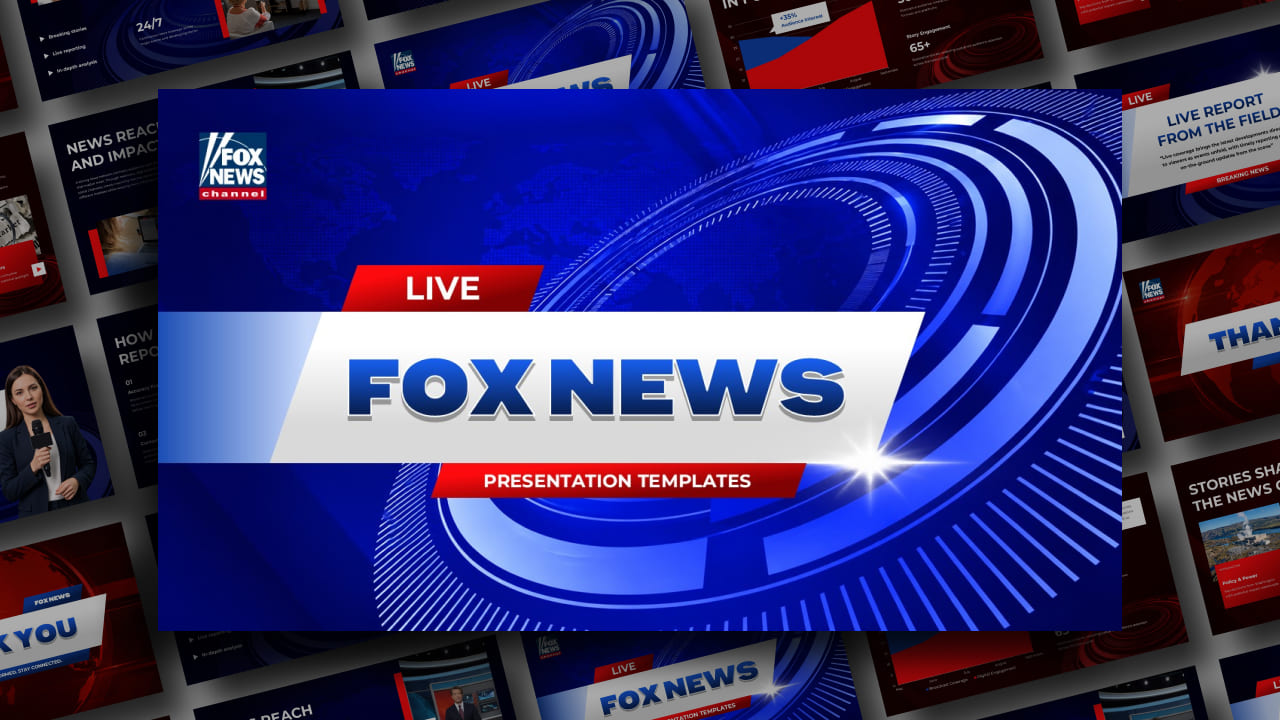
FOX News – Breaking News Bulletin Template




Build a Recognizable Brand with Brand Identity Presentation Templates
What makes a brand recognizable? It could be a distinctive logo, a memorable color combination, a consistent tone of voice or the experience customers associate with a company. A well-organized brand identity presentation brings these elements together so that employees, designers, marketers and other stakeholders understand how the brand should be represented.
Use brand identity PowerPoint templates to introduce your company's background, mission, vision, core values, target audience and unique positioning. You can also showcase logo variations, typography, brand colors, photography styles and visual guidelines. These slides provide a useful foundation for introducing a new identity or explaining an existing one.
Brand Guidelines and Brand Book Presentation Templates
Consistency is essential when a company communicates across different platforms. A brand guidelines presentation explains how visual and verbal elements should be used across marketing materials, websites, social media, packaging and other customer touchpoints.
Create a structured brand book presentation with dedicated slides for:
- Logo Usage Guidelines: Introduce primary logos, alternative versions, spacing requirements, minimum sizes and correct logo placement.
- Brand Color Palette: Present primary and secondary colors, HEX codes, RGB values and combinations used in different brand applications.
- Typography and Fonts: Explain headline fonts, body typography, font weights and text hierarchy.
- Brand Voice and Messaging: Define the brand's personality, communication style, tone of voice and key messages.
- Photography and Visual Style: Showcase approved image treatments, illustrations, icons, patterns and graphic elements.
- Brand Applications: Demonstrate how the identity appears on websites, business cards, advertisements, packaging, merchandise and social media.
These brand guidelines PowerPoint templates can help businesses communicate design standards and maintain a consistent identity across teams and marketing channels.
Brand Strategy and Brand Positioning Presentation Templates
A strong visual identity needs a clear strategy behind it. Businesses use brand strategy presentations to explain what they stand for, whom they serve and how they want to be perceived in the market.
Use brand positioning PowerPoint templates to present target audiences, customer personas, competitor comparisons, unique selling propositions, market opportunities and brand differentiation. You can also organize information about brand awareness, customer perception, marketing objectives and long-term positioning.
Whether you're introducing a new business, preparing a marketing strategy or reviewing an established brand, these slides help communicate the thinking behind your branding decisions.
Brand Refresh and Rebranding Presentation Templates
Brands evolve as businesses grow, customer expectations change and markets become more competitive. A brand refresh presentation helps explain why an existing identity needs updating and how the proposed changes will affect the way the company communicates.
Create rebranding PowerPoint presentations to showcase old and new logos, updated color palettes, typography changes, revised messaging and visual identity concepts. You can also explain the reasons behind the transformation, introduce the updated brand direction and demonstrate how the new identity will be applied across different platforms.
These business presentation templates are useful for brand launches, internal stakeholder meetings, marketing proposals and creative agency pitches.
Branding Presentation Templates for Marketing and Business Projects
Branding plays a role in almost every part of a business, from its first customer interaction to its long-term marketing strategy. Choose branding presentation templates for projects such as:
- Company Branding: Introduce your organization, its identity, mission, values, products and market positioning.
- Personal Branding: Showcase an individual's professional identity, expertise, achievements, communication style and online presence.
- Social Media Branding: Present visual guidelines, content themes, social media strategies and platform-specific brand applications.
- Product Branding: Explain product positioning, packaging concepts, naming, visual identity and customer perception.
- Brand Marketing: Communicate campaign concepts, brand awareness initiatives, promotional strategies and marketing objectives.
- Branding Agency Proposals: Present creative concepts, identity development plans, moodboards and brand communication strategies to clients.
Create Your Next Brand Presentation with PowerPoint, Google Slides or Canva
A consistent brand deserves a presentation that reflects its identity. Browse SlideChef's collection of brand presentation templates and choose a design that matches your company's personality and communication goals.
Customize the slides with your logo, brand colors, fonts, photographs and messaging. Use Brand PowerPoint Templates to prepare brand books, company introductions, identity guidelines, strategy proposals and marketing presentations.
You can also explore brand Google Slides themes for compatible designs and edit your slides online. Selected designs may be available as Canva branding templates, allowing you to work in your preferred design platform. Check individual product pages for supported formats and download instructions.
Whether you're introducing a new company, developing brand guidelines or presenting a complete rebranding proposal, SlideChef gives you a starting point for communicating your brand consistently.
Frequently Asked Questions
What are brand presentation templates?
Brand presentation templates are pre-designed slides used to introduce a company, explain its identity, communicate branding strategies and present visual guidelines. They can include layouts for logos, color palettes, typography, brand values, target audiences and marketing applications.
What should a brand identity presentation include?
A brand identity presentation typically includes the company's mission, vision, values, target audience, positioning, logo variations, typography, color palette, photography style, brand voice and visual applications. The exact sections depend on the purpose of the presentation.
Where can I download free brand PowerPoint templates?
You can browse SlideChef's collection of free brand PowerPoint templates to find editable designs for company branding, brand identity, guidelines, marketing strategies and rebranding projects. Visit an individual template page to preview the slides and check its available download formats.
Are you looking for Custom Presentation Template Designs?
It is a long established fact that a reader will be distracted by the readable content of a page when or randomised words which don’t look even slightly believable