Cool Templates for Presentation
Give your next project a style that stands out. Explore SlideChef’s collection of cool templates featuring modern layouts, bold typography, futuristic graphics, dark themes, retro elements and creative illustrations. Whether you’re working on a business idea, school assignment, gaming topic, technology project or creative portfolio, discover cool PowerPoint templates and Google Slides designs that bring a fresh personality to your ideas.
Filter
-

0 Upvoted
Free Valentines Day Theme Template
-

0 Upvoted
Free Cool Slide Backgrounds
-

0 Upvoted
Winter Wonderland Theme Presentation Template
-
0 Upvoted
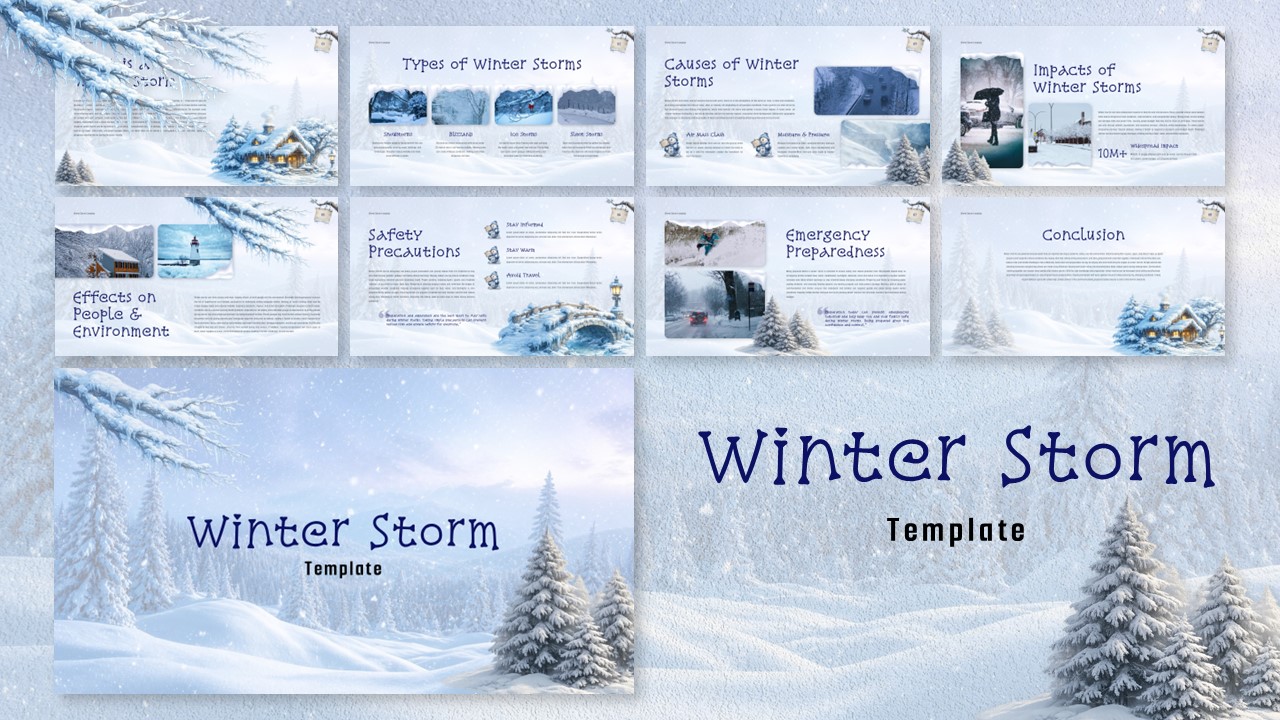
Winter Storm Theme Presentation Template
-

0 Upvoted
Slidescarnival Template – PowerPoint, Google Slides & Canva
-
0 Upvoted
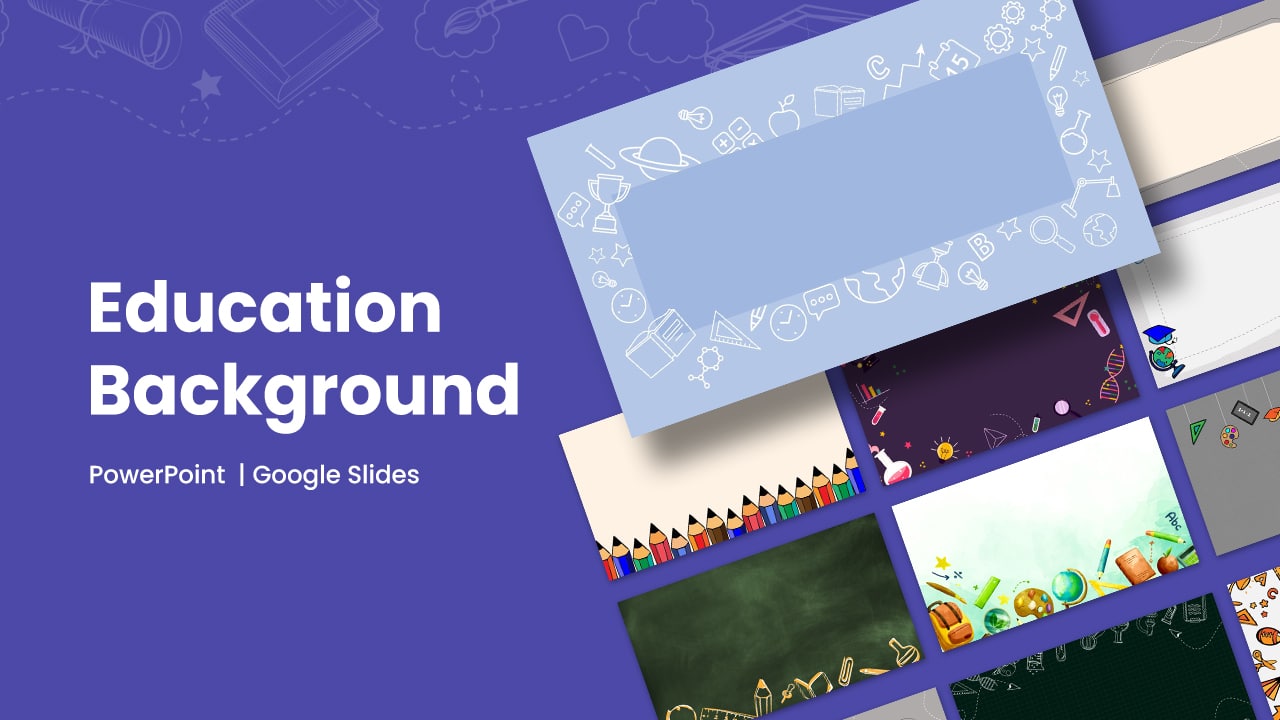
Free Education Background PowerPoint Templates, Google Slides & Canva
-
0 Upvoted
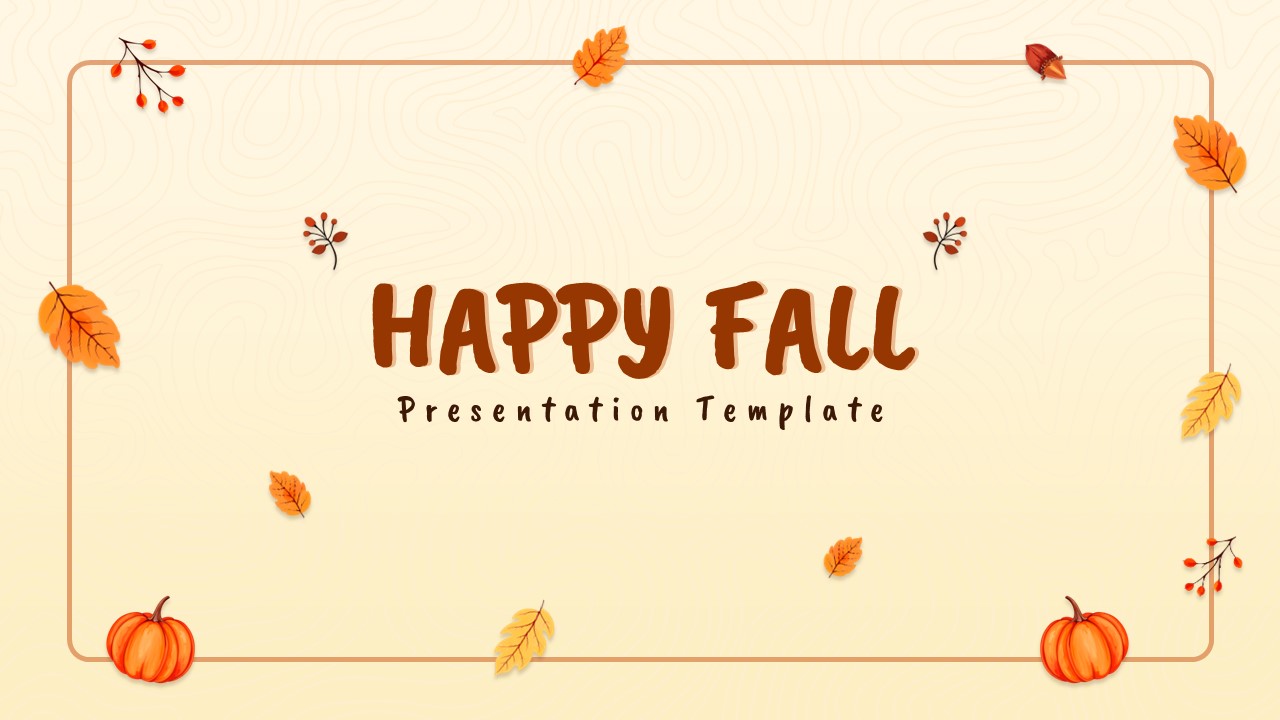
Happy Fall Theme PowerPoint Template and Google Slides
-
0 Upvoted
Happy Summer Theme Template for PowerPoint and Google Slides
-
0 Upvoted
Free Google Slides Carnival Background PowerPoint Templates
-
0 Upvoted
Free Sleeping Beauty Theme Presentation Template







Cool Templates for Modern and Stylish Slides
What makes a design cool? It could be an unexpected color combination, oversized typography, dramatic contrast or a layout that breaks away from traditional slide designs. Some cool slide templates use clean, minimalist compositions, while others feature expressive graphics, unusual shapes and eye-catching visual effects.
The best design depends on the impression you want to create. A sleek, professional theme might suit a business proposal, while a dark and futuristic layout could be perfect for a gaming or technology presentation. Explore different modern cool templates and find a visual direction that matches your subject.
Explore Different Styles of Cool PowerPoint Templates
Not every presentation needs the same visual treatment. From understated designs to bold and experimental concepts, explore different cool PowerPoint templates for a variety of creative preferences.
Modern and Minimalist Cool Templates
Clean typography, balanced spacing and carefully selected colors give modern cool templates a polished appearance. These designs are suitable for business proposals, startup pitches, company profiles, professional portfolios and marketing presentations where simplicity makes a strong impression.
Dark and Edgy PowerPoint Templates
Dark backgrounds, dramatic contrasts, bright accents and expressive typography create a distinctive look. Dark PowerPoint templates are great for gaming presentations, music projects, entertainment topics, creative campaigns and technology showcases.
Futuristic and Technology-Inspired Cool Slides
Digital graphics, neon effects, abstract patterns, gradient backgrounds and contemporary typography give futuristic designs their unique character. Explore futuristic presentation templates for artificial intelligence, robotics, virtual reality, cybersecurity, gaming, science and emerging technologies.
Retro and Y2K Cool Presentation Designs
Bring a nostalgic touch to your slides with vintage typography, grainy textures, playful shapes, bold patterns and throwback color combinations. Retro PowerPoint templates work especially well for fashion, music, pop culture, entertainment, creative portfolios and themed events.
Creative and Playful Cool Slide Designs
Expressive fonts, illustrated graphics, doodles and unconventional compositions can make presentations feel more approachable. Choose creative slide templates for classroom activities, quizzes, workshops, student projects, personal interests and informal presentations.
Cool Templates for Business, Education, Gaming and More
A distinctive visual style can work across many subjects. Choose cool presentation designs that complement your topic and help communicate your ideas effectively.
- Business and Startup Presentations: Introduce a business, pitch a new idea, showcase a product, explain a marketing strategy or present a project proposal using stylish and contemporary layouts.
- Technology and AI Presentations: Discuss artificial intelligence, robotics, futuristic gadgets, software, digital innovations and emerging technologies with modern visual elements.
- Gaming and Entertainment Slides: Create presentations about video games, esports, gaming communities, movies, music, celebrities and popular culture.
- School and College Projects: Make history assignments, science projects, research presentations, classroom lessons and student portfolios more visually interesting.
- Creative Portfolios: Showcase photography, artwork, graphic design, fashion projects and personal achievements with expressive and stylish layouts.
- Marketing and Brand Presentations: Present campaign ideas, brand identities, advertising concepts, product launches and creative strategies with distinctive designs.
Cool Google Slides Themes and PowerPoint Designs You Can Customize
A good template gives you a starting point, but customization makes the final presentation your own. Browse SlideChef's collection of cool Google Slides themes and PowerPoint designs, preview the available layouts and choose a style that fits your project.
Replace sample images with your own photographs, update headings, change colors and adjust the slide content to suit your subject. You can also combine layouts to create a presentation that flows naturally from the opening slide to the conclusion.
SlideChef provides cool PowerPoint templates and Google Slides designs, with Canva options available on supported individual template pages. Check each product page for its available formats and download instructions.
Tips for Creating Cool and Eye-Catching Slides
Even a visually impressive template needs thoughtful content. Use these simple ideas to make your cool slides more effective:
- Choose expressive typography: Use distinctive fonts for headlines while keeping body text clear and readable.
- Create strong visual contrast: Make important information stand out through thoughtful combinations of backgrounds, text and accent colors.
- Use relevant images: Replace sample photographs and illustrations with visuals that support your presentation topic.
- Keep layouts balanced: Avoid overcrowding slides with too many graphics, decorative elements or paragraphs.
- Maintain a consistent style: Use coordinated fonts, colors and visual elements throughout the presentation.
- Highlight important information: Use large headings, diagrams, icons and visual comparisons to make key ideas easier to understand.
Frequently Asked Questions
What are cool templates?
Cool templates are ready-made designs featuring distinctive visual styles, modern layouts, bold typography, creative graphics and eye-catching elements. They can be used for business presentations, school projects, gaming topics, technology showcases, creative portfolios and many other purposes.
Where can I download free cool PowerPoint templates?
You can explore SlideChef's collection of free cool PowerPoint templates to find stylish designs for different topics and projects. Visit an individual template page to preview its slides and check the available download options.
What makes a PowerPoint presentation look cool?
A cool PowerPoint presentation combines a distinctive visual style with readable typography, strong contrast, organized layouts and relevant images. Modern graphics, creative color combinations and consistent design elements can also make slides more memorable.
Are you looking for Custom Presentation Template Designs?
It is a long established fact that a reader will be distracted by the readable content of a page when or randomised words which don’t look even slightly believable