Shapes PowerPoint Templates
Sometimes a simple shape can explain an idea better than a paragraph of text. Explore our Shapes PowerPoint Templates to present processes, comparisons, relationships and information in a more visual way. From geometric layouts and infographic elements to structured diagrams, these designs give you flexible ways to organize your content. Whether you’re preparing a business report, explaining a workflow or creating an educational presentation, find the right shapes to bring your slides together. Choose a design, download it and start building more engaging presentations.
Filter
-

0 Upvoted
Animated Brainstorming Infographics – Free PowerPoint Template and Google Slides
-
0 Upvoted
Free Milestone Model Roadmap Infographic PowerPoint and Google Slides
-
0 Upvoted
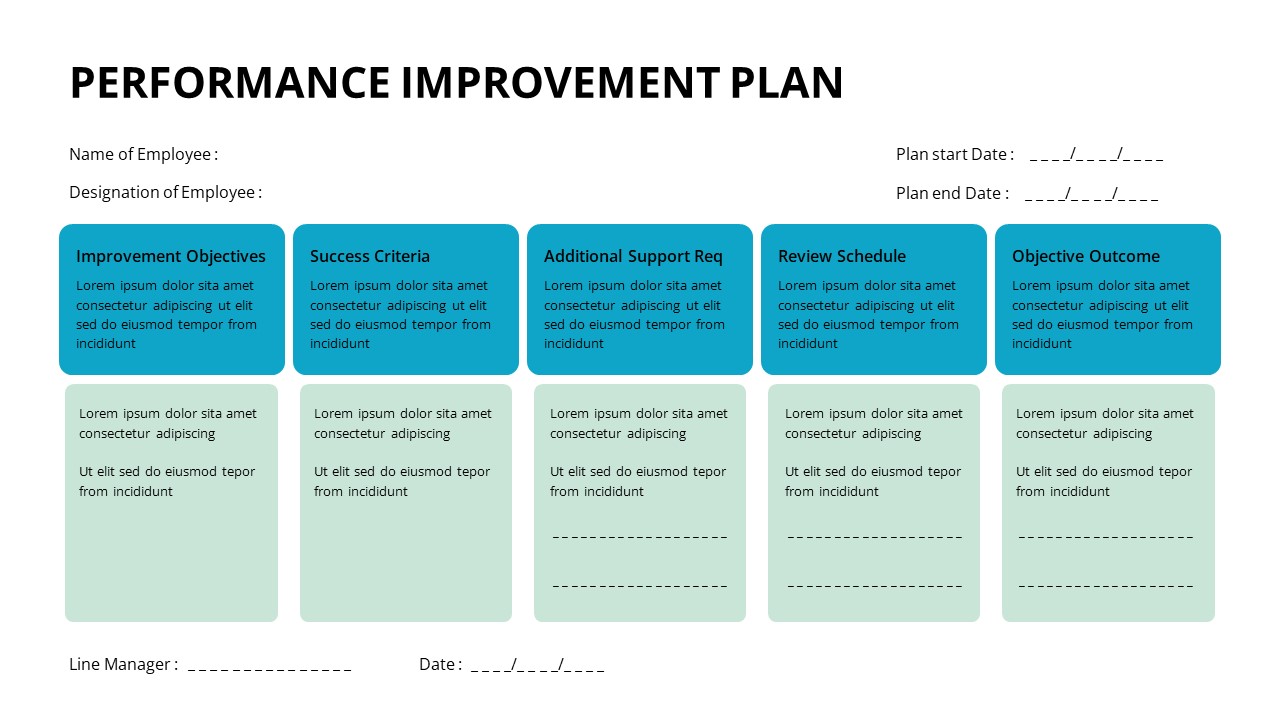
Performance Improvement Plan Infographic Template for PowerPoint and Google Slides
-
0 Upvoted
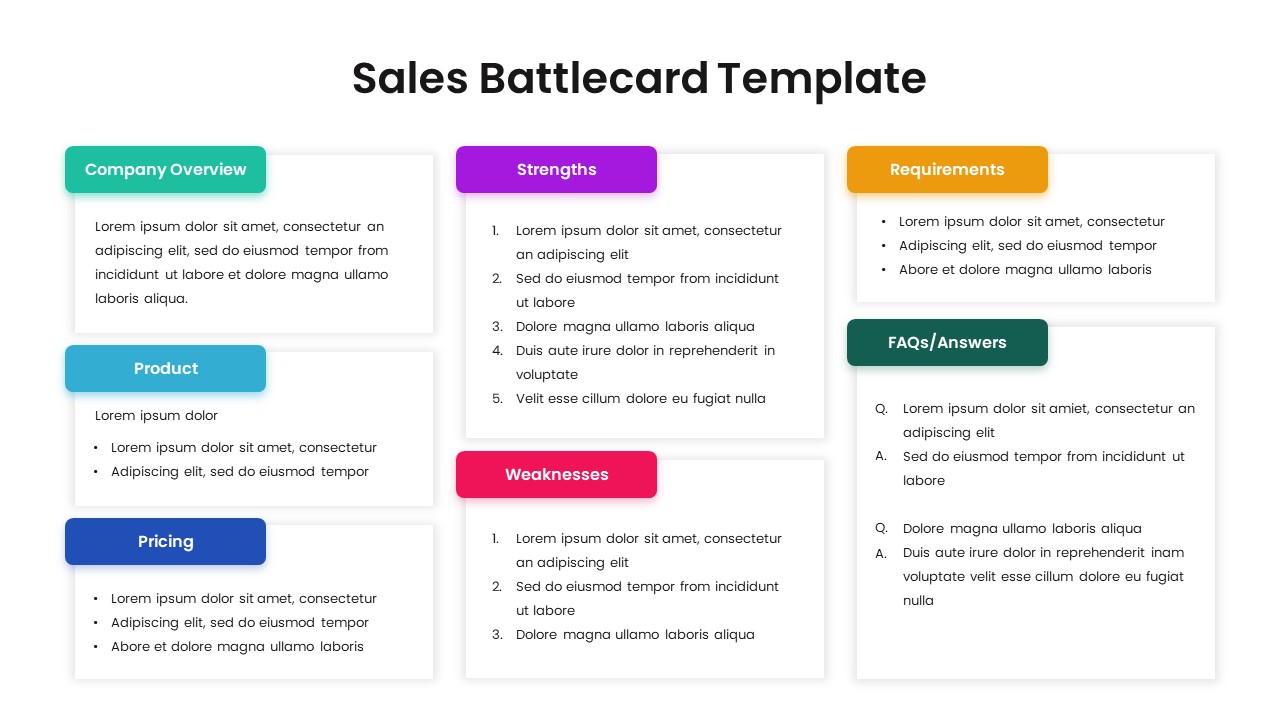
Free Sales Battle Cards Template for PowerPoint and Google Slides
-

0 Upvoted
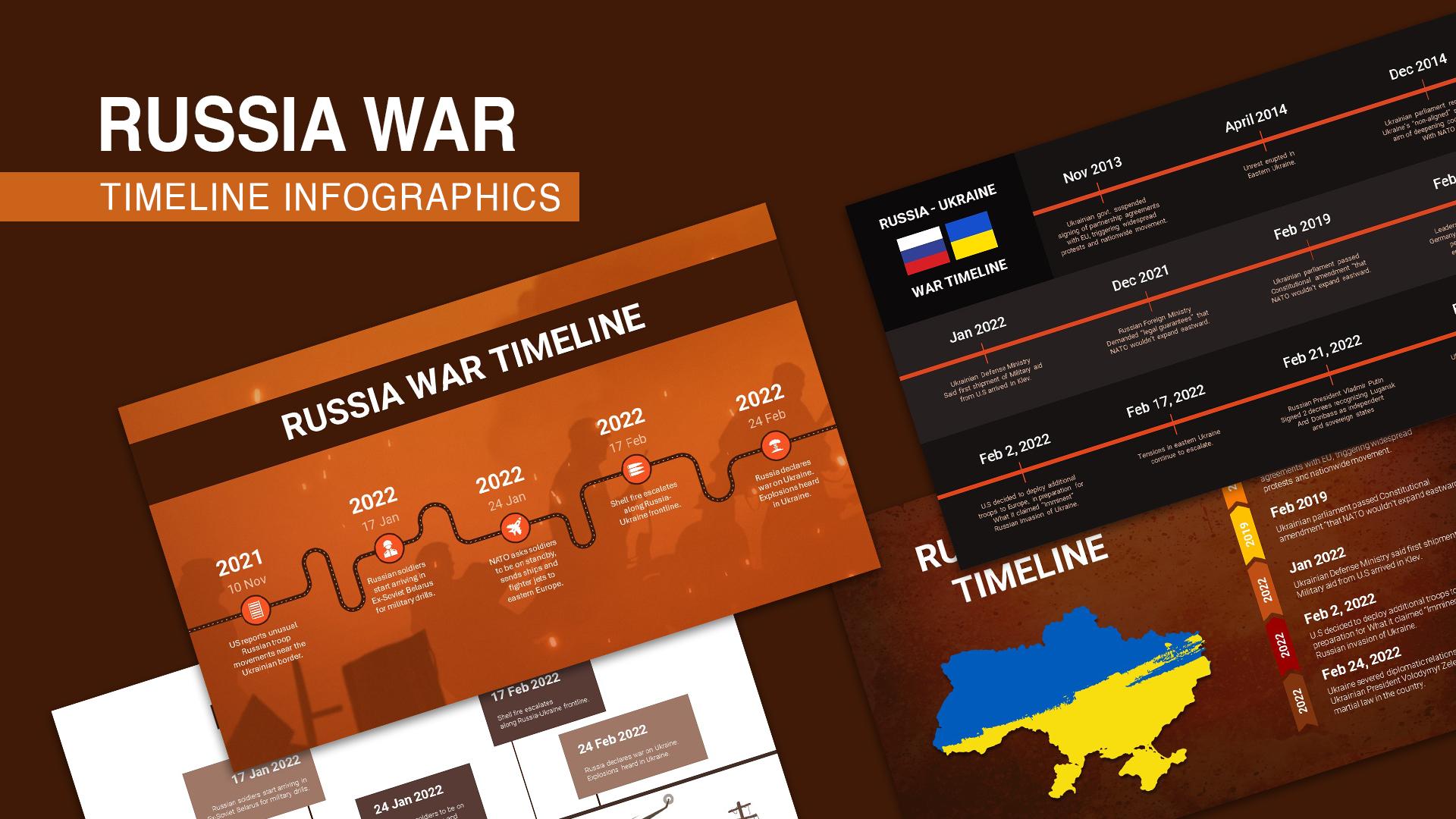
Russia Ukraine War Template for PowerPoint and Google Slides
-
0 Upvoted
Sales Roadmap Infographic – Free PowerPoint Diagram and Google Slides
-
0 Upvoted
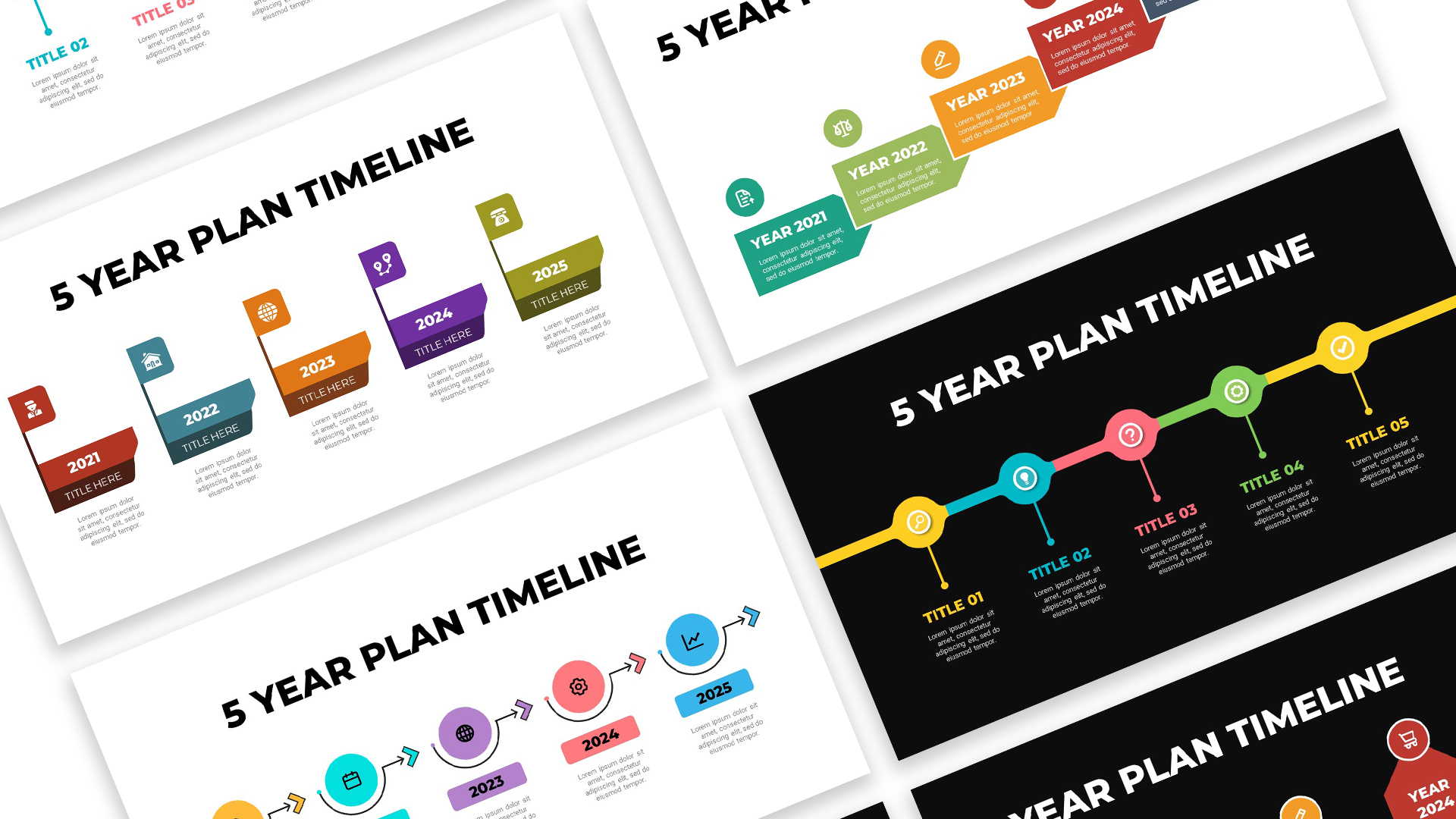
5 Year Timeline – Free PowerPoint Infographic and Google Slides
-
0 Upvoted
Free – SWOT Report Infographics PowerPoint and Google Slides
-
0 Upvoted
Rocket Timeline PowerPoint Presentation Template & Google Slides
-
0 Upvoted
Free Sun Ray Diagram Template PowerPoint and Google Slides
-

0 Upvoted
Free 12 Month Timeline PowerPoint Presentation Template & Google Slides
-
0 Upvoted
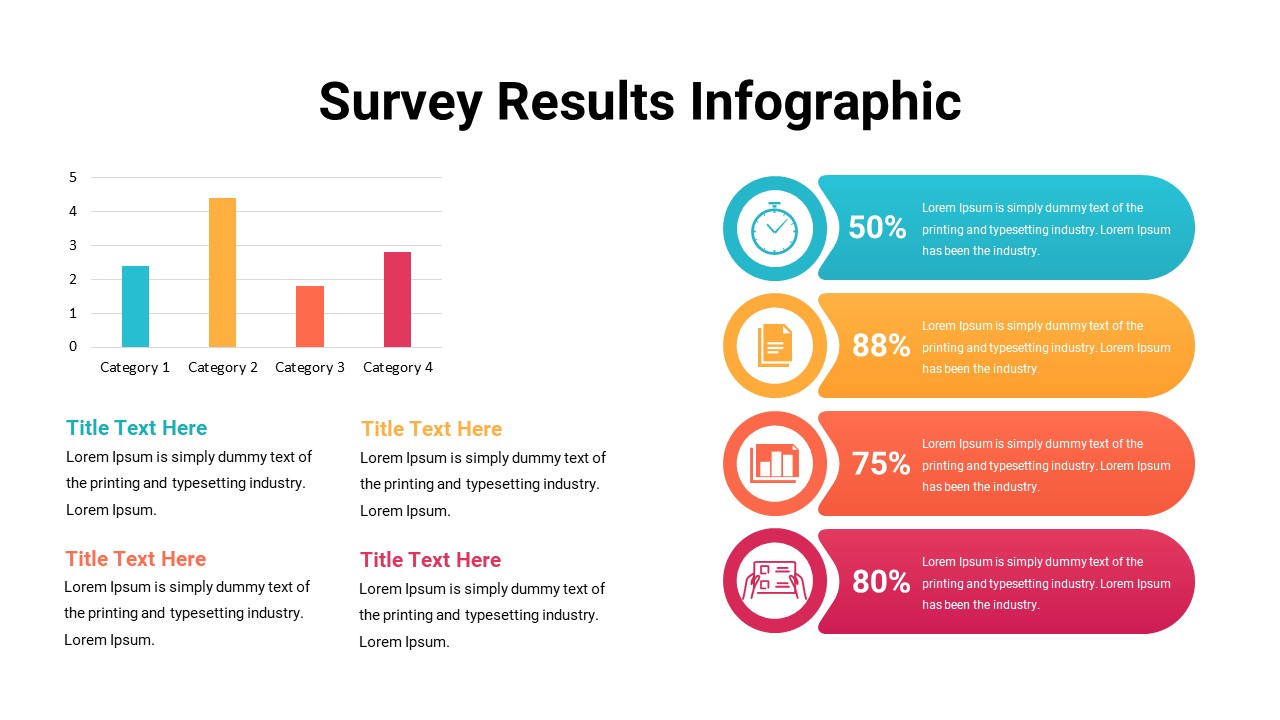
Free Effective Survey Results Template Presentation Slides
-
0 Upvoted
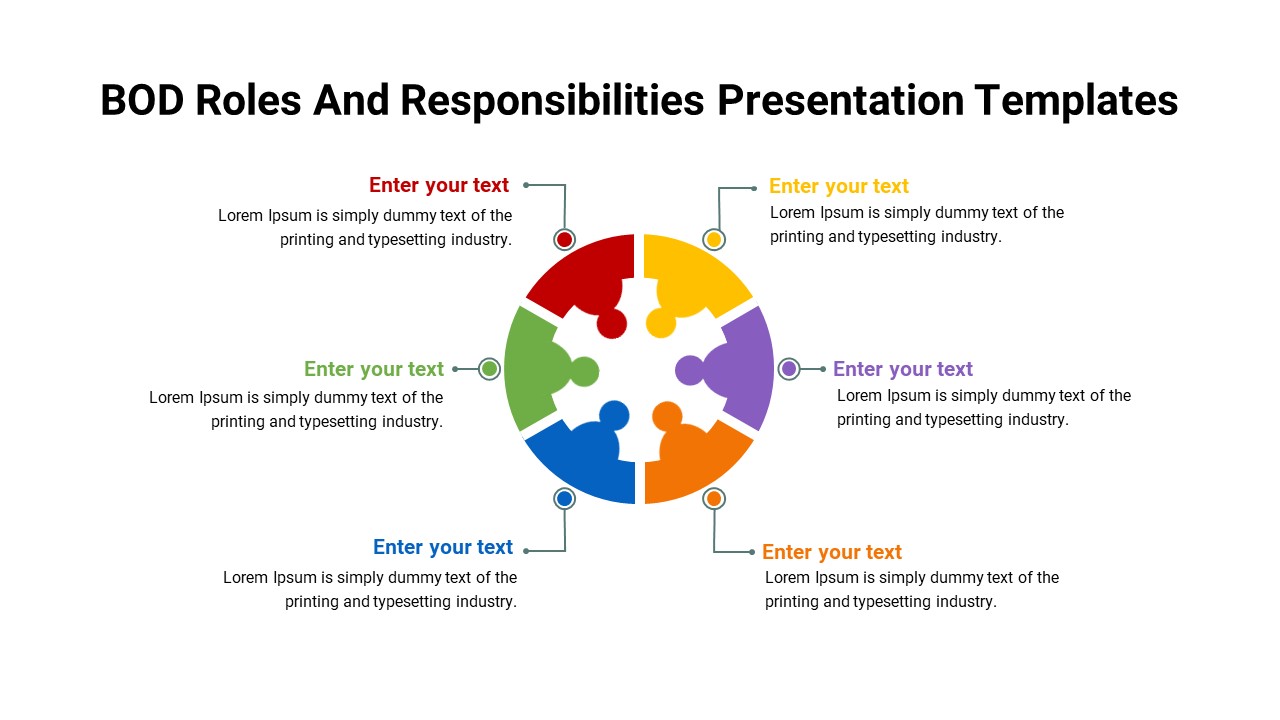
Free BOD Roles and Responsibilities Infographic Template
-
0 Upvoted
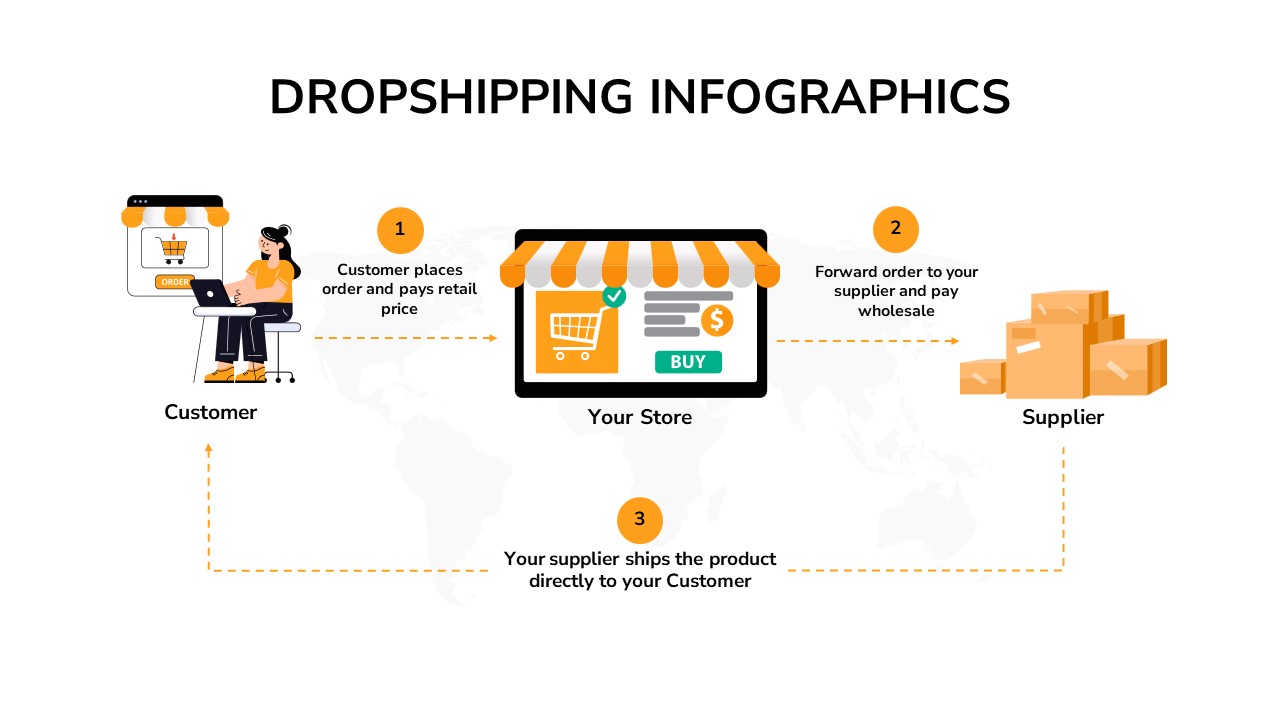
Free Drop Shipping Infographics Google Slides and PowerPoint Templates
-
0 Upvoted
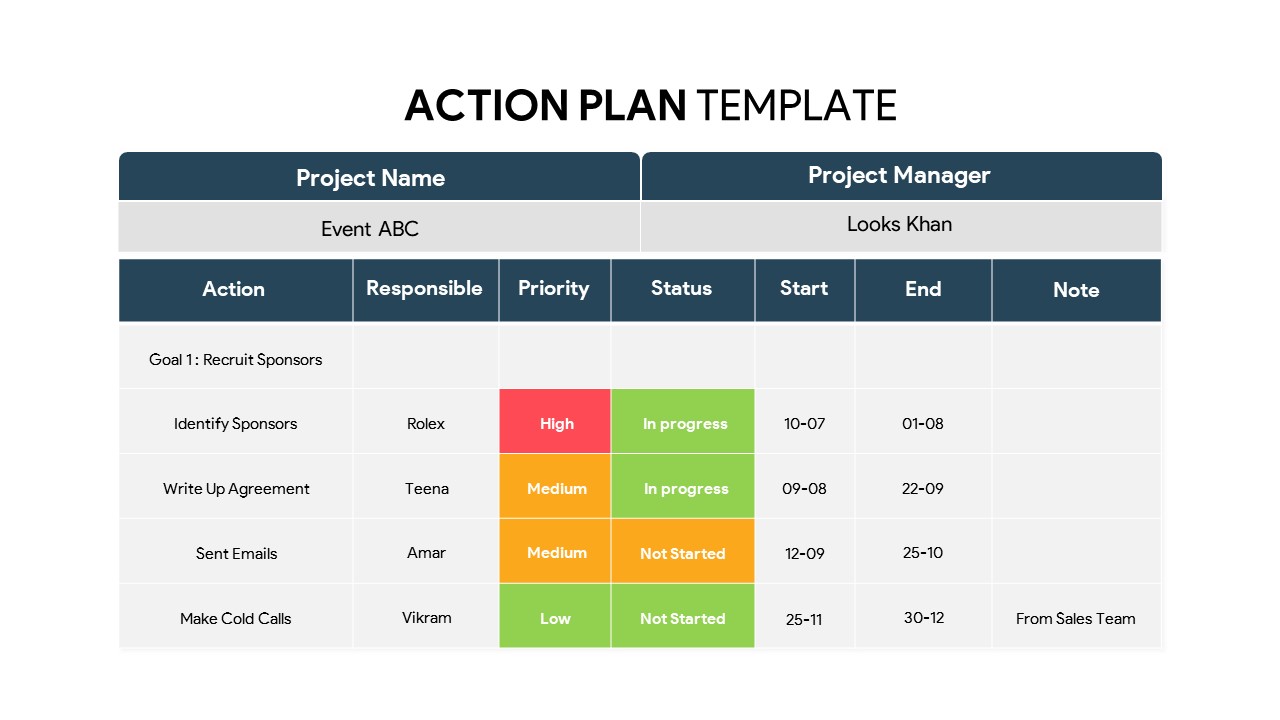
Free Action Plan Template for PowerPoint & Google Slides Themes
-
0 Upvoted
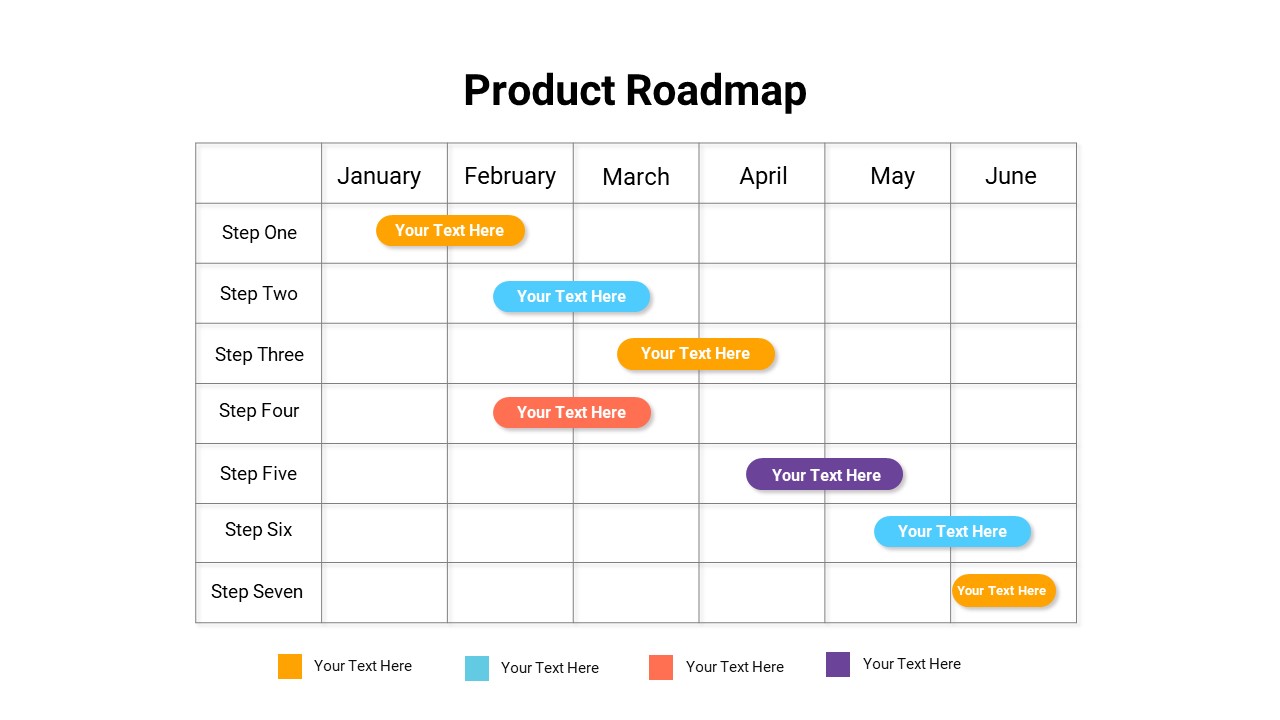
Free Product Roadmap PPT Template & Google Slides
-
0 Upvoted
Free Comparison Template for PowerPoint & Google Slides
-
0 Upvoted
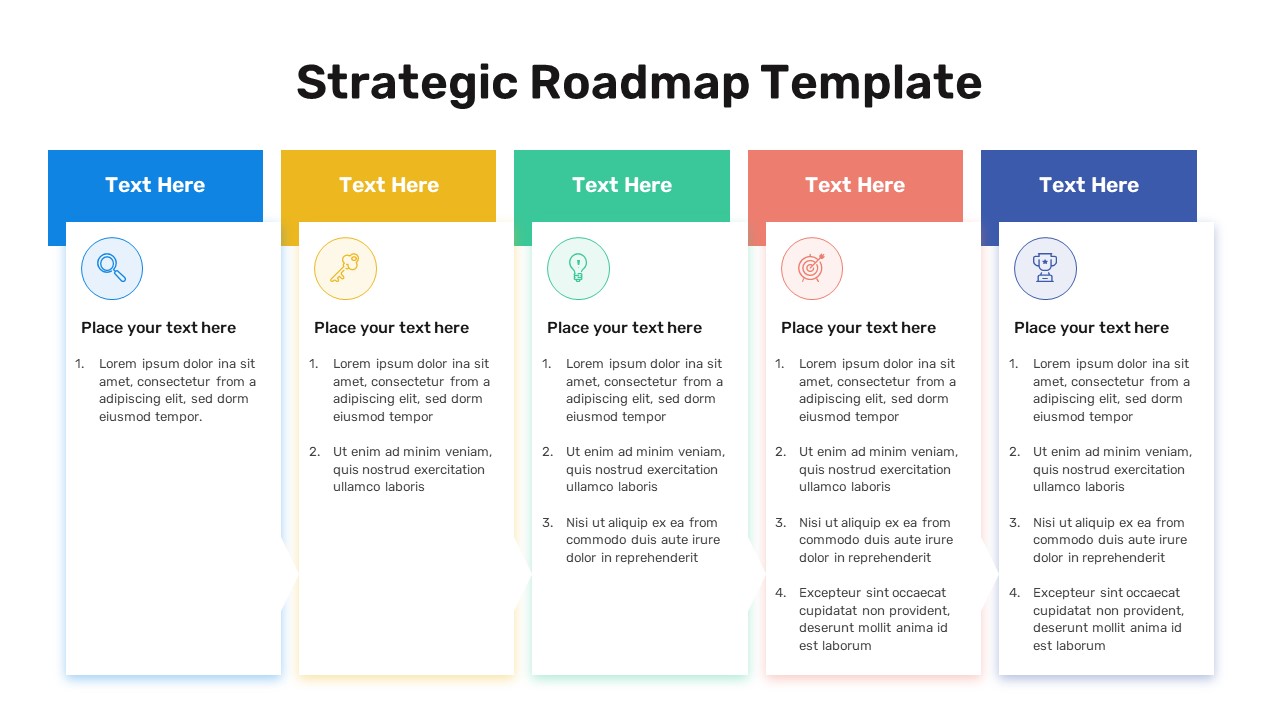
Free Strategic Roadmap PowerPoint Templates & Google Slides





Turn Ideas into Visuals with PowerPoint Shapes
Circles, arrows, triangles, hexagons and other geometric elements can do much more than decorate a slide. Use editable PowerPoint infographics to highlight important points, connect ideas, explain processes and show how different elements relate to one another. With ready-made diagrams and infographic layouts, you can spend less time arranging individual elements and more time developing your presentation.
Explore Shape Diagrams and Infographic Templates
Find different types of shapes presentation templates for your next project:
- Geometric Shapes: Use circles, squares, triangles, hexagons and other geometric layouts to structure information.
- Process and Flow Diagrams: Visualize workflows, stages, steps and connected activities using arrows and diagram elements.
- Comparison and Relationship Diagrams: Present similarities, differences, connections and overlapping ideas with structured shapes.
- Infographic Shapes: Organize statistics, key points, timelines and business information into easy-to-follow visual layouts.
Download Shapes PowerPoint and Google Slides Templates
Give your next presentation a more visual approach with SlideChef's PowerPoint Shapes Templates. Browse the collection, select a layout that suits your content and download it. Customize the text, colors, labels and supported design elements to match your presentation. Check each template page for available file formats and start creating slides that communicate your ideas clearly.
Are you looking for Custom Presentation Template Designs?
It is a long established fact that a reader will be distracted by the readable content of a page when or randomised words which don’t look even slightly believable