Simple PowerPoint Templates
Not every presentation needs elaborate graphics, decorative backgrounds or complex layouts. Sometimes a clear headline, well-organized information and a balanced design are all you need. Explore SlideChef’s collection of Simple PowerPoint Templates featuring clean layouts, readable typography and practical slide designs. Whether you’re preparing a business proposal, classroom assignment, company profile, project report or research presentation, find simple presentation templates that let your ideas take center stage.
Filter
-

0 Upvoted
Free Baseball Background PowerPoint & Google Slides
-
0 Upvoted
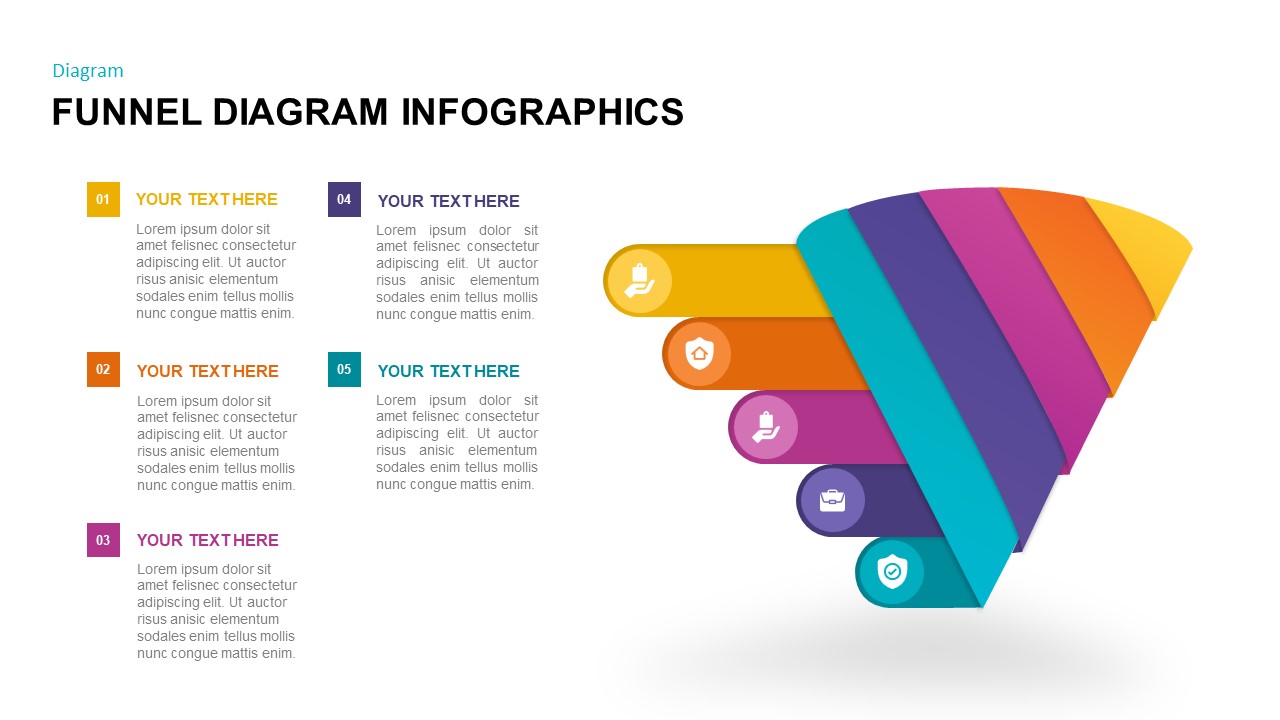
Free Sales Funnel Diagram PowerPoint & Google Slides
-
0 Upvoted
Free Aesthetic Brown Background PowerPoint & Google Slides
-
0 Upvoted
Free Golden Presentation Background PowerPoint & Google Slides
-
0 Upvoted
Free 3 Section Triangle Diagram Template



Why Simple Presentation Designs Work
A presentation should help people understand your message, not make them work harder to find it. Simple presentation designs reduce unnecessary visual elements and give important information enough space to stand out. Instead of filling every slide with decorative graphics, they use clear headings, organized sections, balanced spacing and relevant visuals.
This approach works particularly well when you're explaining data, presenting a business idea, sharing research findings or introducing a project. With simple slide templates, you can focus on your content while maintaining a consistent and professional appearance.
Simple PPT Templates for Everyday Presentation Needs
A clean layout can work across many subjects. Choose simple PPT templates that suit the type of information you're presenting.
- Business Presentations: Use straightforward layouts for company profiles, business proposals, project updates, meeting agendas, marketing plans and strategy presentations.
- Education and Research: Create classroom lessons, academic assignments, thesis presentations, research reports and study materials with clearly organized slides.
- Project Reports: Present objectives, milestones, timelines, progress updates, findings and recommendations without unnecessary visual distractions.
- Professional Portfolios: Showcase your work, experience, skills, achievements and creative projects using structured and easy-to-follow layouts.
- Data and Infographics: Organize statistics, comparisons, processes, charts and important findings through simple visual elements.
Clean and Minimalist PowerPoint Templates
Simple does not necessarily mean plain or boring. Some clean PowerPoint templates use subtle colors and contemporary typography, while others combine photographs, geometric shapes, icons and illustrations with uncluttered layouts.
If you prefer a more understated appearance, explore minimalist PowerPoint templates with generous whitespace, restrained color palettes and carefully arranged content. For professional projects, choose neutral backgrounds and clear typography. For creative presentations, a few accent colors or distinctive graphic elements can add personality without overwhelming the slides.
The right design should make your information easier to follow while giving the entire presentation a consistent visual identity.
What Makes a Good Simple PowerPoint Presentation?
The strength of a simple presentation comes from how effectively it organizes information. Keep these principles in mind when customizing your simple PowerPoint slides:
- One main idea per slide: Give each slide a clear purpose instead of combining too many unrelated points.
- Readable typography: Use consistent fonts and distinguish headings from supporting text.
- Balanced spacing: Leave enough whitespace so that content does not feel crowded.
- Relevant visuals: Add photographs, icons, charts and diagrams only when they help explain your message.
- Consistent formatting: Maintain coordinated colors, headings, alignment and layouts throughout the deck.
These small decisions can make even a basic presentation look polished and professional.
Download Simple Templates for PowerPoint and Google Slides
Start with a design that already has the structure you need. Browse SlideChef's collection of simple PowerPoint templates and preview the available slide layouts before choosing your preferred design. Update the sample text, replace images, adjust colors and arrange the content to match your project.
You can also explore simple Google Slides themes for compatible designs and edit your slides online. Selected templates may be available for Canva as well, with supported formats and editing options displayed on individual product pages.
Whether you need a straightforward business deck, an academic slideshow or a clean project presentation, SlideChef helps you create organized slides without starting from a blank page.
Frequently Asked Questions
What are simple PowerPoint templates?
Simple PowerPoint templates are pre-designed slides with clean layouts, readable typography, balanced spacing and minimal visual distractions. They help users organize information and create presentations that are easy to understand.
Where can I download free simple presentation templates?
You can browse SlideChef's collection of free simple presentation templates to find editable designs for business, education, research and personal projects. Visit an individual template page to preview the slides and check the available download options.
What is the difference between simple and minimalist PowerPoint templates?
Simple PowerPoint templates focus on clarity, usability and organized layouts. Minimalist PowerPoint templates follow a more specific visual approach that uses fewer design elements, restrained colors and generous whitespace. A minimalist design can be simple, but a simple design does not always need to be minimalist.
Are you looking for Custom Presentation Template Designs?
It is a long established fact that a reader will be distracted by the readable content of a page when or randomised words which don’t look even slightly believable