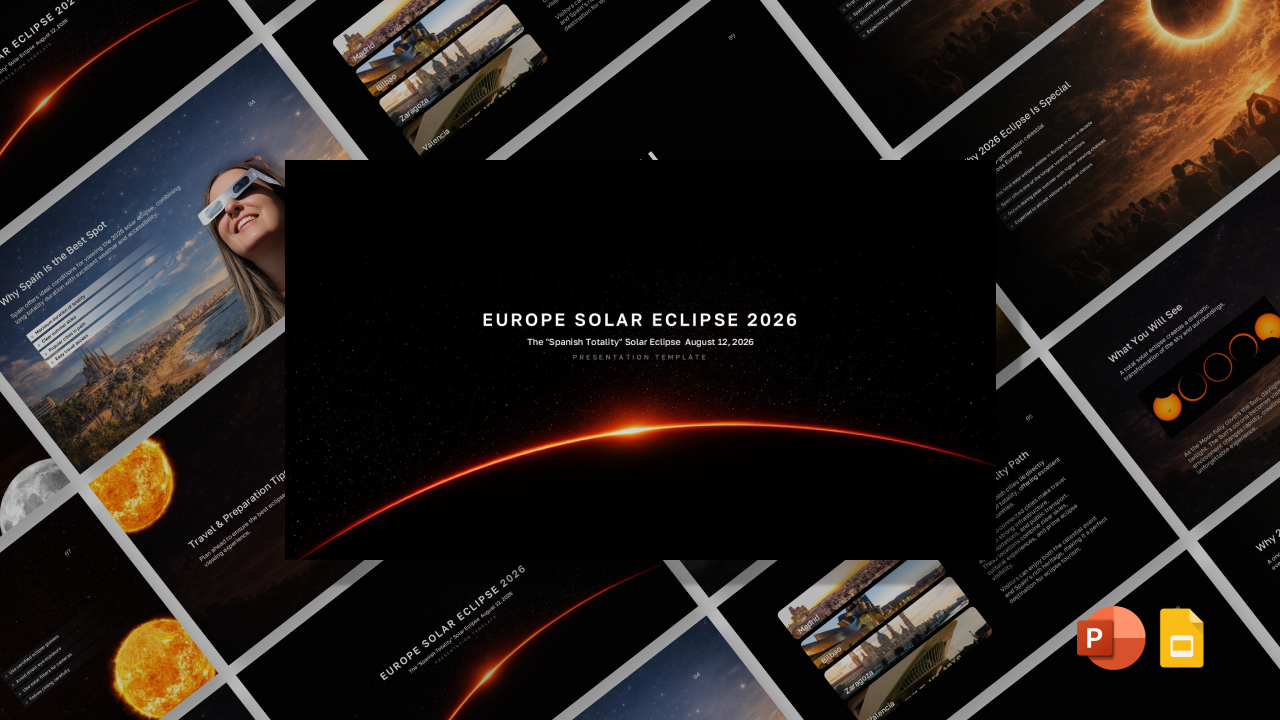
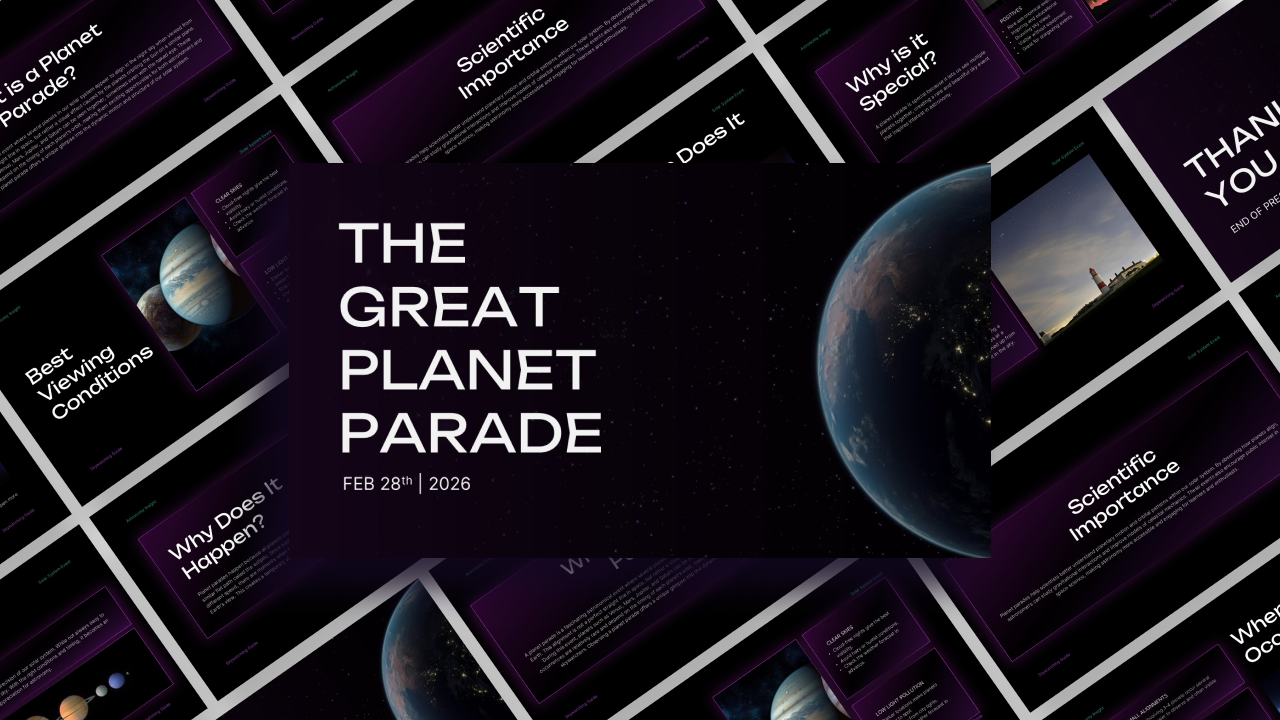
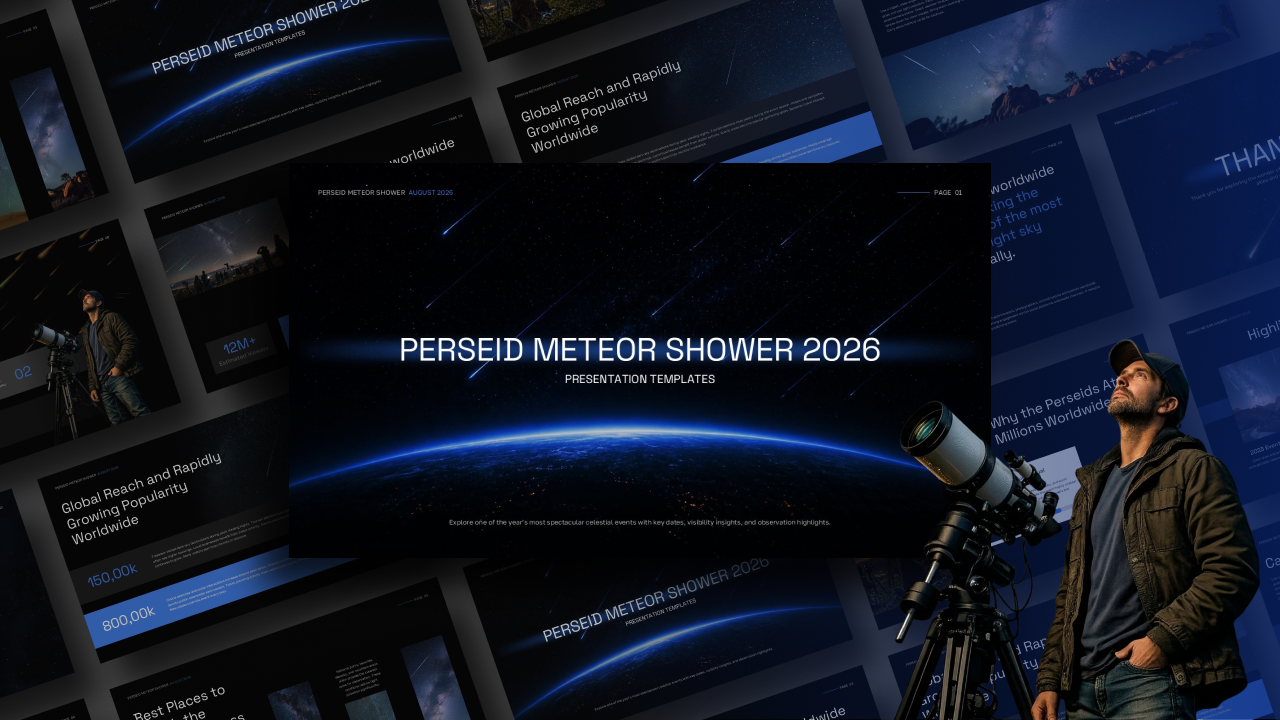
Download Total Solar Eclipse & Perseid Peak Template
Item ID: SCF01704
PowerPoint,Canva
100% Fully Customizable
Free to use
Liked the template? Support SlideChef!
Give us Donation! Help to keep our Templates Free for ever
Hi there! We hope you’re enjoying SlideChef for your presentations. As a free platform, we rely on donations to keep things running. If you find our resources helpful, please consider a small donation. Thank you!
How to Use This Total Solar Eclipse 2026 Presentation Template
Prepare your audience for a celestial phenomenon like no other! Whether you are delivering a live, offline planetarium lecture in Microsoft PowerPoint or designing an interactive astrophotography guide online in Canva, follow this step-by-step guide to personalize your Total Solar Eclipse 2026 – The Perseid Peak presentation template: Step-by-Step Customization Guide Step 1: Open Your Preferred Presentation Platform:
- In PowerPoint (.pptx): Download the .pptx file from SlideChef, launch it in PowerPoint, and click Enable Editing on the top yellow toolbar to unlock all text boxes, deep-space vector backgrounds, and graphic overlays.
- In Canva: Click the provided Canva template link and select Use template for new design to clone an editable copy directly into your Canva dashboard.
Step 2: Customize Astrophotography Notes & Scientific Copy:
- Click directly into text placeholders across slides like A Double Sky Event, Same Night, Watching Safely, or The Path of Totality.
- Insert your own eclipse-chasing travel itineraries, orbital mechanics lecture notes, or camera lens specs for capturing the solar corona and shooting stars.
Step 3: Modify Data Cards, Charts & Map Indicators:
- Double-click the comparative bar charts (A Comparatively Brief Totality) or region percentage bars (How Deep Is the Partial Eclipse?) to adjust numerical values, city names (e.g., Madrid, Reykjavik, Palma), or visibility metrics.
- Select timeline cards to tweak duration stats (2m 18s) or local path-of-totality schedules.
Step 4: Swap High-Resolution Space & Event Media:
- In PowerPoint: Right-click image frames, choose Change Picture > From a File, and upload your own high-res solar eclipse photos, star tracker setups, or landscape shots of Iceland and Spain.
- In Canva: Upload your space photos or video clips to your media panel, then drag and drop them straight into pre-set image containers for an instant fit.
Step 5: Tweak Dark-Sky Aesthetics & Golden Accents:
- Adjust background panels, starry vector overlays, or golden-orange highlight boxes to align with your personal branding or school colors.
- Adjust font sizes, line spacing, and text alignments using the top formatting toolbar while preserving the modern sci-fi look.
Step 6: Deliver Live or Export Multi-Format Assets:
- Present Live: Press F5 in PowerPoint or click Present in Canva to deliver a full-screen, high-contrast slideshow for planetariums, classrooms, or online webinars.
- Export Handouts: Go to File > Export (PPT) or Share > Download (Canva) to save your slides as a .pptx file, a high-resolution PNG for social media announcements, or a print-ready PDF guide for eclipse-chasing groups.