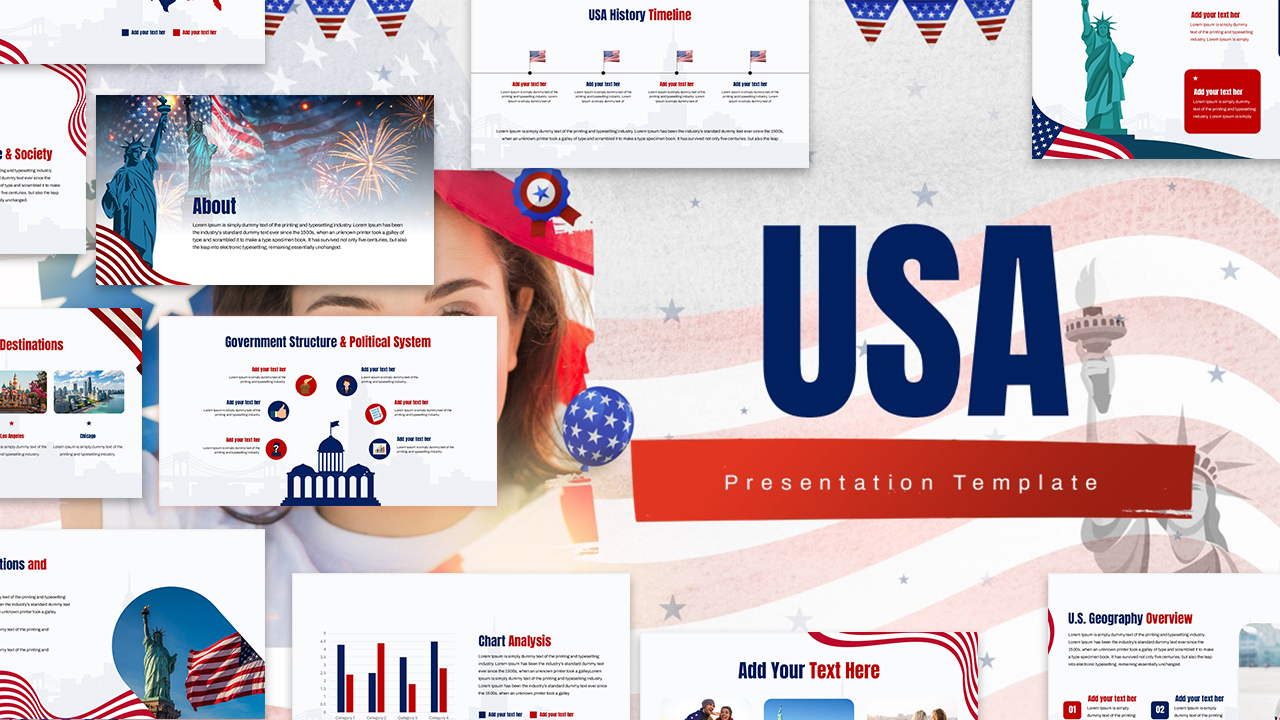
Download United States Voting and Election Template
Item ID: SCF01842
Canva
100% Fully Customizable
Free to use
Liked the template? Support SlideChef!
Give us Donation! Help to keep our Templates Free for ever
Hi there! We hope you’re enjoying SlideChef for your presentations. As a free platform, we rely on donations to keep things running. If you find our resources helpful, please consider a small donation. Thank you!
Civic Facilitator’s Guide: How to Customize and Present the U.S. Voting & Elections Deck
The United States Voting & Elections Presentation Template is fully customizable across Microsoft PowerPoint and Google Slides, providing educators, organizers, and civic leaders with an adaptable framework to lead voter literacy sessions and community workshops. Follow this step-by-step guide to adapt election rules, state-specific procedures, and voter preparation checklists for your audience:
- Open and Enable Editing: Open your downloaded .pptx file in Microsoft PowerPoint and click Enable Editing, or import the presentation into Google Slides via File > Open > Upload to create an editable presentation deck.
- Set Your Presentation Context: Customize the cover slide with your institution's name, civic campaign title, or workshop focus, updating the subtitle to reflect whether your session targets students, community residents, or corporate employees.
- Clarify Electoral Jurisdictions: Tailor the "How U.S. Elections Work" slide to outline the specific federal offices (President, Senate, House of Representatives) or state and municipal seats (Governor, state legislators, mayors, local ballot measures) relevant to your upcoming election cycle.
- Tailor State-Specific Election Laws: Navigate to the "State Election Rules" layout to input your state's exact voter registration deadlines, mandatory photo ID requirements, early voting windows, and absentee or mail-in ballot regulations.
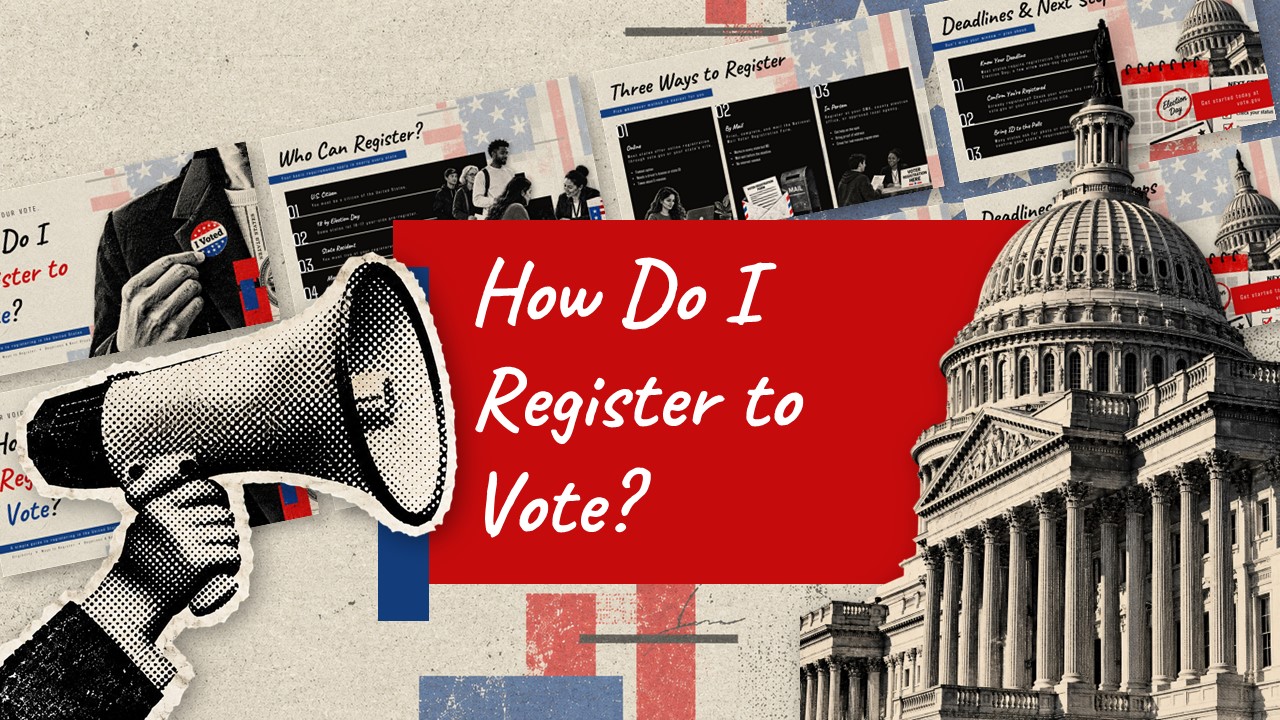
- Map Out the 6-Step Registration Process: Customize the numerical registration cards with direct URLs to your state election portal, specifying local county clerk addresses or approved in-person registration sites.
- Guide First-Time & Naturalized Voters: Use the dedicated "Voting as a New U.S. Citizen" and "New Rule" slides to walk new voters through proof of citizenship, address verification rules, and first-time registration checklists.
- Establish Polling Day Readiness: Walk attendees through the four essential preparation blocks—Verify Your Registration, Know the Details, Review Your Ballot, and Plan Your Vote—to ensure they know polling hours, transportation plans, and sample ballot contents ahead of Election Day.
- Deliver Live or Export Informational Packets: Press F5 in PowerPoint or select Slideshow in Google Slides to lead an interactive civic workshop, or navigate to File > Export to generate a high-resolution PDF for printed classroom syllabi, nonpartisan voter pamphlets, and community handouts.